 ENEnglish
 LTLietuviškai
 DEDeutsch
 FRFrançais
 RUРусский
 ESEspañol
 PLPolski
 ITItaliano
 UKУкраїнська
 CSČeština
 PTPortuguês
 JA日本語
JA日本語 LVLatviešu valoda
 ETEesti
 HUMagyar
 IDBahasa Indonesia
 TRTürkçe
 HIहिन्दी
 ELΕλληνικά
 ARالعربية
 THไทย
THไทย VITiếng Việt
 RORomână
 MSBahasa Melayu
 BNবাংলা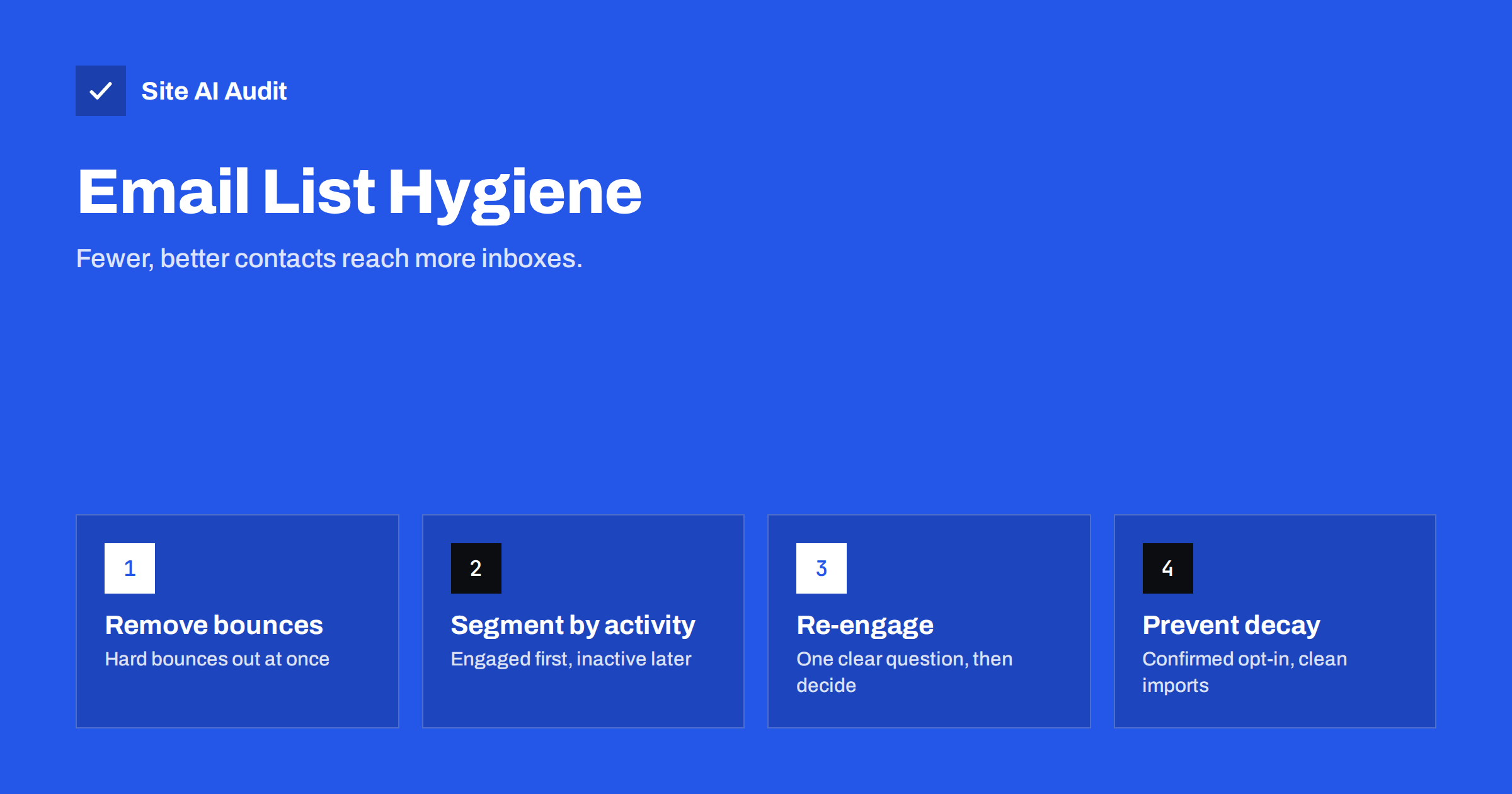
Short answer: List hygiene means regularly removing addresses that hurt deliverability: hard bounces, repeated soft bounces, spam complainers, role and invalid addresses, and contacts who have not engaged for a long time. Remove bounces and complainers automatically, segment the rest by activity, send a re-engagement message to long-inactive contacts and suppress those who do not respond. Prevent decay with confirmed opt-in and careful imports. A smaller, active list reaches the inbox more reliably than a large, stale one.
Why lists decay
An e-mail list starts losing quality the day you stop maintaining it. People change jobs and their work addresses stop existing. Personal accounts are abandoned. Interests change, and subscribers who once opened every issue stop reading. Typos slip in through forms, and bots submit fake addresses. Over time, a list that was clean at launch fills with addresses that bounce, never engage or, in the worst case, have become spam traps.
Mailbox providers notice. They see how many of your messages go to non-existent addresses, how many are ignored or deleted unread, and how many are reported as spam. Those signals shape your sender reputation, which affects placement for everyone on the list, including your best customers.
List hygiene is therefore not about tidiness. It is one of the most direct levers you have on deliverability, and unlike many deliverability factors, it is entirely in your control.
What to remove immediately
- Hard bounces: addresses that do not exist or domains that do not accept mail. Remove after the first hard bounce with a “user unknown” or “no such domain” type reason.
- Spam complainers: anyone who reported your mail as spam. Most platforms suppress them automatically through feedback loops; make sure yours does.
- Unsubscribes: obvious, but check that opt-outs are synced across every system that sends marketing mail.
- Clearly invalid entries: malformed addresses, test entries, obvious bot submissions.
Automatic handling is essential here. If removing bounces depends on someone remembering to export a report and delete rows by hand, it will eventually be forgotten, usually during the busiest season.
Keep these addresses on a suppression list rather than deleting them completely. The suppression list prevents them from being re-imported from an old spreadsheet or another system.
What to handle with judgement
Soft bounces are temporary failures: a full mailbox, a busy server. One soft bounce means nothing. Repeated soft bounces over several campaigns often indicate an abandoned mailbox; suppress those after a sensible number of attempts.
Role addresses such as info@, sales@ or admin@ are read by several people or by nobody. They are legitimate for business correspondence but carry higher complaint risk in marketing, because the person reading may not be the one who subscribed. Keep them only when you know the subscription is genuine.
Duplicate and near-duplicate entries, such as the same person with a work and a personal address or the same address in different letter case, can mean someone receives every campaign twice. Merge them where your platform allows, keeping the address the person actually engages with.
Inactive contacts are the biggest category and need the most care, covered below.
Segmenting by engagement
Instead of treating the list as one block, divide it by recent activity. Use every signal you have: clicks, replies, purchases, website log-ins and, with caution, opens. Opens have become less reliable because some mail apps load images automatically, which records opens that never happened, while others block tracking entirely.
| Segment | Typical definition | Treatment |
|---|---|---|
| Active | Engaged in the last 90 days | Regular sending |
| Cooling | No engagement for 3 to 6 months | Lower frequency, best content |
| Inactive | No engagement for 6 to 12 months | Re-engagement campaign |
| Dormant | No engagement for over 12 months and no response to re-engagement | Suppress from marketing |
Adjust the periods to your business. A shop selling seasonal goods or a service bought once a year needs longer windows than a daily news digest. Customers who buy regularly but never click e-mails should usually stay; purchases are engagement too.
Running a re-engagement campaign
- Ask one clear question. “Do you still want to hear from us?” with a prominent button to stay subscribed.
- Give a reason to stay, such as a summary of what they have missed or an honest description of what future e-mails will contain.
- Make leaving easy, with a visible unsubscribe link. People who want to leave should leave through the link, not the spam button.
- Send one reminder a week or so later to those who did not respond.
- Suppress non-responders from marketing. You can keep them in your CRM for transactional purposes.
Keep the tone friendly and honest. A message that guilt-trips readers or pretends to be something else tends to cause complaints, which is the opposite of what re-engagement should achieve. A simple, respectful question usually works best, and the answers themselves tell you which parts of the list still value your mail.
Send re-engagement messages in small batches rather than to the whole dormant segment at once. Dormant contacts are the riskiest part of your list, and a gradual send limits the damage if bounces or complaints are higher than expected.
Preventing decay in the first place
- Confirmed opt-in keeps typos, bots and traps out.
- Welcome messages sent immediately set expectations and confirm the address works.
- Consistent sending keeps subscribers familiar with you; long gaps followed by a burst produce complaints.
- Clean imports. Never import old lists, event attendee lists or partner lists straight into campaigns. Check consent, remove known bounces and suppressed addresses, and consider a permission message first.
- Synchronised suppression across every platform that sends marketing mail.
- Never buy lists. Bought lists are full of people who never consented and often contain spam traps.
A simple monthly hygiene routine
Hygiene works best as a habit rather than an annual project. A routine that takes less than an hour a month for most small businesses:
- Check that automatic suppression works. Look at the last few campaigns: were hard bounces and complaints suppressed? Spot-check one bounced address to confirm it no longer receives mail.
- Review list growth by source. Which forms, landing pages or integrations added contacts this month? A source with unusually high bounces or complaints needs attention, for example confirmation or bot protection.
- Update engagement segments. Move contacts between active, cooling and inactive segments according to your definitions.
- Schedule re-engagement for contacts who have just crossed into the inactive segment, in small batches.
- Sync suppression lists between the newsletter platform, CRM, shop and any other tool that can send marketing mail.
- Note the numbers: list size, bounce rate, complaint rate and click rate per segment. Trends over months tell you far more than any single campaign.
If several people manage the list, write the routine down and assign it to one owner. Hygiene tasks that belong to everyone tend to be done by no one.
What about verification services?
Address verification services check syntax, whether the domain accepts mail and, where possible, whether the mailbox exists. They are useful before importing an old list or at the point of sign-up. They cannot tell you whether a person wants your mail, and they cannot reliably detect spam traps. Treat verification as a filter for obviously bad data, not as a replacement for consent and engagement-based hygiene.
Also be realistic about results. A list that has shrunk after cleaning will often show higher open and click rates, fewer complaints and better inbox placement. Report those numbers alongside list size, so the clean-up is seen as the improvement it is.
The technical side still matters
A perfectly clean list cannot compensate for broken authentication, and good authentication cannot compensate for a dirty list. Both are needed. Site AI Audit checks SPF with its lookup limit, DKIM, DMARC and MX records and explains any issue in plain words, so you can confirm the technical foundation while you work on the list. A free check takes a couple of minutes; paid plans keep monitoring the records and alert you when something changes.
Related reading
- Spam Traps Explained: What They Are and How to Avoid Them
- Double Opt-In vs Single Opt-In: Which Is Better for Your List?
- How to Reduce Spam Complaints and Keep Your Spam Rate Low
- Email Bounce Codes Explained: Hard vs Soft Bounces and Fixes
The bottom line
List hygiene is continuous maintenance, not a one-off clean-up. Remove bounces and complainers automatically, segment by real engagement, give inactive contacts one clear chance to stay, and suppress the rest. Keep bad data out with confirmed opt-in and careful imports. Your list will be smaller, and your mail will reach more of the people who want it.
DUK
How often should I clean my e-mail list?
Bounces and complaints should be handled automatically after every send. Review engagement segments and run re-engagement campaigns every few months, depending on how often you send.
Will cleaning my list reduce sales?
Usually not. Removed contacts were not engaging, and better inbox placement for the remaining list often improves results from active subscribers.
Should I delete unsubscribed and bounced addresses?
Keep them on a suppression list instead of deleting them, so they cannot be re-imported and mailed again by mistake.
Are open rates reliable for finding inactive subscribers?
Less than they used to be, because some mail apps record automatic opens and others block tracking. Combine opens with clicks, purchases and other activity.
Can I e-mail an old list I found?
Not directly. Check whether consent is still valid, remove known bad addresses, and send a small permission request before including anyone in campaigns.
Do verification services remove spam traps?
Not reliably. They catch invalid addresses and some dead mailboxes, but spam traps are designed to look like normal addresses.


