ENEnglish
 LTLietuviškai
 DEDeutsch
 FRFrançais
 RUРусский
 ESEspañol
 PLPolski
 ITItaliano
 UKУкраїнська
 CSČeština
 PTPortuguês
 JA日本語
JA日本語 LVLatviešu valoda
 ETEesti
 HUMagyar
 IDBahasa Indonesia
 TRTürkçe
 HIहिन्दी
 ELΕλληνικά
 ARالعربية
 THไทย
THไทย VITiếng Việt
 RORomână
 MSBahasa Melayu
 BNবাংলা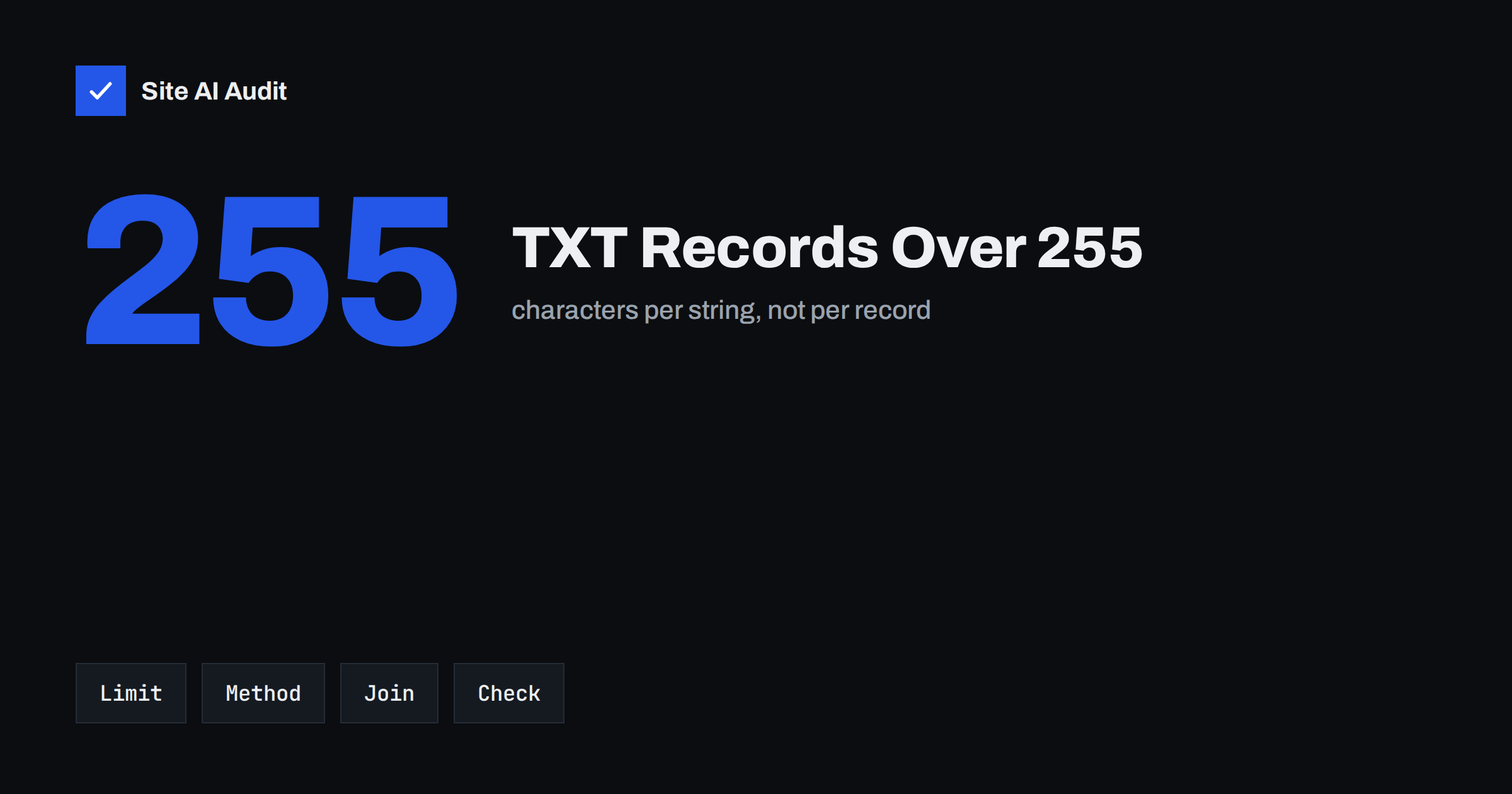
Short answer: A single string inside a DNS TXT record can hold at most 255 characters, but one TXT record can contain several strings, and receivers join them together without adding spaces. Long values such as a 2048-bit DKIM key therefore have to be split into chunks. Many DNS providers do this for you; if yours does not, you enter the value as several quoted strings in one record and then check the result with a lookup.
Where the 255 limit comes from
A TXT record is built from one or more “character strings”. In the DNS format, each string starts with a length byte, and a single byte can only count up to 255. That is the whole reason for the limit: it is not a rule of e-mail or of DKIM, but a property of how DNS stores text.
The record as a whole can be longer, because it may contain several strings in a row. The practical ceiling for the whole record is much higher than 255, though other limits start to matter, such as the size of a DNS response and the limits of your provider. For most e-mail records this is not a problem as long as you split correctly.
Which records run into the limit
Two kinds of records commonly pass 255 characters:
- DKIM public keys. A 1024-bit key written as text is already around 215 characters before the extra tags, and a 2048-bit key is usually well over 350. This is the most common case. Our article on DKIM key length explains why 2048-bit keys are the sensible choice.
- SPF records. A record with many include mechanisms and IP ranges can pass 255 characters even when it is still within the ten-lookup limit that we describe in SPF too many DNS lookups.
Other records, such as domain verification tokens or long policy texts, can also exceed the limit, and the same rule applies to them.
How splitting works
When a TXT record holds several strings, a receiver that reads it for DKIM or SPF treats them as one continuous value. The strings are concatenated in order, with nothing added between them. In a zone file or an advanced DNS editor the record looks like several quoted pieces next to each other:
"v=DKIM1; k=rsa; p=MIIBIjANBgkqhkiG9w0BAQEFAAOCAQ8AMIIBCgKCAQEA..." "...rest of the key goes here..."
The receiver reads this as v=DKIM1; k=rsa; p= followed directly by the characters from both pieces. This is why you must not add a space at the end of one piece or the start of the next. A space inside the key would become part of the key and break it.
Where you cut the value does not matter, as long as each piece is 255 characters or fewer and the pieces are in the right order. Many people split at 200 or so to leave a margin.
What your DNS provider does for you
Providers handle long TXT values in different ways, and it helps to know which kind you use:
- Automatic splitting. Many modern control panels accept one long value and split it for you when they publish the record. You paste the whole thing, and nothing else is needed.
- Manual splitting. Some panels expect you to enter the quoted strings yourself, or give you a field for each piece.
- A hard failure. A few simple editors reject values over 255 characters with an unclear error message. In that case, look for an advanced or raw record mode, or ask the provider how to enter long values.
The provider’s own help page is the best place to confirm which kind you have. The steps in our DKIM setup guide show where the record goes once you know how your panel behaves.
Common mistakes
Most failures with long TXT records come from small copy-and-paste problems, not from the idea itself.
- Extra spaces. A space added between the pieces, or at the start or end of a value, ends up inside the key. Check for invisible spaces after copying from an e-mail or a document.
- Line breaks. Pasting a key with line breaks can silently cut the value short, so that the record contains only the first line.
- Smart quotes. Word processors replace straight quotes with curly quotes, which DNS does not accept as quote marks.
- Double quoting. If the panel adds quotes for you and you also type them, the quote marks become part of the data.
- Two records instead of one. Creating two separate TXT records with the same name, each holding half the key, does not work. The pieces must live inside one record.
- Wrong host name. The record for DKIM lives under a selector name, as explained in what a DKIM selector is, and mistakes there look like key problems.
How to check the published record
After saving the change, wait for DNS to update, which depends on the time-to-live of the old record. Then look up the TXT record for the exact name from a command line, using a tool such as dig or nslookup, or use an online lookup. Compare what you receive with the original value by eye: the first and last characters should match, and there should be no spaces or quote marks in the middle of the key once the pieces are joined.
Many lookup tools show the pieces separately in quotes, which is normal. What matters is how a receiving server reads them. The best end-to-end test is to send a message to a mailbox you control and read the authentication result in the headers, as described in how to read e-mail headers. If DKIM shows as fail with a message about the key, return to the record. The page on DKIM fail troubleshooting lists the other causes.
A worked example in words
Imagine your e-mail provider gives you a DKIM value that is 410 characters long. You cannot enter it as one string, so you divide it into two pieces: the first 200 characters and the remaining 210. In a raw editor you type the first piece in quotes, then a space outside the quotes, then the second piece in quotes. The space between the quoted pieces is only a separator in the editor and is not part of the data. In a panel with automatic splitting, you simply paste all 410 characters and the panel does the dividing.
When the record is published and a receiver looks it up, it gets two strings and joins them into the original 410 characters. That is all there is to it. The common confusion comes from mixing up the space outside the quotes, which is harmless, with a space inside them, which is not.
Keep a note of the original value, the selector name and the date you published it. When something breaks months later, for example after a change of provider, that note saves a lot of guessing.
Special cases to keep in mind
When you move your DNS to another provider, long TXT records are among the items most likely to be damaged during the transfer. Export or copy them carefully, and recheck each one afterwards, as suggested in changing DNS provider without breaking e-mail. If you rotate keys, you will create a new long record for the new selector, which is the same task again, and the notes in DKIM key rotation apply.
Very long records also make DNS responses larger. Most modern resolvers handle this without trouble, but there is no reason to publish more text than necessary. Keep SPF tidy and remove providers you no longer use.
How Site AI Audit helps
Site AI Audit checks the e-mail records of your domain: SPF and its lookup limit, DKIM signatures, DMARC policy and MX records. Each finding comes with a plain-language fix. If a damaged TXT record leaves a record missing or invalid, the e-mail section of the report is where you will see it. It cannot see inside a record that your DNS provider holds privately, and it does not replace a test message. The free check needs no sign-up, and the Monitor plan repeats checks weekly and sends e-mail alerts when something breaks. You can run a free check of your website or see the plans.
Related reading
- SPF Record Explained: What It Does and How to Set It Up
- DMARC Explained: Policies, Alignment and a Safe Rollout
- MX Records Explained: How Email Finds Your Mail Server
- SPF Record Examples for Common Small Business Setups
The bottom line
The 255-character limit applies to each string, not to the whole TXT record. Long DKIM keys and some SPF records are split into several strings inside one record, and receivers join them without spaces. Check how your provider handles long values, watch for stray spaces, line breaks and quotes, and always confirm the result with a lookup and a real test message.
DUK
Can a TXT record be longer than 255 characters in total?
Yes. The limit applies to each string. A record can hold several strings, and the whole record can be much longer, as long as your DNS provider and the size of DNS responses allow it.
Do I put a space between the pieces?
No. Receivers join the pieces directly. A space between or inside the pieces becomes part of the value and can break a DKIM key.
My provider rejects a long value. What can I do?
Look for an advanced or raw record option, enter the value as several quoted strings or ask the provider’s support how they want long values entered.
Is a 1024-bit DKIM key a way to avoid splitting?
It is shorter but still often needs care, and it is weaker. A 2048-bit key with correct splitting is the better choice for security.
How can I be sure the split record works?
Query the record and compare it with the original, then send a test message to your own mailbox and read the DKIM result in the message headers.