ENEnglish
 LTLietuviškai
 DEDeutsch
 FRFrançais
 RUРусский
 ESEspañol
 PLPolski
 ITItaliano
 UKУкраїнська
 CSČeština
 PTPortuguês
 JA日本語
 LVLatviešu valoda
 ETEesti
 HUMagyar
 IDBahasa Indonesia
 TRTürkçe
 HIहिन्दी
 ELΕλληνικά
 ARالعربية
 THไทย
 VITiếng Việt
 RORomână
 MSBahasa Melayu
 BNবাংলা
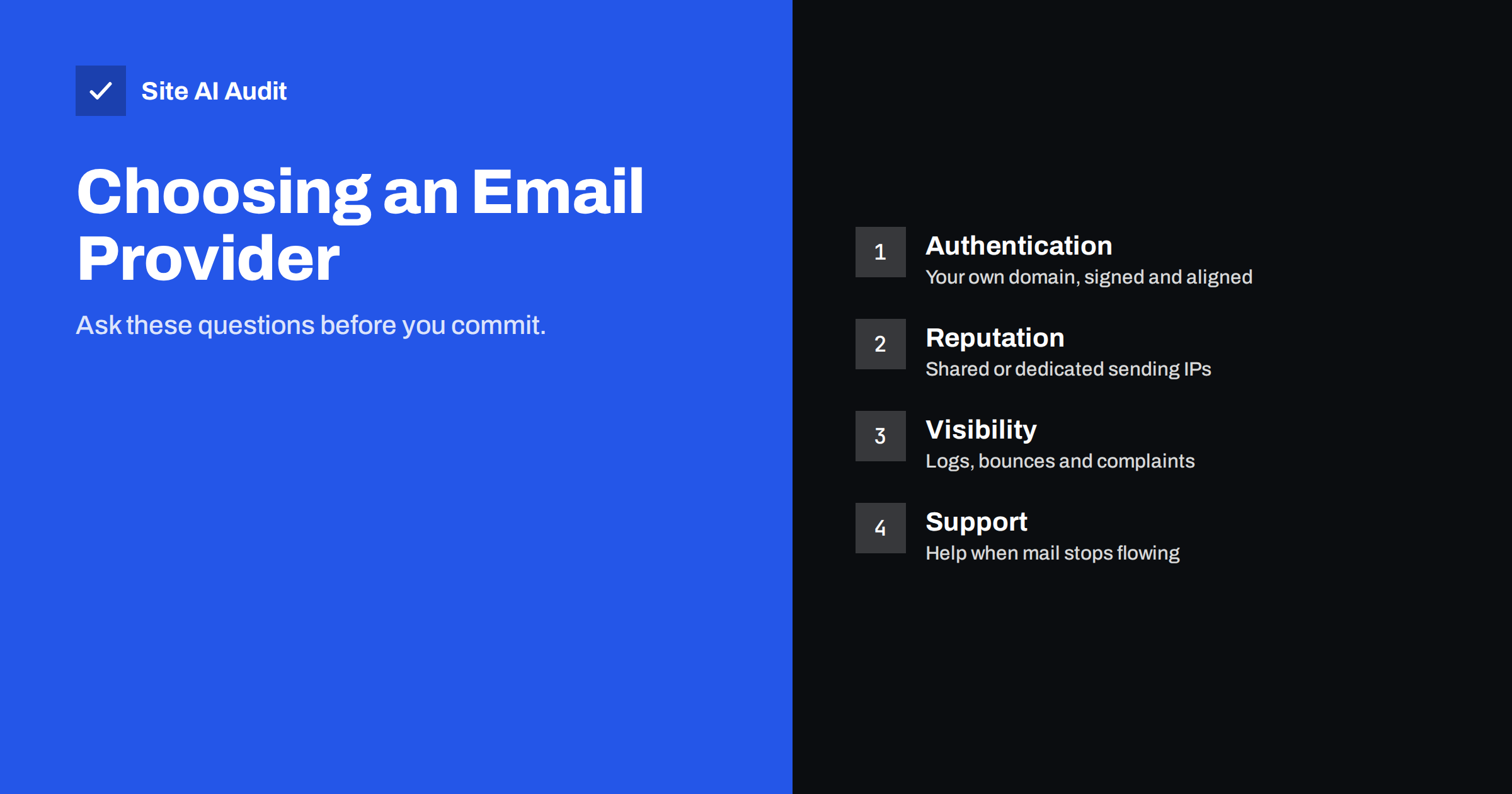
Short answer: An email service provider sends your messages through its own servers and reputation, so its quality directly affects whether you reach the inbox. Choose one that lets you authenticate your own domain with SPF, DKIM and DMARC, manages bounces and complaints automatically, shows clear logs, separates different kinds of mail, and offers real support. Compare these points before price or features.
Why the provider matters
When you send newsletters, receipts or password resets through a provider, the receiving mailbox sees messages that come from the provider’s servers on your behalf. It judges them using the reputation of those servers, the proof of authentication for your domain and the behaviour of your recipients. A good provider has well-run infrastructure, strict rules for its customers and tools that protect your standing. A poor one lets bad senders share the same addresses, and your messages suffer for it.
The choice is not only about marketing tools. A system that sends order messages and password resets needs reliability above all, while a newsletter tool needs list management and reporting. Many businesses need both, and they do not always come from the same service.
Start with your own needs
- Kinds of mail. Do you send transactional messages, such as receipts and resets, marketing newsletters or both? See transactional and marketing e-mail for the differences.
- Volume. Estimate messages per month and in the busiest hour. Limits and pricing depend on both.
- Integration. Will your website send through a plugin, an API or standard SMTP? Check that your platform is supported.
- Team. Who will manage templates, lists and reports? A tool nobody can operate wastes money.
- Region and rules. Think about where your recipients live and which consent and privacy rules apply to them. Ask the provider how it helps you meet them, without relying on it to decide your obligations.
Authentication on your own domain
This is the first technical test. The provider should let you send from your domain, not only from its own.
- DKIM with your domain. Messages should be signed with a key that you publish in your DNS, so that the signature aligns with your From address. See how to set up DKIM.
- SPF and return path. The provider should explain how to add it to your SPF record, or give you a custom return-path domain. The article on the return path and MAIL FROM explains why this matters for alignment.
- DMARC support. Authentication should pass in a way that satisfies a strict policy. Read DMARC explained if the term is new.
- Clear instructions. Good documentation and a built-in checker that tells you which record is missing are a good sign.
- Custom tracking domain. Links and opens should run through a subdomain that you own, as discussed in the guide to links and tracking domains.
If a provider can only send as its own domain, or will not sign with your key, treat it as a warning.
Shared or dedicated IP addresses
Most small senders start on shared IP addresses, where many customers use the same pool. The provider is responsible for keeping the pool clean, which is one reason to ask how it handles abusers. A dedicated IP gives you control over your own reputation, but you must send enough regular volume to keep it warm, and you must warm it gradually. The explanation in shared and dedicated IP addresses for e-mail and the guide to warming up a domain will help you decide. For low or irregular volume, a well-managed shared pool is usually the better choice.
How the provider handles bounces and complaints
Every list produces bounces and some complaints. The provider should deal with them automatically and visibly.
- It should stop sending to addresses that hard bounce, and keep a suppression list.
- It should process spam complaints from mailbox providers that send feedback and remove those recipients.
- It should show you the reason codes. The guide to bounce codes helps you read them.
- It should enforce one-click unsubscribe where required, as covered in one-click unsubscribe, and meet the rules for bulk senders described in Gmail and Yahoo requirements.
- It should have a policy for accounts that send spam, and apply it.
Visibility, logs and separate streams
When a customer says that a message never arrived, you need to be able to find out what happened. Ask whether the provider keeps a searchable log of every message, for how long and what it shows: accepted, delivered, deferred, bounced or complained. Check whether there are webhooks or exports for your own system, and whether you can see the response from the receiving server. Without this information, troubleshooting becomes guesswork. Also look at reporting that separates messages by stream or tag, so that a problem in newsletters does not hide a problem in receipts.
It is wise to keep different kinds of mail apart. A provider that supports separate sending domains, subaccounts or streams lets you protect the important messages from the riskier ones. If a promotional campaign gets complaints, your password resets should not suffer. The article on using a subdomain for marketing e-mail shows the idea at the DNS level.
Practical points to compare
- Sending limits and throttling. Ask what happens when you exceed them. See e-mail sending limits.
- Speed. For resets and codes, delivery within seconds matters.
- Status page and history. A public record of incidents shows how the provider behaves under stress.
- Support. Test it before you buy. Can you reach a person who understands deliverability?
- Exit. Can you export your lists, templates and suppression data if you leave?
- Total cost. Look at what happens as you grow, including extra IP addresses, extra users and log retention.
Be careful with promises. No provider can guarantee inbox placement, because the final decision belongs to the receiving mailbox. Treat any claim of a guaranteed rate as marketing.
Run a trial before you commit
- Create an account and add your domain, then publish the records.
- Send test messages to several mailbox providers and look at the headers to confirm that SPF, DKIM and DMARC pass.
- Check the placement in the inbox, promotions and spam folders. The guide to testing deliverability shows how.
- Try the log search with a message that you sent.
- Ask support a technical question and note the speed and quality of the answer.
Finally, think about how the provider fits your growth. A service that is perfect for a few hundred messages a month may become awkward when you start sending a regular newsletter, add several brands or need a team with different permissions. Ask about roles and access control, about the number of domains and sub-accounts allowed and about how pricing changes at the next tier. Also ask what happens if your reputation drops: does the provider warn you, throttle you or simply suspend the account? A provider that explains its rules clearly and applies them fairly to everyone is protecting the shared reputation that your own messages rely on.
Keep records of your decision as well. Note which questions you asked, which answers you received and which records you published. When a deliverability problem appears months later, this short file tells you what was set up, who set it up and what to check first, and it makes a future switch to another provider much less stressful.
If you are unsure, favour the provider that is most open about problems. A clear explanation of why a message was deferred, together with practical advice on fixing it, is worth more than a long list of features that you may never use.
How Site AI Audit helps
Site AI Audit does not compare e-mail providers or read your sending logs. It checks the records that any provider depends on: SPF and its lookup limit, DKIM signatures, the DMARC policy and MX records for your domain, together with SSL, security headers, SEO and speed. The first check is free, covers up to 50 pages and needs no sign-up. You can run a free check of your website after connecting a provider, or see the plans for monitoring that alerts you when records change.
Related reading
- How to Authenticate Third-Party Email Senders for Your Domain
- SMTP Relay vs Direct Sending: Which Should Your Website Use?
- Email Deliverability Checklist: 20 Checks for Small Businesses
- Google Postmaster Tools: How to Set It Up and Read the Data
The bottom line
Choose an e-mail provider as you would choose any partner who handles your reputation. Make sure that it authenticates your own domain, manages bounces and complaints, shows you what happened to each message and lets you keep streams apart. Test before you commit, and keep your DNS records under your own control so that you can change provider without losing your standing.
DUK
Does the provider guarantee inbox delivery?
No honest provider can. It can supply infrastructure and tools, but your reputation, content and list quality still decide the result.
Should I start with a dedicated IP?
Usually not. A dedicated IP needs steady volume and careful warm-up. Most small senders do better on a well-managed shared pool.
Can I use one provider for newsletters and receipts?
Yes, if it supports separate streams and domains. Many businesses prefer two services so that a marketing problem never touches system messages.
What if I want to change provider later?
Keep your domain’s DNS under your control, export your lists and suppression data regularly and warm up the new service gradually.
Is the cheapest option good enough?
It can be for small volumes, but check authentication, logs and support first. Poor deliverability costs more in lost orders than the saving on the monthly fee.