ENEnglish
 LTLietuviškai
 DEDeutsch
 FRFrançais
 RUРусский
 ESEspañol
 PLPolski
 ITItaliano
 UKУкраїнська
 CSČeština
 PTPortuguês
 JA日本語
JA日本語 LVLatviešu valoda
 ETEesti
 HUMagyar
 IDBahasa Indonesia
 TRTürkçe
 HIहिन्दी
 ELΕλληνικά
 ARالعربية
 THไทย
THไทย VITiếng Việt
 RORomână
 MSBahasa Melayu
 BNবাংলা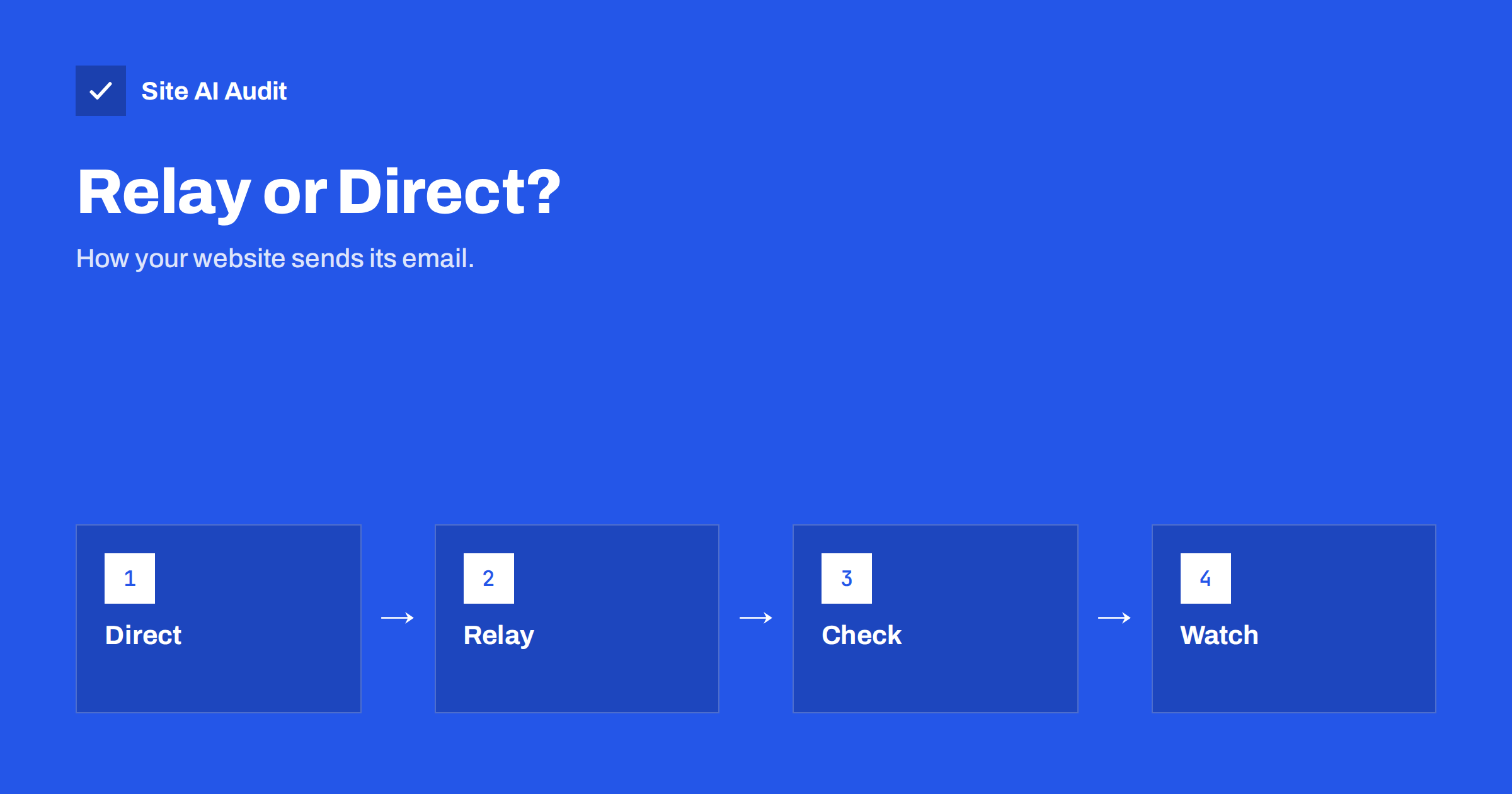
Short answer: Direct sending means your web server delivers email straight to the recipient’s mail server. An SMTP relay means your site hands each message to a mail service over an authenticated connection, and that service delivers it. For almost every business website, a relay is the better choice, because it gives you a trusted sending address, working authentication records, delivery logs and bounce handling. Direct sending from a shared web server is the most common reason that website emails land in spam.
What direct sending is
Many websites, including WordPress, send mail through the server’s built-in mail function. The message is created by the website and passed to a mail program on the same server, which tries to deliver it to the recipient’s provider on its own. Nobody logs in; the server simply starts the conversation from its own IP address.
This works out of the box, which is why it is so common. The problems appear when the receiving provider judges the message:
- The server’s IP address is often shared with hundreds of other sites. If one of them sends spam, all of them suffer.
- The “from” address on the message belongs to your domain, but the server may not be listed in your SPF record, and the message is usually not signed with DKIM.
- The server may lack a matching reverse DNS name, a basic trust signal described in reverse DNS and PTR records for email.
- Many hosts limit or block outgoing mail on port 25 to protect their reputation.
- You get no delivery report. If the message is rejected or deferred, nobody tells you.
The result is familiar: contact form messages and order emails that arrive late, arrive in the junk folder, or never arrive. Our guide on WordPress emails going to spam covers the symptoms.
What an SMTP relay is
With a relay, the website connects to a mail service with a user name and password or an API key and submits the message. The service is built for sending: it has reputation to protect, it signs messages, and it handles retries and bounces. The recipient’s provider sees a message from a known sending platform, correctly authenticated for your domain.
The relay can be:
- the mail platform you already use for your business mailboxes, such as Microsoft 365 or Google Workspace;
- a dedicated transactional email service built for sending application mail, usually with a free or low-cost starter tier;
- the outgoing mail server of your hosting provider, if it offers authenticated SMTP with proper records.
The connection normally uses port 587 with STARTTLS, or port 465 with implicit TLS. See SMTP ports 25, 587 and 465 explained for the difference.
Direct sending versus relay at a glance
| Question | Direct from the web server | Through an SMTP relay |
|---|---|---|
| Setup effort | None, works by default | A few minutes, plus DNS records |
| Sending reputation | Shared server IP, often poor | Managed by the mail service |
| SPF and DKIM | Often missing or misaligned | Set up once for the service |
| Logs and bounce reports | Rarely available | Usually available |
| Sending limits | Set by the host, unclear | Published by the service |
| Cost | Included | Free to low monthly fee |
Direct sending only makes sense for a mail server you run and maintain properly yourself, with a clean dedicated IP address, matching DNS records and monitoring. That is a specialist task, and it is rarely worth it for a small business.
How to set up a relay properly
- Choose the service. Look at the sending limit, the logs, the price and how easy it is to add your domain. Make sure it matches the volume you expect, including busy days. Our article on email sending limits and throttling explains why limits matter.
- Add your domain to the service. The service gives you DNS records to publish, usually a DKIM record and sometimes a return-path record.
- Update SPF. Add the service to your SPF record without breaking the ten-lookup limit; see how to fix the 10-lookup limit.
- Publish DKIM. Signing with your own domain lets DMARC pass. Follow the steps in the DKIM setup guide.
- Check DMARC alignment. The domain in the visible From address must match the domain that SPF or DKIM authenticates. Read relaxed and strict alignment if the reports show failures.
- Configure the website. Enter the server name, port, encryption and credentials in your SMTP plugin or application settings. Set the From address to one on your authenticated domain.
- Send a test and read the headers. Confirm that SPF, DKIM and DMARC all pass. Use our guide to reading email headers if you are not sure where to look.
The general approach for any outside service is described in authenticating third-party email senders.
Common mistakes
- Using a personal mailbox login. A staff member’s password in the website settings breaks when the password changes or the person leaves. Use a dedicated sending account or an API key.
- Sending from a different address than the one authenticated. A website that sends “from” a free webmail address through your relay will fail DMARC checks and may be rejected.
- Forgetting to update SPF. The relay works at first because some providers are lenient, then problems show up later.
- Ignoring limits. Mailbox platforms usually allow far fewer messages per day than transactional services. A busy shop can exceed that on a sale day.
- Not watching failures. If the password expires or the limit is reached, messages stop. Check the service logs regularly or set an alert. See email bounce codes explained for what rejections mean.
- Leaving the form open to spam. A contact form without protection can be abused to send junk through your relay and harm your reputation. See contact form spam protection.
How to tell whether your website email is delivered
Do not assume that a message was delivered because the website said “message sent”. That text only means the website handed the message on. To find out what happened, use more than one signal:
- Test messages to several providers. Send a test to a Gmail, a Microsoft and a business address, and look in the inbox, the junk folder and the quarantine area.
- The relay logs. A good service shows whether each message was accepted, delayed, bounced or deferred, and why.
- Real feedback. If customers say they did not get the order email, treat it as a delivery problem and check their spam folder with them. Our guide on testing email deliverability lists more steps.
- DMARC reports. They show which servers send mail in your name and whether it passes, so a misconfigured website sender stands out quickly.
Repeat the tests after any change to your DNS, hosting or mail platform. A relay that worked last year can stop working when a password expires, a limit changes or a record is edited by mistake.
Keep website email separate from marketing email
Order confirmations, password resets and contact form notifications are expected by the recipient. Newsletters are not always read and are more likely to produce complaints. Mixing them in one stream means a bad newsletter can delay a password reset. Where you can, send them through separate streams or subdomains, as discussed in using a subdomain for marketing email.
What Site AI Audit checks
Site AI Audit checks the DNS side of this setup from the outside: whether your SPF record exists and stays within the lookup limit, whether DKIM signatures are found, whether a DMARC policy is published and whether MX records are present. It cannot see which service your website uses to send mail, so confirm that with a test message. Run a free check of your domain to see the status of your records, and consider the paid plans if you want weekly monitoring and alerts when something breaks.
Related reading
- Order Confirmation Emails Not Arriving? Fix Your Shop’s Mail
- Shared vs Dedicated IP for Email: Which One Do You Need?
- Domain Reputation vs IP Reputation in Email: What Counts
The bottom line
If your website sends mail straight from a shared web server, move it to an authenticated SMTP relay. You gain a better reputation, working SPF, DKIM and DMARC, and logs that tell you what happened to each message. Use a dedicated sending account, match the From address to your authenticated domain, respect the sending limits and keep an eye on failures.
DUK
Do I really need an SMTP relay for a small website?
If your site sends contact form notifications, order emails or password resets, a relay is strongly recommended. It makes delivery more reliable and gives you logs. A site that sends no email does not need one.
Is it free to use an SMTP relay?
Often, for low volumes. Many transactional email services have a free tier, and your existing business mailbox platform may be enough for a few messages a day. Larger volumes usually cost a small monthly fee.
Which port should I use for SMTP?
Use port 587 with STARTTLS or port 465 with TLS, as your provider instructs. Port 25 is for server-to-server delivery and is commonly blocked for ordinary websites.
Why do emails still go to spam after I set up a relay?
Check that SPF and DKIM pass and align with your From domain, that DMARC is published, and that the content is not unwanted. Also check whether your domain or the relay’s IP is listed on a blocklist.
Can I use my Gmail or Microsoft mailbox as the relay?
You can use your business mailbox platform, with an account on your own domain, for low volumes. Personal free accounts are a poor choice because of low limits and authentication that does not match your domain.