 ENEnglish
 LTLietuviškai
 DEDeutsch
 FRFrançais
 RUРусский
 ESEspañol
 PLPolski
 ITItaliano
 UKУкраїнська
 CSČeština
 PTPortuguês
 JA日本語
JA日本語 LVLatviešu valoda
 ETEesti
 HUMagyar
 IDBahasa Indonesia
 TRTürkçe
 HIहिन्दी
 ELΕλληνικά
 ARالعربية
 THไทย
THไทย VITiếng Việt
 RORomână
 MSBahasa Melayu
 BNবাংলা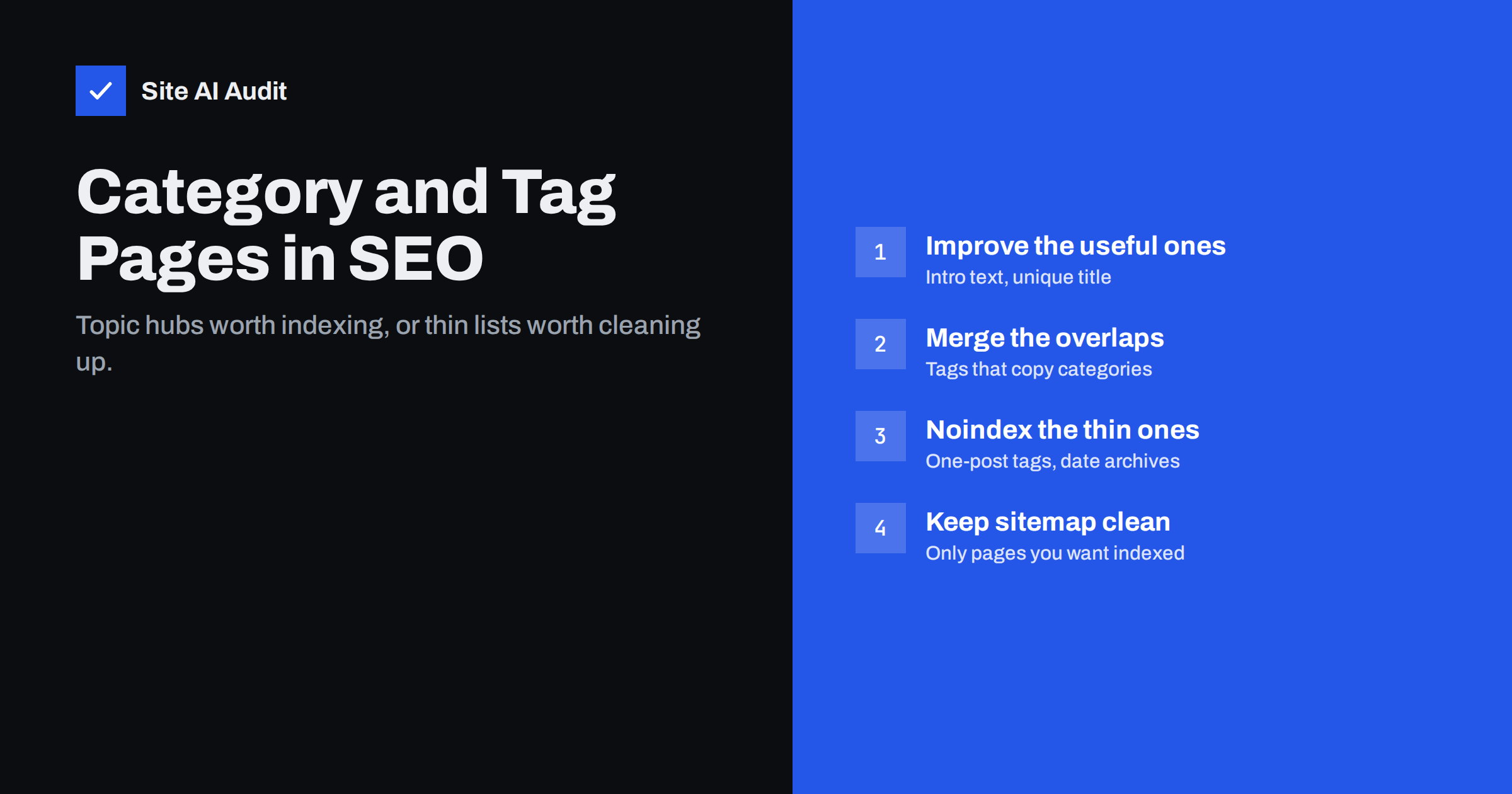
Short answer: Category and tag pages are worth indexing when each one covers a real topic with several posts and has its own title and a short introduction; then they work as topic hubs that help both visitors and search engines. They become a problem when a site has hundreds of tags with one or two posts each, or tags that duplicate categories, creating thin, near-identical pages. Improve the useful archives, merge overlapping ones, and noindex or remove the rest, keeping your sitemap limited to the pages you want in search.
What taxonomy archives are
Blogging platforms group posts automatically. In WordPress and similar systems, each category, tag, author and even each month gets its own archive page listing the related posts. These are called taxonomy or archive pages, and they appear at addresses such as /category/security/, /tag/dns/ or /2026/09/.
- Categories are usually a small, planned set of broad sections, such as “Speed”, “SEO” and “Security”.
- Žymos are more specific, cross-cutting labels, often added freely by authors, such as “DNS” or “Core Web Vitals”.
- Author and date archives are created automatically and are rarely planned at all.
Every one of these pages is a URL that search engines can crawl and index. Whether that helps or hurts depends on what is on them.
When archive pages help
A well-maintained category or tag page can be one of the most useful pages on a content site:
- It gathers everything you have written on a topic in one place, which is exactly what a visitor searching for that broad topic may want.
- It creates internal links to every post in the group, helping search engines discover and understand related content. Our internal linking guide explains why these links matter.
- It can rank for broad topic searches that individual posts, each focused on a narrow question, would not target.
- It gives readers a natural next step after an article: “more on this topic”.
The condition is that each such page has a clear topic, enough posts to be useful and something that distinguishes it from other archives.
When archive pages hurt
Problems usually come from quantity without planning:
- Tag sprawl. Authors create a new tag for almost every post. After a few years the site has hundreds of tags, most with one or two posts. Each tag page is a thin page showing the same excerpt that appears elsewhere. See our guide to thin content for why that is a quality issue.
- Overlap. A tag “SEO” next to a category “SEO”, or tags “email”, “e-mail” and “emails”, produce near-identical lists. The guide to duplicate content covers the general problem.
- Automatic archives nobody needs. On a single-author blog, the author archive is a copy of the main blog list. Monthly date archives rarely match anything people search for.
- Wasted crawling. Search engines spend time on hundreds of archive pages and their paginated versions instead of on your articles.
Decide page by page: index, improve, merge or noindex
| Situation | Recommended action |
|---|---|
| Category with many posts on a clear topic | Index and improve with a title and introduction |
| Tag with several posts on a distinct subtopic | Index and add a short description |
| Tag duplicating a category or another tag | Merge into one and redirect the old URL |
| Tag with one or two posts | Remove from posts, or noindex until it grows |
| Author archive on a single-author site | Noindex or disable |
| Author archives on a multi-author site | Index if they show real author profiles |
| Date archives | Usually noindex or disable |
There is no universal minimum number of posts, but a page with fewer than about five related posts rarely offers enough to be worth indexing. Use judgement: a tag with three excellent, closely related guides may be more useful than one with twenty loosely related news items.
How to improve the archives you keep
- Write a short introduction. Most themes can display the category or tag description at the top of the archive. Three to seven sentences explaining the topic, who it is for and what readers will find turns a list into a page with its own purpose.
- Give each archive a unique title and meta description that describe the topic, not a generic “Archives – Site Name”.
- Use one clear H1 with the topic name.
- Show useful excerpts rather than full posts, so the archive does not duplicate articles.
- Highlight the best content, such as a pinned beginner guide at the top, if your theme allows it.
- Handle pagination properly. Page 2 and beyond should be crawlable, with their own URLs and self-referencing canonicals. See pagination and SEO.
For shops, product category pages follow similar logic but with more commercial intent; the category page SEO guide for online shops covers them separately.
Example: turning a tag list into a topic page
Imagine a small web agency blog with a tag called “DNS” that holds eight articles about domains, e-mail records and moving hosts. By default, its archive shows the title “DNS Archives”, no text, and eight excerpts. Nothing tells a visitor or a search engine what the page is for.
A few changes transform it:
- Title: “DNS Guides for Small Business Websites – Agency Name”.
- H1: “DNS guides”.
- Introduction: “DNS connects your domain name to your website and e-mail. Most outages after a hosting move or a new e-mail provider start with a missing or outdated DNS record. The guides below explain the main record types in plain words, show how to change providers safely and help you troubleshoot common errors. Start with the MX records guide if your e-mail stopped working, or the migration checklist if you are moving hosts.”
- Order: the beginner guide pinned first, followed by the most recent posts.
The page now answers a broad question on its own, links to every relevant article and has a purpose no other page on the site duplicates. That is the standard to aim for with each archive you keep indexed.
How to clean up tag sprawl
Cleaning up is best done in one planned session rather than piecemeal:
- Export a list of all tags and categories with the number of posts in each.
- Group near-duplicates, such as singular and plural forms, spelling variants and synonyms.
- Decide on a target set: a handful of categories and a limited number of meaningful tags.
- Merge duplicates into the chosen term and redirect the old archive URLs with 301 redirects to the surviving archive.
- Remove one-off tags from posts. If their archive URLs have links or traffic, redirect them to the closest relevant category or tag.
- Agree simple rules for authors, such as choosing from the existing tag list instead of inventing new ones.
Check Search Console afterwards for new 404 errors or redirect issues, and update internal links that pointed to removed archives.
Noindex, robots.txt and sitemaps
For archives you keep online but do not want in search results, use a noindex robots meta tag. Most SEO plugins offer this per taxonomy type or per term. Keep links on those pages followable, so search engines can still discover the posts they list.
Do not block archive pages in robots.txt if you want them out of the index. A blocked page cannot be crawled, so search engines never see its noindex tag, and the URL can still appear in results without a description. Our comparison of robots.txt and noindex explains the difference.
Finally, make sure your XML sitemap lists only the archive pages you want indexed. Many plugins add all categories and tags by default, including noindexed ones, which sends mixed signals. The WordPress SEO settings guide lists where these options usually live.
How Site AI Audit helps
Site AI Audit crawls your site like a search engine and reports duplicate titles and descriptions, heading and alt text problems, broken links, redirects, sitemap and robots.txt issues, and noindex rules, alongside speed, SSL, security headers and e-mail authentication. Archive pages with generic, repeated titles tend to stand out quickly in such a report, ranked by impact. Start with a free website check.
Related reading
- XML Sitemaps Explained: How to Create and Submit One
- Keyword Cannibalization: When Your Own Pages Compete
- Crawl Budget Explained: Does It Matter for Your Website?
The bottom line
Category and tag pages are neither good nor bad for SEO by default. Treat the strong ones as topic hubs: give them a clear title, an introduction and enough posts to be useful. Merge duplicates, remove or noindex thin tags and unneeded automatic archives, and keep your sitemap in line with those decisions. A smaller set of meaningful archives serves readers and search engines far better than hundreds of empty ones.
DUK
Should I noindex tag pages?
Not automatically. Tag pages with several posts on a distinct topic and a short description can be useful in search. Noindex or remove tags with only one or two posts and tags that duplicate categories.
Do category pages help SEO?
They can. A category page with a clear topic, a unique title, an introduction and many related posts works as a hub that supports internal linking and can rank for broad topic searches.
How many tags should a blog post have?
Usually only a few. Choose existing tags that genuinely describe the post’s main subtopics rather than creating new tags for every keyword.
Can I block tag pages in robots.txt?
It is not recommended if your goal is removing them from search. Blocked pages cannot be crawled, so search engines never see a noindex tag. Use noindex instead.
What should I do with tags I delete?
If the tag archive had links or traffic, redirect its URL with a 301 to the closest relevant category or tag. Otherwise, a 404 or 410 is acceptable.


