 ENEnglish
 LTLietuviškai
 DEDeutsch
 FRFrançais
 RUРусский
 ESEspañol
 PLPolski
 ITItaliano
 UKУкраїнська
 CSČeština
 PTPortuguês
 JA日本語
JA日本語 LVLatviešu valoda
 ETEesti
 HUMagyar
 IDBahasa Indonesia
 TRTürkçe
 HIहिन्दी
 ELΕλληνικά
 ARالعربية
 THไทย
THไทย VITiếng Việt
 RORomână
 MSBahasa Melayu
 BNবাংলা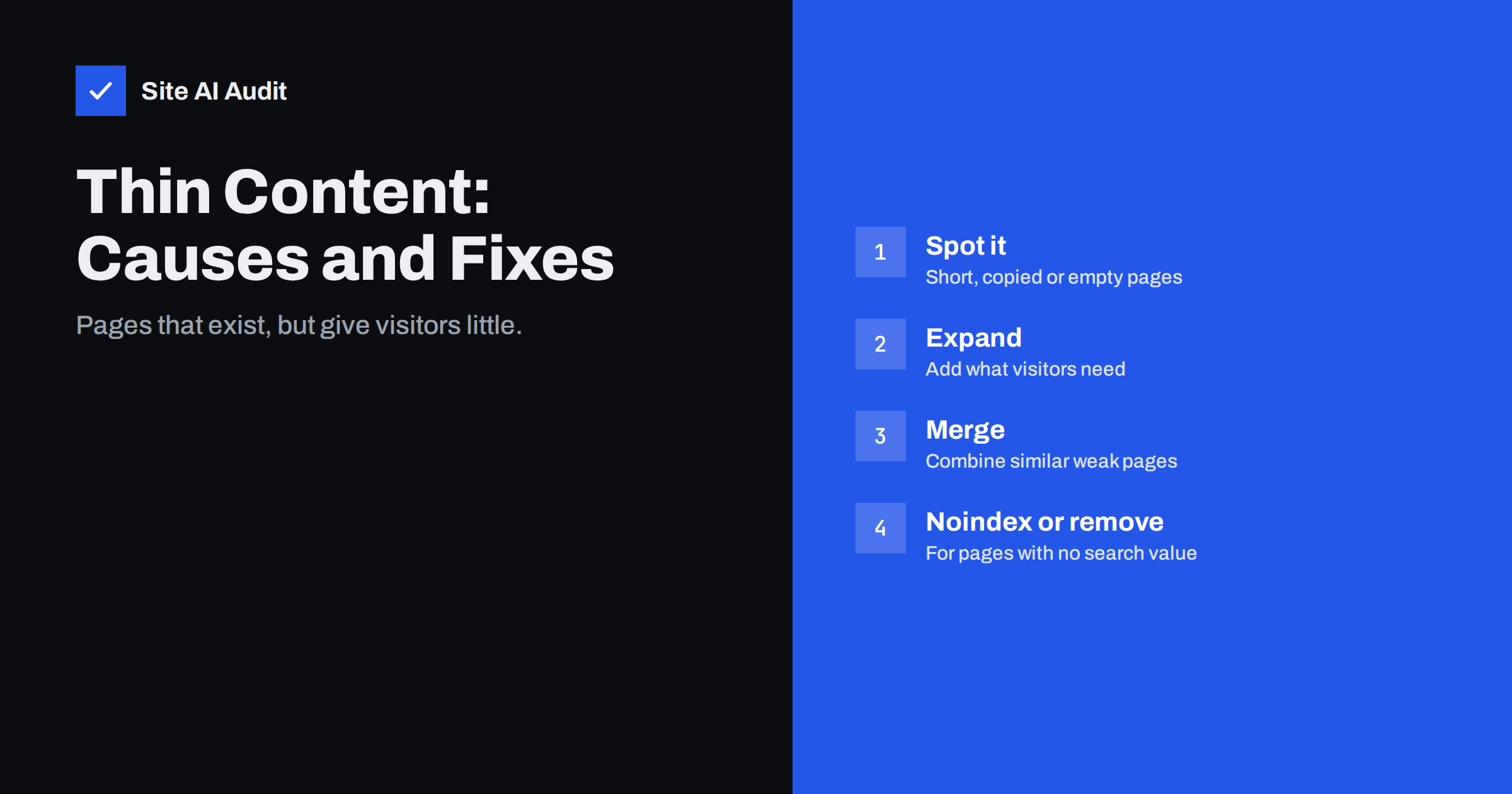
Short answer: Thin content means pages that offer little or no real value to a visitor: near-empty pages, copied descriptions, doorway pages that differ only by a place name, auto-generated text, or archives with one item. It is not about word count alone; a short page that fully answers a question is not thin. Fix thin pages by expanding the ones that matter with specific, useful information, merging similar weak pages into one strong page, noindexing pages that must exist but have no search value, and removing the rest with proper redirects or status codes.
What search engines mean by thin content
Search engines want to show pages that satisfy the searcher. A page is “thin” when it does not: it has too little original substance to be useful, or it exists mainly to capture searches rather than to help. Google’s guidelines have long described several patterns, including pages with little original content, doorway pages, scraped or copied content and automatically generated text created without regard for quality.
Thin content is rarely a formal penalty for ordinary businesses. The usual consequence is quieter: thin pages are not indexed, rank poorly, or appear in Search Console as “Crawled – currently not indexed”. When a large share of a site is thin, it can also make it harder for the good pages on that site to stand out.
Thin is not the same as short
A page with 80 words can be perfect: a store’s opening hours, a clear answer to a simple question, a contact page. A page with 1,500 words can be thin if it repeats generic statements without saying anything specific. The test is not length but usefulness:
- Does the page answer what a visitor arriving on it would want to know?
- Does it contain information that is original or specific to your business?
- Would the visitor need to go elsewhere to complete their task?
- Is it substantially different from other pages on your site and elsewhere?
Common types of thin pages
- Placeholder and stub pages: “Coming soon”, a heading with two sentences, a service page with only a form.
- Manufacturer descriptions: product pages with the same text as every other shop.
- Doorway-style location pages: dozens of “Service in Town X” pages identical apart from the town name.
- Thin archives: tag pages with one or two posts, date archives, author archives on single-author blogs.
- Attachment pages: pages that only display a single image, created automatically by some CMS platforms.
- Empty categories and search result pages.
- Auto-generated or spun text: content produced at scale with no review or real information.
- Short, overlapping blog posts that each cover a sliver of the same topic.
How to find thin content
- Crawl the site and export word counts per page, alongside titles and URLs. Sort from lowest to highest. Low counts are not proof of thinness, but they are a good place to start.
- Check Search Console. Pages under “Crawled – currently not indexed” and “Duplicate without user-selected canonical” often include thin content.
- Look for patterns. Groups of pages with near-identical titles, such as many location pages, are often thin variations of one template.
- Review performance. Pages with no impressions or visits for a year are candidates for review, although some, such as legal pages, will naturally have little search traffic.
- Read the pages. In the end, a human judgement is needed: would a customer find this page useful?
Decide what to do with each page
| Situation | Action |
|---|---|
| Important page with too little content (service, category, key product) | Expand with specific, useful information |
| Several weak pages on the same topic | Merge into one strong page and 301 redirect the others |
| Page needed by visitors but not by searchers (thank-you, login, thin tag) | Keep it and set it to noindex |
| Outdated or useless page with no traffic or links | Remove it, returning 404 or 410 |
| Removed page with links or traffic, and a close replacement | 301 redirect to the replacement |
| Doorway location pages | Consolidate into one areas page, or build genuinely local content for real locations |
How to expand a thin page properly
Adding words is not the goal. Adding information is. For a service page, include what is included, who it suits, how the process works, timescales, pricing basis, areas covered, examples and FAQs. For a product page, add original descriptions, detailed specifications, sizing or compatibility advice, real photos and reviews. For a category, add a short, helpful introduction and buying advice. For an article, answer the related questions a reader would have next.
Good sources of genuinely useful additions are the questions your customers ask by phone and e-mail, the queries in Search Console for that page, and what your staff explain to customers every day.
Thin content on online shops
Shops are especially prone to thin pages because catalogues are large and often imported from suppliers. Typical cases are products with a single line of manufacturer text, variants with their own pages but identical descriptions, filter pages that list two or three products, and categories created for a promotion and never removed. Practical fixes:
- prioritise original descriptions for best sellers and products with search impressions, and use structured templates with specifications and sizing notes for the rest;
- keep variants on one product page with selectors, and canonicalise variant URLs;
- canonicalise or block low-value filter combinations, and only index filters with real demand;
- merge categories with very few products into their parent, and redirect expired promotion pages.
How long improvements take to show
After expanding, merging or removing pages, search engines need to recrawl them and reassess. For a small site, changes often become visible in Search Console within a few weeks: previously unindexed pages moving into the indexed group, and redirected pages dropping out. Effects on rankings and traffic can take longer, typically one to three months, and are easiest to judge by comparing the same pages and queries before and after. Keep a log of what you changed so you can connect the results to the work.
Auto-generated content and AI tools
Generating large numbers of pages automatically, whether through templates or AI writing tools, is a common way sites end up with thin content. Google’s spam policies describe “scaled content abuse”: producing many pages primarily to manipulate rankings, regardless of how they are created. Using tools to help write is not the problem; publishing unreviewed, generic pages at scale is. Any generated draft should be checked, corrected and enriched with specific information before it goes live, and only published where it genuinely serves visitors.
Preventing thin content
- Do not publish placeholder pages; launch a page when it has real content.
- Search your own site before creating new pages, and improve existing ones where possible.
- Set archive, tag and attachment settings in your CMS to avoid creating thin pages automatically.
- Write product descriptions as part of adding products.
- Create location pages only for places where you have something specific to say.
- Review content yearly and merge or retire weak pages.
Example: cleaning up a service business site
A cleaning company has 70 indexed pages: 8 service pages of a few sentences each, 30 near-identical town pages, 20 tag pages and 12 blog posts. Search Console shows most town pages and tags as not indexed. The clean-up: the 8 service pages are expanded with scope, process, pricing basis and real photos; the 30 town pages become one “areas we cover” page with a short paragraph for each main area, with redirects from the old URLs; tag pages are set to noindex; and the blog posts are reviewed, with two pairs merged. The site shrinks to around 25 indexable pages, each with a clear purpose.
How Site AI Audit helps
Thin pages often show up first as duplicate titles, missing descriptions, missing headings or pages excluded by noindex. Site AI Audit reports these findings across up to 50 pages on the free check, together with broken links and redirects left behind by clean-ups, and explains each fix in plain words. Run a free check before and after tidying your content.
Related reading
- Crawled or Discovered, Currently Not Indexed: How to Fix It
- How to Update Old Content for SEO: Refresh, Merge or Remove
- Service Page SEO: How to Build Pages That Rank and Convert
- Keyword Cannibalization: When Your Own Pages Compete
The bottom line
Thin content is about value, not length. Find pages that give visitors little, then expand the important ones with specific information, merge overlapping pages, noindex pages that must exist but have no search value, and remove or redirect the rest. A smaller site where every page has a clear purpose usually performs better than a large one padded with thin pages.
DUK
Is thin content a Google penalty?
Usually not a formal penalty for normal sites. Thin pages tend to be ignored, not indexed or ranked low. Manual actions apply to deliberate spam such as doorway pages or scaled low-quality content.
How many words make a page not thin?
There is no number. A short page that fully answers the visitor’s need is not thin; a long page of generic filler can be. Judge by usefulness and originality.
Should I delete thin pages?
Delete only those with no value to visitors, no traffic and no links. Expand important pages, merge overlapping ones and noindex utility pages instead.
Are tag pages thin content?
Often, when each tag lists only one or two posts. Use fewer, meaningful tags, or set tag archives to noindex.
Can AI-written content be thin?
Yes, if it is generic, unchecked and published at scale. Content made with any tool should be reviewed, fact-checked and enriched with specific information before publishing.


