ENEnglish
 LTLietuviškai
 DEDeutsch
 FRFrançais
 RUРусский
 ESEspañol
 PLPolski
 ITItaliano
 UKУкраїнська
 CSČeština
 PTPortuguês
 JA日本語
JA日本語 LVLatviešu valoda
 ETEesti
 HUMagyar
 IDBahasa Indonesia
 TRTürkçe
 HIहिन्दी
 ELΕλληνικά
 ARالعربية
 THไทย
THไทย VITiếng Việt
 RORomână
 MSBahasa Melayu
 BNবাংলা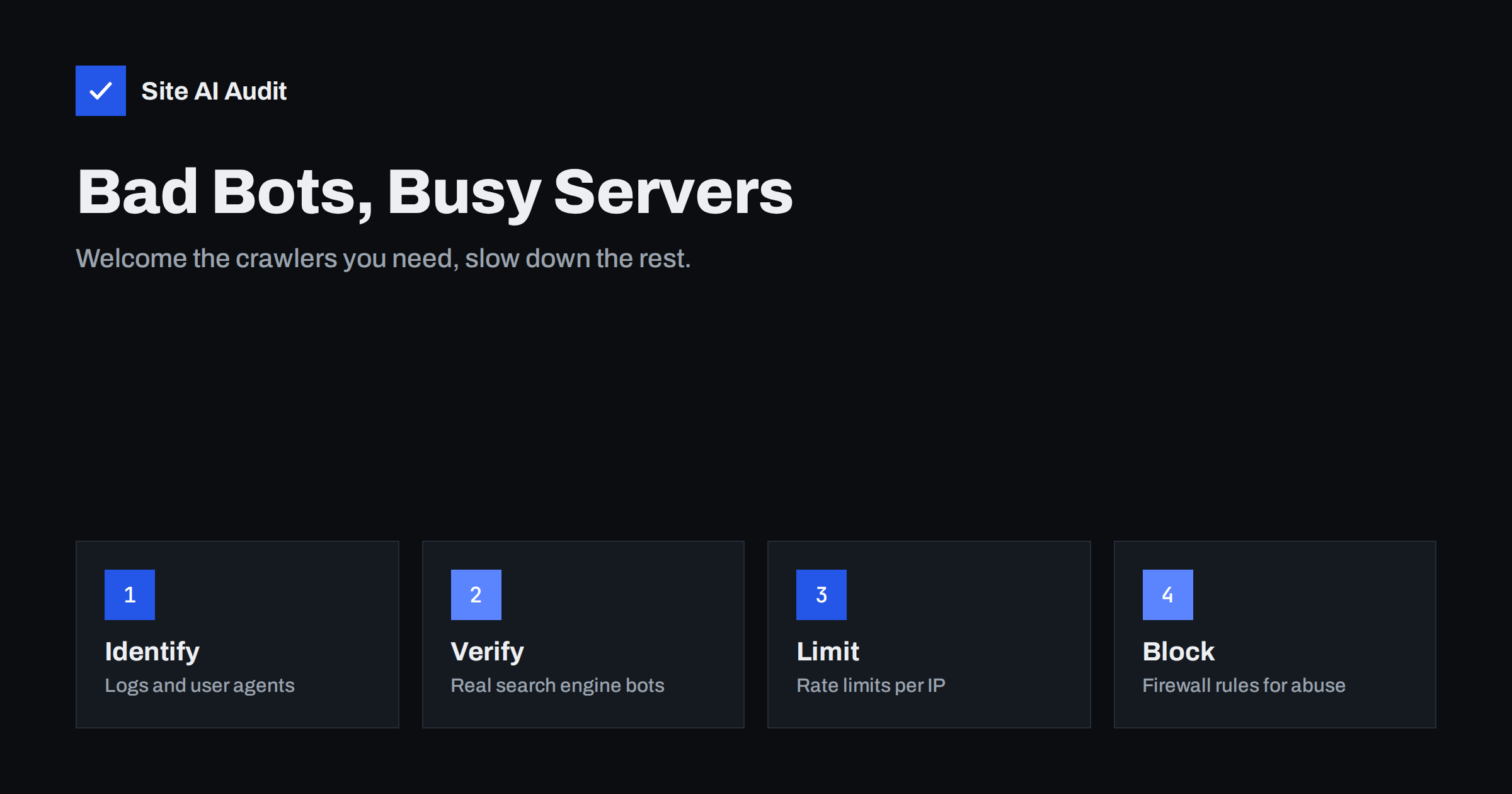
Short answer: Not all automated traffic is bad. Search engine crawlers, uptime monitors and link preview fetchers are useful. Scrapers, vulnerability scanners, login attackers and overly aggressive crawlers waste server resources and can slow your site for real visitors. Find out who is visiting from your server logs, verify that “search engine” bots really are what they claim, use robots.txt for polite crawlers, and use rate limits and firewall rules for everything that ignores it.
Good bots, bad bots and grey areas
Bots are programs that request web pages automatically. They fall roughly into three groups.
Useful bots. Search engine crawlers that index your pages, social networks and messengers that fetch link previews, uptime and performance monitors you set up yourself, feed readers, and audit tools you use deliberately. They identify themselves, follow robots.txt and usually crawl at a reasonable rate. Our own crawler, SiteAuditBot, for example, makes at most about three requests per second and respects robots.txt.
Harmful bots. Bots that try passwords on login pages, scan for vulnerable plugins and exposed files, post spam through forms, scrape prices or content for reuse, or fill shopping carts to hold stock. They often pretend to be normal browsers or well-known crawlers, and they ignore robots.txt.
Grey areas. SEO tools, research crawlers, data collection services, archive services and crawlers that gather content for training language models. Whether you want them depends on your goals. Some bring visibility, some only use bandwidth. Most of them honour robots.txt, which gives you a choice.
Signs that bots are a problem on your site
- Server load or bandwidth is high while analytics shows normal visitor numbers. Most analytics tools ignore bots, so the server logs tell a different story.
- The site slows down at random times, or hosting reports that you hit CPU or process limits.
- Thousands of requests to search, filter or calendar URLs with endless parameter combinations.
- Many failed logins, requests to
xmlrpc.php, or probes for files like.env,wp-config.php.bakand admin tools you do not use. - Spam form submissions, fake accounts or abandoned carts in bulk.
If the site slows down or crashes under load, our guide on traffic spikes explains how to tell real visitors from automated floods.
Step 1: find out who is visiting
Look at your web server’s access log, or the log viewer in your hosting panel or CDN. Group requests by user agent and by IP address over a day. The questions to answer are:
- Which user agents make the most requests?
- Which IP addresses or networks make the most requests?
- Which URLs are requested most often, and do they make sense?
- How many requests per second do the busiest clients make?
On a server with shell access, a quick count is enough to start: awk -F'"' '{print $6}' access.log | sort | uniq -c | sort -rn | head -20 lists the twenty most active user agents in a standard combined log, and the same idea with the first field instead of the sixth lists the busiest IP addresses. On shared hosting, the raw access log download or the visitor statistics in the panel give the same picture with a few more clicks.
A crawler that requests a few pages per minute is no problem. One that requests ten pages per second from a parameter-heavy search page on shared hosting is. Requests concentrated on login pages or on files that do not exist are almost always attacks.
Step 2: verify search engine crawlers
Anyone can put “Googlebot” in a user agent string. Before you allow or block a bot because of its name, check whether it is genuine. Major search engines publish how to verify their crawlers: do a reverse DNS lookup on the IP address, check that the host name belongs to the search engine’s domain, then do a forward lookup on that host name and confirm it returns the same IP. Some also publish lists of their IP ranges.
This matters in both directions. Never block real search engine crawlers by accident, because pages they cannot fetch drop out of search. And do not trust fake ones: requests claiming to be a search engine from unrelated hosting providers can be blocked safely. Many CDNs and firewalls can recognise verified crawlers automatically.
Step 3: use robots.txt for polite bots
Robots.txt is a set of instructions for crawlers that choose to follow them. It is the right tool for useful and grey-area bots:
- Block crawl traps for all bots, such as internal search results, endless calendar pages and filter combinations.
- Block specific crawlers you do not want, by their user agent name, with a
Disallow: /in their own group. - Keep pages you want in search open to search engines.
Two limitations matter. First, bad bots ignore robots.txt, so it is no security control; do not list secret paths in it. Second, the Crawl-delay directive is supported by some crawlers but ignored by Google, which adjusts its crawl rate automatically based on how your server responds. Our robots.txt guide explains the syntax with safe examples.
Step 4: rate limits and firewall rules for the rest
For bots that ignore robots.txt, use technical controls:
- Rate limiting. Limit how many requests a single IP address can make per second or minute, with stricter limits on expensive or sensitive paths such as login, search, cart and API endpoints. Nginx’s
limit_req, Apache modules and most CDNs support this. - Firewall rules. Block known bad user agents, requests for paths you do not use, and countries or networks that send only attacks, if your audience is local. A web application firewall adds managed rule sets for common attacks.
- Challenges. Some CDNs can show a short challenge to suspicious clients. Use it on sensitive paths rather than the whole site, so you do not annoy real visitors or block useful bots.
- Login protection. Limit login attempts and add two-factor authentication. Our guide to brute-force protection covers this in detail.
- Form protection. Use honeypot fields and spam filters on forms.
Start with logging or a gentle limit, check that legitimate traffic is unaffected, then tighten. A rule that blocks your payment provider’s callbacks or your own monitoring causes more damage than the bots did.
Make your site cheaper to crawl
Bots are a bigger problem when every request is expensive. Reducing the cost per request helps with all of them, good and bad:
- Page caching lets the server answer most requests without running PHP or the database.
- Clean URLs avoid endless parameter combinations that crawlers follow forever. See URL parameters and SEO.
- Correct 404 responses for missing pages, instead of rendering a full page with a 200 status.
- A CDN can absorb a large share of requests for static files and cached pages.
What about crawlers for AI and data collection?
A growing share of crawler traffic comes from services that collect web content for search features, research or training language models. The well-known ones publish their user agent names and follow robots.txt, so you can decide per crawler whether to allow them. Consider what you gain: some of these services may show your business in their answers or send you visitors, while others only consume content. There is no single right answer. Whatever you decide, write it down in robots.txt, review the list from time to time, and use rate limits for any crawler that requests too much, whatever its purpose.
How Site AI Audit helps
Site AI Audit checks things that decide how well your site copes with automated traffic: how long the server takes to respond, which pages took over two seconds to load, whether your robots.txt exists and whether it accidentally blocks the whole site, whether missing pages return a proper 404 rather than “200 OK”, and whether the server reveals its software version. Its own crawler, SiteAuditBot, identifies itself, follows robots.txt and keeps to about three requests per second. You can run a free check, and the pricing page lists the plans with monitoring.
Related reading
- DDoS Protection for Small Websites: What You Actually Need
- Contact Form Spam: How to Stop Bots Without Losing Leads
- Crawl Budget Explained: Does It Matter for Your Website?
- WordPress xmlrpc.php: What It Does and When to Disable It
The bottom line
Bot traffic is normal, but it should not decide how fast your site is for people. Read your logs to see who is visiting, verify search engine crawlers before trusting their names, use robots.txt for bots that respect it, and rate limits, firewall rules and login protection for those that do not. Make each request cheaper with caching and clean URLs, and review your decisions about grey-area crawlers regularly.
DUK
Will blocking bots hurt my SEO?
Not if you leave verified search engine crawlers alone. Blocking fake crawlers, scrapers and attack traffic has no negative effect on search.
Does robots.txt stop bad bots?
No. Robots.txt is voluntary. Well-behaved crawlers follow it, but attackers and scrapers ignore it, so use rate limits and firewall rules for them.
How can I tell if a Googlebot request is real?
Do a reverse DNS lookup on the IP address, check that the host belongs to Google, then do a forward lookup and confirm it matches the IP. Many CDNs can do this for you.
Can I slow down Google’s crawler?
Google ignores Crawl-delay and adjusts its rate based on how your server responds. If your server struggles, fix capacity and caching rather than blocking Googlebot.
Should I block crawlers that collect content for AI?
It depends on what you gain from them. The known ones follow robots.txt, so you can allow or block them by name and review the decision over time.