 ENEnglish
 LTLietuviškai
 DEDeutsch
 FRFrançais
 RUРусский
 ESEspañol
 PLPolski
 ITItaliano
 UKУкраїнська
 CSČeština
 PTPortuguês
 JA日本語
JA日本語 LVLatviešu valoda
 ETEesti
 HUMagyar
 IDBahasa Indonesia
 TRTürkçe
 HIहिन्दी
 ELΕλληνικά
 ARالعربية
 THไทย
THไทย VITiếng Việt
 RORomână
 MSBahasa Melayu
 BNবাংলা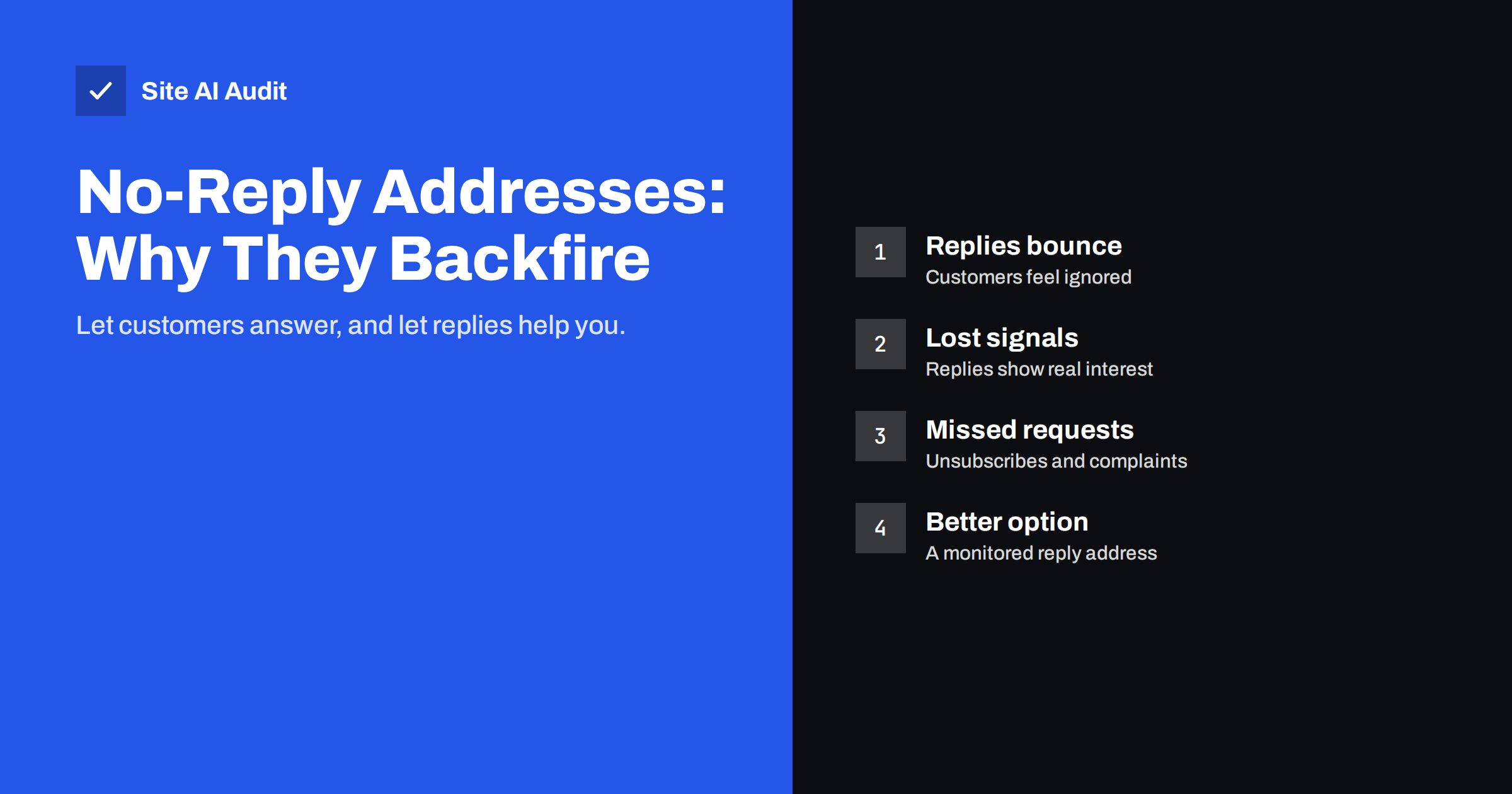
Short answer: A no-reply address (such as [email protected]) does not by itself send mail to spam, but it works against you. Customers who reply get a bounce or silence, which leads to frustration, spam complaints and missed orders, and you lose the replies that mailbox providers commonly treat as a sign of wanted mail. Use a real address that someone reads, or at least a Reply-To that routes answers to your support inbox, and keep one clearly named address per type of mail.
What a no-reply address is
A no-reply address is a sender address that is not meant to receive answers. Common forms are noreply@, no-reply@ and donotreply@. Businesses use them for order confirmations, password resets, invoices, newsletters and system notifications, usually for one of three reasons:
- Nobody wants to handle replies to automated messages.
- The e-mail platform or plugin used the default setting.
- They want to avoid auto-replies, out-of-office messages and bounces flooding an inbox.
Sometimes the address really does not exist, so replies bounce. Sometimes it exists but nobody reads it, so replies disappear. Either way, the message tells the customer: we are talking to you, but we are not listening.
How no-reply addresses affect deliverability
Mailbox providers such as Gmail and Outlook do not publish their filtering rules, and there is no documented rule that punishes the word “noreply” in an address. The effect is indirect, through how recipients behave:
- Fewer replies. Replies, adding the sender to contacts and moving messages out of spam are commonly treated as positive engagement. A no-reply address removes the most natural of those signals.
- More complaints. A customer who cannot reply to ask a question or to stop receiving mail is more likely to press “Report spam”. Complaint rates are one of the strongest negative signals, and bulk senders to Gmail and Yahoo are expected to stay well below 0.3%.
- Harder to recognise. “noreply” as the only visible identity looks impersonal, and some recipients do not recognise the message as coming from a company they know.
For a small business sending receipts and a monthly newsletter, the complaint risk matters most. Our guide on reducing spam complaints explains how complaint rates are measured and why a few extra complaints per campaign can move mail from inbox to spam over time.
The customer service problem
Deliverability is only half the cost. The other half is lost communication:
- A customer replies to an order confirmation to change the delivery address. The reply bounces, the parcel goes to the wrong place.
- Someone replies to a newsletter to say “please remove me”. Nobody reads it, they keep receiving mail, and eventually they report it as spam.
- A person asks, by reply, for a copy of their personal data or for its deletion. Under privacy laws such as the GDPR, a request can arrive through any reasonable channel, and ignoring it is a legal risk.
- A prospect replies to a quote reminder with a question. The sale is lost without anyone noticing.
Replies to automated mail are often among the most valuable messages a business receives, because they come from people already in the middle of buying, paying or using the service.
What to use instead
You do not have to answer every automated message personally. You only need to make sure a reply reaches someone or something useful. Options, from simplest to most complete:
- Send from a real, monitored address. For example
orders@,hello@orsupport@. Replies land where your team already works. - Keep a technical sender but set a Reply-To. The From address can stay as, say,
notifications@, while theReply-Toheader points tosupport@. Most e-mail tools and shop platforms have a separate field for this. - Route replies into a help desk. A shared inbox or ticketing tool turns replies into tickets, so nothing is lost when one person is away.
- Filter automatic noise. Rules can file out-of-office messages, delivery reports and auto-replies into a separate folder, which removes the main reason people choose no-reply in the first place.
- Use a friendly auto-response. If replies really cannot be handled quickly, an automatic answer that says where to get help is still far better than a bounce.
Choosing sender addresses for each type of mail
Separate addresses make mail easier to recognise and replies easier to route. A typical small business setup looks like this:
| Type of mail | Example From address | Where replies should go |
|---|---|---|
| Order confirmations and shipping updates | orders@ | Customer service inbox |
| Invoices and payment reminders | billing@ | Accounts team |
| Password resets and security alerts | account@ or security@ | Support, with an auto-response |
| Newsletters and offers | news@ | Marketing inbox that is read regularly |
| Contact form notifications to your own team | website@ | Reply-To set to the visitor’s address |
Whatever you choose, keep the domain the same as the one you authenticate with SPF, DKIM and DMARC. Changing the local part (the bit before the @) does not affect authentication; changing the domain does. Some businesses also send marketing mail from a subdomain to separate its reputation from everyday mail, as described in sending marketing email from a subdomain.
Handling replies without drowning
The fear that replies will overwhelm a small team is usually bigger than the reality. A few practical measures keep volume manageable:
- Make the answer obvious in the message. Order confirmations that clearly show tracking, delivery times and how to change an order generate fewer questions.
- Offer self-service links. Links to the customer account, returns page and FAQ answer many questions before they are asked.
- Put the unsubscribe link where people can find it. Visible unsubscribe links and one-click unsubscribe headers reduce “please remove me” replies and complaints. See how List-Unsubscribe headers work.
- Process unsubscribe replies anyway. When someone asks by reply, remove them. It is faster than handling a complaint later.
- Handle bounces separately. Delivery failures go to the technical return path address used by your sending service, not to the visible Reply-To, so they do not need to clutter the support inbox.
How to switch away from a no-reply address
Moving from no-reply to a monitored address is a small project, but doing it in order avoids surprises:
- List every system that sends mail as no-reply. The shop, the website’s forms, the newsletter tool, the booking system, invoicing software and any SaaS tools that send on your behalf.
- Decide the new addresses and owners. For each type of mail, choose the From address and who reads the replies. Create the mailboxes, aliases or shared inbox first.
- Check authentication for each sender. Every service that sends with your domain must be included in SPF and should sign with DKIM for your domain, or DMARC may fail after the change.
- Change the settings one system at a time. Send a test message to yourself, reply to it, and confirm the reply arrives where it should.
- Keep the old address working for a while. Customers may reply to older messages for months. Turn the old no-reply address into an alias that forwards to support, or set up an auto-response that points to the new address.
- Update templates. Remove wording such as “Do not reply to this e-mail” and replace it with a clear invitation to reply or a link to help.
When no-reply is acceptable
There are a few cases where a no-reply style address is reasonable, as long as the message still offers a clear way to get help:
- Security alerts where replying could encourage people to send sensitive information by e-mail.
- Automated system notifications sent to your own staff, such as backup reports or monitoring alerts.
- Very high-volume platform notifications where a help centre and in-app support are the intended channels.
Even then, it is better to say so politely in the message (“Replies to this address are not read; contact us at support@…”) than to let replies bounce. And the sender name should still clearly identify your business, not just “noreply”.
Where Site AI Audit helps
Changing a sender address is only safe when the domain behind it is properly set up. Site AI Audit checks your domain’s MX records, SPF record and its lookup limit, DKIM and DMARC, and explains any problem in plain language with the fix. If you are reorganising sender addresses or adding a help desk that sends from your domain, a free check confirms that the underlying authentication is in place.
Related reading
- Why Are My Emails Going to Spam? 12 Causes and Fixes
- Order Confirmation Emails Not Arriving? Fix Your Shop’s Mail
- Email List Hygiene: How to Clean Your List Without Losing Buyers
The bottom line
No-reply addresses do not automatically send mail to spam, but they cost you replies, goodwill and sometimes sales, and they push frustrated recipients towards the spam button. Send from real addresses per type of mail, route replies to a place someone reads, filter automatic noise, and keep the domain properly authenticated.
GYIK
Do no-reply email addresses go to spam?
Not automatically. There is no published rule that filters them for the name alone, but they reduce replies and increase spam complaints, both of which can hurt inbox placement over time.
What should I use instead of a no-reply address?
Use a real address such as orders@ or support@ that someone reads, or keep a technical sender and set a Reply-To header that points to your support inbox.
Does changing the sender address affect SPF, DKIM or DMARC?
Changing only the part before the @ does not. Authentication depends on the domain, so keep sending from the same authenticated domain or set up the new one fully first.
How do I stop out-of-office replies filling my inbox?
Create mail rules that recognise automatic replies and delivery reports and move them into a separate folder, or route replies through a help desk that filters them.
Is a no-reply address a problem under GDPR?
It can be. People may send data requests or objections by replying, and those requests still count. If replies are not read, you may miss requests you are required to answer.


