ENEnglish
 LTLietuviškai
 DEDeutsch
 FRFrançais
 RUРусский
 ESEspañol
 PLPolski
 ITItaliano
 UKУкраїнська
 CSČeština
 PTPortuguês
 JA日本語
 LVLatviešu valoda
 ETEesti
 HUMagyar
 IDBahasa Indonesia
 TRTürkçe
 HIहिन्दी
 ELΕλληνικά
 ARالعربية
 THไทย
 VITiếng Việt
 RORomână
 MSBahasa Melayu
 BNবাংলা
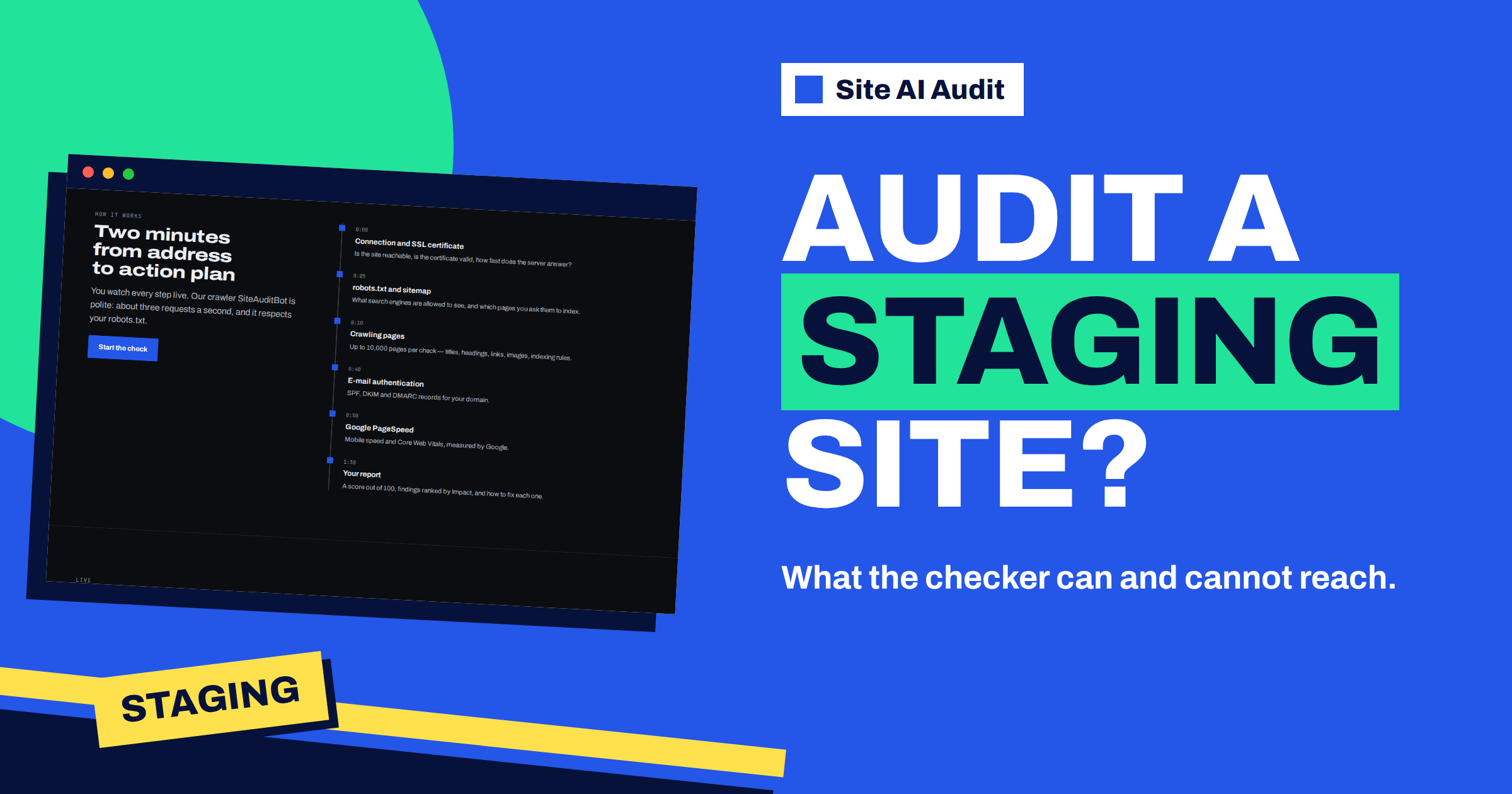
Short answer: Site AI Audit checks websites from the outside, the way a visitor or a search engine sees them. It accepts public web addresses on the standard ports, 80 and 443, and refuses addresses on private networks, raw IP addresses, unusual ports and addresses with a user name and password. A staging site on a public address without a login can be checked. A staging site on a local network, behind a password or on a port such as 8080 cannot, and the audit will tell you that it could not find a public website there.
Why the checker is strict about addresses
When you enter an address, a server of Site AI Audit connects to it. If the tool allowed any address, it could be abused to probe other people’s networks, or to reach internal systems that were never meant to be on the internet. For that reason, the audit only talks to public websites, and it checks the address before it starts, and again after each redirect. This is a safety measure for everyone, including you: nobody can point the tool at your internal systems either.
The same principle explains the other limit. The audit sees what a visitor sees. If a page needs a login, a visitor without an account sees a login form or an error, and the audit sees the same thing. It does not log in, since that would require your password, which the audit never asks for.
What the audit accepts
- A domain name that resolves to a public address, such as example.com or staging.example.com. You can type it with or without https://.
- The standard ports only. That is 80 for http and 443 for https, which are the defaults and do not need to be typed.
- A path or a page address, which starts a single-page check, described in the article on checking a single page.
- A public site that is not yet linked or announced. A new site on a real domain is fine, even if nobody knows the address.
What the audit refuses
- Private and internal networks. Addresses in the ranges used for home and office networks (such as 192.168.x.x, 10.x.x.x and 172.16 to 172.31), the local machine (localhost and 127.0.0.1), link-local addresses and the shared ranges that internet providers use for carrier-grade networks. A name that points to such an address is refused as well.
- Raw IP addresses. The check needs a domain name with an ending such as .com or .net.
- Other ports. A staging copy on example.com:8080 or example.com:8443 is not accepted.
- Addresses with credentials in the form user:[email protected].
- Names that do not resolve. A domain that has no public address yet, for instance before the DNS records are set, is reported as not found.
When an address is refused, the message is short: either that you should enter a website address such as example.com, or that no public website could be found at this address.
Passwords, firewalls and robots.txt on staging
Staging sites are often protected, which is a good habit. Three kinds of protection affect the audit:
- HTTP password (basic authentication). The server answers every request with a demand for a login. The audit cannot supply one, and so it sees only the refusal. You cannot meaningfully audit a site in this state.
- An IP allow-list. If only your office address may open the site, the audit is blocked too.
- A robots.txt that blocks everything or a noindex tag. The audit can open the site, but it follows robots.txt and does not read pages that are disallowed. It will also report what it sees: a robots.txt that blocks the whole site is a critical finding, and a home page with noindex is critical as well. On staging, that is expected, not a mistake. Read those findings as “this is what would happen if the site went live like this”, which is useful to know. The article on noindex findings and the one on robots.txt findings explain them, and the one on staging sites indexed by Google covers the opposite problem.
How to audit a new site before launch
- Put the site on a public address. A subdomain such as staging.example.com on the standard ports works well, and the temporary address from your host can do too.
- Lift the password for the check, or use a different kind of protection that does not block the audit. Keep the address private by not linking to it anywhere.
- Know what you will see. Expect critical findings for robots.txt and noindex if you have blocked search engines, and check the others carefully.
- Run the audit, fix what is wrong, and run it again.
- Restore the protection when you are done, if the site will stay in staging.
- At launch, switch the blocks off and run the audit on the real domain. Check that the noindex tag and the robots.txt rule are gone.
The article on running an audit before launching a new website gives the full pre-launch checklist.
What the audit can tell you about a staging site
Even with the search engine blocks, a staging audit gives useful answers. It checks the SSL certificate on the staging address, the redirects, the security headers, the titles, descriptions and headings, broken links, images without alt text, the viewport tag and the speed of the page. It also finds the things that people forget to change at launch, such as links that still point to the staging address, a mixed-content problem because of a certificate that was set up later or a canonical tag that names the wrong domain.
One limit is worth stating plainly: the e-mail checks look at the main domain, not at the staging name, so the e-mail findings tell you about your real domain, whatever you tested. They are still valid and still worth fixing before the launch.
What if the real site is private by design
Intranets, member areas and internal tools are not meant to be public, and Site AI Audit is not made for them. For a members-only site, audit the public part: the home page, the sign-up page and any public pages. The login area itself cannot be audited from outside.
A different case is a public site that sits behind a security service which blocks automated visitors. If the audit fails, even though the site is public, check whether a bot-protection rule is turning away the crawler, as described in the article on pages that did not respond.
Common questions from developers
Developers and agencies often ask the same few things. Can the audit run in a build pipeline against a local build? No, since the pipeline would need a public address. Can it be pointed at a preview address from a hosting service? Yes, if the preview is a public domain name on the standard ports and does not ask for a login. Does it matter which name the staging site answers to? The audit uses the name that you type, so type the one that your certificate covers, or you will see a finding about the name on the certificate.
Another frequent question is whether the results of a staging audit are the same as those of the live site. Mostly yes for the content of the pages, and often no for the server: a staging server can be smaller, slower or configured differently from the live one. Treat the speed and the response time of a staging audit as rough hints, and measure them again on the real servers once the site is live.
A worked example
A design studio builds a website for a restaurant on a copy at 192.168.1.20:8080 on its own network. Pasting this address into Site AI Audit gives an error, because it is a private address with a special port. The designer then uploads the copy to staging.restaurant-example.com with an HTTPS certificate, and removes the password for an hour. The audit shows two critical findings, the home page with noindex and a robots.txt that blocks all, which are expected, plus a warning about missing alt texts and a notice about thin content on the menu page. She fixes the real issues. On launch day, she removes the blocks, runs the audit on the real domain and gets a clean result.
To test your own address, run a Site AI Audit with a free account. The plans unlock the full report with every finding.
Related reading
- Website Migration SEO: How to Move a Site Without Losing Traffic
- Robots.txt vs Noindex: Which One Should You Use?
- SiteAuditBot: What the Site AI Audit Crawler Does on Your Site
- Site AI Audit for WordPress Owners: From Address to Action Plan
The bottom line
Site AI Audit works on public websites on the standard ports. Staging copies on private networks, on special ports or behind a password cannot be reached. Give the staging site a public address for the check, expect the findings caused by search engine blocks and run the audit again on the real domain after launch.
GYIK
Can I audit localhost or a local development site?
No. Addresses on your own machine or private network are refused, because the audit only connects to public websites.
Why is my staging address on port 8080 refused?
Only ports 80 and 443 are accepted. Serve the site on the standard ports to check it.
Can the audit log in with a password I provide?
No. The audit sees the site as a visitor does, and addresses containing a user name and password are not accepted.
Will the audit report my noindex tag as a problem on staging?
Yes, it reports what it sees, and a noindex tag on the home page is a critical finding. On staging, that is expected.
Does the audit follow robots.txt on a staging site?
Yes. It respects robots.txt, so pages that are disallowed are not crawled.