 ENEnglish
 LTLietuviškai
 DEDeutsch
 FRFrançais
 RUРусский
 ESEspañol
 PLPolski
 ITItaliano
 UKУкраїнська
 CSČeština
 PTPortuguês
 JA日本語
JA日本語 LVLatviešu valoda
 ETEesti
 HUMagyar
 IDBahasa Indonesia
 TRTürkçe
 HIहिन्दी
 ELΕλληνικά
 ARالعربية
 THไทย
THไทย VITiếng Việt
 RORomână
 MSBahasa Melayu
 BNবাংলা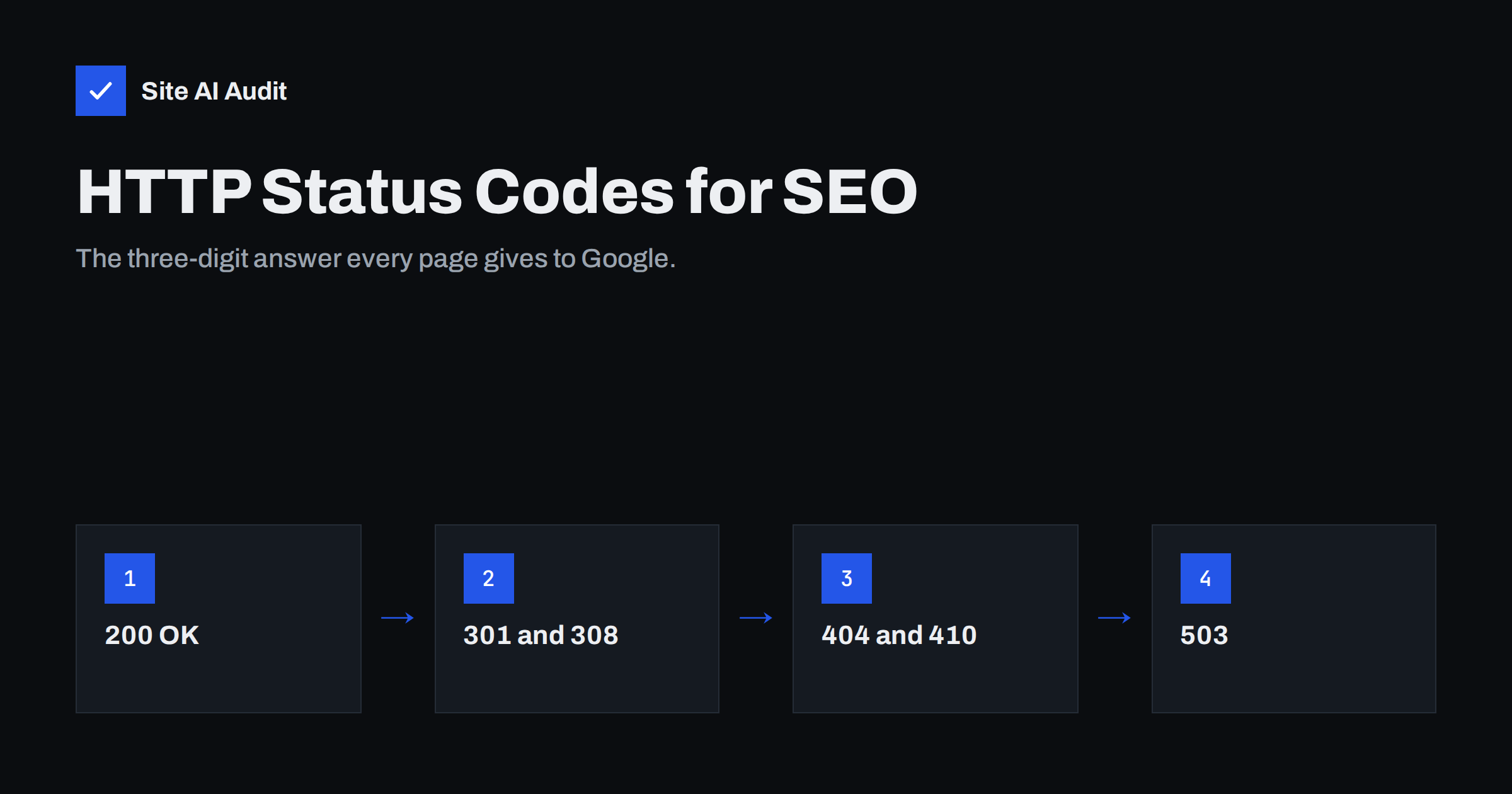
Short answer: Every time a search engine requests a page, the server replies with a three-digit HTTP status code, and that code decides what happens next. A 200 means the page can be indexed, 301 and 308 pass the page on to a new address, 404 and 410 tell Google the page is gone, and 5xx errors or 503 tell it to come back later. SEO problems start when a page returns the wrong code, such as a 200 for a missing page or a 500 for a working one.
What an HTTP status code is
When a browser or a crawler such as Googlebot asks your server for a URL, the server answers with headers and, usually, some HTML. The first line of that answer contains the status code. People rarely see it, because browsers show the page either way, but search engines read it before anything else.
Status codes are grouped by their first digit:
- 2xx (success): the request worked and content follows.
- 3xx (redirection): the content is somewhere else; follow the
Locationheader. - 4xx (client error): the request cannot be served, typically because the page does not exist or access is refused.
- 5xx (server error): the server failed while trying to answer.
Google publishes how its crawlers handle each group in its documentation on HTTP status codes and network errors. The summary below focuses on what matters for a typical business website.
The codes that matter most for SEO
| Code | Meaning | What search engines do |
|---|---|---|
| 200 | OK | Consider the content for indexing. |
| 301 / 308 | Moved permanently | Follow the redirect and treat the target as the address to index. |
| 302 / 307 | Moved temporarily | Follow the redirect, but may keep the original URL in results for a while. |
| 304 | Not modified | Reuse the copy already fetched; saves crawling resources. |
| 404 | Not found | Drop the URL from the index over time and crawl it less often. |
| 410 | Gone | Treated much like 404; the page is not coming back. |
| 403 / 401 | Forbidden / unauthorised | Content cannot be indexed; not a way to control crawling. |
| 429 | Too many requests | Treated as a signal to slow down, like a server error. |
| 500 / 502 / 503 | Server errors | Slow down crawling; if errors persist, indexed URLs may be dropped. |
The pattern is simple: 2xx says “here it is”, 3xx says “look over there”, 4xx says “it is not here”, and 5xx says “something is wrong on my side”.
200 OK: only for pages that really exist
A 200 response is what you want for every page that should appear in search. But a 200 is only correct when the page has real content. A common problem is a site that returns 200 for everything, including empty search results, deleted products and URLs that were typed wrongly, showing a friendly “page not found” message with a success code.
Search engines call this a soft 404. They have to guess from the content that the page is actually missing, and until they do, they may waste crawling on it or even index it. Our guide to finding and fixing soft 404 errors shows how to spot these pages in Search Console and how to make the server return a real 404.
The opposite mistake also happens: a working page returns an error code because of a plugin, a firewall rule or a misconfigured server. The page looks fine in the browser, but search engines see an error and will not index it.
301, 302, 307 and 308: redirects
Redirects tell search engines where content has moved. The main decision is whether the move is permanent or temporary.
- Use 301 (or 308) when a page has moved for good: a new URL structure, HTTPS migration, a merged article, a new domain.
- Use 302 (or 307) only when the original URL will come back, for example during a short promotion or maintenance.
- Point each redirect straight at the final address. Chains of three or four hops waste crawling and slow visitors down.
- Never redirect everything that is missing to the home page. Search engines often treat that as a soft 404 anyway, and it frustrates visitors.
For the details of choosing between them, see 301 or 302: choosing the right redirect, and for cleaning up old hops, the guide on finding redirect chains and loops.
404 and 410: when a page is gone
Having some 404 pages is normal and does not harm a site as a whole. Products sell out, articles are removed and people mistype addresses. A 404 simply tells search engines not to keep the URL in the index.
A 410 says the removal is deliberate and permanent. In practice Google treats 404 and 410 very similarly; a 410 may be processed a little faster, but the difference is small. Use whichever your platform supports cleanly.
What matters more is what you do with removed pages:
- If there is a close replacement, such as a newer version of a product or an updated guide, redirect with 301 instead of returning 404.
- If there is no replacement, return 404 or 410 and let the page drop out.
- Fix internal links that still point to removed pages, so visitors and crawlers do not keep hitting dead ends. The guide to finding and fixing broken links covers how.
- Make your 404 page helpful: a search box, links to main sections and a clear message, while still returning the 404 code.
5xx errors and 503 for maintenance
Server errors tell search engines that the problem is on your side. Crawlers react by slowing down. A short outage usually has no lasting effect, but if pages keep returning 500 or 503 for days, Google may start dropping them from the index.
- 500 Internal Server Error usually means a code or configuration failure: a PHP error, a broken plugin, a database that cannot be reached.
- 502 Bad Gateway and 504 Gateway Timeout often come from a proxy, CDN or load balancer that cannot reach the origin server in time.
- 503 Service Unavailable is the right code for planned maintenance. Add a
Retry-Afterheader to suggest when to come back.
A frequent maintenance mistake is showing a “we’ll be back soon” page with a 200 status. If search engines crawl during that window, they may index the maintenance message in place of your real pages. Maintenance plugins and server rules should send 503.
How to check the status code of any page
You do not need special software to see status codes.
- Browser developer tools. Open the Network panel, reload the page and look at the Status column for the main document.
- Command line. Run
curl -I https://example.com/page/to see the status line and headers, and add-Lto follow redirects. - Search Console. The Page indexing report groups URLs by reason, including “Not found (404)”, “Server error (5xx)” and “Page with redirect”. The URL Inspection tool shows what Google got on its last crawl.
- A crawler. A site crawler or audit tool requests every linked page and lists which ones return errors or redirects, which is the fastest way to check a whole site.
Check a few important URLs as a crawler would, not only as a logged-in administrator. Caching, firewalls and bot protection sometimes answer differently to crawlers than to you.
Common status code mistakes to fix first
- Missing pages returning 200 instead of 404 (soft 404s).
- Maintenance or “coming soon” pages served with 200.
- Temporary 302 redirects left in place after a permanent move.
- Redirect chains after several redesigns or an HTTPS migration.
- Important pages blocked with 403 by a security plugin or firewall rule for crawlers.
- Internal links and sitemap entries pointing to URLs that redirect or return 404.
- Intermittent 5xx errors under load that nobody notices because the site works in the office.
How Site AI Audit helps
Site AI Audit crawls your site the way a search engine does and lists broken links, redirects and pages kept out of search results, together with SSL, speed, security headers and e-mail checks. Each finding is explained in plain words and ranked by impact, so you can see which status code problems deserve attention first. Start with a free check of your website.
Related reading
- Why Is My Page Not on Google? A Step-by-Step Checklist
- Crawled or Discovered, Currently Not Indexed: How to Fix It
- Crawl Budget Explained: Does It Matter for Your Website?
The bottom line
Status codes are the first thing search engines read about each page. Make sure real pages return 200, moved pages use a single permanent redirect, removed pages return 404 or 410, and maintenance returns 503. Check them after every migration, redesign or plugin change, because a wrong code can quietly remove good pages from search.
GYIK
Do 404 errors hurt my SEO?
Not for the site as a whole. A 404 simply removes that URL from the index. It becomes a problem only when important pages return 404 by mistake or internal links keep pointing to missing pages.
Should I use 404 or 410 for deleted pages?
Either works. Google treats them very similarly, with 410 sometimes processed slightly faster. If a close replacement page exists, a 301 redirect is usually better than both.
What status code should a maintenance page return?
Return 503 Service Unavailable, ideally with a Retry-After header. A maintenance page served with 200 can be indexed in place of your real content.
What is a soft 404?
A soft 404 is a page that looks missing or empty to visitors but returns a 200 success code. Search engines have to guess it is missing, so it is better to return a real 404 or 410.
How long can a site return 5xx errors before rankings suffer?
There is no fixed number. Short outages usually have no lasting effect, but errors that persist for days can lead search engines to crawl less and drop affected URLs from the index.


