 ENEnglish
 LTLietuviškai
 DEDeutsch
 FRFrançais
 RUРусский
 ESEspañol
 PLPolski
 ITItaliano
 UKУкраїнська
 CSČeština
 PTPortuguês
 JA日本語
 LVLatviešu valoda
 ETEesti
 HUMagyar
 IDBahasa Indonesia
 TRTürkçe
 HIहिन्दी
 ELΕλληνικά
 ARالعربية
 THไทย
 VITiếng Việt
 RORomână
 MSBahasa Melayu
 BNবাংলা
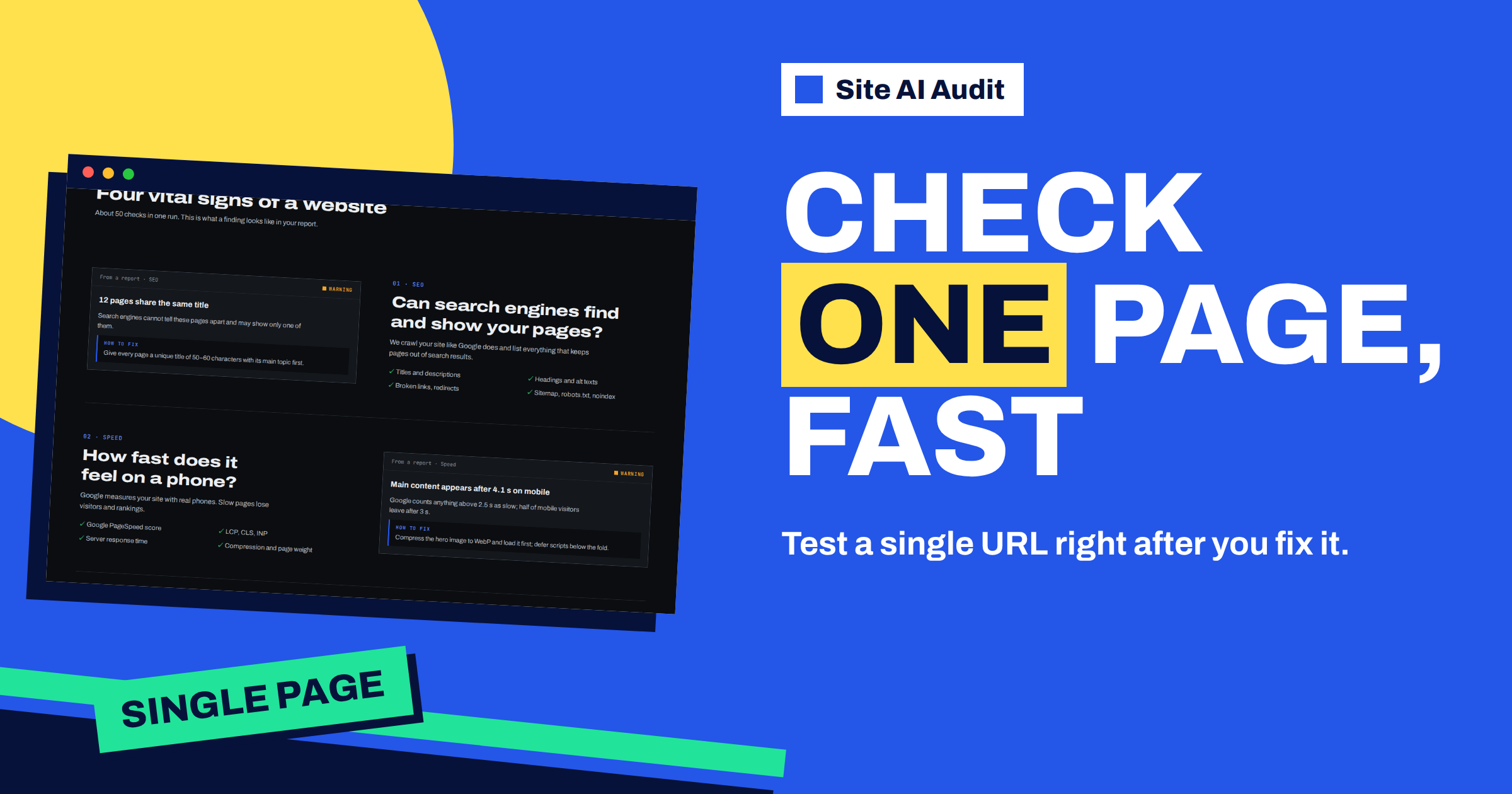
Short answer: If you enter an address with a path, such as example.com/pricing/, or an address with a query string, Site AI Audit does not crawl the whole website. It checks only that one page and marks the report as a single-page check. The result is kept apart from your website’s main audit history, so you can test a fix, a new landing page or a template change without disturbing the record of the whole site. A normal audit of the home address still covers up to 10,000 pages.
Full audit or single page
The usual way to use Site AI Audit is to enter a domain, for example example.com, and let the crawler, SiteAuditBot, read the website page by page. That gives you site-wide findings: duplicate titles across many pages, broken links, redirect chains and a sitemap that does not match the real pages. It also checks the things that belong to the whole domain, such as the SSL certificate and the e-mail records.
Sometimes you do not need all of that. You have just fixed one page, published one new article or changed the template of one landing page, and you want to know whether this page is now in order. Waiting for a full crawl would be more than you need. For this case, the audit has a single-page mode.
How the audit decides which mode to use
You do not choose the mode with a switch. The audit decides from the address you enter:
- An address with only the domain, such as example.com or https://example.com/, starts a full audit of the website.
- An address with a language folder only, such as example.com/en/ or example.com/lt/, is also treated as a website audit. It covers that language section of the site.
- An address with any other path, such as example.com/prices/ or example.com/blog/my-post/, starts a single-page check of that page.
- An address with a query string, such as example.com/shop/?category=chairs, is also checked as a single page.
In the report, a single-page check says “1 page (single-page check)” instead of “pages checked”. That is the quick way to see which kind of report you have in front of you. Like any audit, it requires you to be signed in with a free account, and the result is shown according to your plan.
What a single-page check covers
The check reads the page and runs the same rules that apply to pages in a full audit. Findings that depend on the content and code of the page appear: a missing or duplicate-looking title, a missing meta description, no H1 or several H1s, a missing viewport tag, images without alt text, mixed content, a noindex tag, missing social sharing tags and the response time of that page. The checks that belong to the domain, such as the certificate, the redirects between http and https, the security headers, robots.txt and the e-mail records, are part of the same run.
What it cannot do is compare pages with each other. Findings such as “several pages share the same title” or “links that go through several redirects” need more than one page to make sense, so a single-page check does not tell you whether your title is unique on the site. Use a full audit for that, as explained in the article on title and meta description findings.
How it differs from a full check in your account
A single-page check is deliberately kept separate. It does not become the “latest audit” of your website, it does not change your website’s settings and it does not overwrite the record that your history and trends are based on. The pricing page defines a check as one audit of a whole website, and a single-page test is not that. In practice, you can test individual pages as often as you like without messing up the whole-site history that your plan keeps.
There is one more difference: the report of a whole-website audit is unlocked when the website owner is on a paid plan, while the report of a single page is unlocked when the person viewing it is on a paid plan. Free accounts see the locked version, as with other reports. The article on what a free account includes explains the locked report.
When a single-page check helps
- After fixing one finding. You changed the title on a page, added the missing H1 or fixed an image. Check that page and confirm that the finding for it has gone. The article on H1 heading findings is a good example of a fix you can verify this way.
- Before and after publishing a new landing page. You can run it on the page before you share it.
- When a template changes. If you changed a layout for product pages, check one product page, not the whole catalogue.
- To compare a page that performs well with one that does not. Run both and read the differences in the findings.
- To test a page behind a different address pattern, such as a campaign page with parameters.
- When a client reports one broken page. You get a quick, readable answer before you open the code.
When you still need the full audit
- You want a score for the website, not for a page.
- You suspect problems that are visible only across pages: duplicates, broken internal links, redirects, orphaned pages.
- You want to see the effect of a site-wide change, such as a new theme, a new plugin or a move to another host.
- You need the history, the trend and the comparison between checks, which are based on full audits.
A good rhythm is to run a full audit at the start, fix by template, use single-page checks while you work and finish with another full audit to confirm and to record the result. The article on how the score is calculated shows why a full audit gives you the figure to track.
What the report shows for one page
The layout of the report is the same as for a full audit: a score, four area scores and a list of findings with an explanation and a fix for each. The difference is in the numbers. The “pages checked” figure is one, the list of affected pages under each finding has one entry at most and the score describes this page together with the domain-level checks. The mobile speed measurement from Google also runs for the address you entered, so the speed findings describe that page and not the home page. That makes single-page checks useful for comparing a heavy page with a light one.
Tips for a clean single-page test
- Use the final address. Type the address exactly as visitors reach it, with https and the same version of www as your site uses, so that the check does not start with a redirect.
- Avoid tracking parameters. An address with campaign tags is treated as a separate page. Use the clean address unless you want to test the campaign version.
- Remember the address must be public. The checker reaches your page from outside. A page that is only available inside a private network or behind a login cannot be checked this way.
- Allow for caching. If you just changed the page, a cache or a CDN may still serve the old version for a short time. Clear the cache first, or wait a few minutes.
- Read the right findings. Ignore findings that describe the domain if you only care about the page, and focus on the ones that list your address.
A worked example
A language school publishes a new landing page for summer courses at example.com/summer-courses/. Before sending the address to the newsletter, the marketer pastes it into Site AI Audit. The report says “1 page (single-page check)” and shows a warning: no meta description, and a notice: no social sharing tags. She adds both in her editor, clears the cache and runs the same address again. The two findings are gone, and the page goes out in the newsletter with a proper preview image. Later in the week, a full audit of the whole website confirms that the rest of the site is also in order.
To try it, enter a page address in Site AI Audit. The check needs a free account; the plans unlock the full reports, including single pages, for the person who views them.
Related reading
- Run a Site AI Audit Before Launching a New Website
- How to Read Your Site AI Audit Report: Score and Fixes
- Blog Post SEO Checklist: What to Check Before You Publish
- Images Without Alt Text: How Site AI Audit Finds and Reports Them
The bottom line
Enter an address with a path and the audit checks that page only, keeps it apart from your website history and answers in about the time it takes to read the result. Use single-page checks while you work, and a full audit to confirm the whole site.
GYIK
How does the audit know I want a single page?
From the address. A path other than the home page or a language folder, or a query string, starts a single-page check.
Does a single-page check count as one of my checks?
The pricing page defines a check as one audit of a whole website, so a single-page test is not counted as such.
Will it change my website’s score or history?
No. A single-page check is kept apart from the website’s latest audit and history.
Can I check a page that needs a login?
No. The page must be public, because the audit sees it the way a visitor does.
Does it check the SSL certificate and e-mail records too?
The checks that belong to the domain run as part of the same check, but the findings that compare many pages need a full audit.


