 ENEnglish
 LTLietuviškai
 DEDeutsch
 FRFrançais
 RUРусский
 ESEspañol
 PLPolski
 ITItaliano
 UKУкраїнська
 CSČeština
 PTPortuguês
 JA日本語
JA日本語 LVLatviešu valoda
 ETEesti
 HUMagyar
 IDBahasa Indonesia
 TRTürkçe
 HIहिन्दी
 ELΕλληνικά
 ARالعربية
 THไทย
THไทย VITiếng Việt
 RORomână
 MSBahasa Melayu
 BNবাংলা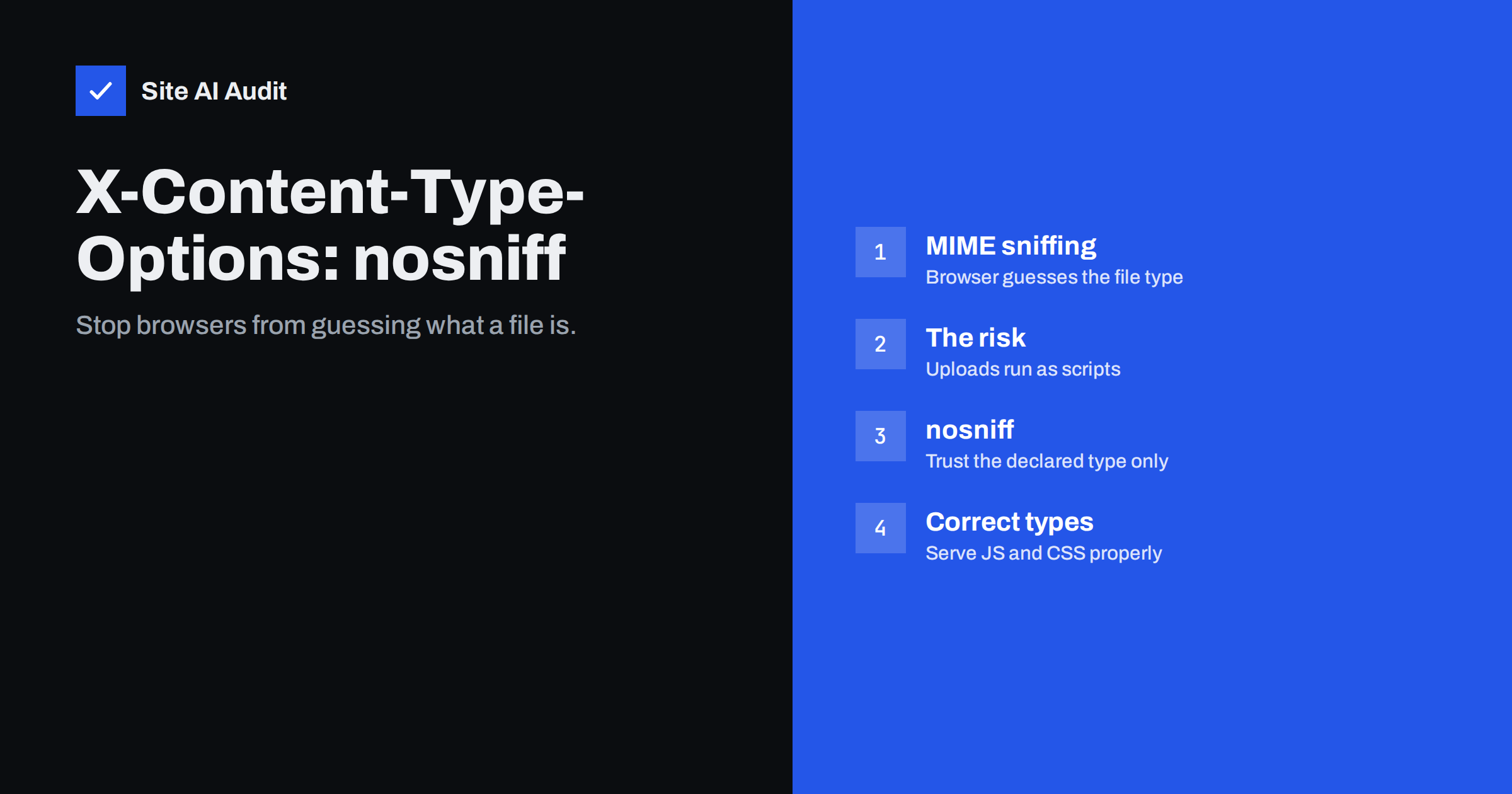
Short answer: X-Content-Type-Options: nosniff is a one-line security header that tells browsers to trust the Content-Type your server declares for each file instead of guessing it from the content (“MIME sniffing”). Without it, a file uploaded as an image or text document could, in some situations, be interpreted as a script or HTML page and run in your site’s context. With it, browsers refuse to execute scripts and stylesheets served with the wrong type. Add it to every response, and make sure your server sends correct content types for JavaScript, CSS and other files.
Among the common security headers, X-Content-Type-Options is the simplest: it has exactly one valid value and almost never breaks anything. It is also frequently missing, which is why website audits flag it so often. Understanding what it protects against helps you judge not only this header but also the related question of how your site handles uploaded files – a common source of real incidents. This guide explains MIME types and sniffing, what nosniff changes, how to add it, and what else to check while you are at it.
MIME types in plain words
Every file a web server sends comes with a Content-Type header describing what it is – its MIME type. Examples: text/html for web pages, text/css for stylesheets, text/javascript for scripts, image/png and image/webp for images, application/pdf for PDF documents, application/json for data. The browser uses this label to decide what to do with the file: render it as a page, apply it as styles, execute it as code, display it as an image, or offer it for download.
The server usually picks the type from the file extension, using a mapping in its configuration. If the mapping is missing or wrong, files can be sent with a generic type such as application/octet-stream or text/plain, or with an incorrect one.
What MIME sniffing is and why it was risky
In the early web, many servers sent wrong or missing content types. To cope, browsers began “sniffing”: inspecting the first bytes of a file and guessing its real type, sometimes overriding what the server declared. That made broken sites work, but it created a security problem. Imagine a site that lets users upload profile pictures or documents. An attacker uploads a file that looks like an image to the upload filter but actually contains HTML and JavaScript. If a browser sniffed that file and decided it was HTML, opening its URL would run the attacker’s script on your domain – with access to your visitors’ sessions on that domain.
Similar tricks could make a text file or a JSON response run as a script when referenced from a <script> tag on another page. Modern browsers have reduced sniffing considerably, but behaviour still differs between browsers and file types, and the header gives you a consistent, explicit rule.
What nosniff changes
When a response carries X-Content-Type-Options: nosniff:
- A resource loaded as a script is blocked unless its content type is a JavaScript type.
- A resource loaded as a stylesheet is blocked unless its content type is
text/css. - Browsers do not upgrade files declared as non-HTML types to HTML by sniffing their contents.
- Some browsers also apply additional protections, such as preventing certain cross-origin responses with sensitive types from being read by pages that should not see them.
The header has a single value, nosniff. The MDN reference for X-Content-Type-Options documents browser behaviour in detail.
How to add the header
Apache (virtual host or .htaccess, with mod_headers):
Header always set X-Content-Type-Options "nosniff"Nginx (server block):
add_header X-Content-Type-Options "nosniff" always;IIS (web.config): add a custom header named X-Content-Type-Options with the value nosniff under httpProtocol/customHeaders.
CDNs and WordPress: most CDNs let you add response headers with a rule, and many security plugins offer a checkbox. Server-level configuration is preferable because it also covers static files that never pass through the CMS. Verify with curl -sI https://example.com/ | grep -i x-content-type-options, and also check a CSS file, a JavaScript file and an uploaded image.
Make sure your content types are correct
Because nosniff makes browsers strict, a wrong content type that used to be tolerated will now block a script or stylesheet. Before or right after enabling the header, check that:
| File type | Correct Content-Type | Common mistake |
|---|---|---|
| .js, .mjs | text/javascript | text/plain or application/octet-stream |
| .css | text/css | text/plain |
| .json | application/json | text/html from an error page |
| .svg | image/svg+xml | text/xml or missing |
| .webp, .avif | image/webp, image/avif | missing on older servers |
| .woff2 | font/woff2 | application/octet-stream |
Check with curl -sI on each type, or in the browser’s Network tab. A classic symptom of a mismatch after enabling nosniff is a console error saying a script or stylesheet was refused because its MIME type is not executable or not a supported stylesheet type. Fix it in the server’s MIME type configuration rather than removing the header.
A quick test after enabling it
- Open the home page and a few typical pages with the browser’s developer tools and check the Console for errors about refused scripts or stylesheets.
- In the Network tab, filter by JS and CSS and confirm every file has the expected Content-Type.
- Test pages that load code from third parties – analytics, chat, payment widgets – since a misconfigured external server can also send wrong types.
- Open an uploaded image and an uploaded PDF directly by URL and check that they display or download as expected.
- Repeat on a page served from cache or through the CDN, in case the edge serves different headers than the origin.
If everything loads cleanly, the change is done; the header rarely needs attention again unless the server or CDN configuration is rebuilt.
The bigger picture: handling uploaded files safely
nosniff is one layer of protection for sites that accept uploads – contact forms with attachments, job applications, user avatars, product reviews with photos, customer document portals. Other layers matter just as much:
- Allow only the file types you need, checked by content as well as extension, and reject everything else.
- Never allow executable uploads such as
.php,.phtmlor.htmlinto public folders, and configure the server so that upload folders cannot execute scripts even if such a file slips through. - Serve user uploads with safe headers: correct content types,
nosniff, and for documents that should be downloaded rather than displayed,Content-Disposition: attachment. - Consider a separate domain for user-uploaded content on larger platforms, so that even a successful trick cannot run on your main domain with access to its cookies.
- Treat SVG with care: SVG files can contain scripts, so either sanitise them, serve them as downloads, or do not accept them from untrusted users.
- Store sensitive uploads outside the public web folder and deliver them through the application with access checks.
Many of the compromises seen on small business sites begin with an upload feature in a plugin that accepted more than it should. Reviewing which plugins accept uploads, and keeping them updated, is worth doing alongside adding the header.
Where it sits among the security headers
X-Content-Type-Options is usually the first header to add because it is risk-free and quick: one line, one value, no tuning. It pairs naturally with Content-Security-Policy, which controls where scripts may come from, while nosniff makes sure only files that are genuinely declared as scripts can run. Together with HSTS, frame protection, Referrer-Policy and Permissions-Policy, it forms the baseline set most audits check. If your site sends none of these today, adding this one takes a minute and is a good first step before tackling the rest.
How Site AI Audit helps
Site AI Audit checks which security headers your site sends as part of every report, including X-Content-Type-Options, together with the SSL certificate, HTTPS redirect and exposed software versions. Missing headers are explained in plain words with the exact line to add and ranked by impact, so quick wins like this one are easy to spot. Run a free check.
Related reading
- HTTP Security Headers Explained: What Each One Does
- How to Add Security Headers on Apache, Nginx, WordPress and CDNs
- Content Security Policy for Beginners: A Practical Setup Guide
The bottom line
X-Content-Type-Options: nosniff tells browsers to trust your declared content types and stop guessing, which closes a path for disguised scripts – especially on sites that accept uploads. Add it to every response at the server or CDN level, make sure JavaScript, CSS and other files are served with correct types, and combine it with careful upload handling. It is one of the fastest, safest security improvements a website can make.
FAQ
Can X-Content-Type-Options break my website?
Only if scripts or stylesheets are served with the wrong content type, in which case the browser blocks them. Fixing the server’s MIME type configuration solves this; the header itself should stay.
Is nosniff still needed in modern browsers?
Modern browsers sniff less than older ones, but behaviour differs between browsers and file types. The header makes the rule explicit and consistent, costs nothing and is part of every standard security baseline.
Does the header need to be on every file?
Ideally yes, since it applies to how each individual response is interpreted. Setting it at the server or CDN level covers pages, scripts, stylesheets and uploads automatically.
What is the correct content type for JavaScript?
The current standard is text/javascript. Older types such as application/javascript are also accepted by browsers, but text/plain or application/octet-stream will be blocked with nosniff.
Does nosniff protect against malicious file uploads on its own?
No. It removes one way an uploaded file can be misinterpreted, but you still need strict upload validation, no script execution in upload folders and up-to-date upload plugins.


