ENEnglish
 LTLietuviškai
 DEDeutsch
 FRFrançais
 RUРусский
 ESEspañol
 PLPolski
 ITItaliano
 UKУкраїнська
 CSČeština
 PTPortuguês
 JA日本語
JA日本語 LVLatviešu valoda
 ETEesti
 HUMagyar
 IDBahasa Indonesia
 TRTürkçe
 HIहिन्दी
 ELΕλληνικά
 ARالعربية
 THไทย
THไทย VITiếng Việt
 RORomână
 MSBahasa Melayu
 BNবাংলা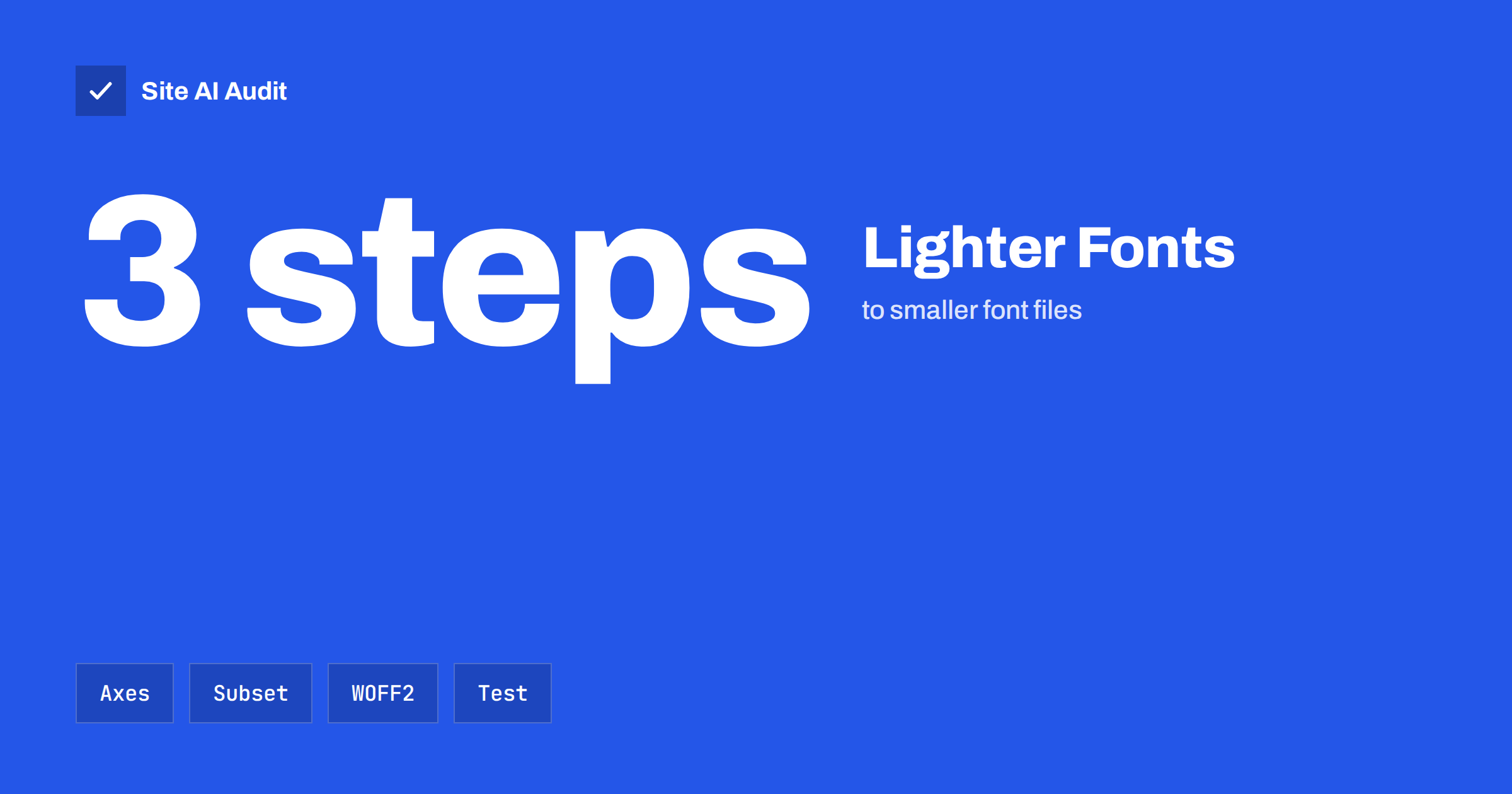
Short answer: A variable font stores many weights or widths in one file, and subsetting cuts a font down to the characters your site really uses. Both can reduce the bytes that visitors download, but neither always wins. A variable file is worth it when you use several weights of the same family; subsetting is worth it when the full font carries languages and symbols you never show. Use the WOFF2 format, load only what the first screen needs, and measure the result instead of assuming it.
Why fonts affect speed
Text looks free, but fonts are real files. A page may load a regular, an italic, a bold and a bold italic of one family, and each is a separate download. If the design uses two families, the count doubles. Until the font arrives, the browser either hides the text for a short time or shows a fallback, and when the real font arrives, the text may jump to a new size and push other content around.
That affects three things visitors feel: how soon the text appears, how stable the layout is, and how much data a phone has to fetch. The basics of loading fonts well are covered in the guide to web font performance. This article goes one level deeper into the two techniques that change the size of the files themselves.
What a variable font is
A traditional font family ships one file for each style. A variable font puts a range of styles into a single file by describing how the shapes change along one or more axes. The most common axis is weight, which lets the same file render anything from thin to extra bold. Other axes can control width, slant or optical size. In CSS you pick a value on the axis, for example a weight of 450, and the browser draws the letters accordingly.
For designers this is flexible. For performance, it can mean one request instead of four or five. Support is broad in current browsers, so it is a safe choice for most sites today.
When a variable font helps, and when it does not
A variable file is larger than a single static file, because it holds more information. The saving appears only when it replaces several static files.
- It usually helps when your design uses three or more weights of the same family, or when you want fine control such as a slightly heavier weight for headings.
- It may not help when you use only a regular and a bold. Two small static files can be smaller in total than one variable file.
- It can hurt when you load a variable file with many axes you never use, such as width and slant, only because the family offers them.
The way to decide is simple: add up the bytes of the static files you load today, compare them with the variable file, and choose the smaller one that still gives the design you need. Many font tools let you limit the axes to the range you use, which reduces the size further.
What subsetting means
A font file contains many glyphs, which are the individual letter shapes and symbols. A complete family may include several alphabets, accented letters, mathematical signs, currency symbols and special ligatures. If your site is written in English, most of those glyphs are never displayed, yet visitors download them with every page.
Subsetting means creating a copy of the font that holds only the glyphs you need. Typical subsets keep basic Latin letters, digits, punctuation, and the accented letters used in the languages of your site. The file can become much smaller, because the unused scripts are often the heaviest part.
Be careful with languages. If your content or user comments may contain letters that are not in the subset, they will fall back to another font. List every language that the site supports, and include the characters they need.
How to subset in practice
- Check the font licence. Some licences allow modifying the file and some do not. Open-source families usually allow it; commercial ones may require permission.
- Choose the character ranges. Decide which languages and symbols you will keep.
- Create the subset. Free tools, such as the command-line utility from the fontTools project, can generate a smaller font and export it in WOFF2.
- Use unicode-range. In your CSS you can declare several files for one family and tell the browser which character ranges each one covers. The browser then downloads a file only when the page needs a character in that range.
- Test the pages. Look at pages in every language, at headings, buttons and forms, and confirm that no fallback letters appear.
If you use a hosted font service, much of this is done for you. Such services often split a family into ranges, and the browser downloads only what it needs. If you host the files yourself, as discussed in self-hosting Google Fonts, you take over this work and gain more control.
Choose the right format
Whatever you do, serve fonts as WOFF2. It is a compressed format supported by current browsers and is usually much smaller than older formats. Older files such as TTF or OTF do not need to be sent to modern browsers, and including several formats in your CSS only adds clutter. If you must support a very old browser, keep a fallback, but check your analytics before you do.
Also make sure the server sends the files with long cache lifetimes. A font rarely changes, so a browser can keep it for a year. Add a version to the file name when you replace it. The guide to browser caching and Cache-Control shows how to set this up.
Load the fonts smartly
Smaller files help most when they are also requested at the right time.
- Preload the one font that the first screen needs. Usually that is the regular text weight or the main heading. Do not preload everything, or you slow down more important files.
- Use font-display. The swap value shows a fallback at once and swaps when the font is ready. It avoids invisible text, but can cause a visible jump.
- Match the fallback. Choose a system font with similar proportions, and adjust its size so that the swap changes the layout as little as possible. This reduces layout shift, discussed in fixing cumulative layout shift.
- Reduce the number of families. One well-chosen family with two or three weights is faster than a mix of four.
Measure before and after. Open the network panel in your browser’s developer tools, filter by fonts, and note how many files load and how many kilobytes they add up to. Repeat the test on a throttled mobile connection, because the difference is most visible on slow networks. Then watch the main content timing and the layout shift score in a speed report. If the numbers improve, keep the change. If they do not, return to the previous setup, because a clever technique that saves nothing only adds maintenance work.
Finally, write down what you did. Note which characters the subset keeps, which axes are limited, and where the original files are stored. A year from now, when someone adds a new language or a new heading style, that short note prevents missing-letter surprises.
How Site AI Audit helps
Site AI Audit does not subset fonts or edit your CSS. It measures how your pages perform on a phone, including the speed of the main content, layout stability, server response time, compression and page weight, and it explains each finding in plain words, ranked by impact. If fonts are a large share of your page weight, that shows up as a reason to look closer. The first check is free, covers up to 50 pages and needs no sign-up. You can run a free check of your website or see the plans for ongoing monitoring.
Related reading
- Web Font Performance: How to Load Fonts Without the Wait
- Self-Hosting Google Fonts: Is It Faster for Your Website?
- Preload, Preconnect and Prefetch: Resource Hints Explained
- Page Weight: How Heavy Is Too Heavy and How to Trim It
The bottom line
Variable fonts and subsetting are two tools for the same goal: send fewer bytes for the same look. A variable file pays off when it replaces many static files, and a subset pays off when your pages use only a small part of a large font. Use WOFF2, cache the files for a long time, preload only the font that the first screen needs, and compare real page weight before and after each change.
FAQ
Are variable fonts always faster than static fonts?
No. They are faster when one file replaces several static files. If you use only two styles, two small static files can be lighter than one variable file.
Is subsetting a font legal?
That depends on the licence. Many open-source fonts allow it, while some commercial licences do not allow modified files. Read the licence or ask the vendor before you create a subset.
What is unicode-range for?
It tells the browser which characters a font file covers, so the file is downloaded only when a page uses those characters. It lets you split one family into smaller parts.
Which font format should I use?
Use WOFF2. It is compact and works in current browsers. Extra formats are rarely needed and only make your CSS longer.
Will smaller fonts improve my search rankings?
They can help indirectly by making pages feel faster and more stable, which supports a better experience. Speed is one signal among many, so do not expect a jump from this change alone.