 ENEnglish
 LTLietuviškai
 DEDeutsch
 FRFrançais
 RUРусский
 ESEspañol
 PLPolski
 ITItaliano
 UKУкраїнська
 CSČeština
 PTPortuguês
 JA日本語
JA日本語 LVLatviešu valoda
 ETEesti
 HUMagyar
 IDBahasa Indonesia
 TRTürkçe
 HIहिन्दी
 ELΕλληνικά
 ARالعربية
 THไทย
THไทย VITiếng Việt
 RORomână
 MSBahasa Melayu
 BNবাংলা
#Website security
Website security covers the everyday measures that keep a site, its visitors and its data safe. Articles tagged here focus on practical protection for small and medium websites rather than enterprise theory. They cover certificates, updates, exposed files, login protection, backups and monitoring. Each guide explains the real risk first and then the fix, in order of impact. The advice fits business owners, marketers, agencies and developers alike. Start here if you want a clear picture of what matters most for your site.
 10 अग॰ 2026 · 8 मिनट पढ़ें
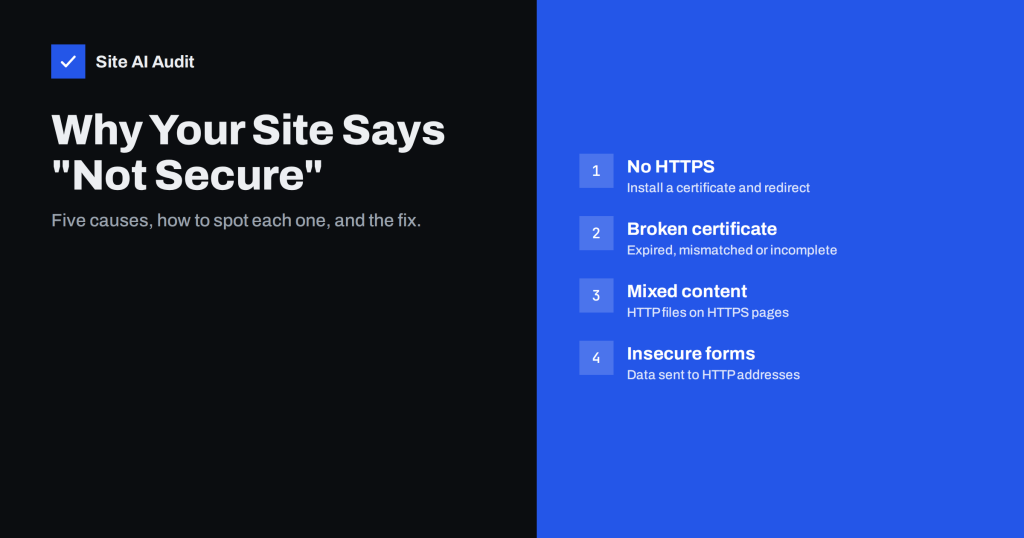
Why Your Website Says “Not Secure” and How to Fix It
The Not Secure label appears for a handful of reasons: no HTTPS, a broken certificate, mixed content or insecure forms. Here is how to…
 9 अग॰ 2026 · 8 मिनट पढ़ें
Content Security Policy for Beginners: A Practical Setup Guide
Content Security Policy blocks injected scripts, but a bad policy breaks your site. Learn the key directives and a report-only rollout that works in…
 6 अग॰ 2026 · 8 मिनट पढ़ें
HTTP Security Headers Explained: What Each One Does
A plain-English guide to HSTS, CSP, X-Frame-Options, X-Content-Type-Options, Referrer-Policy and Permissions-Policy, with safe starting values for each.
 5 अग॰ 2026 · 8 मिनट पढ़ें
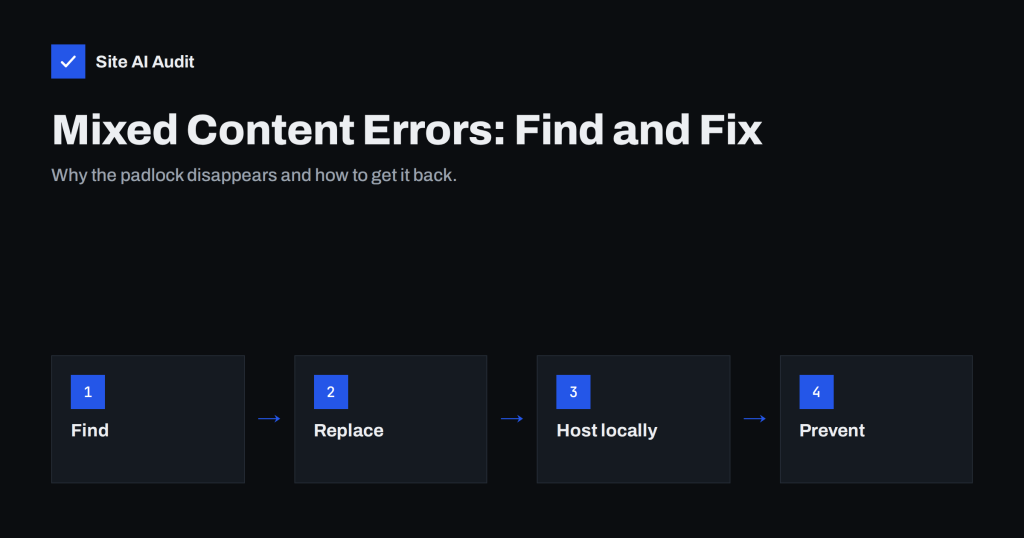
Mixed Content Errors: How to Find and Fix Them on Your Site
Mixed content breaks the padlock and blocks scripts on HTTPS pages. Learn how to find every insecure resource and fix it for good on…
 4 अग॰ 2026 · 8 मिनट पढ़ें
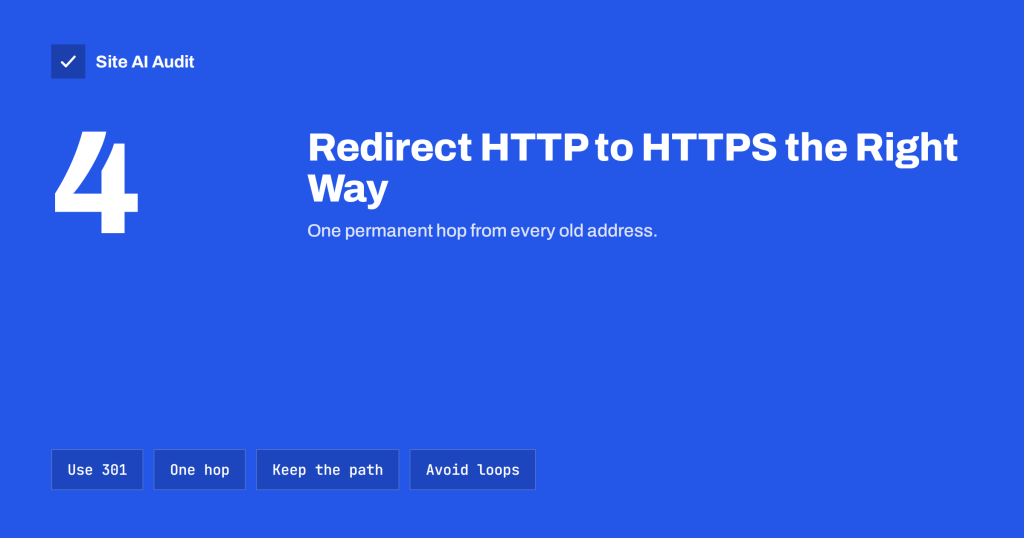
How to Redirect HTTP to HTTPS the Right Way (Without Loops)
A step-by-step guide to redirecting HTTP to HTTPS on Apache, Nginx, WordPress and CDNs: one permanent hop, no loops, no lost pages and no…
 2 अग॰ 2026 · 8 मिनट पढ़ें
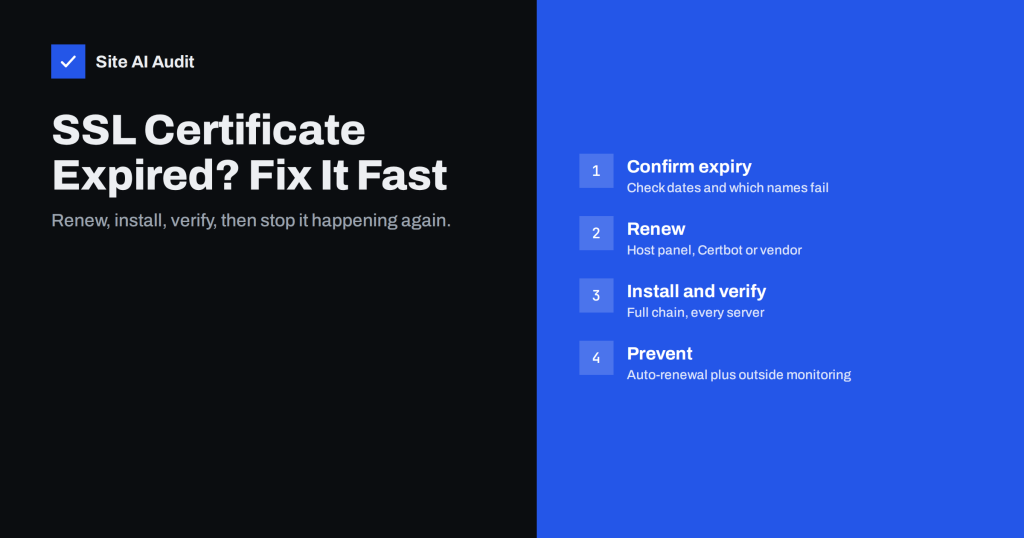
SSL Certificate Expired: What Happens and How to Fix It Fast
An expired SSL certificate puts a full-page warning in front of every visitor. Here is how to renew it quickly and make sure it…
 1 अग॰ 2026 · 8 मिनट पढ़ें
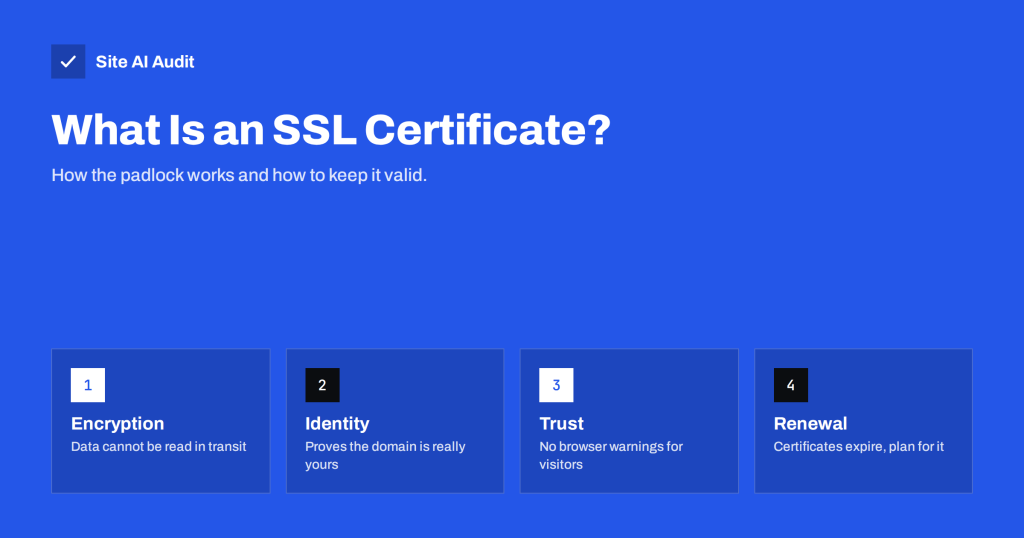
What Is an SSL Certificate and Why Does Your Website Need One?
An SSL certificate encrypts traffic and proves your site's identity. Learn how it works, which type you need, and how to keep it valid…