ENEnglish
 LTLietuviškai
 DEDeutsch
 FRFrançais
 RUРусский
 ESEspañol
 PLPolski
 ITItaliano
 UKУкраїнська
 CSČeština
 PTPortuguês
 JA日本語
JA日本語 LVLatviešu valoda
 ETEesti
 HUMagyar
 IDBahasa Indonesia
 TRTürkçe
 HIहिन्दी
 ELΕλληνικά
 ARالعربية
 THไทย
THไทย VITiếng Việt
 RORomână
 MSBahasa Melayu
 BNবাংলা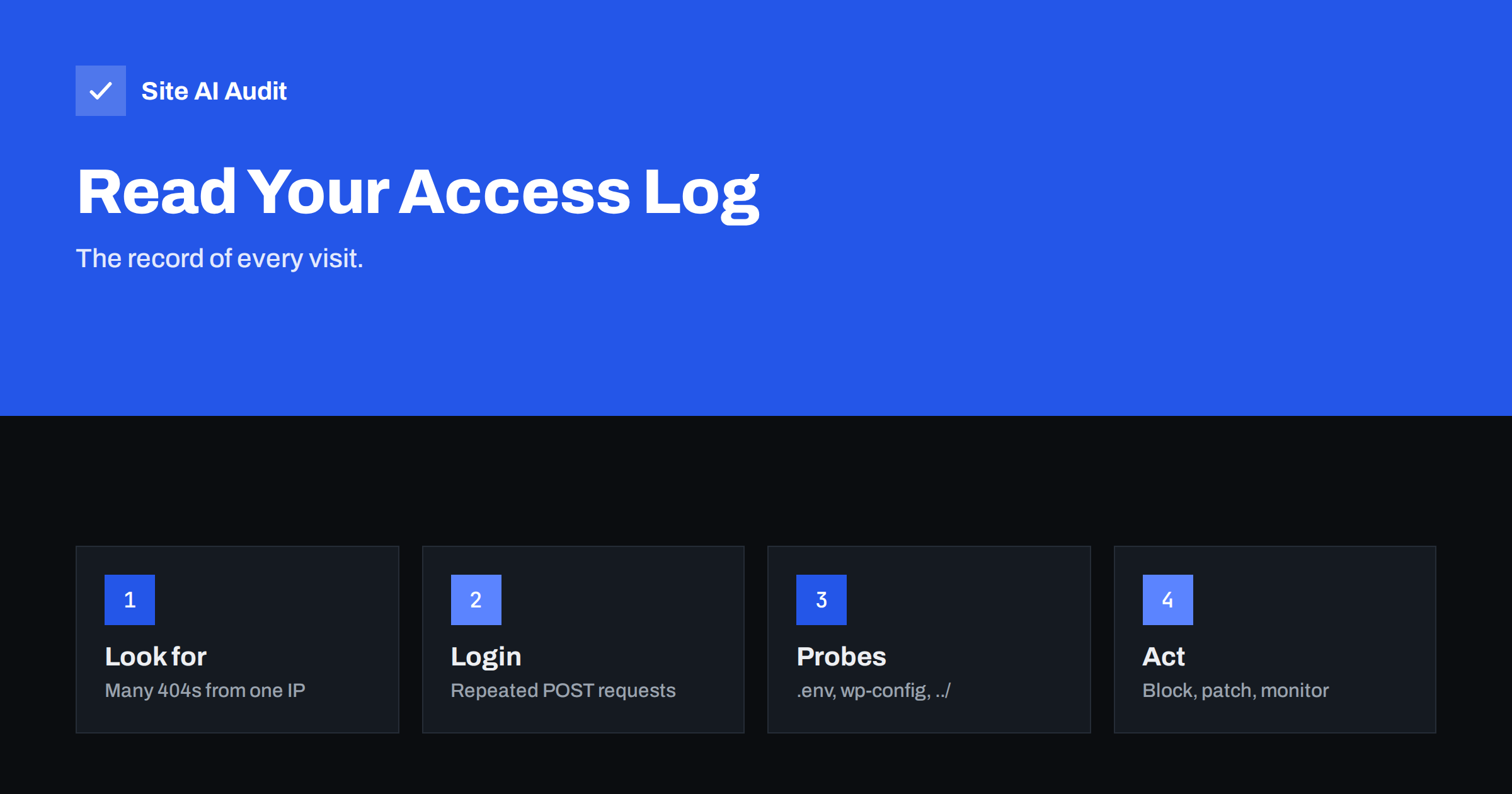
Short answer: An access log is a text file in which your web server writes one line for every request. Each line shows the visitor’s IP address, the time, the page asked for, the status code and the browser name. Attacks leave clear patterns: hundreds of requests from one address, repeated login attempts, requests for files such as .env or wp-config.php, and strange characters in the address. You do not need special software to find them.
What an access log is
Every time a browser, a search engine robot or an attacker asks your server for something, the server records it. Most hosting panels let you download these files as “raw access logs”, and on your own server they usually live in a folder such as /var/log/nginx or /var/log/apache2. Logs record what happened; they do not block anything by themselves.
The logs are the most honest source of information about your site. A security plugin may tell you it blocked 300 attacks, but the log shows what was actually requested, from where and how your server answered. When something goes wrong, such as a hacked page or a sudden slowdown, the log is where the investigation begins.
How to read one line
The common “combined” format puts these items in a fixed order, separated by spaces:
- IP address of the visitor, for example 203.0.113.25.
- Time of the request, with the time zone.
- Request: the method (GET or POST), the path and the protocol version.
- Status code: 200 means success, 301 and 302 are redirects, 403 is forbidden, 404 is not found and 500 is a server error. Our article on HTTP status codes explains them.
- Size of the answer in bytes.
- Referrer: the page the visitor came from, often a dash.
- User agent: the name the visitor’s software gives itself.
Remember that two of these can be false. The user agent is just text, and any script can claim to be a popular browser or even Googlebot. The IP address can be hidden behind a proxy or a content delivery network, in which case you may see the network’s address unless your server is set up to log the real one.
Normal noise versus real attacks
Any public website is probed all day by automated scanners. Most of this is background noise: robots checking for old software, trying common paths and moving on. The goal of reading logs is not to panic about every strange line but to separate noise from patterns that need action.
Noise usually looks like this: a handful of requests from many different addresses, nearly all ending in 404, none of which succeed. An attack worth your attention looks different: it is persistent, it concentrates on one target, or it gets a successful answer (status 200) where it should not.
Patterns that point to trouble
Repeated login attempts
Many POST requests to /wp-login.php or another login page from the same address, or a few addresses, are a brute-force attack. If the log shows hundreds of attempts per hour, add protection as described in how to protect website logins from brute force. A POST to the file /xmlrpc.php in large numbers is the same attack through another door; see how to disable XML-RPC in WordPress.
Requests for files that should not exist
Scanners ask for files that often hold secrets: /.env, /.git/config, /wp-config.php.bak, database dumps and backup archives. Most of these end with 404, which is fine. A 200 answer means the file exists and is exposed, and you must remove it at once. We cover this in exposed .env, .git and backup files.
Strange characters in the address
Addresses containing ../ or %2e%2e%2f try to climb out of the web folder, which is the idea behind path traversal. Words such as union select, or quote marks and %27 in a parameter, suggest SQL injection. Strings with script tags or %3Cscript try to run code in the visitor’s browser. The existence of such requests in your log is not proof of a breach, because most fail. What matters is the answer your server gave.
One address, thousands of requests
A single address asking for hundreds of pages per minute is a crawler or a flood. Some of them are bad bots, which we describe in aggressive crawlers and bad bots. Check whether it is harming speed; if the server slows down, block or limit that address.
Odd POST requests to unusual files
Be careful with a POST to a file in the uploads folder or to a script with a random name. That can mean a backdoor file is already on your site and an attacker is using it. This is an emergency; follow the steps in hacked website recovery.
Simple commands that answer most questions
If you have shell access, a few commands are enough. To list the addresses with the most requests:
awk '{print $1}' access.log | sort | uniq -c | sort -nr | head -20To see which addresses cause the most 404 errors:
grep ' 404 ' access.log | awk '{print $1}' | sort | uniq -c | sort -nr | headTo find login attempts:
grep 'POST /wp-login.php' access.log | awk '{print $1}' | sort | uniq -c | sort -nr | headTo find requests that actually succeeded for sensitive paths:
grep -E '/.env|/.git|wp-config' access.log | grep ' 200 'These commands work on the combined format. If your logs differ, check the order of the fields first. Without shell access, many hosting panels offer a log viewer, and free tools can turn a downloaded file into a readable report with charts of top pages, visitors and errors.
Check that a crawler is really who it says
A user agent that says Googlebot is easy to fake. To check, take the address from the log and run a reverse DNS lookup. Real Google crawlers resolve to a name ending in googlebot.com or google.com, and a forward lookup of that name must return the same address. Do not block search engine crawlers by mistake, because that would remove your pages from search results. Our guide to robots.txt explains how to guide well-behaved crawlers.
What to do when you find an attack
- Check the answer, not the request. A hundred 404 answers are harmless; one 200 answer on a secret file is not.
- Block the worst offenders. Use your firewall or hosting panel to block addresses with persistent abuse. A web application firewall does this automatically for many known patterns.
- Close the door. Remove exposed files, update software and restrict access to admin pages.
- Keep the evidence. Save the relevant lines before the log rotates, because old logs are deleted after days or weeks.
- Watch for repeats. Look at the same reports weekly. A change in the pattern is more useful than a single number.
Privacy and retention
IP addresses are personal data under many privacy laws, including those in Europe. Keep logs only as long as you need them for security, protect access to them, and mention logging in your privacy policy. A retention period of a few weeks is common for small sites, but check what your own rules require.
What Site AI Audit can and cannot tell you
Site AI Audit looks at your website from the outside, the way a visitor does. It checks SEO, speed, SSL, security headers and email authentication, and it reports exposed software versions. It does not read your server logs, so it cannot show who attacked you. What it can do is point to weaknesses that attackers look for, so you close them before they appear in your log. Run a free check or see the plans for regular re-checks.
Related reading
- 9 Signs Your Website Has Been Hacked (and How to Check)
- Website Security Audit Checklist: What to Check and in What Order
- WordPress Security Checklist: 20 Steps That Actually Matter
The bottom line
An access log shows every request your server received and how it answered. Learn the layout of a line, ignore the harmless background noise, and focus on repeated logins, requests for secret files, injection patterns and successful answers where there should be none. A few simple commands and a weekly look are enough to catch most problems early.
FAQ
Where do I find my website access logs?
Most hosting control panels have a section for raw access logs or statistics where you can download them. On your own server they are normally stored under /var/log in the folder of the web server, such as nginx or apache2.
Does a 404 error in the log mean I was attacked?
Usually not. Automated scanners request many paths that do not exist, and the 404 answer shows your server refused them. Attention is needed when the same address does it thousands of times or when a sensitive request gets a 200 answer.
Can I trust the user agent in the log?
No. It is only text sent by the visitor and can be faked. To confirm a search engine crawler, run a reverse DNS lookup on the address and check that the name belongs to the search engine and resolves back to the same address.
How long should I keep access logs?
Keep them long enough to investigate problems, which is often a few weeks for a small site. Because logs contain IP addresses, treat them as personal data and follow the rules that apply to you.
Is reading logs enough to protect my site?
No. Logs show what happened, but they do not stop attacks. You still need updated software, strong logins, a firewall and regular checks. The log helps you see whether those measures work.