 ENEnglish
 LTLietuviškai
 DEDeutsch
 FRFrançais
 RUРусский
 ESEspañol
 PLPolski
 ITItaliano
 UKУкраїнська
 CSČeština
 PTPortuguês
 JA日本語
JA日本語 LVLatviešu valoda
 ETEesti
 HUMagyar
 IDBahasa Indonesia
 TRTürkçe
 HIहिन्दी
 ELΕλληνικά
 ARالعربية
 THไทย
THไทย VITiếng Việt
 RORomână
 MSBahasa Melayu
 BNবাংলা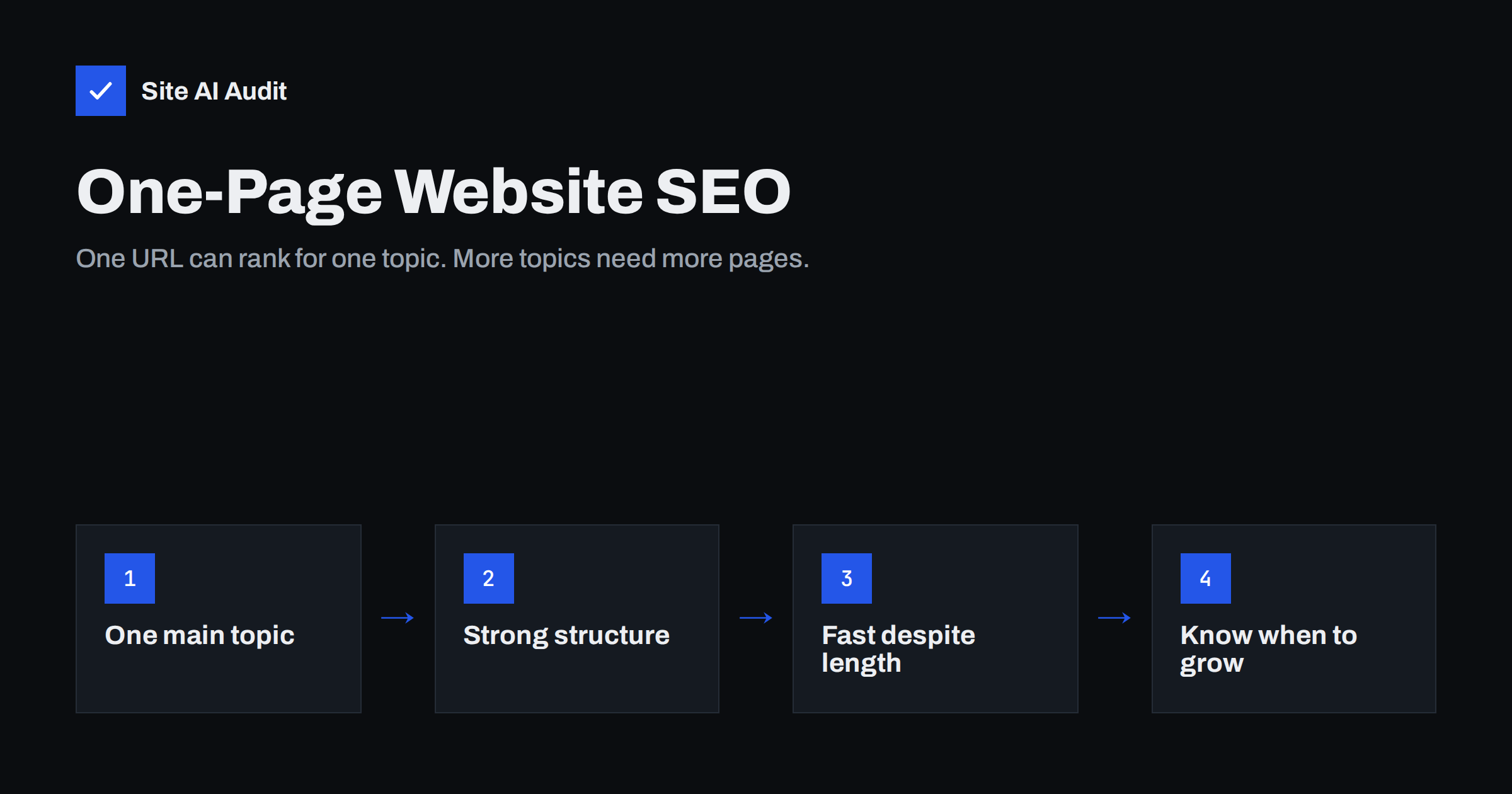
Short answer: A one-page website can rank well for your brand name and for one clearly defined main topic, such as a single service in one town, an event or a personal portfolio. It struggles when you want to be found for several different services, locations or questions, because search engines rank URLs, and a one-page site has only one. Optimise it with a precise title, one H1, clear section headings, real text and fast loading, and add separate pages as soon as you have more than one thing to be found for.
What a one-page website is
A one-page website puts everything on a single long page: introduction, services, about, testimonials, pricing notes and contact details. The menu links jump to sections of the same page, using anchors such as #services or #contact, instead of opening new pages.
The format is popular for good reasons. It is quick and inexpensive to build, easy to keep up to date, works naturally on phones where people scroll anyway, and tells a simple story from top to bottom. For a new business, a tradesperson with one main service, an event, a product launch or a portfolio, it can be exactly the right choice.
It is also a common result of website builders and templates, which often start new projects as a single scrolling page. Many owners never consciously chose the format; it was simply the default.
The question is not whether one-page sites are “bad for SEO”, but what one page can and cannot achieve in search.
How search engines see a one-page site
Search engines index and rank individual URLs. A one-page site has, in practice, one URL that matters. That has several consequences:
- One title and one meta description. The page has one title tag to describe everything, so it can clearly target only one main topic.
- Anchors are not separate pages.
example.com/#servicesandexample.com/#contactare the same URL to search engines. The part after the#is ignored for indexing, so sections cannot rank as separate results, although Google sometimes shows “jump to” links to sections within a result. - All content competes for one focus. If the page talks about kitchen fitting, bathroom renovation, roofing and garden design, it becomes a general page about “building work”, and is unlikely to beat competitors who have a strong dedicated page for each service.
- Fewer internal links and entry points. Other sites can only link to your one page, and you cannot build topic clusters or answer different questions on separate pages.
One-page vs multi-page at a glance
| One-page site | Multi-page site | |
|---|---|---|
| Rankable URLs | One | One per page |
| Topics it can target well | Brand plus one main topic | One main topic per page |
| Local or multi-service targeting | Limited | Service and location pages |
| Blog and guides | Not possible on the same page | Yes |
| Build and maintenance effort | Low | Higher |
| Page weight | Everything on one page | Spread across pages |
| Best for | Single offer, event, portfolio, early-stage business | Several services, locations, content marketing |
How to optimise a one-page website
If a one-page site suits your business, you can still make it as strong as possible in search.
- Choose one main topic. Decide which search you most want to appear for, such as “wedding photographer in Bath”, and build the title, H1 and introduction around it.
- Write a precise title tag. Combine the main topic and your brand in about 50–60 characters. See how to write title tags.
- Use one H1 and clear H2s for sections. The H1 states what you do; each section, such as “Packages”, “About me” or “How booking works”, gets a descriptive H2 rather than a single word like “Info”. The heading tags guide explains the structure.
- Give sections real text. Replace icon grids with short paragraphs that explain what you offer, for whom and where.
- Use meaningful anchor IDs, such as
#wedding-packagesinstead of#section-3. They help visitors share links and can help search engines show “jump to” links. - Add structured data. Organization or LocalBusiness data with your name, address, phone and opening hours helps search engines understand the business.
- Include contact details in text, not only in an image or a form.
Keep a long page fast
One-page sites often become heavy: every image, gallery, video, map and review widget loads on the same page. On a phone this can mean a slow first view and a poor Largest Contentful Paint.
- Load only the first screen’s content immediately; lazy-load images and embeds further down. The guide to lazy loading images explains how to do this without delaying the main image.
- Replace full video and map embeds with lightweight previews that load the real embed on click.
- Compress and resize gallery images; a portfolio can easily reach tens of megabytes otherwise.
- Be careful with entrance animations on every section, which page builders often add by default.
Single-page apps are a different case
Do not confuse a one-page website with a single-page application (SPA), a site built with a JavaScript framework that changes content without reloading the page. SPAs can have many “pages”, and they can rank, but only if each view has its own real URL (using normal paths such as /services/, not #/services), returns meaningful HTML that search engines can render, and has its own title and description. Older SPAs that rely on hash-based routing effectively present all their views as one URL, with the same limitations as a one-page site but without the simplicity.
When to add separate pages
A one-page site is a starting point, not a limit. Consider adding pages when:
- You offer several services that people search for separately. Each deserves its own page; see service pages that get found.
- You serve several towns or have more than one location.
- Customers ask many questions you could answer in guides or a blog.
- Competitors with dedicated pages consistently rank above you for your main services.
- The single page has become so long and heavy that visitors struggle to find information.
Growing from one page to several is less work than a full redesign. Keep the home page at the same address so its existing links and rankings stay with it. Move the detailed text of each service into a new page with its own title, H1 and description, and leave a short summary with a link in the home page section. Update menu links from anchors such as #services to the new pages where it makes sense, but keep the anchors working for anyone who bookmarked them. Add the new pages to your XML sitemap, link them from each other where the topics relate, and request indexing in Search Console. Within a few weeks the new pages can start appearing for searches the single page never reached.
A practical hybrid keeps the home page as an overview in one-page style, with sections summarising each service and linking to its own detailed page. You keep the simple story and gain rankable URLs. Our homepage SEO guide describes how such a home page should be structured.
Pages even a one-page site should have
Some pages are expected on any business website, whatever its design:
- A privacy policy, and cookie information if you use non-essential cookies.
- Legal or company information where local law requires it.
- Terms of sale or service for sites that sell online.
- A proper 404 page for mistyped addresses.
These pages rarely rank, but their absence can undermine trust with visitors and, in some countries, create legal problems.
How Site AI Audit helps
Site AI Audit checks your page the way search engines see it: title and description, headings and alt texts, links, sitemap, robots.txt and noindex rules, plus mobile speed and Core Web Vitals, SSL, security headers and e-mail authentication. On a one-page site, where every issue affects your only rankable URL, a ranked list of findings shows quickly what to fix first. Start with a free website check.
Related reading
- New Website SEO Checklist: What to Do Before and After Launch
- Local SEO Basics: How Small Businesses Get Found Nearby
- Search Intent Explained: Match Your Pages to What People Want
The bottom line
A one-page website can rank for your name and one clear main topic, and for many small or new businesses that is enough. Give it a precise title, one H1, descriptive section headings, real text, structured data and fast loading. When you need to be found for more services, places or questions, add dedicated pages; that is the point where a single URL stops being enough.
FAQ
Is a one-page website bad for SEO?
Not in itself. It can rank well for your brand and one main topic. It becomes limiting when you want to rank for several different services, locations or questions, because it has only one URL.
Can the sections of a one-page site rank separately?
No. Anchor links such as #services point to the same URL, which search engines index as one page. Google may show “jump to” links to sections, but they are not separate results.
How much text should a one-page website have?
Enough to explain clearly what you offer, for whom, where and why to choose you. A few hundred words spread across well-headed sections usually works better than a page of icons and slogans.
Is a single-page application the same as a one-page website?
No. A single-page application can have many views. It can rank well if each view has its own real URL, title and crawlable content, unlike a one-page site with anchor sections.
When should I switch to a multi-page website?
When you offer several services people search for separately, serve several locations, want to publish guides, or see competitors with dedicated pages outranking you.


