ENEnglish
 LTLietuviškai
 DEDeutsch
 FRFrançais
 RUРусский
 ESEspañol
 PLPolski
 ITItaliano
 UKУкраїнська
 CSČeština
 PTPortuguês
 JA日本語
JA日本語 LVLatviešu valoda
 ETEesti
 HUMagyar
 IDBahasa Indonesia
 TRTürkçe
 HIहिन्दी
 ELΕλληνικά
 ARالعربية
 THไทย
THไทย VITiếng Việt
 RORomână
 MSBahasa Melayu
 BNবাংলা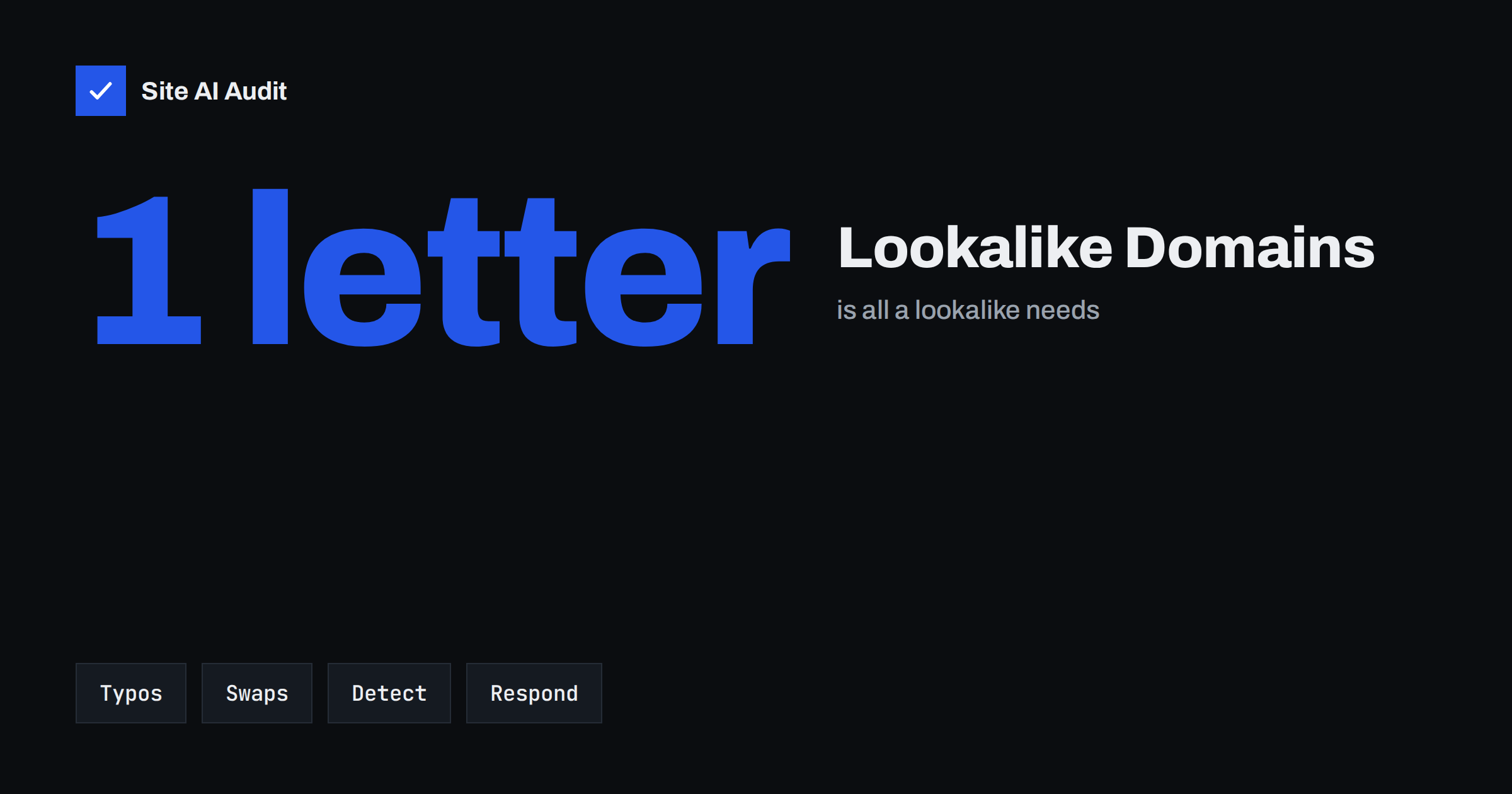
Short answer: A lookalike domain is a name registered to resemble yours closely enough to fool people: a typo such as yuorshop.com, a swapped character such as rn for m, an extra word such as yourshop-billing.com or a different ending such as yourshop.co. Attackers use them for phishing pages, fake invoices and emails that pass every authentication check, because they really do own the lookalike domain. You cannot block all of them, but you can register the most obvious variants, monitor new registrations, train your team and customers, and act quickly when one appears.
Why lookalike domains work so well
People do not read domain names letter by letter. They recognise the overall shape of a familiar word, especially on a phone screen where the address bar is short and the From line shows only a name. A message from [email protected] with your logo and a plausible request looks right at a glance.
The attacker’s second advantage is technical. Email authentication such as SPF, DKIM and DMARC proves that a message really comes from the domain it claims. It protects your domain from being forged, as explained in our guide to stopping email spoofing. A lookalike domain is not forged: the attacker owns it, can publish valid records for it and send perfectly authenticated mail. That is exactly why lookalikes become more common once a company has a strict DMARC policy.
Common types of lookalike domains
- Typos: missing, doubled or swapped letters, such as
yourshp.com,yourrshop.comoryuorshop.com. - Character swaps that look similar:
rnform,vvforw, the digit0for the lettero,lforI. - Homographs: letters from other alphabets that look identical to Latin ones, encoded as internationalised domain names. Modern browsers often show such names in their technical form, but email clients and messaging apps may not.
- Added words:
yourshop-support.com,yourshop-payments.com,login-yourshop.com. - Other endings: the same name under a different top-level domain, or a country ending that resembles yours.
- Subdomain tricks:
yourshop.com.example-attacker.net, where the real domain is the last part.
How attackers use them against small businesses
Invoice and payment fraud. The most costly scenario for small companies. An attacker watches a real conversation, for example through a compromised mailbox of a supplier or customer, then continues it from a lookalike domain with “updated bank details”. Our article on invoice fraud by email covers the process controls that stop it.
Phishing pages. A copy of your login page, shop checkout or customer portal on a lookalike domain, often with a valid SSL certificate, collects passwords and card data.
Fake shops and support. Copies of your website selling products that never arrive, or fake support numbers and chat pages, which then lead to complaints addressed to you.
Recruiting and internal fraud. Messages to your staff from “the CEO” or “IT support” using an address that differs by one letter.
In all of these cases, the damage lands on your reputation even though your own systems were never touched.
How to spot lookalikes of your domain
- Generate the obvious variants of your name: typos, character swaps, added words like support, billing, login, and common endings. Free open-source tools can generate long lists automatically.
- Check which variants are registered and whether they have websites or MX records. A lookalike with mail records is a stronger warning sign than a parked page.
- Watch Certificate Transparency logs for certificates issued to names containing your brand. Every publicly trusted certificate is logged, which makes new phishing sites visible early. See our guide to Certificate Transparency logs.
- Read your DMARC reports. They show forgery attempts against your real domain, not lookalikes, but a sudden spike often accompanies a lookalike campaign.
- Listen to customers and staff. Make it easy to forward suspicious messages to one address, and ask the person who handles it to note the domain used.
- Use a monitoring service for new domain registrations if your brand is a frequent target, for example in online retail or finance.
Prevention: what is worth registering
You cannot register every possible variant, and you should not try. Focus on the names that are most likely to be used against you:
- The main other endings of your name, especially the country ending of your market and the generic endings people type by mistake.
- The two or three most natural typos of your name.
- Hyphenated forms if your name contains two words.
Point all of them to your main website with a redirect, and protect them from email abuse with a few DNS records: an SPF record that allows no senders, a DMARC record with p=reject and, if you want, a null MX record. Our guide to protecting parked domains lists the exact records. Keep every registration on auto-renewal with registrar lock enabled, because an expired brand domain is itself a gift to attackers; see domain hijacking.
Responding when you find one
- Collect evidence: screenshots, the full URL, email headers of phishing messages and the date you found it.
- Report the phishing site to the hosting provider and the registrar through their abuse contacts, and to the browser safe-browsing reporting forms so that browsers start warning visitors.
- Report the mail sender to the email provider used by the lookalike, which you can see in the message headers.
- Warn affected customers clearly and briefly, and tell them how you really contact them.
- Consider a formal complaint through the domain dispute procedures if the domain uses your trademark. This takes longer and usually involves a lawyer, so it is most useful for domains that will keep causing harm.
Takedowns of obvious phishing sites are often quick; disputes over the domain name itself take weeks or months. Do both in parallel when the abuse is serious.
A lookalike watch routine for small teams
You do not need a security department to keep an eye on lookalikes. A light routine that one person owns is enough for most small businesses:
- Once: make a list of your brand names, product names and the domains you own. Generate typo variants and save the list with the date you checked it.
- Monthly: re-check the variants from your list to see whether new ones have been registered or now have websites or mail records.
- Continuously: set up alerts for new certificates containing your brand name, so a new phishing site appears on your radar within hours rather than weeks.
- After every incident: add the domain used by the attacker to the list, note how it was reported and how long the takedown took.
- Yearly: review which defensive domains you still need, confirm that auto-renewal and registrar lock are on, and update the contact details at your registrar.
Keep the list and the incident notes in one shared place. When something happens on a busy day, the person on duty will know immediately what has already been checked and whom to contact.
Train people, not just systems
Technical measures reduce the risk, but the last line of defence is a person reading a message. A few habits help a lot:
- Verify payment changes by phone using a number you already have, never one from the email.
- Hover or long-press links to read the real destination before entering a password.
- Use a password manager. It fills in credentials only on the real domain, which makes it a quiet but effective phishing detector.
- Tell customers how you communicate: which domain you use, that you never ask for passwords and how to report suspicious messages.
- Use visual brand signals such as BIMI where supported, so that genuine messages are easier to recognise.
How Site AI Audit helps
Site AI Audit checks your own domain, not other people’s registrations: the SSL certificate and its expiry, the HTTP to HTTPS redirect, security headers and exposed software versions, plus SPF, DKIM, DMARC and MX records. A strict, working DMARC policy and valid email authentication make it harder to forge your real domain, which pushes attackers towards lookalikes that people can learn to spot. Findings are ranked by impact and explained in plain words. You can check your domain for free; paid plans with monitoring and alerts are on the pricing page.
Related reading
- DMARC Explained: Policies, Alignment and a Safe Rollout
- BIMI Explained: How to Show Your Logo in Recipients’ Inboxes
- Subdomain Takeover: How Forgotten DNS Records Get Hijacked
The bottom line
Lookalike domains exploit the way people read, and they bypass email authentication because the attacker owns them. Register the few variants most likely to be abused and lock them down, watch certificate logs and new registrations, report abuse quickly, and teach staff and customers to verify payment changes and links. Combined with strong protection of your real domain, that leaves attackers with far fewer easy wins.
FAQ
What is typosquatting?
Typosquatting is registering domain names that are common misspellings of a popular name, such as a missing or swapped letter, to catch mistyped visits or to impersonate the brand in phishing and fraud.
Does DMARC protect against lookalike domains?
No. DMARC protects your exact domain from being forged. A lookalike is a different domain that the attacker owns and can authenticate correctly, so it needs other defences.
Should I buy every variant of my domain name?
No. Register the main other endings, the most natural typos and hyphenated forms, then rely on monitoring and quick response for the rest.
How can I tell if someone registered a lookalike of my domain?
Generate likely variants and check whether they are registered, watch Certificate Transparency logs for certificates containing your brand, and pay attention to suspicious messages reported by customers and staff.
How do I take down a phishing site on a lookalike domain?
Report it with evidence to the hosting provider and the registrar abuse contacts and to browser safe-browsing reporting. For lasting control of the name itself, a formal domain dispute may be needed.