 ENEnglish
 LTLietuviškai
 DEDeutsch
 FRFrançais
 RUРусский
 ESEspañol
 PLPolski
 ITItaliano
 UKУкраїнська
 CSČeština
 PTPortuguês
 JA日本語
JA日本語 LVLatviešu valoda
 ETEesti
 HUMagyar
 IDBahasa Indonesia
 TRTürkçe
 HIहिन्दी
 ELΕλληνικά
 ARالعربية
 THไทย
THไทย VITiếng Việt
 RORomână
 MSBahasa Melayu
 BNবাংলা
सुरक्षा और SSL
The security basics every website should have, explained without jargon. We cover SSL certificates and their expiry, HTTPS redirects, security headers and software versions that should not be visible. Articles show what visitors see when something is wrong and how browsers warn them away. Each guide gives clear steps you can hand to your host or developer. We also explain how monitoring catches an expiring certificate before customers notice. A safe site protects both your visitors and your search rankings.
 23 अग॰ 2026 · 8 मिनट पढ़ें
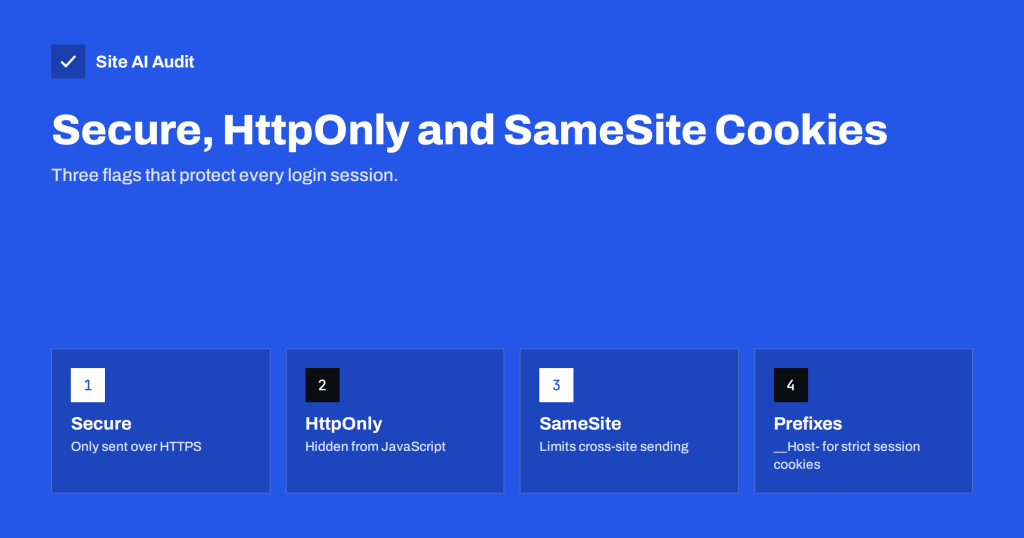
Secure Cookies Explained: Secure, HttpOnly and SameSite Flags
Cookie flags decide whether session cookies can leak over HTTP, be read by scripts or travel with cross-site requests. Learn what to set and…
 22 अग॰ 2026 · 8 मिनट पढ़ें
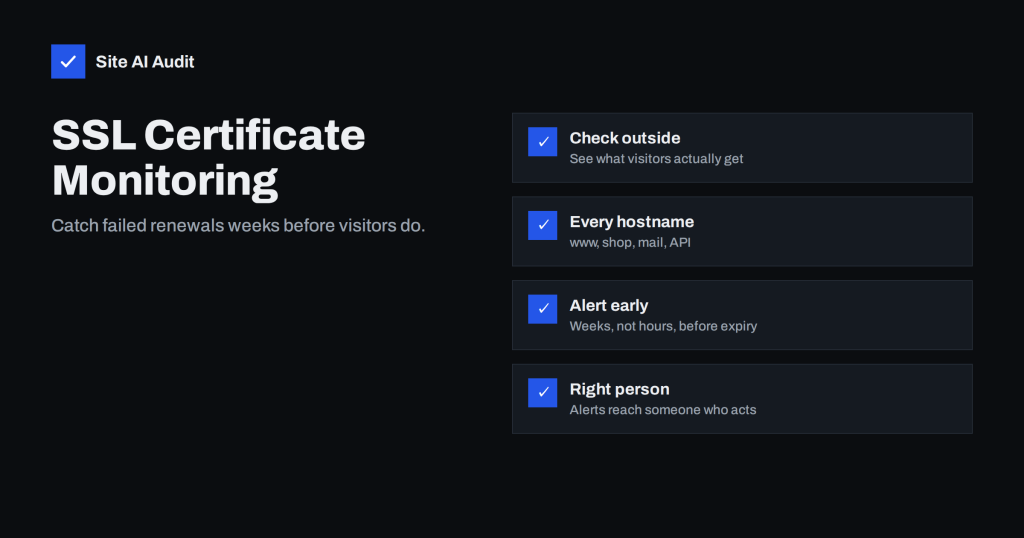
SSL Certificate Monitoring: How to Never Miss an Expiry Again
Automatic renewal fails more often than people think. Learn what SSL certificate monitoring should check, when alerts should fire and who should get them.
 21 अग॰ 2026 · 8 मिनट पढ़ें
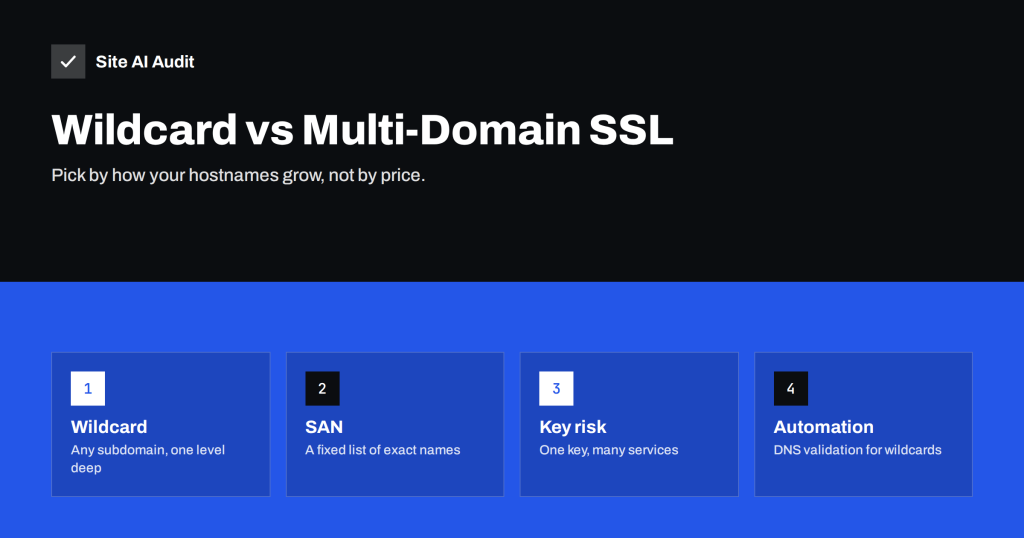
Wildcard vs Multi-Domain (SAN) SSL: Which Should You Choose?
Wildcard certificates cover every subdomain; multi-domain SAN certificates cover a list of names. Compare coverage, security, validation and renewal here.
 20 अग॰ 2026 · 8 मिनट पढ़ें
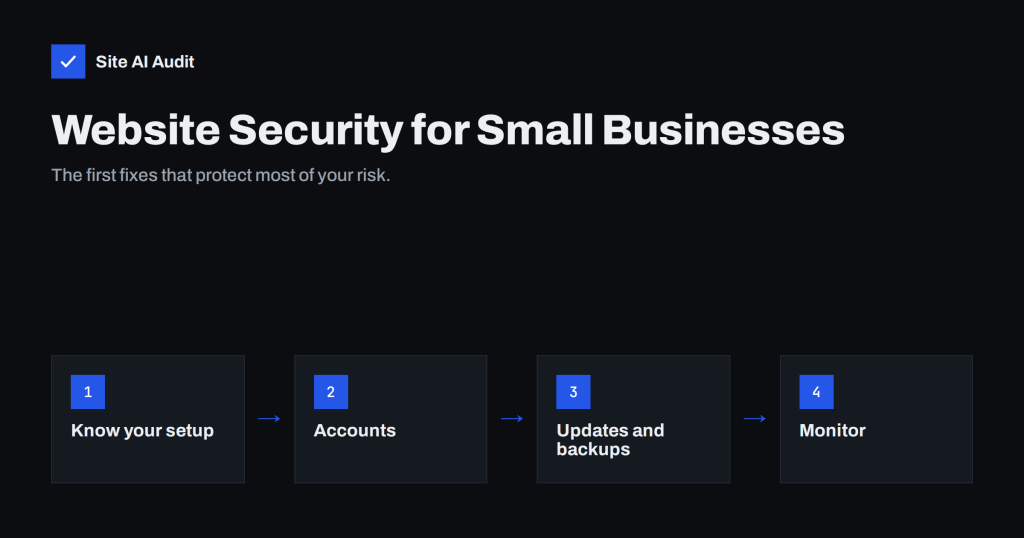
Website Security for Small Businesses: Where to Start
A plain-language starting point for small business website security: the real risks, the first ten fixes, who is responsible, and what to check every…
 19 अग॰ 2026 · 8 मिनट पढ़ें
WordPress Security Checklist: 20 Steps That Actually Matter
A practical WordPress security checklist for owners and agencies: updates, plugins, logins, backups, HTTPS, headers and monitoring, ordered by real impact.
 17 अग॰ 2026 · 8 मिनट पढ़ें
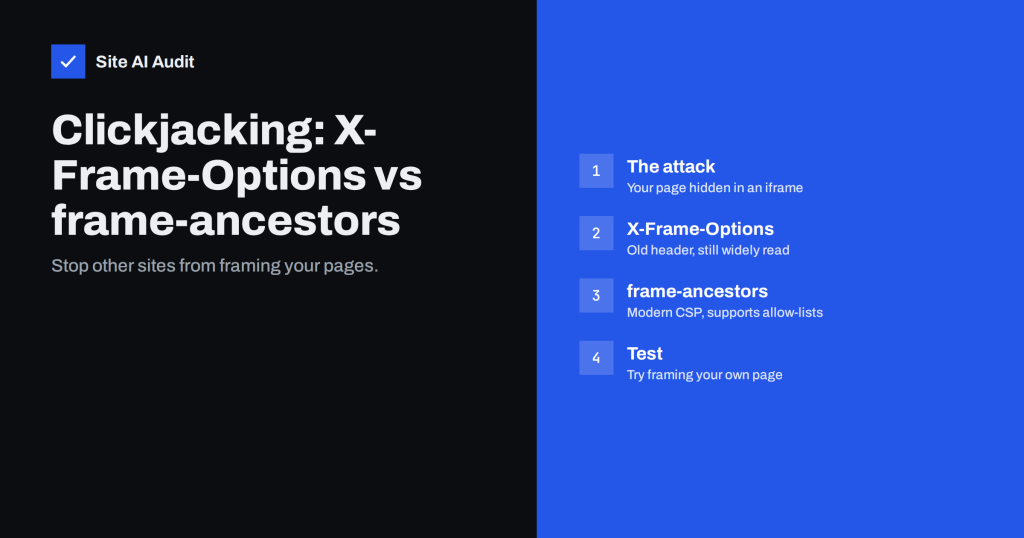
Clickjacking Protection: X-Frame-Options vs frame-ancestors
Clickjacking tricks visitors into clicking hidden buttons on your site inside another page. Learn how X-Frame-Options and CSP frame-ancestors stop it.
 16 अग॰ 2026 · 8 मिनट पढ़ें
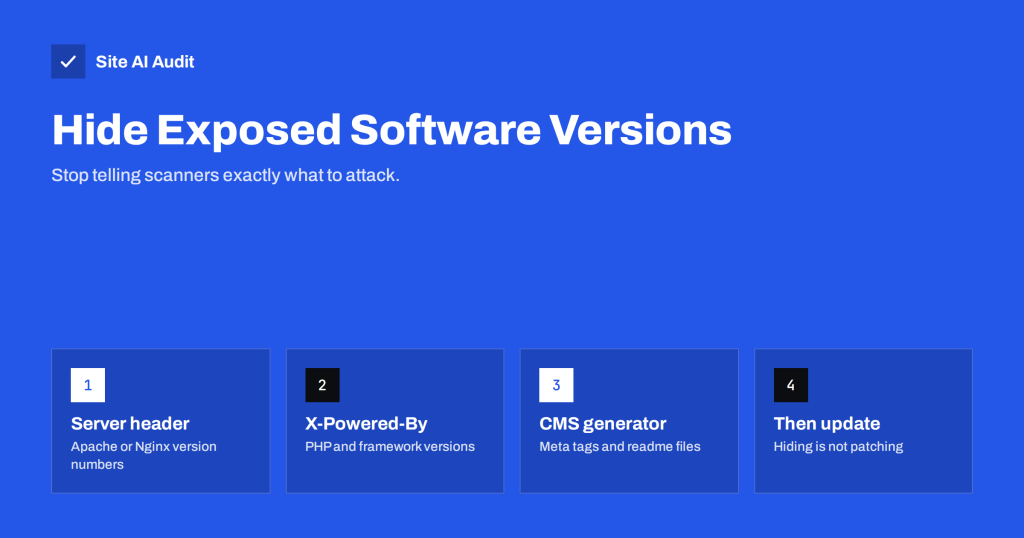
Exposed Software Versions: How to Hide Server and CMS Details
Server, PHP and CMS version numbers in headers and page code help attackers pick targets. Learn where versions leak and how to hide them…
 15 अग॰ 2026 · 8 मिनट पढ़ें
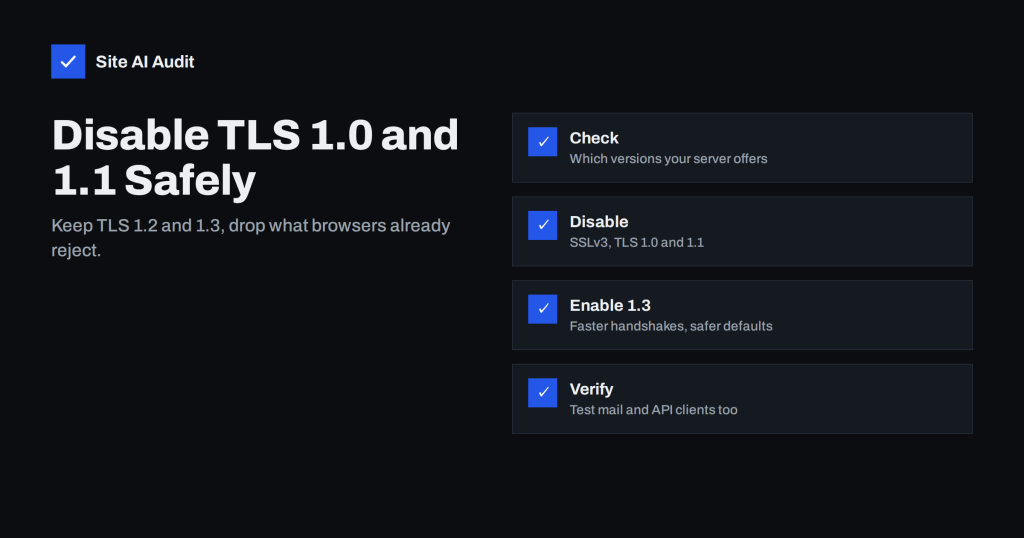
TLS 1.0 and 1.1 Are Obsolete: How to Disable Them Safely
Old TLS versions are deprecated and flagged in every security test. Learn which TLS versions to allow, how to disable 1.0 and 1.1, and…
 14 अग॰ 2026 · 8 मिनट पढ़ें
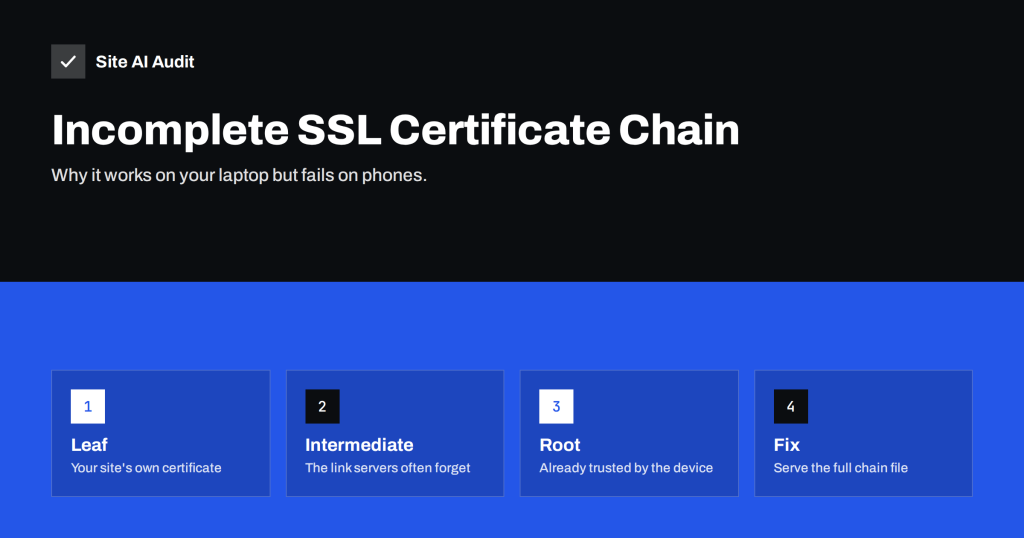
Incomplete SSL Certificate Chain: How to Find and Fix It
A missing intermediate certificate makes some browsers, phones and apps reject your site while others work. Learn how chains work and how to fix…
 12 अग॰ 2026 · 7 मिनट पढ़ें
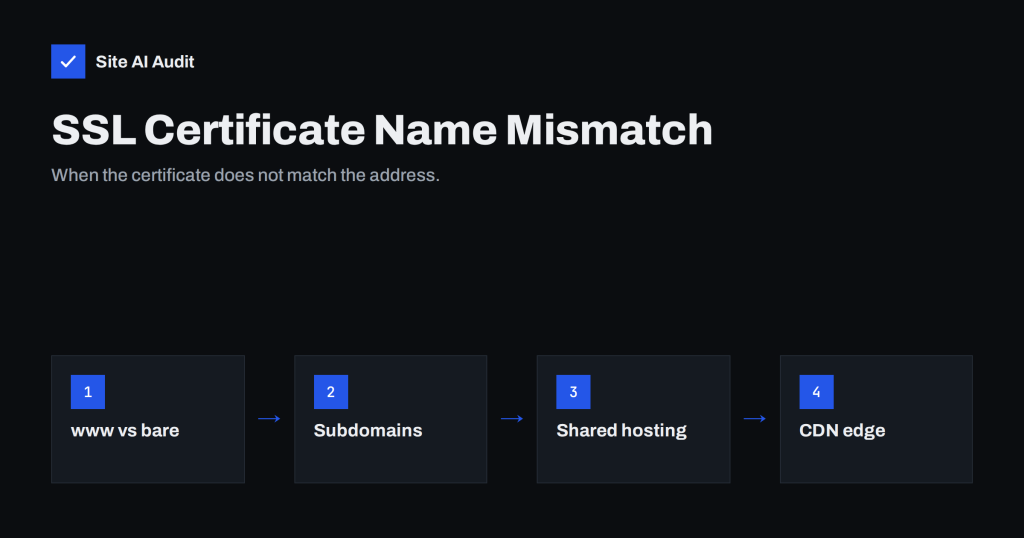
SSL Certificate Name Mismatch: Causes and How to Fix It
A name mismatch error means the certificate does not cover the address the visitor used. Learn the common causes – www, subdomains, CDNs –…
 11 अग॰ 2026 · 8 मिनट पढ़ें
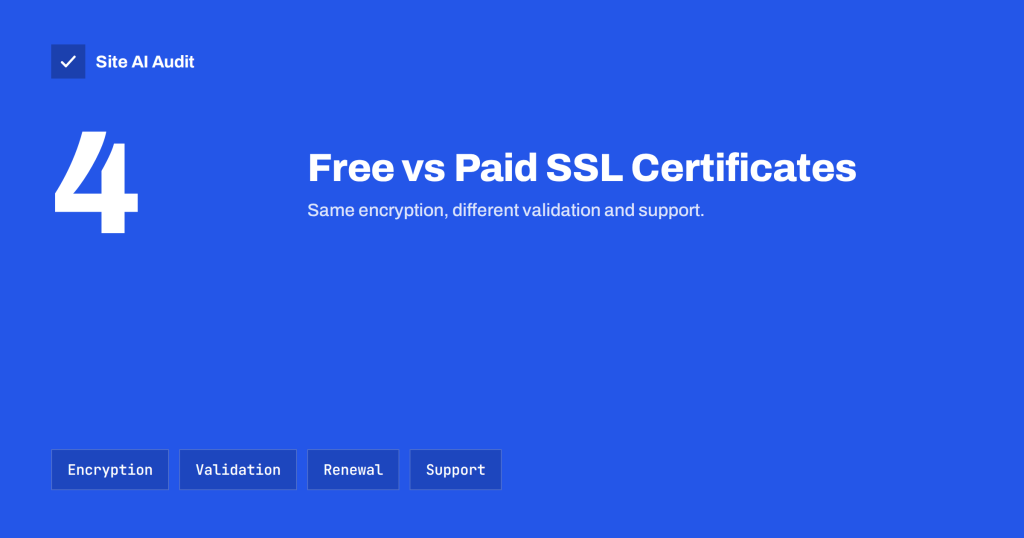
Free vs Paid SSL Certificates: Which Does Your Site Need?
Free SSL certificates encrypt just as well as paid ones. Learn where they differ – validation, warranty, lifetime, support – and when paying makes…
 10 अग॰ 2026 · 8 मिनट पढ़ें
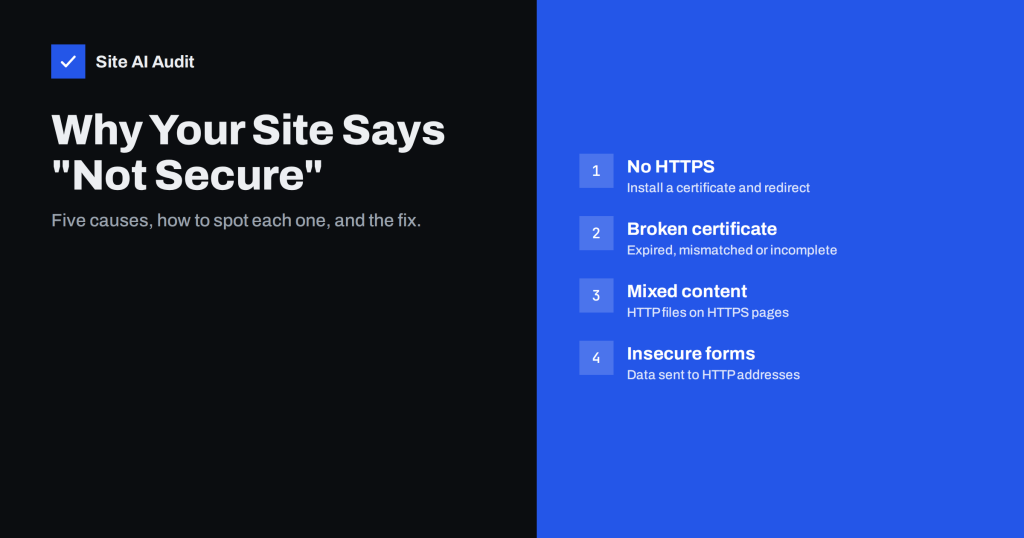
Why Your Website Says “Not Secure” and How to Fix It
The Not Secure label appears for a handful of reasons: no HTTPS, a broken certificate, mixed content or insecure forms. Here is how to…