ENEnglish
 LTLietuviškai
 DEDeutsch
 FRFrançais
 RUРусский
 ESEspañol
 PLPolski
 ITItaliano
 UKУкраїнська
 CSČeština
 PTPortuguês
 JA日本語
 LVLatviešu valoda
 ETEesti
 HUMagyar
 IDBahasa Indonesia
 TRTürkçe
 HIहिन्दी
 ELΕλληνικά
 ARالعربية
 THไทย
 VITiếng Việt
 RORomână
 MSBahasa Melayu
 BNবাংলা
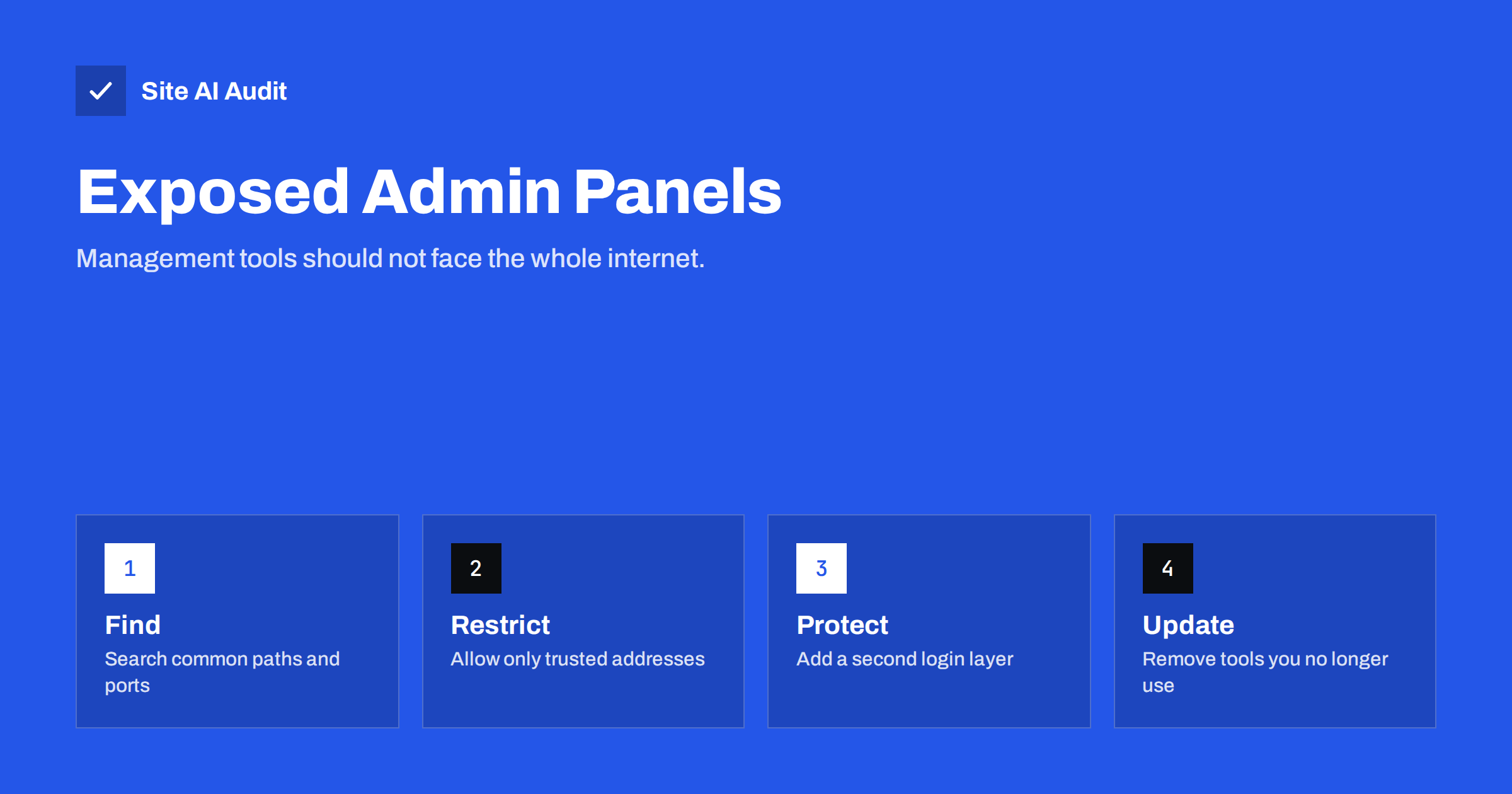
Short answer: Admin panels such as phpMyAdmin, Adminer and server control panels give full control of data or servers, and automated bots try to find them within hours of a site going online. If you do not need a panel, remove it. If you do, restrict it to trusted addresses, add a second login layer, keep it updated and never leave it at its default path with a weak password.
What an exposed admin panel is
An admin panel is a web page or service that lets someone manage something important. phpMyAdmin and Adminer manage databases. Hosting control panels manage accounts, domains, files and mail. Other tools manage deployments, logs, dashboards and search indexes. These tools are useful, and many of them are installed with the hosting package without much thought.
A panel is exposed when anyone on the internet can open its login page. That alone does not mean that an attacker gets in, but it gives them a target. Everything then depends on the strength of the password, the version of the software and the rules around it. Defence is easier when the page cannot be reached at all.
Why attackers look for them
Attackers rarely look for one particular site. They run automated scans against huge lists of addresses and try the most common paths: /phpmyadmin, /pma, /dbadmin, /mysql, /adminer.php and many others. Any site that answers with a login page goes onto a list for later attention. The reasons are clear:
- Guessing passwords. A database login can be attacked with lists of common or leaked passwords, in the same way as other logins, as explained in the article on credential stuffing.
- Known flaws. Old versions of these tools have had security problems. An unpatched panel is easy to recognise and easy to attack.
- Big reward. Access to the database means access to customer records, orders and accounts, and often the ability to create an administrator account on the website.
- Default settings. Test installations sometimes keep an empty password for the database user or a well-known name such as root.
Where to look on your own site
Begin with a simple check from outside your own network, such as from a phone connection.
- Try common paths on your domain, such as /phpmyadmin, /pma and /adminer.php. A login page, a blank page or an error other than “not found” is worth investigating.
- Look at subdomains that you or former developers created, for example db, admin, panel, test or staging.
- Read your server’s access log and look for requests to these paths. Many requests from unknown addresses show that bots already look for them, as described in the guide to reading web server access logs.
- Check which ports are open from the internet. Hosting panels often use their own ports, and database ports should not be public. The article on open ports on your web server lists what to close.
- Ask your host or developer which tools are installed. Old copies in forgotten folders are common, and they often contain old, vulnerable versions.
The safest option: remove what you do not need
If nobody uses a panel, delete it. A tool that is not installed cannot be attacked. Many sites installed phpMyAdmin once for a migration and never opened it again. Remove the folder, check that no copies remain in backup folders under the web root, and confirm that the address now returns “not found”. Leftover files are also a risk, as explained in the article about exposed .env, .git and backup files.
How to protect a panel you need
- Restrict by address. Allow access only from your office or a VPN address in the web server settings. Visitors from elsewhere then see an error before they can try a password. Details are in the guide to restricting your admin area by IP or password prompt.
- Add a second layer. A web server password prompt in front of the tool means an attacker must pass two separate logins.
- Use a tunnel. Instead of opening the panel to the world, connect through an encrypted tunnel (SSH or a VPN) and reach it on a local address.
- Use strong, unique credentials. Store them in a password manager. Do not allow login without a password, and avoid administrator accounts that carry the database’s highest privileges for routine tasks.
- Keep it updated. Updates fix known flaws. Subscribe to the vendor’s announcements or use the update tools of your host.
- Turn on two-factor authentication where the panel supports it, as discussed in the article on two-factor authentication for website owners.
- Limit login attempts. Tools that block repeated failures slow down guessing, as explained in the guide to brute-force login protection.
Changing the path: a small help, not a fix
Renaming /phpmyadmin to a random name stops the laziest scans, and it reduces noise in your logs. It does not protect you from an attacker who is looking for your site in particular, and the new name can leak through links, browser history or a screenshot. Treat it as a minor extra, never as the main defence. Also, do not list the path in robots.txt, because that file is public and shows exactly where it is, which is the problem described in the article on robots.txt revealing hidden paths.
What to do if a panel has been open for a long time
Finding an old, open panel raises an uncomfortable question: did someone already use it? You cannot be sure, but you can look for signs and limit the damage.
- Close it first. Restrict or remove the panel at once, before you investigate. Every hour that it stays open adds risk.
- Change the credentials. Replace the database passwords and any account used by the panel. Update the website configuration so that the site keeps working with the new values.
- Look at the logs. Check the access log of the web server and, if available, the database log for logins at unusual times, from unfamiliar addresses, or large exports of data.
- Look for new accounts. Check the user tables of your website for administrators that nobody recognises. The article on hidden admin users in WordPress explains how to find them.
- Scan for changed files. Compare your site files with a clean copy or a backup. A changed or unknown file can be a backdoor, as described in the guide to web shells and backdoors.
- Decide whether to notify people. If personal data may have been exposed, follow the steps in the guide to data breach response for a small business.
Most of the time nothing has happened, and the panel was simply forgotten. Still, a short review gives you certainty, and the habit of checking pays off the next time something odd appears.
Common mistakes
- Leaving a test panel running. Panels installed during setup or a migration often remain for years.
- Using the same password for the panel and the website. A leak at one place then opens the other.
- Exposing the database port instead. A remote connection to the database from any address is even riskier than a web panel.
- Trusting hosting defaults. Read what your host installs and who can reach it.
- Not checking after changes. A new server, a restored backup or a moved site can bring old panels back. Repeat the check after each change.
- Forgetting the website itself. A weak website can give attackers a way to reach the database without the panel, for instance through a flaw such as SQL injection.
How Site AI Audit helps
Site AI Audit does not scan for admin panels or database tools. It checks the public foundations of a site, namely the SSL certificate and its expiry date, the redirect from HTTP to HTTPS, security headers and exposed software versions, and it reviews SEO, speed and e-mail authentication. Hiding software versions is one of the steps that makes scanning harder, as the article on hiding server and CMS details explains. The first check is free, covers up to 50 pages and needs no sign-up. You can run a free check of your website or see the plans for weekly monitoring and alerts.
Related reading
- Open Ports on Your Web Server: Which Ones to Close
- Restrict Your Admin Area by IP or Password Prompt
- Default Passwords and Setup Pages: Close Them Before Launch
- Website Security Audit Checklist: What to Check and in What Order
The bottom line
Management tools are for you, not for the whole internet. Find the ones that your site has, delete those you do not use, and put the rest behind address rules, a second login and regular updates. A few minutes of checking can remove one of the most common ways in.
FAQ
Is phpMyAdmin dangerous?
Not by itself. The danger comes from leaving it open to everyone with weak credentials or an old version. With restrictions and updates it is a normal administration tool.
How do I know if bots are looking for it?
Search your access log for requests to paths such as /phpmyadmin. If you see many from different addresses, bots are scanning your site, which is common.
Should I rename the phpMyAdmin folder?
It reduces noise but it is not real protection. Use address restrictions, strong credentials and updates as the main defence.
Can I manage the database without a web panel?
Yes. Many developers use command-line tools or desktop clients through an encrypted tunnel, so no web login page exists on the server.
What if my host installed it for me?
Ask the host how it is protected and whether it can be limited to your address. If not, consider using it only when needed and keeping it switched off otherwise.