 ENEnglish
 LTLietuviškai
 DEDeutsch
 FRFrançais
 RUРусский
 ESEspañol
 PLPolski
 ITItaliano
 UKУкраїнська
 CSČeština
 PTPortuguês
 JA日本語
JA日本語 LVLatviešu valoda
 ETEesti
 HUMagyar
 IDBahasa Indonesia
 TRTürkçe
 HIहिन्दी
 ELΕλληνικά
 ARالعربية
 THไทย
THไทย VITiếng Việt
 RORomână
 MSBahasa Melayu
 BNবাংলা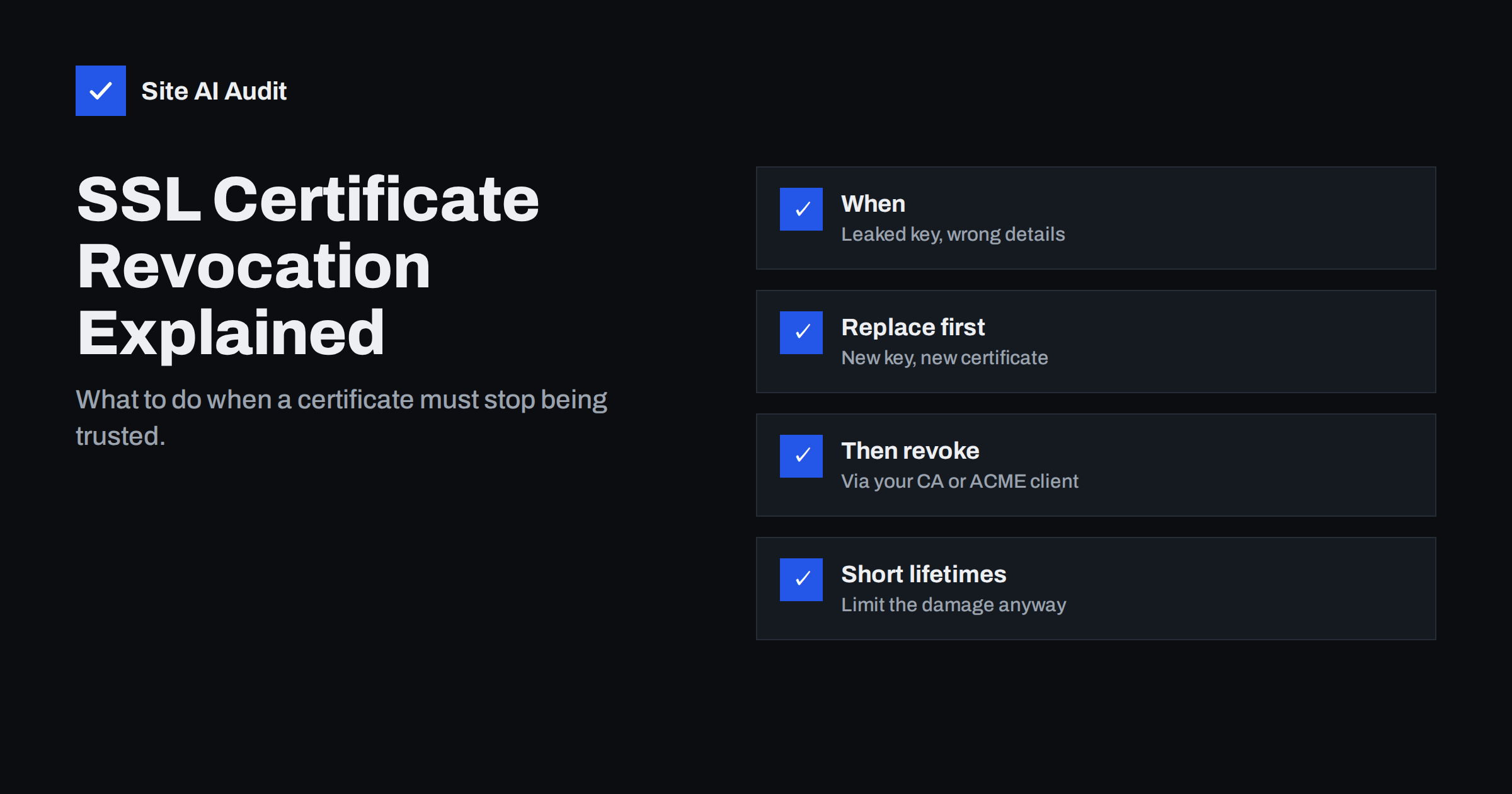
Short answer: Revoking an SSL/TLS certificate means asking the issuing certificate authority to declare it invalid before its expiry date. You should revoke when the private key may have been exposed (a hacked server, a leaked backup, a departed administrator with a copy), when the certificate contains wrong information, or when you lose control of a domain it covers. The safe order is: generate a new key, install a new certificate, then revoke the old one. Browsers learn about revocations through certificate revocation lists and related mechanisms, which is one reason the industry is moving to shorter certificate lifetimes.
Most website owners never revoke a certificate – they simply let it expire and renew it. That is fine in normal circumstances. But a certificate is only as trustworthy as its private key, and if that key may be in someone else’s hands, waiting for expiry leaves a window in which an attacker could impersonate your site. This guide explains when revocation is necessary, how it works behind the scenes, and how to do it without taking your own site offline.
What revocation means
A certificate says, in effect, “this public key belongs to example.com until this date”. Revocation is the certificate authority’s statement that the promise no longer holds, even though the date has not passed. The CA records the certificate’s serial number as revoked, along with a reason, and publishes that information so clients can check it. After revocation, well-behaved clients should refuse the certificate – although, as we will see, how quickly and reliably they do so varies.
When you should revoke
- Key compromise or suspected compromise. The server was hacked, the private key was included in a public repository or a downloadable backup, it was sent by e-mail, or someone who should no longer have it still does. This is the most important reason.
- Loss of domain control. You sold the domain, it expired and was registered by someone else, or a subdomain now belongs to another party, but a valid certificate for it still exists.
- Incorrect information. The certificate was issued with wrong names or, for organisation-validated certificates, wrong company details.
- Superseded and no longer needed – optional, but good hygiene when you replace a certificate for security reasons, such as moving to a new key.
- The CA requires it, for example after discovering a mistake in its own validation. CAs are required to revoke certificates in certain situations, sometimes at short notice.
You do not need to revoke simply because you renewed a certificate, changed hosting providers or no longer use a certificate that was never exposed; letting it expire is fine.
Revocation reason codes
When you revoke, you are usually asked for a reason. The codes come from the certificate standards, and CAs accept a subset of them for website certificates. The most relevant ones:
- keyCompromise – the private key is or may be known to someone else. Use it whenever there is real doubt; some CAs then also block that key from being used in future certificates.
- superseded – the certificate has been replaced, for example after moving to a new key.
- cessationOfOperation – you no longer use the domain or no longer operate the service.
- affiliationChanged – organisation details in the certificate are no longer accurate.
- unspecified – no particular reason given; acceptable, but a specific reason is more informative.
Choosing the correct reason matters less for your visitors than doing the revocation at all, but it helps the CA and anyone investigating later understand what happened.
How browsers learn about revocations
| Mechanism | Cómo funciona | Current status |
|---|---|---|
| CRL (Certificate Revocation List) | The CA publishes a signed list of revoked serial numbers | The foundation of revocation; lists can be large |
| OCSP | The client asks the CA’s responder about one certificate | Privacy and reliability concerns; some CAs have announced ending OCSP in favour of CRLs |
| OCSP stapling | The server fetches the OCSP answer and sends it during the handshake | Useful where OCSP is offered; depends on CA support |
| Browser-managed lists | Browser vendors collect revocations and push compact lists to browsers | How major browsers mainly check revocation today |
In practice, revocation checking has historically been imperfect: many clients did not check at all or ignored failed checks, so a stolen, revoked certificate could still be accepted by some software. Browser vendors now aggregate CRL data and distribute it efficiently to browsers, which improves coverage for revocations that matter. Non-browser clients – apps, scripts, devices – vary widely.
How to revoke safely, step by step
- Contain the cause. If the server was compromised, clean it or rebuild it first. There is no point installing a new key on a machine the attacker still controls.
- Generate a new private key. Do not reuse the old key for the new certificate – a certificate with the compromised key would be just as unsafe.
- Obtain and install a new certificate for all affected hostnames, with the full chain, and reload every server and service that used the old one.
- Verify from outside that visitors now receive the new certificate (check the serial number or the dates).
- Revoke the old certificate. Doing this last avoids taking your own site offline for visitors whose clients do check revocation.
- Rotate related secrets that were on the same server: database passwords, API keys, SSH keys.
How to request revocation
ACME clients (for example Certbot)
With Let’s Encrypt and other ACME CAs, you can revoke from the command line using the account that issued the certificate or the certificate’s private key, for example certbot revoke --cert-path /etc/letsencrypt/live/example.com/cert.pem --reason keycompromise. Certbot may offer to delete the certificate files afterwards; make sure the new certificate is already in place.
Commercial CAs and resellers
Use the revocation option in your account dashboard or contact the CA’s support. For key compromise, CAs typically also accept revocation requests signed with the compromised key or reported through their problem reporting address.
Hosting panels and CDNs
Managed platforms that issue certificates on your behalf usually handle revocation and reissuance themselves. Contact support, explain the situation and ask them to issue a certificate with a new key and revoke the old one.
A practical example: the leaked backup
Imagine a developer created a full archive of the web server during a migration and left it in the public web folder for a week. Access logs show the file was downloaded twice by unknown addresses. The archive contained the TLS private key along with configuration files. The right response: remove the file, generate a new key and certificate on the server, install and verify it, then revoke the old certificate with the reason keyCompromise. At the same time, change the database password and any API keys the archive contained, and check the site for signs of intrusion. Nothing visible happens for visitors – they simply start receiving the new certificate – but whoever downloaded the archive can no longer use the stolen key to impersonate the site.
Why shorter certificate lifetimes help
Because revocation checking is imperfect, the industry has increasingly relied on short certificate lifetimes to limit the damage of compromised keys: a stolen key is only useful until the certificate expires. The CA/Browser Forum has approved a gradual reduction of the maximum lifetime of public certificates over the coming years. For site owners, this means two things: automated renewal becomes essential, and the practical impact of any single leaked key shrinks. Rotating keys with renewals, rather than reusing the same key for years, adds further protection.
Protecting private keys in the first place
- Keep private keys readable only by the web server and administrators (for example file permissions 600).
- Never commit keys to version control or include them in public backups or support tickets.
- Generate keys on the server where they are used, instead of sending them by e-mail or chat.
- Let ACME clients generate new keys on renewal where possible.
- Do not copy one wildcard key to many systems, especially ones managed by third parties.
- Record where each key lives, so you know exactly what to replace if one server is compromised.
How Site AI Audit helps
After replacing a certificate, you want to be sure every visitor gets the new one. Site AI Audit checks the certificate your site presents, its validity and expiry date, and the HTTP to HTTPS redirect, and explains any problem in plain words. Monitoring on paid plans keeps checking and alerts you when something changes or is about to expire. Run a free check.
Related reading
- SSL Certificate Monitoring: How to Never Miss an Expiry Again
- Website Hacked? A Step-by-Step Recovery Plan for Owners
- Wildcard vs Multi-Domain (SAN) SSL: Which Should You Choose?
The bottom line
Revocation is the emergency brake for certificates: use it when a private key may be exposed, a domain has changed hands or a certificate contains wrong information. Replace first – new key, new certificate, installed everywhere – then revoke the old one, and rotate other secrets from the same system. Because revocation checking is imperfect, protect private keys carefully and rely on short, automatically renewed certificates to keep any damage small.
FAQ
Do I need to revoke my old certificate when I renew?
No. Routine renewals do not require revocation; the old certificate simply expires. Revoke only when there is a reason, such as a possible key compromise or incorrect details.
What happens to my website when I revoke a certificate?
Clients that check revocation will stop trusting that certificate. If it is still installed, some visitors may see errors, which is why you should install the replacement before revoking.
Can a revoked certificate be restored?
No. Revocation is permanent. If you revoke by mistake, you need to obtain a new certificate, which with automated CAs usually takes only minutes.
How do I know if a certificate has been revoked?
Browsers show a revocation error when they detect it. You can also check with OpenSSL against the CA’s CRL, or use online certificate checkers that report revocation status.
Should I revoke certificates when changing hosting providers?
Only if the old provider or server still holds the private key and you do not trust that it will be deleted. Otherwise, let the old certificate expire and use a new one at the new host.


