 ENEnglish
 LTLietuviškai
 DEDeutsch
 FRFrançais
 RUРусский
 ESEspañol
 PLPolski
 ITItaliano
 UKУкраїнська
 CSČeština
 PTPortuguês
 JA日本語
JA日本語 LVLatviešu valoda
 ETEesti
 HUMagyar
 IDBahasa Indonesia
 TRTürkçe
 HIहिन्दी
 ELΕλληνικά
 ARالعربية
 THไทย
THไทย VITiếng Việt
 RORomână
 MSBahasa Melayu
 BNবাংলা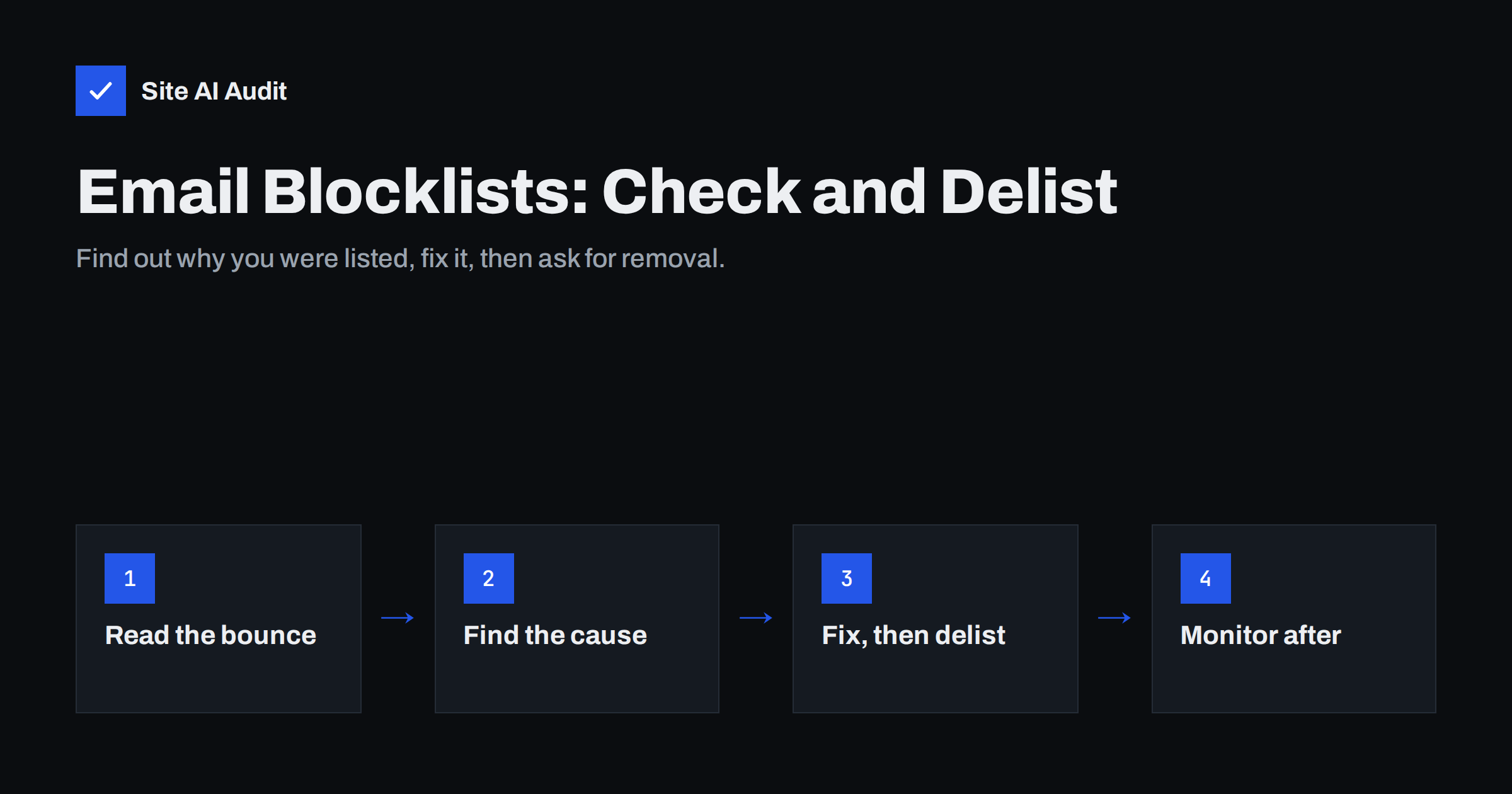
Short answer: An e-mail blocklist (also called a blacklist or DNSBL) is a list of IP addresses or domains that have been seen sending spam or hosting abusive content. Mail servers query these lists in real time and reject or filter mail from listed sources. To fix a listing, read the bounce message to identify the list, find and stop the cause (often a compromised mailbox, a hacked website form or a poor mailing list), then use the list’s own removal procedure.
How DNS blocklists work
Most blocklists are published through DNS, which makes them fast to query. When a message arrives from IP address 203.0.113.25, the receiving server reverses the address and asks the list’s DNS zone about 25.113.0.203.list.example. If the answer contains an address, usually in the 127.0.0.x range, the IP is listed, and the last number often indicates the reason. Domain-based lists work the same way with domain names, and are used to check the sender domain and the links inside a message.
Lists differ in how they decide who gets listed. Some rely on spam traps: addresses that were never used by a person or were abandoned long ago, so any mail they receive is unsolicited. Others use reports from users and administrators, or automatic detection of infected machines. Some list whole ranges of dynamic IP addresses that should never send mail directly, such as home broadband connections.
Each receiving organisation chooses which lists to use and how much weight to give them. A listing on a respected list can cause outright rejection at many companies; a listing on an obscure one may have no visible effect.
Which blocklists actually matter
Hundreds of lists exist, and online “blacklist checkers” often query dozens of them, including some that are inactive or list almost everything. Do not panic about every red mark. The lists that are widely used by mail servers include:
- Spamhaus lists, including the SBL (known spam sources), XBL (infected and exploited machines), PBL (address ranges that should not send mail directly) and the DBL (domains seen in spam). Spamhaus is used by a very large number of mail systems.
- Barracuda Reputation Block List, used by Barracuda filtering appliances and others.
- SpamCop, which lists IP addresses based on user reports and removes them automatically when reports stop.
- URI and domain lists such as SURBL and URIBL, which check domains found in message links rather than the sending server.
Large mailbox providers such as Gmail and Microsoft mostly rely on their own internal reputation systems. You will not find those on a public lookup, but you can see signals through Google Postmaster Tools and Microsoft’s SNDS programme.
How to tell whether you are listed
- Read the bounce message. Rejections caused by a blocklist usually say so and often include a link to the list’s lookup page. This is the most reliable evidence, because it shows which list a real receiver used.
- Find your sending IP. Open the headers of a message you sent and look at the first
Receivedline added by your provider’s outbound server. With hosted mail such as Google Workspace or Microsoft 365, the IP belongs to the provider, and listings there are handled by the provider, not by you. - Look up the IP and domain on the lists’ own websites. Spamhaus, Barracuda and SpamCop each offer a lookup page that explains why an address is listed.
- Use a multi-list checker for a broad overview, but give priority to the widely used lists.
One technical note: some lists, including Spamhaus’s free public service, do not answer queries that come through large public DNS resolvers. If you query them from a server that uses such a resolver, you may get misleading results. Their websites’ lookup tools avoid that problem.
The usual causes of a listing
| Cause | Typical signs | What to do first |
|---|---|---|
| Compromised mailbox | Outgoing mail volume spikes, unfamiliar messages in Sent, bounces from strangers | Reset the password, enable two-factor authentication, check forwarding rules |
| Hacked website or form | Web server sends mail on its own; contact form abused for spam | Update or remove the vulnerable plugin, add form protection, stop direct mail from the server |
| Infected computer on the network | Listing on a list for exploited machines; office IP affected | Scan and clean devices, block outbound port 25 except from the mail server |
| Poor mailing list | Spam trap hits, many bounces, complaints after a campaign | Stop sending to old or bought contacts, clean the list, use confirmed opt-in |
| Shared hosting neighbour | Your shared server IP listed, but you did nothing wrong | Ask the host to fix it, or send through an authenticated external service |
| Dynamic IP range | Listed as “should not send directly” | Relay mail through your provider instead of sending directly |
How to get removed
Every serious list has its own removal process, and it is almost always free. The order matters:
- Fix the cause first. If a compromised account keeps sending spam, you will be relisted within hours, and some lists make repeated removal harder or slower.
- Collect evidence. Note what happened and what you changed. Some removal forms ask for an explanation.
- Use the official removal page of each list where you are listed. Be wary of third parties that charge for “guaranteed delisting”.
- Expect different timings. Some lists remove on request, some expire listings automatically once the problem stops, others need a manual review.
- Confirm the result with a fresh lookup and a test message to the recipient that bounced.
If your mail is sent through a large hosted provider and its IP is listed, contact the provider’s support. They manage their own IP reputation and usually have processes with the major lists.
Domain listings are different
When your domain, rather than an IP address, appears on a domain blocklist, the problem follows you to any server and any provider. Domain listings usually come from links in spam: your domain appeared in spam messages, perhaps because your website was hacked and used to host phishing pages, or because an affiliate promoted you aggressively. Clean the website, remove malicious pages, check for unknown redirect scripts, and then request delisting. It is also worth checking the domain’s own security basics, such as SSL, outdated software and exposed admin pages, because a compromised website is a common path to a domain listing.
Domain listings also affect mail you did not write. If a customer forwards one of your messages, or a partner’s newsletter links to your site, the listed domain in the links can push their mail to spam as well. That makes a domain listing more urgent than it first appears: the damage spreads beyond your own outgoing mail, and it lasts until the listing is removed and receivers’ caches catch up.
Preventing the next listing
- Protect mailboxes with strong passwords and two-factor authentication; compromised accounts are one of the most frequent causes.
- Never let the web server send marketing mail, and protect every form against automated abuse.
- Use confirmed opt-in for newsletters and remove hard bounces immediately.
- Keep authentication in place. SPF, DKIM and DMARC do not prevent listings, but they stop others from abusing your domain and make legitimate mail easier to distinguish.
- Watch outgoing volume. A sudden spike is often the first sign of compromise.
What an outside check can and cannot show
Site AI Audit focuses on the configuration side of e-mail: SPF and its lookup limit, DKIM, the DMARC policy and MX records, together with SSL and security headers for the website. For the listing itself, the lists’ own lookup tools remain the authoritative source. But fixing authentication and website security is exactly what reduces the chance of a listing and speeds recovery. A free check shows where the domain stands; paid plans repeat the checks and alert you when something changes.
Related reading
- Why Are My Emails Going to Spam? 12 Causes and Fixes
- MX Records Explained: How Email Finds Your Mail Server
- SPF vs DKIM vs DMARC: What Each One Does and Why You Need All
The bottom line
A blocklist listing is a symptom, not the disease. Identify the list from the bounce message, find what caused it, fix that first and then use the list’s own removal process. Focus on widely used lists rather than every red mark in a checker, and prevent the next listing by securing mailboxes, forms and your mailing list habits.
FAQ
How do I know which blocklist is blocking my mail?
The bounce message usually names the list and often includes a link. If it does not, look up your sending IP and domain on the major lists’ own websites.
Should I pay a service to remove me from blacklists?
No. Reputable lists offer free removal through their own websites. Paying a third party does not speed up removal and cannot fix the underlying cause.
How long does blocklist removal take?
It varies by list. Some remove an address within hours of a request, and some expire listings automatically after the spam stops, which can take a day or more. Relisting happens quickly if the cause is not fixed.
My hosting provider’s IP is listed. What can I do?
Contact the host and ask them to resolve it or move you to a clean IP. For important mail, sending through an authenticated external mail service avoids depending on a shared web server’s reputation.
Do SPF, DKIM and DMARC prevent blocklisting?
Not directly. Listings are based on behaviour such as spam trap hits or complaints. Authentication prevents others from abusing your domain and helps receivers trust your legitimate mail.
Why does a checker show me on lists nobody uses?
Some checkers include inactive or very aggressive lists. Focus on the lists mentioned in actual bounce messages and on widely used lists; listings on obscure ones rarely affect delivery.


