 ENEnglish
 LTLietuviškai
 DEDeutsch
 FRFrançais
 RUРусский
 ESEspañol
 PLPolski
 ITItaliano
 UKУкраїнська
 CSČeština
 PTPortuguês
 JA日本語
JA日本語 LVLatviešu valoda
 ETEesti
 HUMagyar
 IDBahasa Indonesia
 TRTürkçe
 HIहिन्दी
 ELΕλληνικά
 ARالعربية
 THไทย
THไทย VITiếng Việt
 RORomână
 MSBahasa Melayu
 BNবাংলা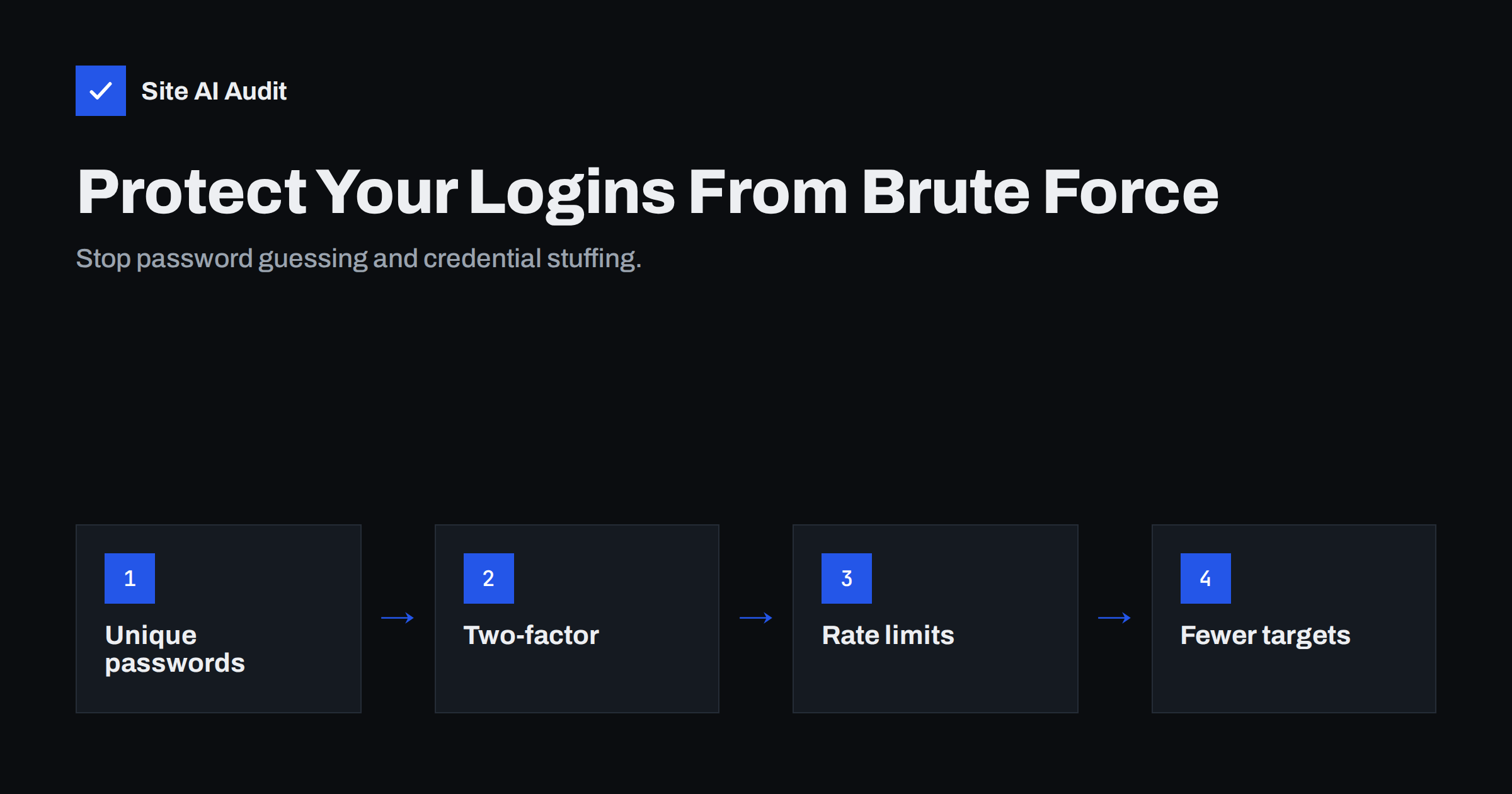
Short answer: Brute-force attacks use bots to try huge numbers of passwords against your login pages, and credential stuffing tries username and password pairs leaked from other websites. The protections that actually work are: unique, long passwords for every account; two-factor authentication for anyone with editing or admin rights; rate limiting or temporary lockouts after repeated failures; fewer admin accounts; and blocking or limiting old login endpoints such as XML-RPC where they are not needed. Hiding the login URL reduces noise but is not protection on its own.
If you look at the logs of almost any website with a login page, you will see a steady stream of failed login attempts from addresses around the world. For WordPress sites, the wp-login.php and xmlrpc.php endpoints are favourite targets; shops, CRM portals, webmail and hosting panels get the same treatment. Most of these attempts fail, but it only takes one weak or reused password to hand over the whole site. This guide explains how these attacks work and which defences make a real difference, in order of impact.
How brute-force and credential stuffing work
Classic brute force means trying many passwords for one account – often common usernames such as “admin”, the site name, or author names visible on the site – with lists of popular passwords. Modern attacks are distributed across thousands of compromised machines, so each IP address makes only a few attempts, which defeats naive per-IP blocking.
Credential stuffing uses real e-mail addresses and passwords leaked from breaches of other services. If an editor used the same password for your website and a hacked online shop years ago, attackers may already have the correct pair and will succeed on the first try. Because the attempts look like normal logins, there may be no burst of failures to notice.
Password spraying tries one or two very common passwords against many accounts, staying under lockout thresholds. It targets organisations with many users, such as staff portals.
All three are automated, cheap and relentless. The goal is not your site specifically; it is any site where a guess works.
Defence 1: Unique, strong passwords
The basics stop most attempts. Every account with editing rights should have a long, unique password generated and stored in a password manager. Length matters more than complexity rules: a random passphrase of several words or a generated string of 16 or more characters is far stronger than a short password with forced symbols. Uniqueness is what defeats credential stuffing – a password that exists nowhere else cannot have leaked from somewhere else.
For sites with customer accounts, check new passwords against lists of known breached passwords and reject them, as current guidance from bodies such as NIST recommends, rather than relying only on complexity rules.
Defence 2: Two-factor authentication
Two-factor authentication (2FA) is the single most effective measure against both brute force and credential stuffing. Even with the correct password, an attacker cannot log in without the second factor. Options, from strongest to weakest:
- Passkeys or hardware security keys – phishing-resistant and very convenient once set up.
- Authenticator apps generating time-based one-time codes – widely supported and free.
- E-mail or SMS codes – better than nothing, but vulnerable to mailbox compromise, SIM swapping and phishing.
Make 2FA mandatory for administrators and editors. For customer accounts, offer it and encourage it, especially where accounts store payment methods or personal data. Remember accounts outside the CMS as well: hosting panel, domain registrar, DNS, CDN and the e-mail account that receives password resets.
Defence 3: Rate limiting and lockouts
Limiting how many attempts can be made slows automated guessing to a crawl. Common approaches:
- Per-account limits: after several failures, delay further attempts for that username or require a CAPTCHA. Per-account limits help against distributed attacks that rotate IP addresses.
- Per-IP limits: temporarily block addresses with many failures across accounts; effective against simple attacks.
- Progressive delays: each failure adds a short delay, which barely affects real users but kills automated throughput.
- Server or edge rules: web server modules, fail2ban-style tools or CDN rate-limiting rules can block abusive traffic before it reaches the application, which also reduces server load.
Be careful with permanent lockouts: an attacker can deliberately lock out real users by failing logins on their accounts. Temporary, escalating delays are usually a better balance.
Defence 4: Reduce the attack surface
- Fewer administrators. Give people the lowest role they need. Every admin account is a high-value target.
- No shared accounts. Personal logins make it possible to enforce 2FA, remove access individually and see who did what.
- Remove unused accounts for former staff, agencies and test users.
- Disable unneeded login endpoints. In WordPress, XML-RPC allows many password attempts in a single request; if you do not use apps or services that need it, block it at the server level. Restrict REST API user enumeration where possible.
- Do not reveal usernames. Avoid displaying login names as author names, and make login error messages generic (“incorrect username or password”).
- Restrict admin areas by IP address or VPN where your team works from known locations.
Defence 5: Watch for signs of attack and compromise
Monitoring tells you whether the defences are holding. Useful signals include spikes in failed logins, successful logins from unusual countries or at unusual times, new admin accounts, and password reset requests nobody made. Many security plugins and hosting panels can e-mail alerts for these events. Send notifications to someone who will read them, and review login logs occasionally even when nothing seems wrong. If you see a successful login you cannot explain, treat it as a compromise: reset passwords, revoke sessions and check the site for changes.
Customer logins on shops and portals
Admin accounts get most of the attention, but customer accounts are attacked too – especially on shops that store addresses, order history, loyalty points or saved payment methods. Credential stuffing against customer logins is common because many customers reuse passwords. Measures that fit customer-facing logins without driving people away:
- Offer two-factor authentication or passkeys and encourage them, particularly for accounts with stored payment methods.
- Screen new passwords against breached-password lists and explain why a password was rejected.
- Use step-up checks for sensitive actions: ask for the password or a code again before changing the e-mail address, delivery address or payment details.
- Notify customers by e-mail about new logins from unfamiliar devices and about changes to their account details, so they can react quickly.
- Protect the password reset flow with rate limits and short-lived, single-use links, since attackers target it as often as the login form.
- Allow guest checkout where it suits the business; accounts that never exist cannot be taken over.
These steps protect customers even when their own password habits are weak, and they reduce support work after incidents.
What helps less than people think
| Measure | Why it helps less | Verdict |
|---|---|---|
| Renaming or hiding the login URL | Cuts bot noise, but does nothing against a known URL or credential stuffing via other endpoints | Nice extra, not a defence |
| Blocking countries | Attacks come from compromised machines everywhere; may block real customers | Situational |
| Forced password changes every few months | Leads to predictable patterns; current guidance advises changing only when compromise is suspected | Not recommended |
| CAPTCHA alone | Automated solving services exist; annoys users | Useful after failures, not alone |
The OWASP guidance on credential stuffing gives a broader overview of these attacks and countermeasures.
How Site AI Audit helps
Site AI Audit checks the parts of login security that are visible from outside: a valid SSL certificate and HTTPS redirect so passwords never travel unencrypted, security headers such as HSTS and frame protection for login pages, and exposed software versions that make targeting easier. Each finding is explained in plain words with a fix, and paid plans monitor the site so regressions are noticed quickly. Run a free check.
Related reading
- WordPress Security Checklist: 20 Steps That Actually Matter
- Secure Cookies Explained: Secure, HttpOnly and SameSite Flags
- 9 Signs Your Website Has Been Hacked (and How to Check)
The bottom line
Login attacks are constant and automated, but they succeed only against weak, reused or unprotected accounts. Unique passwords stop credential stuffing, two-factor authentication stops almost everything else, and rate limiting, fewer admins and disabled legacy endpoints reduce the pressure further. Put those in place for your website and for the hosting, domain and e-mail accounts behind it, and brute-force attempts become harmless noise in your logs.
FAQ
Is my site under attack if I see many failed logins?
Almost certainly it is being scanned, like nearly every site with a login page. It becomes a real problem only if an attempt succeeds, which is why unique passwords and two-factor authentication matter more than the volume of failures.
Does changing the WordPress login URL stop brute-force attacks?
It reduces automated noise against the default URL, but attackers can still use other endpoints and leaked credentials. Treat it as a small extra on top of strong passwords, two-factor authentication and rate limiting.
Should I disable XML-RPC in WordPress?
If you do not use the mobile app, remote publishing or services that depend on it, blocking XML-RPC removes a popular brute-force endpoint. Check your integrations first, since some plugins and services still use it.
Which two-factor method should I choose?
Passkeys or hardware keys give the strongest, phishing-resistant protection, and authenticator apps are a good, widely supported choice. SMS and e-mail codes are weaker but still far better than a password alone.
Can a strong password alone protect my admin account?
A long, unique password defeats guessing and credential stuffing, but it can still be phished or stolen by malware. Two-factor authentication covers those cases, so use both for any account with admin rights.


