 ENEnglish
 LTLietuviškai
 DEDeutsch
 FRFrançais
 RUРусский
 ESEspañol
 PLPolski
 ITItaliano
 UKУкраїнська
 CSČeština
 PTPortuguês
 JA日本語
 LVLatviešu valoda
 ETEesti
 HUMagyar
 IDBahasa Indonesia
 TRTürkçe
 HIहिन्दी
 ELΕλληνικά
 ARالعربية
 THไทย
 VITiếng Việt
 RORomână
 MSBahasa Melayu
 BNবাংলা
#Caching
Caching stores ready-made copies of files and pages so they do not have to be rebuilt or downloaded again. Articles tagged here explain browser caching, page caching, object caching and CDN caching. They show which cache headers to set and how long files should be kept. You will learn how to avoid serving stale content after an update. Guides cover common setups for WordPress and custom servers. A correct cache setup often cuts load times more than any other single change.
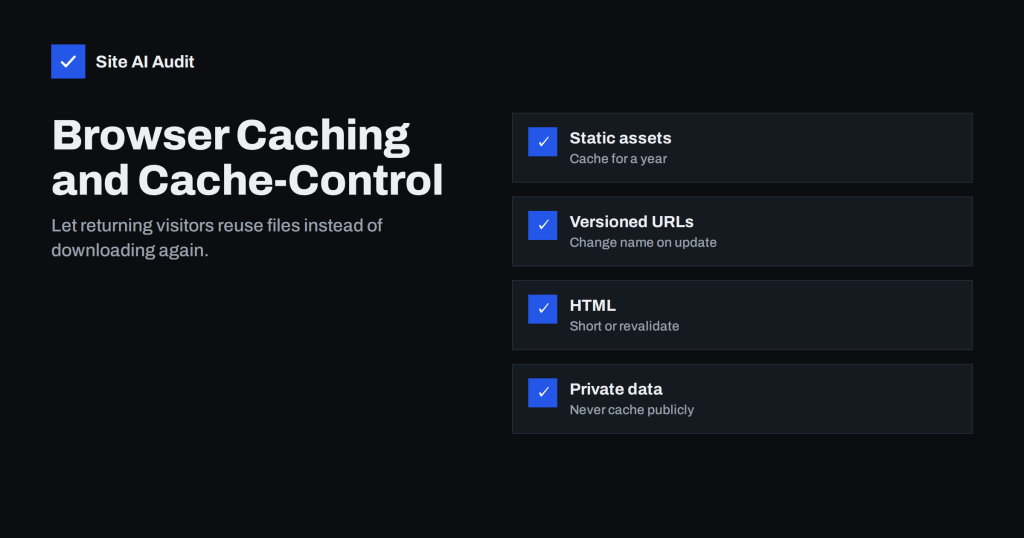 14.08.2026 · 8 Min. Lesezeit
Browser Caching Explained: How to Set Cache-Control Headers
Browser caching lets returning visitors skip re-downloading files. Learn how Cache-Control works, which lifetimes to use and how to update files safely.
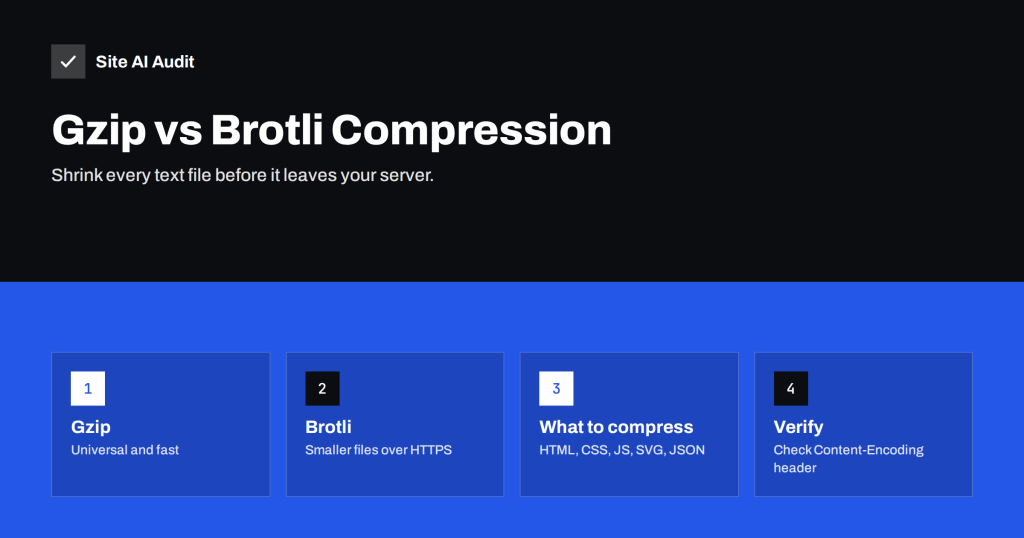 13.08.2026 · 8 Min. Lesezeit
Gzip vs Brotli: How to Enable Text Compression on Your Server
Text compression shrinks HTML, CSS and JavaScript before they reach visitors. Compare Gzip and Brotli, learn how to enable them and check that they…
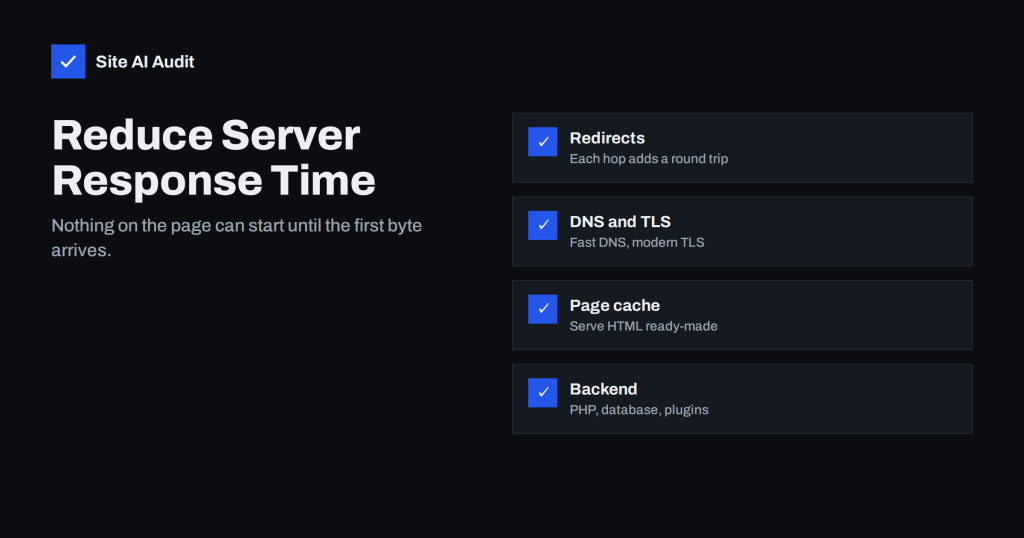 07.08.2026 · 8 Min. Lesezeit
How to Reduce Server Response Time (TTFB) for Faster Pages
Slow Time to First Byte delays every other part of the page. Learn what TTFB includes, what a good value is, and how caching,…
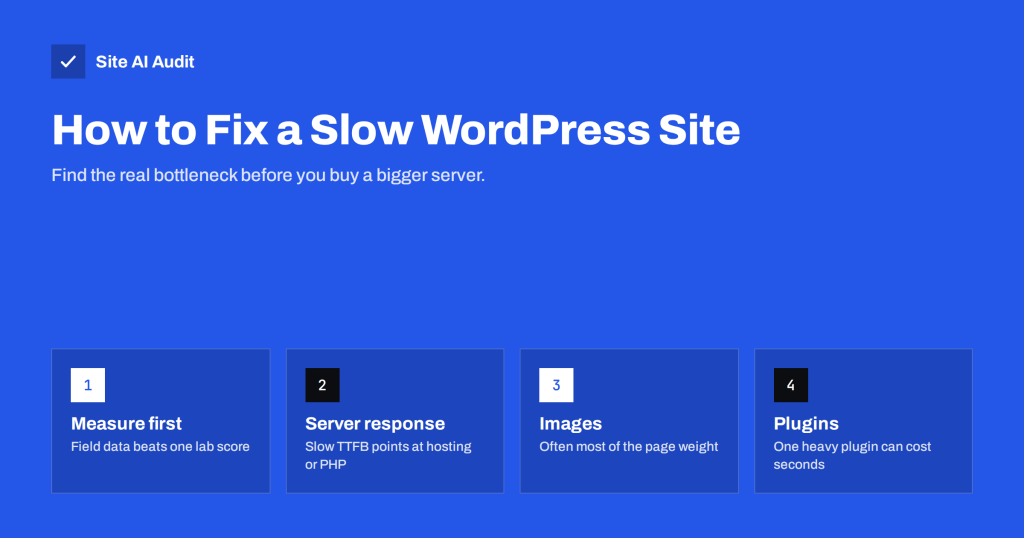 01.08.2026 · 8 Min. Lesezeit
How to Fix a Slow WordPress Site: A Step-by-Step Guide
A slow WordPress site usually has one or two real causes. Learn how to measure, find the bottleneck and fix hosting, caching, images and…