 ENEnglish
 LTLietuviškai
 DEDeutsch
 FRFrançais
 RUРусский
 ESEspañol
 PLPolski
 ITItaliano
 UKУкраїнська
 CSČeština
 PTPortuguês
 JA日本語
JA日本語 LVLatviešu valoda
 ETEesti
 HUMagyar
 IDBahasa Indonesia
 TRTürkçe
 HIहिन्दी
 ELΕλληνικά
 ARالعربية
 THไทย
THไทย VITiếng Việt
 RORomână
 MSBahasa Melayu
 BNবাংলা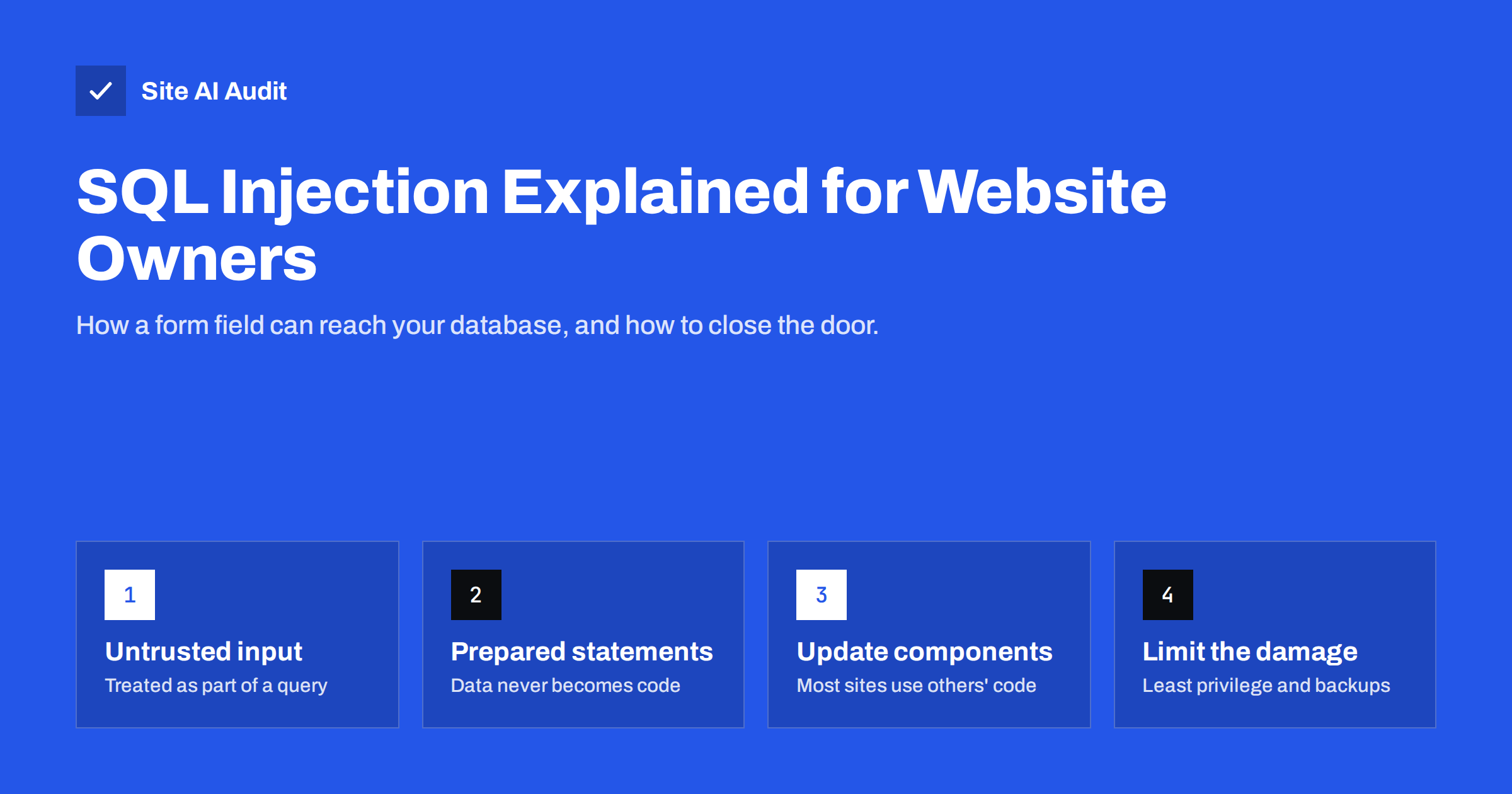
Short answer: SQL injection is an attack in which someone types specially crafted text into a form field, URL parameter or cookie, and a vulnerable website inserts that text directly into a database query. The attacker can then read, change or delete data such as customer records and passwords, and sometimes take over the site. It is prevented in the code with prepared statements (parameterised queries), and in practice by keeping your CMS, plugins and themes updated, limiting database permissions and adding a web application firewall as an extra layer.
What SQL injection is
Most websites store their content and data in a database: pages, products, orders, user accounts. The website talks to the database in a language called SQL. When a visitor searches for “blue shoes”, the site builds a query that asks the database for products matching those words.
The danger appears when the website builds that query by gluing the visitor’s text directly into the SQL command. If the text contains characters that SQL treats as instructions, such as quotes and keywords, the database can no longer tell where the site’s command ends and the visitor’s input begins. The visitor’s text becomes part of the command. That is injection.
The OWASP description of SQL injection describes it as one of the oldest and best-understood web vulnerabilities. It is still found regularly, mostly in custom code and in poorly maintained plugins and extensions.
A simple example of how it works
Imagine a login form. A vulnerable site might build a query like this, inserting whatever the visitor typed:
SELECT * FROM users WHERE email = '[typed email]' AND password = '[typed password]'
A normal visitor types an e-mail address and a password, and the query works as intended. An attacker instead types text containing a quote followed by a condition that is always true. The quote closes the text value early, and the rest of the input is read by the database as SQL logic. The condition becomes true for every row, and the attacker may be logged in without knowing any password.
The same principle works on search boxes, filters, product IDs in URLs such as ?id=15, contact forms and even cookies or HTTP headers the site stores. Anything that reaches a query unprotected is a possible entry point.
What attackers can do with it
The impact depends on the database permissions and what the site stores, but it can be severe:
- Steal data. Customer names, e-mail addresses, order history and password hashes can be extracted, often without any visible sign on the website.
- Bypass logins. As in the example above, authentication checks can be skipped.
- Change content. Attackers can insert spam links, redirect scripts or fake administrator accounts directly into the database.
- Delete data. Tables can be dropped or emptied.
- Take over the server. With excessive database permissions, some configurations allow writing files or running commands.
Because stolen personal data may create legal obligations, such as notifying authorities and customers in some jurisdictions, an injection flaw can become a business problem, not only a technical one.
Where the risk comes from on typical small-business sites
Few small businesses write their own database code. Most use WordPress, WooCommerce, Joomla, Drupal, PrestaShop or a hosted platform. The risk sits in three places:
- Plugins, extensions and themes. Popular CMS cores are reviewed heavily. Third-party add-ons vary widely in quality, and SQL injection flaws in plugins are disclosed regularly. When a flaw is published, automated attacks against it often start soon after.
- Custom code. Forms, booking systems, calculators and integrations written for one client often receive less review than widely used software.
- Old, unmaintained software. A site that has not been updated for years accumulates known vulnerabilities, and attackers scan the internet for exactly those versions.
Hosted platforms such as Shopify or Squarespace handle the core code for you, but apps and custom integrations you add still need care.
A useful exercise is to list every place where your website accepts input from visitors: search, login, registration, contact and quote forms, filters, booking tools and any URL with parameters. Each item on that list runs code that someone wrote, and each one is worth asking about when you review plugins or talk to your developer. Sites with fewer moving parts simply have fewer places where injection can hide.
How developers prevent SQL injection
The fix is well known and reliable. The OWASP prevention cheat sheet lists the main defences:
- Prepared statements with parameterised queries. The query is sent to the database with placeholders, and the user’s input is sent separately as data. The database never interprets that data as SQL, whatever characters it contains. This is the primary defence.
- The platform’s database functions. In WordPress, developers should use
$wpdb->prepare()or the higher-level query functions rather than building SQL strings by hand. Most frameworks offer an equivalent. - Allow-list validation. Where input must be a number, a date or one of a few fixed values, such as a sort order, check that it is exactly that before using it.
- Least privilege. The database user the website connects with should have only the permissions it needs, and never administrator rights over the whole database server.
Escaping special characters by hand and blocking “dangerous” words are weaker approaches. They are easy to get wrong and often bypassed.
Code review and security testing complete the picture. For custom applications that handle personal or payment data, an independent review or penetration test before launch is a reasonable investment.
What site owners can do without writing code
You do not need to read code to reduce the risk considerably:
- Keep everything updated. Apply updates to the CMS core, plugins and themes promptly, following a routine such as our safe website update strategy. Security fixes are only useful once installed.
- Remove what you do not use. Deactivated plugins can still be reachable on some platforms. Delete them.
- Choose maintained add-ons. Prefer plugins with recent updates, many active installations and a responsive developer.
- Ask about custom code. If an agency or freelancer built forms or integrations for you, ask whether all database access uses prepared statements, and whether the code has been reviewed.
- Add a web application firewall. A WAF can block many common injection attempts before they reach the site. Our guide on whether you need a WAF explains the options. It is a safety net, not a replacement for fixed code.
- Keep backups and a recovery plan. Regular, tested backups stored away from the server limit the damage if data is changed or deleted.
Signs your site may have been attacked
Injection attacks are often silent, but some traces are common:
- New administrator accounts you did not create.
- Spam links or unfamiliar scripts inside posts, pages or product descriptions.
- Many requests in the server logs with SQL keywords, quotes or encoded characters in URL parameters.
- Database errors displayed on pages, which can also help attackers probe the site.
- Security warnings in browsers or search results.
Our checklist of signs your website has been hacked covers the wider picture. If you find evidence, take the site into maintenance mode, change all passwords including the database password, restore from a clean backup if needed, update everything and have the vulnerable component identified before going live again.
Also: do not help attackers find the weak spot
Attackers look for sites running versions with known flaws. Visible version numbers in HTML, response headers and readme files make that search easier. Detailed database error messages shown to visitors reveal table names and query structure. Neither causes injection on its own, but both make it easier to find and exploit. Hide version details, as explained in our guide on exposed software versions, and make sure the production site logs errors instead of displaying them.
How Site AI Audit helps
Site AI Audit checks your website from the outside, the way visitors and automated scanners see it. It does not attack forms or test for injection, but its security checks include exposed software versions, the SSL certificate, the HTTP to HTTPS redirect and security headers, with each finding explained in plain words and ranked by impact. Removing exposed version details and keeping the basics in order makes your site a less obvious target. You can run a free check of your website.
Related reading
- Website Security Scan vs Penetration Test: What You Need
- Website Backup Strategy: How to Back Up So You Can Restore
- WordPress Security Checklist: 20 Steps That Actually Matter
The bottom line
SQL injection happens when a website lets visitor input become part of a database command. Developers prevent it with prepared statements, validation and minimal database permissions. Site owners prevent most of the real-world risk by updating promptly, removing unused plugins, choosing maintained software, asking the right questions about custom code and keeping backups and a firewall as safety nets.
FAQ
What is SQL injection in simple terms?
It is an attack where text typed into a website, such as in a form or URL, is treated by the database as a command. The attacker can then read or change data they should not have access to.
Can WordPress sites be vulnerable to SQL injection?
Yes, mostly through plugins and themes with insecure code. The WordPress core is heavily reviewed, so keeping plugins updated and removing unused ones is the most effective protection.
Does a web application firewall stop SQL injection?
A WAF blocks many common attack patterns and is a useful extra layer. It does not fix vulnerable code, so updates and secure coding are still needed.
How do developers prevent SQL injection?
By using prepared statements with parameterised queries, so user input is always handled as data. Allow-list validation and minimal database permissions add further protection.
What should I do if my site was hit by SQL injection?
Put the site into maintenance mode, change all passwords including the database password, restore clean data from a backup, update all software and have the vulnerable component found and fixed before reopening.


