 ENEnglish
 LTLietuviškai
 DEDeutsch
 FRFrançais
 RUРусский
 ESEspañol
 PLPolski
 ITItaliano
 UKУкраїнська
 CSČeština
 PTPortuguês
 JA日本語
 LVLatviešu valoda
 ETEesti
 HUMagyar
 IDBahasa Indonesia
 TRTürkçe
 HIहिन्दी
 ELΕλληνικά
 ARالعربية
 THไทย
 VITiếng Việt
 RORomână
 MSBahasa Melayu
 BNবাংলা
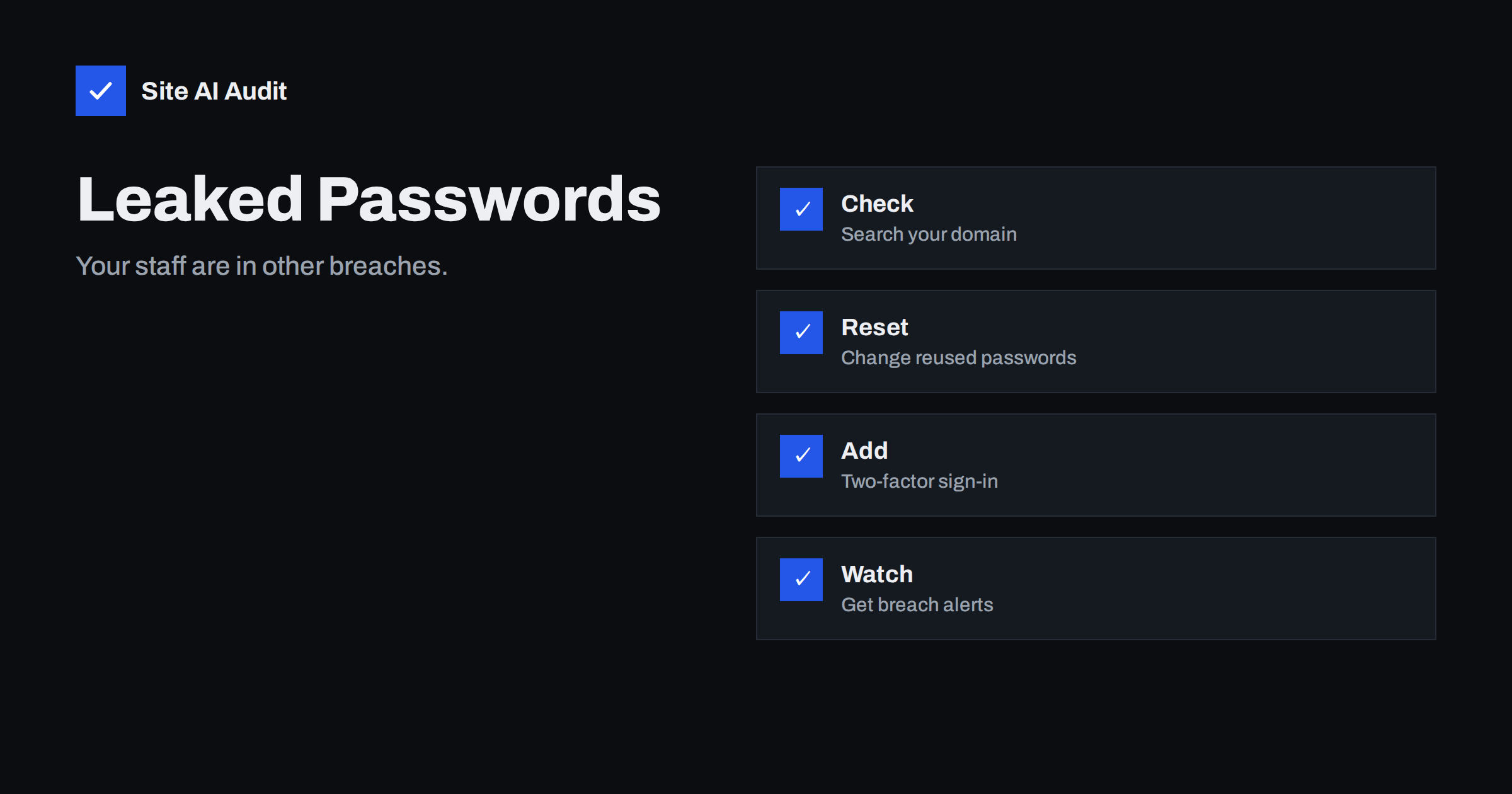
Short answer: When any online service is breached, the stolen e-mail addresses and passwords end up in lists that criminals try on other sites. If your staff used a work address and a reused password there, your accounts are at risk even though your own systems were never attacked. Check which of your addresses appear in known breaches, force password changes where needed, turn on two-factor authentication and set up alerts for new leaks.
How credentials leak without your site being hacked
Most breaches do not happen on your servers. A forum, an online shop, a newsletter service or a gaming site is attacked, and its user database is stolen. People often sign up to such services with their work address and a password they also use elsewhere. The stolen data, with addresses and sometimes passwords or password hashes, spreads in criminal markets and public dumps.
Attackers then try the same pairs on valuable targets: e-mail accounts, content management systems, hosting panels, online banking and cloud tools. This method, called credential stuffing, works because many people reuse passwords. The article on credential stuffing explains how the attempts are automated, and the one on login brute-force protection describes the defences on your login page.
Why your domain should care
Your domain is a target in three ways. Staff mailboxes can be taken over, giving criminals a base for fraud, as in invoice fraud. A hijacked administrator account on your website lets them plant malicious code, see hacked website recovery. And a breach at a supplier, using your addresses, can lead to targeted phishing, because the attacker knows who works for you and which service they use.
You may not learn about any of this from your own logs. A login with a correct password looks like an ordinary login, which is why prevention and early warning matter more than detection afterwards.
Step 1: check where your addresses appear
Several services let you search public breach data. Some allow a person to check a single address. Others let the owner of a domain prove control of it and then see every address of that domain found in known breaches, and some offer notifications when new breaches appear. Use a reputable service, and be careful about the following:
- Never type a password into a site that claims to check it unless it uses a safe method that does not reveal the password. A good service never needs your full password.
- Prove domain ownership in the way the service asks, for example with a DNS record or a file on your website, and remove the record afterwards if the service allows.
- Treat the list of exposed addresses as sensitive information, and share it only with the people who need it.
- Remember that a result shows that the address was in a breach, not that the current password is compromised.
If a result shows a staff address in a breach of a service unrelated to work, the risk is lower, but the password policy question remains.
Step 2: reset what matters
- Identify the services. Note which breach contained each address and what data it held.
- Change passwords for the affected accounts, and for any account where the same password might have been reused. Start with e-mail, the website admin and the hosting panel.
- Use a password manager to create unique, long passwords for every service, so that a breach in one place never opens another. See password managers for teams.
- Sign out all sessions after the change, since a thief may already be logged in.
- Review recent activity. Look at login history, new forwarding rules, unknown devices and changes in account settings.
For the website itself, check for users you do not recognise, as explained in the guide to hidden admin users in WordPress.
Step 3: make stolen passwords useless
A password alone should not be enough to enter anything important. Turn on two-factor authentication for e-mail, the content system, the hosting account, the domain registrar and any finance tool. App-based codes or hardware keys are better than text messages. Where possible, offer passkeys, as in passkeys for websites, which cannot be stolen in a breach because there is no shared secret on the server. The article on two-factor authentication gives practical advice for a small site.
Also set a sensible password policy: long passphrases, no forced frequent changes without a reason, and blocking of passwords known to be in breach lists. See password policy for the reasoning.
Step 4: reduce what leaks in the first place
- Use work addresses only for work. Staff should not sign up to unrelated services with a company address.
- Use aliases or role addresses for sign-ups to tools, so a breach reveals less. See aliases and shared mailboxes.
- Remove old accounts of people who left and services you no longer use. See offboarding access.
- Store only what you need about your own customers, and hash passwords correctly, as in password hashing, so that your own breach would do less harm.
- Prepare a response plan. The article on data breach response lists the steps and notification duties.
Communicate with your team without blame. People often feel embarrassed when they learn that their password was in a leak, and embarrassed people hide problems. Explain that breaches are common, that the fault lies with the service that was attacked, and that the right response is to change passwords and add a second factor. A short, friendly message with clear steps works better than a warning that sounds like an accusation. Offer help: ten minutes spent setting up a password manager on someone’s phone does more than a long policy document.
It is also worth testing the weakest link, which is often not an employee but an old, forgotten account. A shared login for a social media page, a test user in the content system, an administrator account created by a former agency, a mailbox for a retired product: such accounts rarely have two-factor sign-in, and nobody notices when their passwords are reused. List every account that can change your website, your domain or your mail, name an owner for each, and delete the ones that no one can explain. A short list of known accounts is far easier to protect than a long list of mysteries.
Keep watching
A single check is a snapshot. New breaches appear every month, so set up notifications for your domain where the service supports them, and repeat the review at least twice a year. Treat each alert like a small incident: find the address, decide what is at risk, change the password and confirm that two-factor sign-in is on. Also monitor for abuse of your domain by others, such as lookalike domains, see lookalike domains.
Pay attention to the way attackers use leaked data after the first login attempt. If a password works, they usually do not act at once. They look for a way to stay: they add a forwarding rule that copies every incoming message to another address, create a second administrator, install a hidden plugin or add a recovery phone number to the account. Review those places when you suspect that an account was exposed, even if you see no obvious damage. A forwarding rule is a particularly quiet danger, because it keeps working after the password has been changed and may be noticed only when a customer reports a strange invoice.
A worked example
A design agency with eight staff checks its domain in a breach notification service. The result lists eleven addresses, among them the owner’s and the accountant’s, found in the data of a hobby forum that was breached some years ago. The owner remembers using the same password for the forum and the agency’s hosting panel. She changes the hosting password at once, then finds that two other staff members used the forum with work addresses and similar passwords. All eight people receive a password manager, the agency turns on two-factor sign-in for e-mail and the website admin, and the owner subscribes to notifications for the domain. Three months later a new alert arrives for an address from a different breach. This time nothing happens, because the password is unique and a second factor is required. The whole process took one afternoon.
See what else is exposed
Leaked passwords are one risk among many. A scan can show other weaknesses on your site that attackers look for first. Run a free check with Site AI Audit to see your certificate, security headers and e-mail records in one report.
Related reading
- Website Security for Small Businesses: Where to Start
- Compromised Email Account Sending Spam: What to Do Right Now
- Password Reset Flaws: Tokens, Links and Account Takeover
- Website Security Audit Checklist: What to Check and in What Order
The bottom line
Assume that some of your staff’s addresses and passwords are already in a breach. Find out which ones, change what is reused, require a second factor and keep watching for new leaks. The goal is that a stolen password opens nothing.
FAQ
Does being in a breach mean my site was hacked?
No. It usually means another service that held your address was breached. The risk comes from reused passwords.
Is it safe to use breach-check services?
Reputable ones are, particularly those that never ask for your full password. Use well-known services and prove domain ownership only as they instruct.
Which accounts should I secure first?
E-mail, the website admin, the hosting panel and the domain registrar, since they give access to everything else.
Are password managers safe?
For most people they are far safer than reusing passwords. Protect the manager with a strong passphrase and two-factor sign-in.
How often should I check?
At least twice a year, and use notifications so you hear about new breaches soon after they become public.


