ENEnglish
 LTLietuviškai
 DEDeutsch
 FRFrançais
 RUРусский
 ESEspañol
 PLPolski
 ITItaliano
 UKУкраїнська
 CSČeština
 PTPortuguês
 JA日本語
 LVLatviešu valoda
 ETEesti
 HUMagyar
 IDBahasa Indonesia
 TRTürkçe
 HIहिन्दी
 ELΕλληνικά
 ARالعربية
 THไทย
 VITiếng Việt
 RORomână
 MSBahasa Melayu
 BNবাংলা
Short answer: Product schema is a block of structured data, usually written as JSON-LD, that describes a single product on its own page: the name, images, brand, price, currency, stock status and, if you have them, ratings. It helps search engines read the page correctly and can make it eligible for richer displays such as price and availability in results. The rule that matters most is that the markup must match what a visitor sees on the page.
What product schema is
Structured data is a standard way to label information on a page, so that software does not have to guess. The vocabulary comes from schema.org, and Google reads it from JSON-LD blocks placed in the page. For a product page, the main type is Produkt. Inside it, the offer is described with Offer and the ratings with AggregateRating and Review. If you are new to the topic, the guide to structured data for small business websites gives the basics.
The markup does not change how the page looks. It is a second description for machines, and it should say the same thing as the visible text.
What it can do for you
- Product snippets. Results can show details such as price, availability and star ratings next to the link, when Google decides to display them.
- Merchant listings. Pages with complete product and offer data can appear in shopping-style results and in image search with product details.
- Better understanding. Search engines can tell which number is the price, which is the item code and which is the rating, instead of guessing from the layout.
- Fewer mismatches. Consistent data helps when other tools, such as shopping feeds, compare your page with your catalogue.
Markup is not a guarantee. Google decides whether to show rich results, and it may leave them out even when the data is correct. Treat it as eligibility, not a promise.
The fields to include
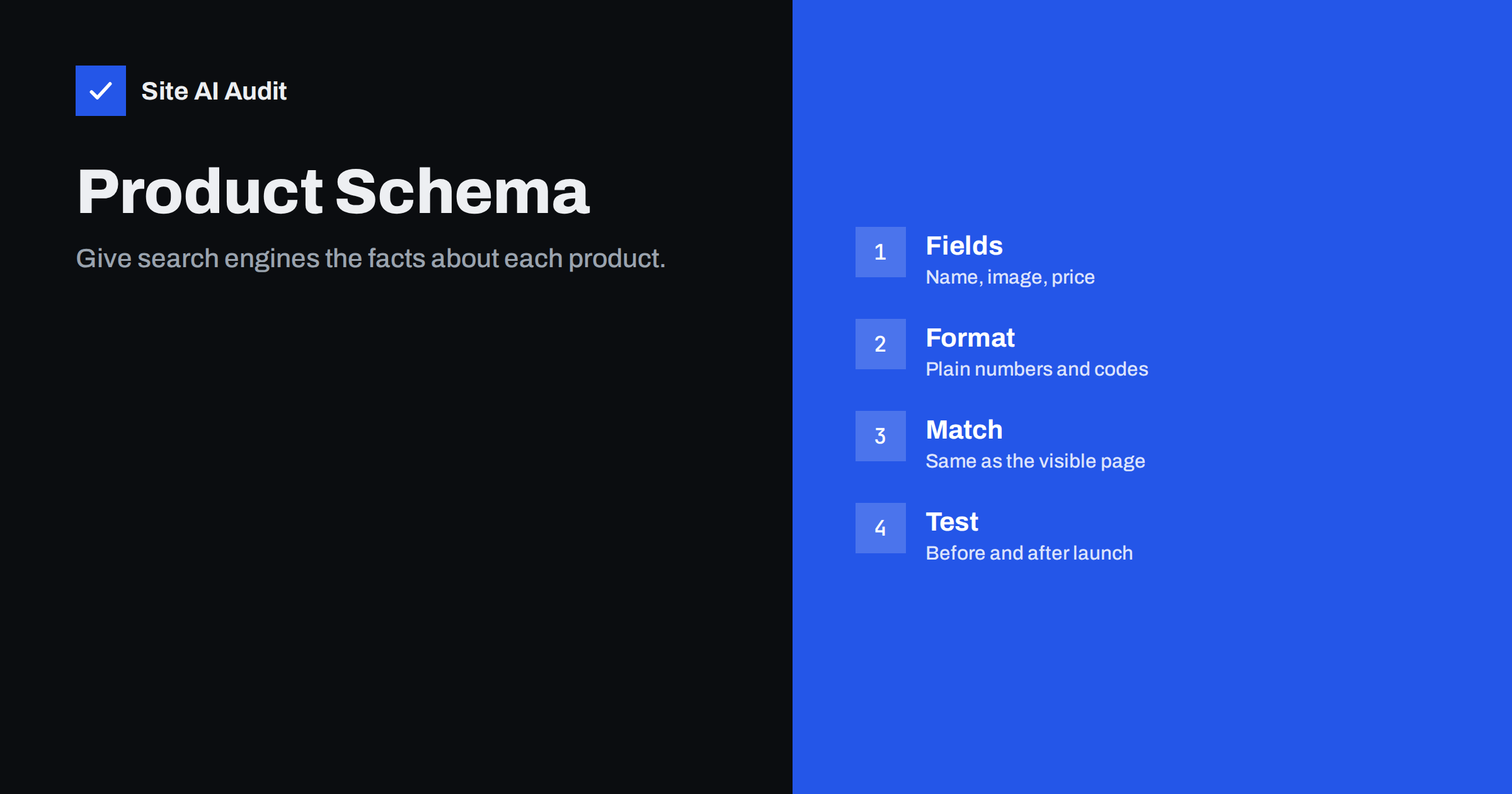
A complete product block includes the following.
- name — the product name, as shown on the page.
- image — one or more image addresses. Use good photos, and give several angles when you have them.
- description — a short, accurate description.
- sku or another identifier such as a global trade item number, which helps match products across sources.
- brand — the maker or brand name.
- offers — the price (a plain number), the currency (a three-letter code such as EUR or USD), the availability and the address of the page.
- aggregateRating and review — only when real customers have rated the product on your site.
Price and stock data should be the current values. If your price changes often, make sure the markup is generated from the same source as the visible price, not typed by hand.
Offers deserve extra care, because they carry the information that changes most often. Besides price and currency, you can describe how long a price is valid, whether the item is new or used, and details such as shipping costs and return rules. Google asks for more of these details for its shopping features, so if you want your products to appear there, complete the offer fully. If a field does not apply to you, leave it out rather than guess. An accurate, shorter block is better than a long one with doubtful values.
A simple example
A basic block for a pair of boots might read as follows, written as JSON-LD: a type of Product, a name of “Trail Boot”, an image address, a brand named in a nested object, and an offers object with a price of 89.90, a currency of EUR and an availability value of the in-stock address from schema.org. In practice, your shop software or an SEO plugin will generate it. The important parts to check are visible when you look at the code: the price has no currency symbol or thousands separator, the currency is a code and the availability uses the full schema.org address.
If you add the block by hand, place it once on each product page, and do not copy the same block to other pages. Each page needs data for its own product.
Rules Google asks you to follow
- Mark up what is on the page. The product, price and ratings must be visible to visitors. Hidden or invented data can lead to the markup being ignored or to a manual action.
- Use it for single products. Do not add product markup to category pages that list many items, or to pages that only mention a product in passing.
- Use real reviews. Ratings must come from actual customers, shown on the page, and not be written by you or bought. The article on review rich results goes into more detail.
- Keep prices current. A price in the markup that differs from the page can cause the rich result to be removed.
- Do not mark up content that is not for sale as if it were. A product page that cannot be bought should say so honestly in the availability field.
Common errors
- Wrong price format. Writing “€89,90” or “89.90 EUR” instead of the number 89.90 with the currency in its own field.
- Missing availability or currency. Offers without these fields are incomplete.
- Prices set by JavaScript. If the visible price is filled in later by a script, but the markup is static and old, the two disagree.
- Variants handled badly. A shirt in five sizes can be one product with several offers or several products. Be consistent, and make sure each URL shows what its markup says.
- Duplicate blocks. A theme and a plugin both add product markup, so the page has two conflicting blocks. Turn one off.
- Review markup without visible reviews. This is one of the most common reasons for warnings and removals.
- Markup on out-of-stock pages that is not updated. See the guide to out-of-stock product pages for what to do when stock runs out.
How to test and monitor
- Use Google’s Rich Results Test on a live product page, and fix errors and warnings. Errors block features. Warnings point to optional fields that can improve results.
- Check the Search Console reports. The enhancement reports for products show valid pages, pages with errors and trends over time. See the article on structured data errors in Search Console.
- Test every template. A simple product, a variable product and a product on sale can each produce different markup.
- Recheck after changes. New themes, plugins and checkout changes can alter the output without warning.
- Compare with the page. Open a product page, read the price, then read the data. They should match.
Think about who maintains the markup. In many shops, the product data lives in one place, the visible page is drawn from it, and the markup is generated from the same data. That is the safest setup, because a price change appears in both at the same time. Problems begin when a person types the markup into a custom field, or when a plugin takes data from a different place than the theme. If you must maintain it by hand, add a reminder to review the markup whenever you change prices or take a product off sale.
For shops with thousands of products, sample a few from each category every month. A systematic error, such as every sale price being missed, will show up quickly in a small sample.
How product schema fits with the rest of the page
Schema works best on a page that already does the basics well: a clear title, a useful description, good images and real information. The product page SEO checklist covers those parts. Markup cannot rescue a thin page, and it does not replace the work of writing helpful text. Think of it as a label on a well-made package, not as the product.
How Site AI Audit helps
Site AI Audit does not validate structured data, so use Google’s own tools for that. It does check the foundations of a product page: titles, descriptions, headings, alt texts, broken links, redirects, your sitemap and robots.txt, as well as speed and security. The free check crawls up to 50 pages with no sign-up. You can run a free check of your website and read about the plans for weekly monitoring and alerts.
Related reading
- FAQ Schema: What Google Still Shows and How to Add It
- Organization Schema: Tell Search Engines Who You Are
- Category Page SEO for Online Shops: A Practical Guide
- How to Speed Up a Slow WooCommerce Store Without Breaking It
The bottom line
Product schema is a clear, low-cost way to describe your products to search engines. Include the key fields, use plain number and code formats, keep the markup identical to what visitors see and test it after every change. Do that, and your product pages are eligible for richer results without risking a penalty.
FAQ
Do I need product schema to rank?
No. You can rank without it. Schema helps search engines understand the page and makes it eligible for richer results, but it is not a ranking trick.
Does my shop plugin add it automatically?
Most shop systems and SEO plugins generate basic product markup. Check the output on a real page, because defaults are often incomplete or doubled up.
Can I include reviews I wrote myself?
No. Ratings and reviews in the markup must come from real customers and appear on the page. Invented reviews can lead to loss of rich results.
Which format should I use?
JSON-LD. Google recommends it, and it is easier to maintain than markup mixed into the HTML.
How long until rich results appear?
It can take days or weeks after Google recrawls the page, and there is no guarantee that results will be shown.