ENEnglish
 LTLietuviškai
 DEDeutsch
 FRFrançais
 RUРусский
 ESEspañol
 PLPolski
 ITItaliano
 UKУкраїнська
 CSČeština
 PTPortuguês
 JA日本語
 LVLatviešu valoda
 ETEesti
 HUMagyar
 IDBahasa Indonesia
 TRTürkçe
 HIहिन्दी
 ELΕλληνικά
 ARالعربية
 THไทย
 VITiếng Việt
 RORomână
 MSBahasa Melayu
 BNবাংলা
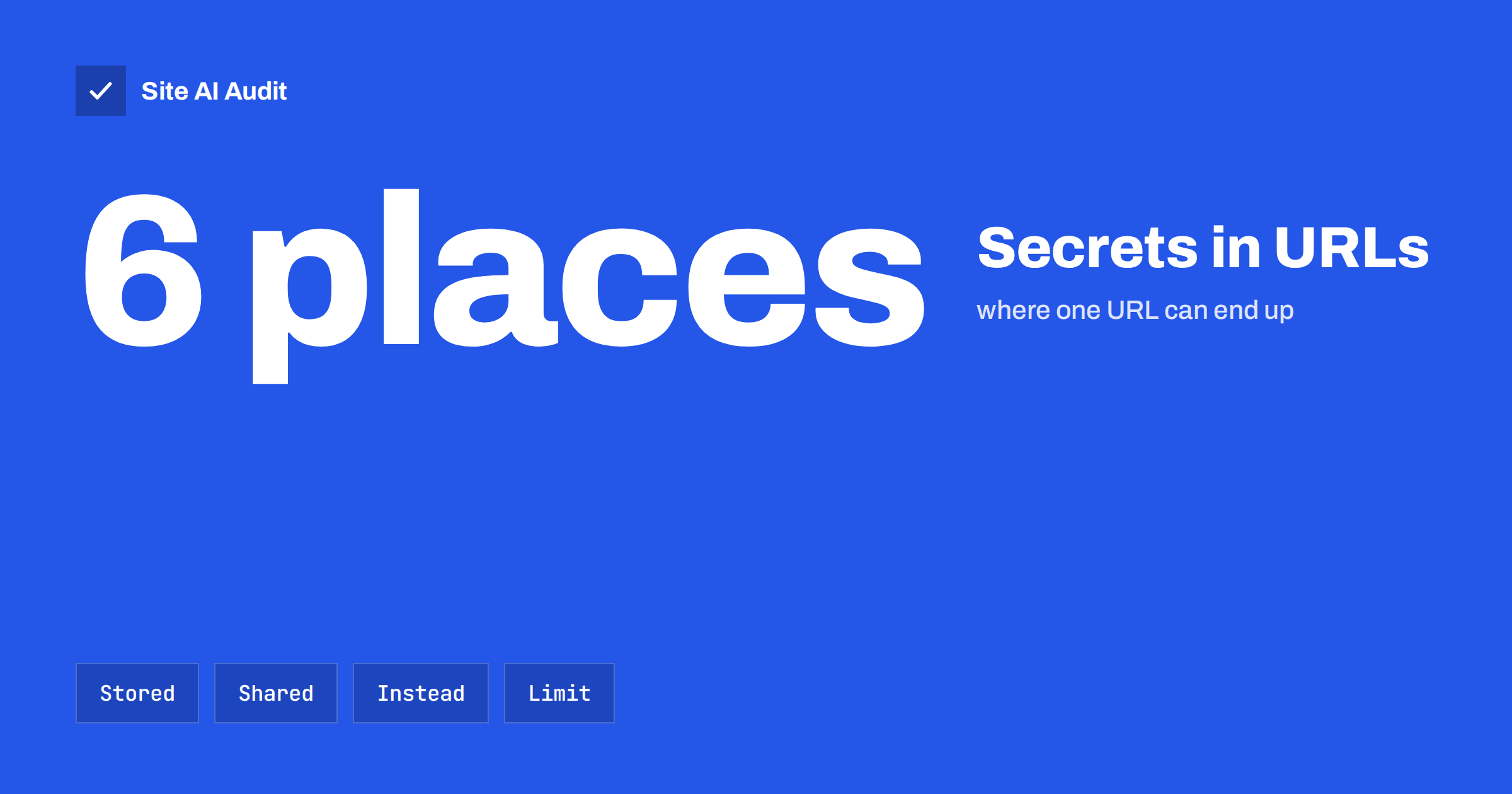
Short answer: Web addresses are not private. They are saved in browser history, written to server logs, passed to other websites in the Referer header, picked up by analytics tools and copied into emails and chats. If a URL contains a password reset token, a session ID, an API key or personal details, all of those places become a possible leak. Put sensitive data in the body of a request, in a header or in a cookie, and make any token short-lived and single-use.
Where a URL ends up
When a visitor opens a page, the address travels further than most people realise. A single link can be stored in all of the following places, usually without anyone deciding it should be.
- Browser history and the address bar suggestions, on every device that syncs it.
- Bookmarks and shared links. People copy an address from the bar and paste it into an email or a chat to ask a colleague for help.
- Your web server’s access logs. Each request line includes the path and the query string. Hosting providers, backup systems and log tools may keep these for months.
- Proxies, firewalls and content delivery networks that sit between the visitor and your server and keep their own logs.
- Analytics tools. Page reports usually record the full address, including parameters.
- The Referer header. When a visitor clicks a link on your page, or when your page loads an image or a script from another domain, the browser may tell the other site which page the visitor came from.
- Screenshots and screen sharing. The address bar is visible in every shared window.
- Search engines. If a page with a long, unique address is linked anywhere public, it can be crawled and indexed.
What should never be in a URL
- Passwords and secret keys. No form should place a password in an address, ever.
- Session identifiers. A session ID in a URL can be stolen by anyone who sees the address, as explained in the article on session hijacking and fixation.
- API keys. Keys passed as query parameters end up in logs. See the guide to exposed API keys.
- Long-lived access tokens. A token that opens an account for days or weeks is a key in a public place.
- Personal data. Email addresses, phone numbers, names and national identification numbers should not be in the path or the query string, because they spread to logs and analytics and create privacy duties.
- Details of private records. Order contents, medical information or financial amounts.
Here is a typical story. A small shop sends order status links of the form “view order, followed by the customer’s email address and order number”. A customer forwards the link to a friend to ask about a gift. The friend opens it, sees the full order and the address, and clicks on the shop’s link to a delivery partner, which then receives the address in the Referer header. Nobody did anything wrong on purpose, yet the personal data of one customer is now in four places. A secret token that can be used once, with a short life, would have prevented most of this.
Some links must carry a token
There are good reasons for secret links: password resets, email confirmation, invitations and one-time download links. In these cases, the URL has to contain something that proves the visitor owns the message. The answer is not to avoid tokens, but to make them safe to leak:
- Make the token long and random, so it cannot be guessed.
- Give it a short life, such as an hour for a password reset.
- Make it single-use. Once it has been used, it should stop working.
- Tie it to one action, so that a reset token cannot be used as a login.
- Store only a hash of the token on the server, as described in the guide to password reset flaws.
The Referer header problem
When a visitor lands on a page that has a token in its address and then clicks a link to another site, the browser may send the full address to that site in the Referer header. The same thing can happen when the page loads a third-party script, image or font. The owner of that other site can then see the token in their logs.
Modern browsers limit this by default, but the behaviour differs across browsers and versions, and some settings send more than you expect. Control it yourself with the Referrer-Policy header, described in the article on the Referrer-Policy header. A value such as strict-origin-when-cross-origin or no-referrer on sensitive pages stops the full address from being shared. Also avoid placing third-party scripts and trackers on pages that carry tokens in the address.
Better places for sensitive data
- Request body. Submit forms with the POST method, so that values travel in the body, not in the address. Remember that a GET request should not change data. Using POST for actions also reduces the chance of cross-site request forgery problems, which are covered in the guide to CSRF.
- Headers. API clients can send keys and tokens in an Authorization header.
- Cookies. Session data belongs in cookies with the Secure, HttpOnly and SameSite flags. See secure cookie flags.
- Server-side state. Store the details of a private record on the server and give the browser only a short reference that cannot be used by anyone else.
Limiting the damage of links that must carry data
- Redirect after the visit. When a visitor opens a confirmation or reset link, validate the token and then redirect to a clean address, so that the token does not stay in the address bar or in later referrers.
- Remove it on the page. A small script can replace the address with a clean one after the page loads, using the browser’s history interface.
- Add noindex and no-store. Tell search engines not to index token pages and tell caches not to store them. The article on Cache-Control for sensitive pages explains the headers.
- Reduce what logs keep. Configure your server to drop or mask query strings for sensitive paths, or remove tokens from logs after a short period.
- Strip parameters in analytics. Exclude known sensitive parameters from analytics reports and from tag-manager variables.
How to find problems on your site
- Browse your own site as a user and watch the address bar during sign-in, checkout, password reset and download flows.
- Search your server logs for query strings that contain words such as token, key, password, email or session. The guide to reading access logs helps with the method.
- Open your analytics reports and look at the page paths for anything personal.
- Read your email templates, since links in transactional messages often contain more than they need.
- Ask developers and plugin vendors how their forms submit data.
Developers should also watch for debug and error pages. A page that prints the full request address when something fails will copy the token into screenshots, support tickets and error tracking tools. Check what your error tracker records, and configure it to filter out sensitive parameters before it sends reports. The same applies to browser extensions and session recording tools, which can capture whole pages and addresses unless you exclude the sensitive ones.
A note on marketing parameters
Tracking parameters such as campaign names are different from secrets, and they are generally harmless. Still, avoid putting email addresses into newsletter links, even for convenience. A link that includes the subscriber’s address spreads that address into every log and analytics tool the visitor passes through. Use an opaque identifier instead, and map it to the person on your own side. The article on URL parameters and SEO covers how parameters affect crawling.
How Site AI Audit helps
Site AI Audit does not inspect the flows behind your login or read your server logs, so it cannot find tokens in URLs. It checks the public side: your SSL certificate, the redirect from HTTP to HTTPS, security headers and exposed software versions, together with SEO, speed and email authentication. The free check covers up to 50 pages and needs no sign-up. You can run a free check of your website or see the plans for weekly monitoring and alerts.
Related reading
- Host Header Injection: How Password Reset Links Get Hijacked
- HTTP Security Headers Explained: What Each One Does
- Sign in With Google or Facebook: Common OAuth Security Mistakes
- Website Security Audit Checklist: What to Check and in What Order
The bottom line
Treat every URL as public. Keep secrets, personal data and long-lived credentials out of addresses, send them in request bodies, headers and cookies instead, and make any unavoidable token short-lived and single-use. Add a strict referrer policy and clean up the address after the visit, and a leaked link will cause far less harm.
FAQ
Is HTTPS enough to protect data in a URL?
No. HTTPS hides the path and query string from people on the network, but the address still lands in browser history, server logs, analytics and referrers.
Are password reset links unsafe?
They are acceptable if the token is random, short-lived and single-use, and if the page strips it afterwards and sets a strict referrer policy.
Should forms use POST instead of GET?
Use POST for anything that changes data or contains sensitive values. GET is fine for searches and filters that are safe to bookmark and share.
Can search engines index URLs with tokens?
Yes, if the address is linked somewhere crawlable. Use noindex and keep token pages out of public links and sitemaps.
How do I remove tokens from old logs?
Rotate and compress logs on a schedule, delete those you no longer need, and mask sensitive query strings in the log format going forward.