ENEnglish
 LTLietuviškai
 DEDeutsch
 FRFrançais
 RUРусский
 ESEspañol
 PLPolski
 ITItaliano
 UKУкраїнська
 CSČeština
 PTPortuguês
 JA日本語
 LVLatviešu valoda
 ETEesti
 HUMagyar
 IDBahasa Indonesia
 TRTürkçe
 HIहिन्दी
 ELΕλληνικά
 ARالعربية
 THไทย
 VITiếng Việt
 RORomână
 MSBahasa Melayu
 BNবাংলা
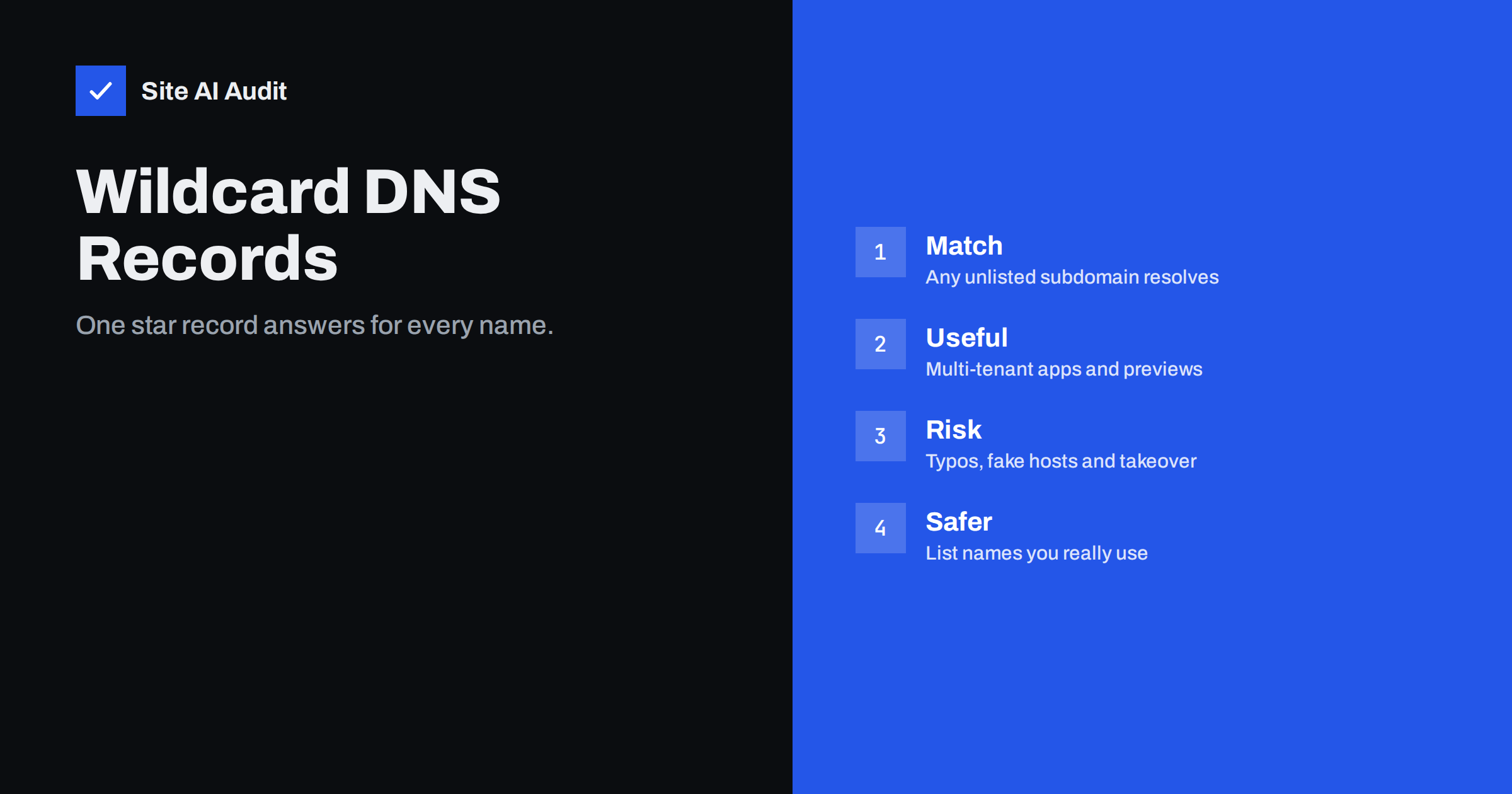
Short answer: A wildcard DNS record, written with an asterisk, answers for every subdomain that has no record of its own. It is handy for platforms that create subdomains on demand, but it also makes mistyped and invented names resolve, which can hide errors, help phishing links look credible and widen the damage of a takeover. Use it only when you need it, and prefer explicit records.
What a wildcard record is
In your DNS zone, each record belongs to a name, such as www.example.com or mail.example.com. A wildcard record uses an asterisk as a name, for example *.example.com. When someone asks for a subdomain that you have not listed, such as anything.example.com, DNS looks for a specific record first. If none exists, the wildcard answers instead, with the value that you set.
The wildcard applies at one level. A record for *.example.com covers shop.example.com, but it does not cover a deeper name such as test.shop.example.com, unless you add another wildcard for that level. A name that already has any record of its own is not matched by the wildcard.
Legitimate uses
- Multi-tenant applications. A service gives every customer an address such as customer.example.com, and creating a DNS record for each would be slow.
- WordPress multisite with subdomains. The network creates a new subdomain for each site, and a wildcard record points them all to the same server.
- Preview and development environments. Branch or review sites receive temporary names automatically.
- Catching old links. A business may want unknown subdomains to land on its main site rather than fail.
In all these cases, the wildcard is a design decision, usually combined with a matching wildcard certificate, as explained in the guide to wildcard and multi-domain SSL certificates.
The risks
Typos and errors become invisible
Without a wildcard, a mistyped name fails at once, and someone notices. With one, the name resolves to a server that may show the wrong site or an error page, and the mistake can live for months. A script that has the wrong host name may seem to work while it talks to the wrong place.
Anyone can build a convincing link
Attackers cannot add records to your zone, but they can write links with any subdomain. If your server accepts any host name and shows your site, a link such as login-verify.example.com looks like it belongs to you, and it works. This helps phishing messages, in a way related to the tricks described in the article on lookalike domains. The server side of the problem is covered in the guide to host header injection.
A larger takeover target
If a wildcard record points to a third-party service through a CNAME, and your account at that service is closed or misconfigured, someone else may be able to claim the names and serve content on your domain. The principle is explained in the article on subdomain takeover. A wildcard multiplies the exposure, because it covers every possible name.
Email surprises
A wildcard MX record makes every subdomain accept mail, so messages to a mistyped address may land on a server and disappear or be abused. A wildcard TXT record may also copy an SPF value to names that do not send. For domains that do not receive mail, a null MX is cleaner, as described in the guide to null MX records. Subdomain policies for DMARC are covered in the article on the sp tag.
Search engine clutter
If a site answers on any subdomain with the same content, a crawler that finds a few stray links to invented names may index duplicates of your pages. Over time this dilutes signals and creates duplicate content, a problem explained in the guide to fixing duplicate content.
Cookie and cache side effects
Cookies set for the whole domain are sent to every subdomain, including invented ones that point to the same server. Caches that key on the host name may also fill with junk entries.
How to reduce the risks if you need a wildcard
- Make the server strict. Configure the web server to answer only for known host names, and return an error (or a plain default page) for anything else. The default site should not be your real site.
- Prefer an address record to a CNAME for the wildcard. Point it at infrastructure that you control. Avoid wildcards that point to third-party services.
- Add explicit records for important names. Records for www, mail and other real services override the wildcard and keep them independent.
- Handle mail on purpose. Do not add a wildcard MX unless you really want every subdomain to receive mail. Publish restrictive SPF and DMARC for names that do not send.
- Use host-based redirects carefully. If unknown names redirect to your main site, use a single redirect to the canonical address and set canonical tags on pages.
- Watch certificates. Wildcard certificates are powerful, and their keys deserve extra care. Monitor issuance through certificate transparency logs.
- Review the zone regularly. Remove wildcards that were added for a project that ended.
When explicit records are better
For most small business websites, a wildcard is not needed. You have a handful of subdomains, such as www, mail, shop or blog, and each can have its own record. The extra five minutes it takes to add a record are cheap compared with the risk of hidden mistakes. Explicit records also make your zone a readable list of what you actually run, which helps when you hand over the site, change hosts or answer a security question. The guide to changing DNS provider without breaking your email shows how much easier a move is when the zone is clean and documented.
How to check your own zone
- Look at the zone. Open your DNS panel and search for records whose name is a lone asterisk or begins with an asterisk.
- Test an invented name. Look up a random subdomain, such as nonexistent-test-123.yourdomain, using a DNS lookup tool. If it resolves, a wildcard is active.
- See what the server shows. Open the invented name in a browser. A neutral error page is fine. Your real site under a made-up address is a warning.
- Check mail behaviour. Look up the MX records of an invented subdomain. If a mail server answers, mail for any name is accepted.
- Decide and document. Keep the wildcard with a written reason, or replace it with explicit records.
A short example of a wildcard going wrong
A small company sets up a wildcard record during a website move so that every address keeps working. Months later, a staff member types the mail host name with a small spelling error in a mail program. Instead of an error, the name resolves to the web server, which accepts the connection, so the setup looks fine for a while, and the person cannot work out why messages do not arrive. Meanwhile, a marketing agency shares a link with a made-up subdomain for a campaign test, and search engines pick it up, so two versions of the home page appear in results.
None of these problems is dramatic, and each is easy to fix when understood. But they share a pattern: the wildcard removed the early warning that a missing record would have given. The sensible response is not to ban wildcards, but to use them with open eyes, to check what unknown names do and to write down the reason for each wildcard in the zone.
Common mistakes
- Adding a wildcard for convenience during a setup. It remains long after the need has passed.
- Forgetting that it hides missing records. A name that you meant to add, such as a mail host, may seem fine because the wildcard answers.
- Assuming the wildcard covers deeper levels. It covers one level only.
- Using a wildcard certificate as a security measure. It is a convenience for many names, and its private key is a high-value target.
- Leaving the default site as the real site. Servers should not serve production content for unknown names.
How Site AI Audit helps
Site AI Audit does not search your DNS zone for wildcard records. It checks the records that affect email trust, namely MX records, SPF with its lookup limit, DKIM signatures and the DMARC policy, together with the SSL certificate, redirects, security headers, SEO and speed. Use it to confirm the basics of the domain, and review the zone for wildcards separately. The first check is free, covers up to 50 pages and needs no sign-up. You can run a free check of your website or see the plans for weekly monitoring and alerts.
Related reading
- DNS Zone Transfers (AXFR): Do Not Leak Your Whole DNS
- How to Protect Parked and Unused Domains from Email Abuse
- DNSSEC Explained for Website Owners: Is It Worth Enabling?
- Domain Hijacking: How to Protect Your Domain Name and DNS
The bottom line
A wildcard record is a tool for platforms that create names on demand. For an ordinary website it adds more risk than value. If you keep one, make the server strict, avoid pointing it at third parties, handle email on purpose and write down why it exists.
الأسئلة الشائعة
Does a wildcard record cover the main domain?
No. A record for *.example.com covers subdomains, not example.com itself. The main name needs its own records.
Will a wildcard override my existing subdomain records?
No. A name that has its own record uses that record. The wildcard answers only for names without one.
Is a wildcard record bad for SEO?
Not by itself. Problems appear when invented subdomains serve the same content as your real site and search engines find them. Return an error for unknown host names.
Do I need a wildcard SSL certificate with a wildcard record?
Only if you serve secure pages on many subdomains. The record and the certificate are separate decisions.
How do I remove a wildcard safely?
List the subdomains that you really use, add explicit records for them, test each one, then delete the wildcard and check your logs for failed lookups.