 ENEnglish
 LTLietuviškai
 DEDeutsch
 FRFrançais
 RUРусский
 ESEspañol
 PLPolski
 ITItaliano
 UKУкраїнська
 CSČeština
 PTPortuguês
 JA日本語
JA日本語 LVLatviešu valoda
 ETEesti
 HUMagyar
 IDBahasa Indonesia
 TRTürkçe
 HIहिन्दी
 ELΕλληνικά
 ARالعربية
 THไทย
THไทย VITiếng Việt
 RORomână
 MSBahasa Melayu
 BNবাংলা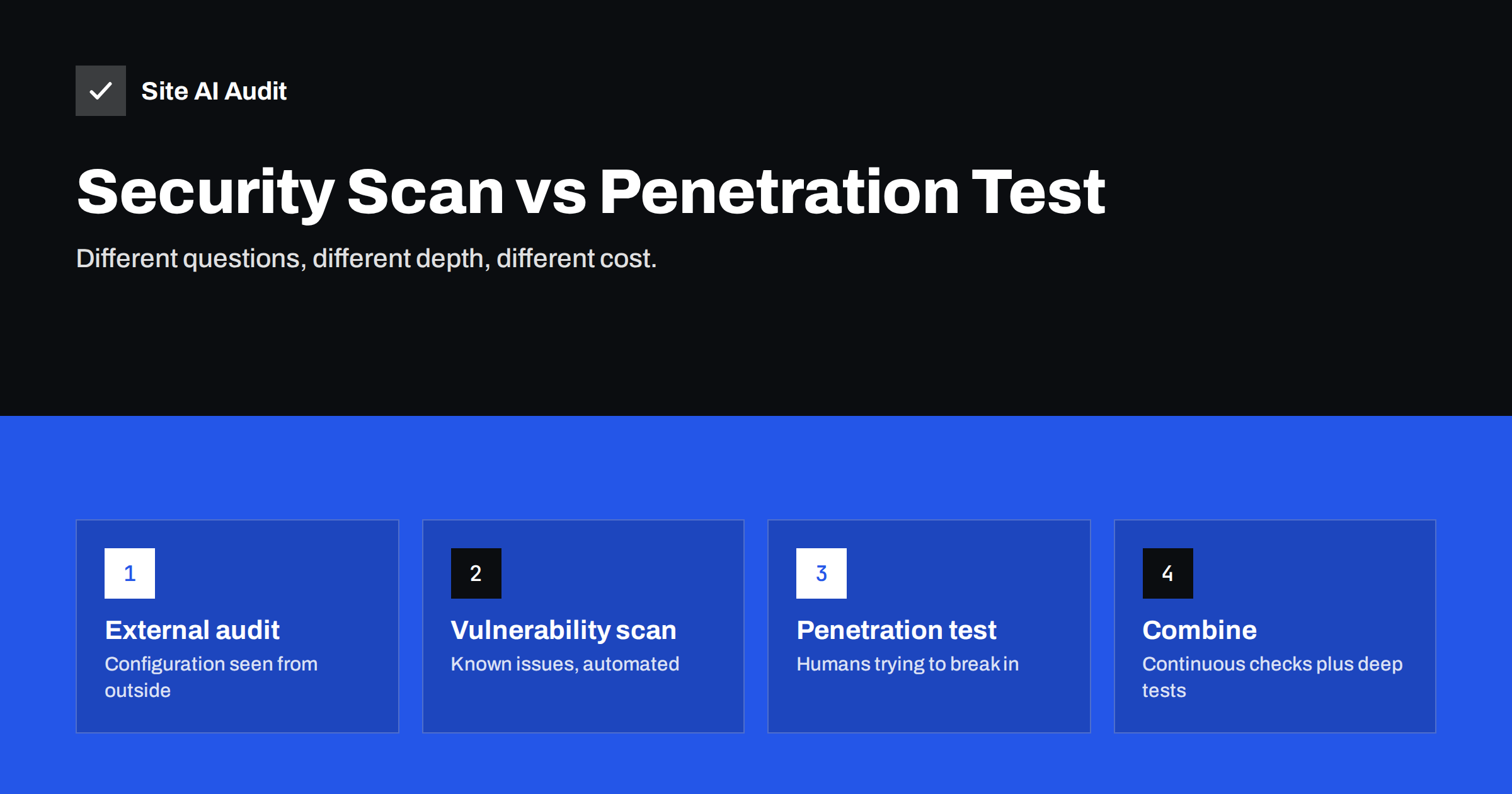
Short answer: An external security audit checks how your website is configured as seen from outside – certificate, HTTPS, security headers, exposed software versions – and is fast, cheap and suitable for continuous monitoring. A vulnerability scan goes further, probing for known vulnerabilities in the software you run. A penetration test is a manual engagement in which specialists try to actually break in, including through logic flaws that no scanner finds; it is thorough but costly and happens occasionally. Most small businesses need regular external audits and updates; sites handling payments, sensitive data or custom applications should add periodic penetration tests.
“We need a security check” can mean very different things. A marketing manager may want to know why the browser says “Not secure”; a procurement team may require a penetration test report; a developer may want a scan of a new release. Choosing the wrong kind of check either wastes money or leaves real gaps. This guide explains the main types of website security testing, what each one can and cannot find, and how to combine them sensibly for a small or medium business.
The spectrum of security testing
Website security checks range from quick, automated and shallow to slow, manual and deep. Roughly:
- External configuration audit – looks at what any visitor or bot can observe: certificate validity and expiry, HTTP to HTTPS redirect, TLS configuration, security headers, cookie flags, exposed software versions, public files and e-mail authentication records.
- Automated vulnerability scanning – sends many test requests to detect known vulnerabilities: outdated components with published CVEs, common injection patterns, default files, misconfigurations. Can be unauthenticated (from outside) or authenticated (logged in).
- Code and configuration review – specialists read the source code or server configuration looking for weaknesses.
- Penetration test – skilled testers try to compromise the application within an agreed scope and time, chaining weaknesses together the way a real attacker would.
- Red team exercise – a broader, goal-driven simulation that may include social engineering and physical access; relevant for larger organisations.
Comparison at a glance
| Type | Finds | Misses | Frequency | Relative cost |
|---|---|---|---|---|
| External audit | Configuration gaps, expiring certificates, missing headers, version leaks | Vulnerabilities inside the application | Weekly to daily, continuous | Low |
| Vulnerability scan | Known CVEs, common injection points, default files | Business logic flaws, chained attacks | Monthly or per release | Low to medium |
| Code review | Insecure code patterns, hidden flaws | Deployment and infrastructure issues | For major changes | Medium to high |
| Penetration test | Real exploitable paths, logic flaws, access control errors | Anything outside scope or time | Yearly or after major changes | High |
What an external audit is good for
An external audit answers the question “does my website make basic, visible mistakes?” It is the security equivalent of checking the locks and lights on a building. Because it only observes public responses, it is safe to run often, does not need access to your server and does not risk disrupting the site. That makes it ideal for:
- small business websites that have never been checked;
- catching regressions after updates, hosting moves or CDN changes;
- certificate expiry and HTTPS problems, which cause most visible outages;
- agencies that need a consistent baseline across many client sites;
- quick answers for customers or partners asking about basic security hygiene.
Its limitation is depth: an external audit cannot tell you that a contact form is vulnerable to SQL injection or that a customer can view another customer’s orders by changing a number in the URL.
What vulnerability scanners add
Scanners automate the search for known problems. They identify software and versions, compare them with vulnerability databases, and send crafted requests to detect common flaws such as cross-site scripting or directory traversal. They are valuable for sites running popular platforms and plugins, where most real attacks exploit published vulnerabilities.
Keep in mind that scanners produce false positives and false negatives. Findings need someone to interpret them, and a clean scan does not mean the application is secure. Active scanning also sends aggressive requests; run it with the owner’s permission, preferably against a staging copy first, and never against sites you do not own.
When a penetration test is worth it
A penetration test brings human judgement. Testers understand how your application is meant to work and look for ways to misuse it: accessing other users’ data, bypassing payment steps, escalating privileges, abusing password reset flows. These business logic and access control flaws are among the most damaging and are invisible to automated tools. Consider a penetration test when:
- you process payments or sensitive personal data in your own application;
- you run a custom-built platform, customer portal or SaaS product;
- a customer, partner, insurer or regulation requires it;
- you are about to launch a major new version or feature;
- you have had an incident and need to know what else is exposed.
For a brochure website on a well-maintained CMS with no custom code, a full penetration test usually adds little over updates, an external audit and a vulnerability scan.
How to get value from a penetration test
- Define the scope clearly: which domains, applications, user roles and environments; what is out of bounds.
- Fix the basics first, so testers do not spend paid time reporting missing headers and outdated plugins an automated tool would have found.
- Provide test accounts for each role, so the test covers what logged-in users can do.
- Agree on timing and communication, including who to call if testers find something critical or the site slows down.
- Plan the remediation: the report is only useful if findings are fixed and re-tested.
- Choose testers carefully: ask for sample reports, methodology (for example based on the OWASP Web Security Testing Guide) and references.
Reading any security report without panic
Whatever kind of test you run, the report can look alarming: long lists, red labels, technical jargon. A few habits help turn it into a plan:
- Sort by real impact, not by colour. An expiring certificate or an outdated plugin with a public exploit matters more than a dozen informational notes about headers on static files.
- Check whether a finding applies to you. Automated tools flag possibilities. A “possible SQL injection” on a page without a database query, or a version warning for software you already patched through a backport, may be a false positive.
- Group related findings. Several missing headers are usually one configuration change; several outdated plugins are one update session.
- Assign an owner and a date to each group, and re-test after fixing to confirm the result.
- Keep the reports. Comparing this quarter with the last shows whether security is improving and gives you evidence for customers, insurers or auditors who ask.
A report is a starting point for work, not a verdict. The value lies in the fixes that follow it.
A practical plan for small and medium businesses
A sensible combination for most organisations looks like this:
- Continuously: external monitoring of certificates, HTTPS, headers and key pages, with alerts.
- Weekly: updates to the CMS, plugins, themes and server software.
- Monthly or per release: a vulnerability scan, especially for sites with many plugins or custom code.
- Yearly or before major launches: a penetration test for applications that handle payments, accounts or sensitive data.
- After any incident: a focused review of what happened and what else could be affected.
This layering spends money where depth is needed while keeping the everyday basics covered all the time. Most real-world compromises of small business sites exploit exactly those basics: outdated software, weak passwords and forgotten configuration, not sophisticated zero-day attacks.
How Site AI Audit fits in
Site AI Audit is an external audit: it checks your website from outside the way visitors and search engines see it, covering the SSL certificate and expiry, HTTP to HTTPS redirect, security headers and exposed software versions, together with SEO, speed and e-mail authentication. It is not a penetration test or a malware scanner. Its role is the continuous layer – a clear baseline report, re-checks after fixes and weekly or daily monitoring on paid plans – so that basic problems are fixed long before a penetration tester, or an attacker, finds them. See the plans.
Related reading
- Website Security for Small Businesses: Where to Start
- HTTP Security Headers Explained: What Each One Does
- Exposed Software Versions: How to Hide Server and CMS Details
The bottom line
Security checks differ in depth and cost. External audits and monitoring catch visible configuration problems continuously and cheaply; vulnerability scans find known software flaws; penetration tests find the deep, logic-level problems only humans spot. Most small businesses should start with the first two and add penetration tests when they run custom applications, handle sensitive data or are required to.
الأسئلة الشائعة
Is an automated scan the same as a penetration test?
No. A scan automatically checks for known issues, while a penetration test is a manual effort by specialists to actually exploit weaknesses, including logic flaws that automated tools cannot recognise.
How often should a small business website be tested?
Configuration and certificate checks should run continuously or at least weekly. Vulnerability scans monthly or after significant changes, and penetration tests yearly or before major launches if the site processes payments or sensitive data.
Can a security scan harm my website?
Passive external audits cannot, because they only read public responses. Active vulnerability scanners send many unusual requests and can occasionally cause errors or load, so run them with care and preferably on a staging copy first.
Do I need a penetration test for a WordPress brochure site?
Usually not. Keeping WordPress, plugins and themes updated, using strong authentication and running regular external audits and scans covers most realistic risks for such sites.
Is it legal to scan someone else’s website?
Passive checks of public information are generally fine, but active vulnerability scanning or penetration testing without permission can be illegal in many countries. Only test sites you own or are authorised to test.


