 ENEnglish
 LTLietuviškai
 DEDeutsch
 FRFrançais
 RUРусский
 ESEspañol
 PLPolski
 ITItaliano
 UKУкраїнська
 CSČeština
 PTPortuguês
 JA日本語
JA日本語 LVLatviešu valoda
 ETEesti
 HUMagyar
 IDBahasa Indonesia
 TRTürkçe
 HIहिन्दी
 ELΕλληνικά
 ARالعربية
 THไทย
THไทย VITiếng Việt
 RORomână
 MSBahasa Melayu
 BNবাংলা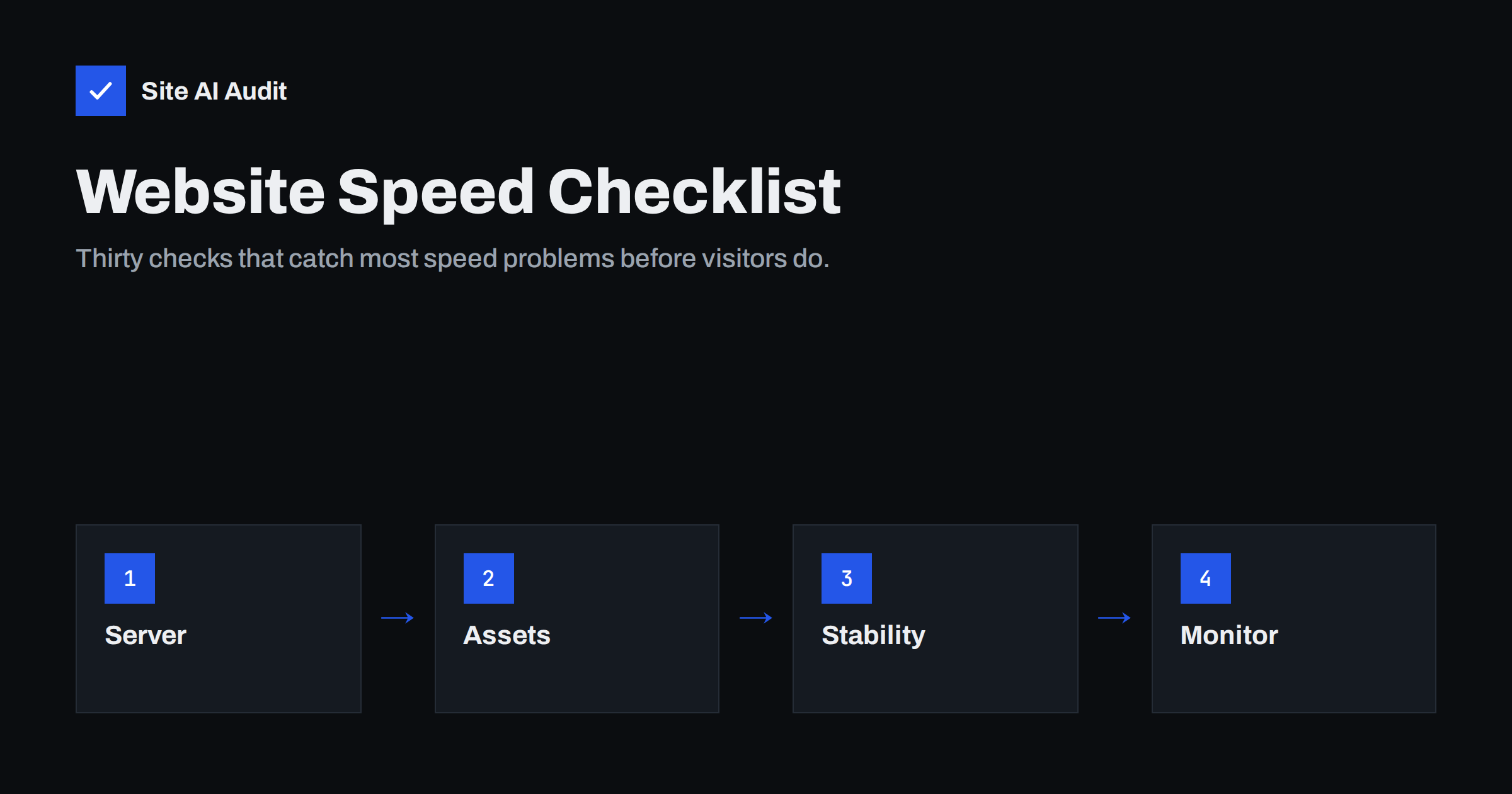
Short answer: A website speed checklist should cover six areas: server response and caching, images, JavaScript and CSS, fonts and third-party content, layout stability, and measurement. The most important checks are a fast Time to First Byte with page caching, compressed and correctly sized images with the main image loaded first, deferred or removed scripts, text compression, image dimensions to prevent layout shift, and testing on a throttled mobile profile. Re-run the checklist after launch and after every major change.
Speed problems rarely come from one big mistake. They come from dozens of small decisions made by different people: a designer who chose four font families, a developer who used a slider, a marketer who added a chat widget, an editor who uploaded a 6 MB photo. A checklist catches these before they add up. Use the list below before launching a new site or redesign, after major updates, and as a periodic health check. Each item includes a short explanation so the whole team understands why it matters.
Measurement baseline (checks 1–4)
- Test on mobile first. Run PageSpeed Insights in mobile mode for the home page, a key landing page, a content page and, for shops, a product page and the cart. Mobile results are the ones Google emphasises and the ones most visitors experience.
- Record field data if available. Note the Core Web Vitals assessment for the URL and the origin. This is what real users experienced over the last 28 days.
- Record lab metrics. LCP, CLS, Total Blocking Time, total page weight and number of requests, so you can compare after each change.
- Run tests several times. Lab results vary between runs. Use the typical value, not the best or worst.
Server and delivery (checks 5–10)
- Time to First Byte is low. Cached pages should respond quickly and consistently. A slow TTFB delays everything else on the page.
- Page caching is enabled for anonymous visitors, with carts, checkouts and account pages excluded.
- Text compression is on. HTML, CSS, JavaScript, SVG and JSON should be served with Brotli or Gzip. Check the content-encoding response header.
- HTTP/2 or HTTP/3 is enabled. Modern protocols handle many parallel requests efficiently over one connection.
- No redirect chains. The home page, and links from ads and e-mails, should reach the final URL in one step at most.
- Static files have long cache lifetimes with versioned file names, so repeat visitors do not download them again.
Images (checks 11–16)
- Images are resized to the dimensions at which they are displayed, not uploaded at camera resolution.
- Photos use modern formats such as WebP or AVIF, and logos and icons use SVG.
- Responsive images are served with srcset and sizes, so phones receive smaller files.
- The main image is not lazy-loaded and has fetchpriority set to high, because it is usually the LCP element.
- Images below the fold are lazy-loaded with the native loading attribute.
- Every image has width and height, or its container has an aspect ratio, to prevent layout shift.
JavaScript and CSS (checks 17–22)
- No unnecessary render-blocking scripts. Scripts in the head use defer or async unless they truly must run first.
- Unused plugins and scripts are removed. Every script on the page has an owner and a reason.
- Scripts load only where needed. Form, map, gallery and booking scripts appear on the pages that use them.
- Total Blocking Time is reasonable on the mobile lab test, indicating the main thread is not overloaded.
- CSS is lean. Unused styles from themes and builders are minimised, and there are no chains of @import statements.
- Only one optimisation tool rewrites assets. Two plugins that both minify, combine or defer files cause conflicts and hard-to-find bugs.
Fonts and third parties (checks 23–26)
- Few font files. One or two families with only the weights actually used, in WOFF2 format.
- Text is visible while fonts load, using font-display swap or optional, with the key font file preloaded.
- Third-party scripts are reviewed. Analytics, pixels, chat, reviews and embeds are listed, justified and loaded as late as possible.
- Video and maps use facades. A preview image loads the real player or map only when clicked.
Layout stability and interaction (checks 27–28)
- No content is inserted above what the visitor is reading. Cookie banners and promotional bars are overlays or part of the initial HTML, and ad slots have reserved space.
- Key interactions respond quickly on a slow phone. Open the menu, use filters, add to cart and submit a form with CPU throttling enabled in DevTools. Each should respond without a noticeable delay.
After launch (checks 29–30)
- Compare with the baseline. Re-test the same pages under the same conditions and check that nothing got worse after launch, when real content, tags and plugins are in place.
- Set up monitoring. Speed degrades over time as content and tools are added. Schedule regular re-checks and review field data in Search Console monthly.
Which checks matter most
If time is short, prioritise by impact. For most small-business sites the order is:
| Priority | Checks | Why |
|---|---|---|
| 1 | 5, 6 | A slow server delays every other metric |
| 2 | 11, 12, 14 | The main image usually decides LCP |
| 3 | 17, 18, 25 | Excess JavaScript hurts loading and INP |
| 4 | 16, 27 | Stable layouts keep CLS in the green |
| 5 | 7, 10, 23, 24 | Cheap configuration wins |
A typical first run
When small-business sites go through this checklist for the first time, the results tend to follow a familiar pattern. The server usually passes compression and HTTP/2, because most hosts enable them by default, but page caching is often missing or bypassed. Images almost always fail at least two checks: photos uploaded at full resolution and a hero image that is lazy-loaded by the theme. Several plugins load their scripts on every page, and the tag manager contains tags nobody can explain. Fonts are frequently loaded from an external service in more weights than the design uses. Layout stability is often fine on desktop but fails on mobile because of a cookie banner or a promotional bar injected at the top.
None of these problems is difficult to fix on its own. The value of the checklist is that it surfaces all of them at once, so you can fix the few that matter most in a single focused session instead of discovering them one by one over months.
How to use this checklist in a team
A checklist is only useful if someone owns it. For in-house teams, attach it to the launch process and to any project that adds plugins, tags or new templates. For agencies, include it in the handover documentation and repeat the key checks during maintenance. Keep the recorded baseline numbers with the checklist, so anyone can see whether a later change made things better or worse. Most importantly, run it again after launch: sites are often fast on a staging server with placeholder content and then slow down once real images, tracking and third-party tools arrive.
It also helps to agree who fixes what. Server-level items belong to the hosting provider or developer, image and content items to editors, script and tag items to marketing and development together. Writing the owner next to each failing check turns a report into a plan.
How Site AI Audit helps
Site AI Audit automates much of this checklist from the outside. It connects to your site, checks SSL and how fast the server responds, crawls up to 50 pages on the free check, and runs Google PageSpeed for mobile to report Core Web Vitals, compression and page weight. It also covers SEO basics, security headers and e-mail authentication. Findings are ranked by impact with plain-language fixes, and paid plans add re-checks and weekly monitoring for check 30. Run a free check to see which items your site already passes.
Related reading
- How to Fix a Slow WordPress Site: A Step-by-Step Guide
- Core Web Vitals Explained for Small Business Websites
- How to Read a PageSpeed Insights Report Without Guesswork
- Page Weight: How Heavy Is Too Heavy and How to Trim It
The bottom line
Most speed problems are predictable, which makes them preventable. Check the server and caching, images, scripts, fonts, third parties and layout stability, measure on mobile before and after, and keep monitoring after launch. A short checklist, used consistently, keeps a fast site fast.
FAQ
What is the most important website speed check?
Server response time with page caching comes first, because nothing can load until the HTML arrives. Right after that comes the main image, which usually decides Largest Contentful Paint. Together they fix the majority of slow pages.
How often should I run a speed checklist?
Before launch, after any redesign or major update, and after adding plugins, tags or new templates. A lighter periodic check every month or quarter catches gradual slowdowns. Automated monitoring helps between checks.
Can a website pass all these checks and still be slow?
Yes, if the page carries heavy features by design, such as large interactive maps or product configurators. In that case, focus on loading those features only when needed. Field data will show whether real visitors are affected.
Do I need a developer for these checks?
Many checks, such as image sizes, plugin inventory and running tests, can be done by site owners and editors. Server configuration, script loading and critical CSS usually need a developer or the hosting provider. The checklist helps you explain what needs doing.
Which tool should I use to test website speed?
PageSpeed Insights is a good starting point because it combines real-user data with a lab test. Chrome DevTools helps find specific causes. A site-wide audit shows whether problems affect many pages at once.


