 ENEnglish
 LTLietuviškai
 DEDeutsch
 FRFrançais
 RUРусский
 ESEspañol
 PLPolski
 ITItaliano
 UKУкраїнська
 CSČeština
 PTPortuguês
 JA日本語
 LVLatviešu valoda
 ETEesti
 HUMagyar
 IDBahasa Indonesia
 TRTürkçe
 HIहिन्दी
 ELΕλληνικά
 ARالعربية
 THไทย
 VITiếng Việt
 RORomână
 MSBahasa Melayu
 BNবাংলা
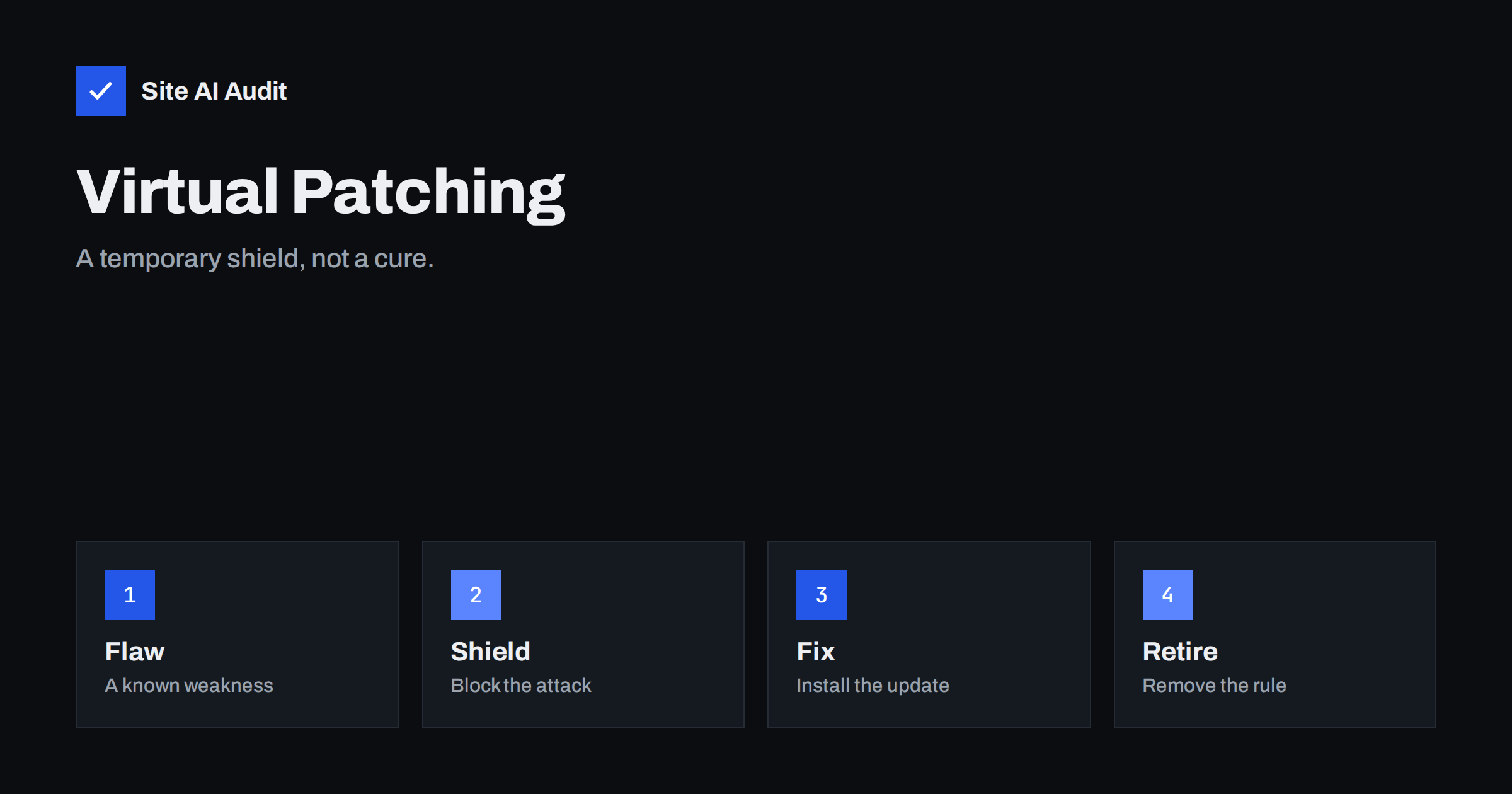
Short answer: Virtual patching means blocking the requests that exploit a known vulnerability, using a firewall or server rule, without changing the vulnerable code itself. It buys time when no fix exists yet or when you cannot update at once. It is a temporary shield and not a cure, so the real update, or the removal of the vulnerable software, must still follow.
What virtual patching is
A normal patch changes the faulty code, so that the flaw is gone. A virtual patch leaves the faulty code in place and puts a guard in front of it. The guard looks at each request that arrives and refuses those that match the pattern of the known attack, for instance a request to a particular address with a dangerous parameter. Visitors who send normal requests notice nothing.
The idea is not new. Security teams have used it for years on web applications that could not be updated quickly. It became common on websites as plugin vulnerabilities began to be published in large numbers, and firewall products started to offer rules for them.
Why you might need it
- The fix does not exist yet. A flaw is made public before the author has released a patch. Attackers start to scan the web within hours, so waiting is risky. See the guide to reading security advisories for how such notices appear.
- The fix exists, but you cannot apply it safely now. A custom theme or an older component may break after an update, and you need time to test. The article on a safe update strategy describes why testing first is wise.
- The software is no longer maintained. If the author has abandoned the plugin, no fix will come. A virtual patch can cover the gap while you replace it, as discussed in abandoned WordPress plugins.
- You manage many sites. An agency or a host can add one rule across all of them faster than it can update each one.
- You are under active attack. A rule can stop a live exploit within minutes while the cleanup is planned.
How it works in practice
The shield can sit in several places. Each has strengths and limits.
- A cloud firewall or CDN. Requests pass through the provider before they reach your server. The provider maintains rules for popular software and updates them for new flaws. This is the simplest option for most site owners. See the guide to a web application firewall.
- A host-level firewall. Many hosting companies run their own filtering and may block known exploits for all customers.
- A web server module. Software such as ModSecurity runs on your server and applies rule sets. It is flexible, but needs maintenance and expertise.
- A plugin firewall. A security plugin in WordPress can filter requests, but it runs after WordPress has begun to load, so it protects less than a layer in front.
- Server configuration. A simple rule in the server configuration can deny access to a vulnerable file or block a dangerous method. This is crude, but effective for specific problems.
The rule itself is usually narrow. It might block a request to one script when it contains certain characters, or deny the whole path of an upload handler for anyone who is not signed in. The narrower the rule, the lower the risk of blocking real visitors.
What a good virtual patch includes
- A clear target. It names the exact path, parameter or request pattern that the exploit uses.
- A safe response. It returns an error or drops the request, without revealing details about the site.
- A log entry. Every blocked request is recorded, so that you can see who is trying and how often.
- A scope. It applies only where needed, and not to the entire site if one form is the issue.
- A note. A date, the reason, a link to the advisory and the person who added it, so that it is removed later.
The limits of virtual patching
Virtual patching is useful, but it has real weaknesses, and treating it as a permanent solution is a mistake.
- It can be bypassed. Attackers can change the request to avoid the pattern, by using different encoding, a different path or a variant of the exploit. A rule that matches one form may not catch another.
- It protects only against what is known. A rule for one flaw says nothing about the next.
- It can block real users. A rule that is too broad can break forms, checkout or login. Test it.
- It adds complexity. Over time, many old rules pile up, and nobody remembers why they exist.
- Not every flaw can be shielded. Some problems rely on normal-looking requests, such as business logic errors or broken access control, which a pattern cannot separate from ordinary use. See the article on IDOR and broken access control.
- It does not clean an infection. If the site was already hacked before the rule was added, the attacker may still have a way in.
A simple process to follow
- Learn about the flaw. Subscribe to advisories for the software that you run, and check which versions are affected.
- Check your exposure. Are you running an affected version? Is the vulnerable feature enabled and reachable from the outside? Sometimes switching off a feature is the quickest shield.
- Apply the real fix if it exists. Take a backup and update. If a fix exists and you can apply it, do that first.
- If not, add the virtual patch. Use the provider’s rule for the flaw, or write a narrow rule of your own.
- Test. Check that normal use still works, and that the blocked request is stopped.
- Watch the logs. Look for blocked attempts, and for signs that the attack came before the rule. See how to read access logs.
- Set a deadline. Decide when the real fix or the replacement will be done, and put it in the calendar.
- Remove the rule once the software is patched, and write down that you did.
An example from a form plugin
A popular form plugin announces a flaw that lets visitors upload files without signing in. The author says a fix will arrive in a few days, and the site relies on the plugin for every enquiry. The owner cannot simply switch it off. The hosting firewall publishes a rule that blocks the vulnerable upload address for anyone without a valid session, and the owner adds it the same day. A look at the logs shows several blocked attempts in the first hour, from addresses that had never visited before. When the fixed version arrives, the owner updates a staging copy, tests the forms, updates the live site, removes the rule and records the dates. The window of exposure was a few hours and not several days, and no emergency rebuild was needed.
The same story with one change shows the danger. If the owner had added the rule and forgotten about it, the next flaw in the same plugin would have found the site with an old version and a false sense of safety.
Other temporary measures
Virtual patching is one of several ways to reduce risk while you wait.
- Deactivate and remove the vulnerable plugin if you can live without it.
- Restrict access to the affected area by IP address or with an extra password, as in restricting your admin area.
- Turn the feature off in the settings, if the vulnerable code runs only when it is enabled.
- Add rate limits to slow automated scans. See rate limiting explained.
- Increase monitoring. Review the logs and file changes daily until the issue is closed.
- Take a fresh backup stored away from the server, in case something goes wrong. See website backup strategy.
Choosing software that needs less patching
The best long-term protection is to need fewer emergencies. Choose plugins and tools that are well maintained, see how quickly their authors respond to reports, and avoid adding code that you do not need. The guide to vetting a WordPress plugin lists the checks. Keep an inventory of what you run, with versions, so that when an advisory appears you can tell in minutes whether it affects you.
How Site AI Audit helps
Site AI Audit does not test for individual vulnerabilities or install rules, so it cannot apply or check a virtual patch. It does look at the public side of your site that tells attackers what to try: exposed software versions, security headers, the SSL certificate and the redirect from HTTP to HTTPS. Hiding version numbers and fixing headers are small steps that make scanning less rewarding. The free check covers up to 50 pages and needs no sign-up. You can run a free check of your website or see the plans for weekly monitoring and alerts.
Related reading
- Web Application Firewall (WAF): Does Your Website Need One?
- Reading Security Advisories: CVE IDs for Website Owners
- Outdated Plugins and CMS Versions: A Safe Update Strategy
- Exposed Software Versions: How to Hide Server and CMS Details
The bottom line
Virtual patching is a stopgap that gives you time. Use it when a fix is missing or cannot be applied at once, keep the rule narrow and logged, and set a date to replace it with a real update. A shield that stays forever becomes a hidden risk of its own.
FAQ
Is virtual patching the same as a firewall?
A firewall is the tool. Virtual patching is the use of its rules to block attacks on a specific known flaw. Most virtual patches are delivered through a firewall.
Does it fix the vulnerability?
No. The flawed code is still there. The rule only blocks the known way of reaching it, so you still need to update or remove the software.
Can I rely on my host to do it?
Some hosts add rules for widespread flaws, but you cannot assume that they cover your software. Ask what they protect against, and keep updating.
How long can a virtual patch stay in place?
Only as long as it takes to apply the real fix. Set a deadline of days or a few weeks and review it.
Can a virtual patch break my site?
Yes, if the rule is too broad. Test normal actions such as forms, logins and checkout after you add it, and watch for blocked legitimate requests.


