 ENEnglish
 LTLietuviškai
 DEDeutsch
 FRFrançais
 RUРусский
 ESEspañol
 PLPolski
 ITItaliano
 UKУкраїнська
 CSČeština
 PTPortuguês
 JA日本語
 LVLatviešu valoda
 ETEesti
 HUMagyar
 IDBahasa Indonesia
 TRTürkçe
 HIहिन्दी
 ELΕλληνικά
 ARالعربية
 THไทย
 VITiếng Việt
 RORomână
 MSBahasa Melayu
 BNবাংলা
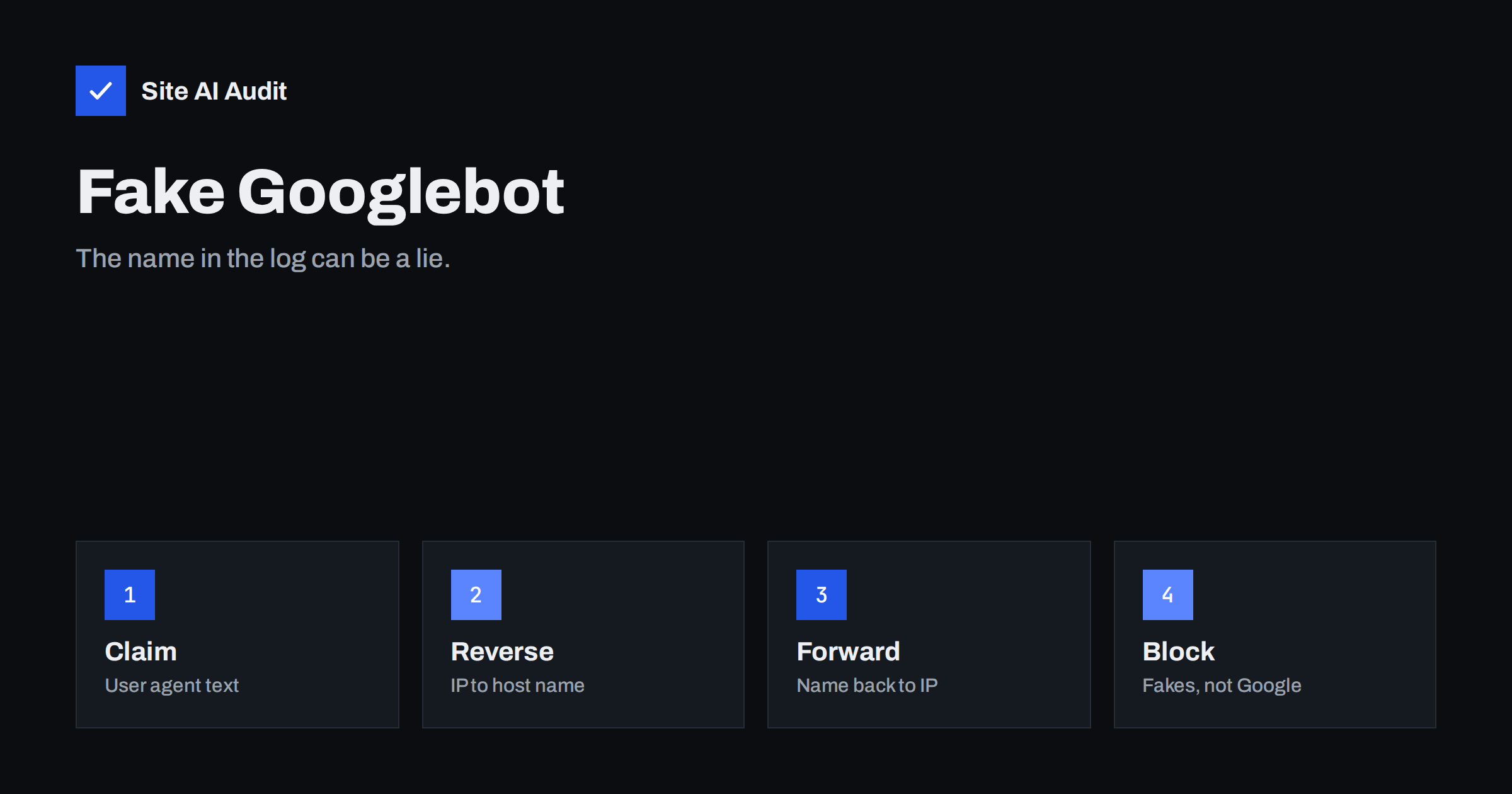
Short answer: Anyone can send a request that says “Googlebot” in its user agent. To be sure that a visitor is a real Google crawler, look up the host name of its IP address, check that it ends in googlebot.com or google.com, and then look up that name to confirm that it returns the same IP address. Block or limit visitors that fail this check.
Why imposters pretend to be Googlebot
Website owners usually welcome search crawlers, so many security rules and firewalls let them through. Attackers know this. A scraper, a vulnerability scanner or a bot that hunts for contact forms may copy the Googlebot user agent in the hope that it is treated kindly. Others use the name to get around rate limits, paywalls or country blocks that real visitors face.
The user agent is only a text label sent by the client. It proves nothing, just as a name badge printed at home proves nothing. The practical problem for you is twofold. Fake crawlers waste server time, and if you block everything that mentions Googlebot, you also block the real thing, which harms your search visibility.
Signs that a Googlebot visit may be fake
- Odd request patterns. Real Googlebot fetches pages, images, scripts and styles in a recognisable way. A visitor that requests only login pages,
wp-login.phpor search URLs is suspicious. - Very high speed. Googlebot slows down when your server is slow. A visitor that sends hundreds of requests per second regardless of your response times is probably not Google.
- Unexpected IP ranges. The IP address belongs to a hosting company, a residential network or a country unrelated to Google.
- Old or unusual user agent strings. Imposters often copy outdated versions or make small mistakes in the text.
- Ignoring robots.txt. Google follows the rules in your robots file. A visitor that fetches blocked paths is not behaving like Googlebot. See the robots.txt guide for how those rules work.
The two-step DNS check
Google documents a reliable method that does not depend on any list of addresses staying current. It works like calling a company back on its official number.
- Take the IP address from your server log. This is the address that connected to your server, not a value from a header that the client can change.
- Run a reverse DNS lookup. The result should be a host name that ends in
googlebot.comorgoogle.com. On Linux or macOS you can use thehostcommand with the IP address. - Run a forward lookup on that host name. The result must include the same IP address you started with.
- Decide. If both steps match, the visitor is a real Google crawler. If either step fails, treat it as an imposter.
The second step matters. An attacker who controls the reverse DNS of their own IP can make it say anything, but they cannot make Google’s DNS return their address. The idea is the same as in the article on reverse DNS for email, where a matching forward and reverse record shows that a name and an address belong together.
Using published IP ranges
Google also publishes lists of the IP ranges that its crawlers use, in a machine-readable format. This is useful for firewalls and bulk checks, because a lookup for every request is slow. Download the list on a schedule, refresh it regularly and compare visitor addresses with it. Do not copy an old list into a configuration and forget it, because ranges change.
Remember that Google uses several crawlers, such as those for images, ads and other products, and each has its own name. Check the current documentation for the list of user agents and for the ranges that apply to each.
What to do with fake crawlers
- Rate limit them first. A limit on requests per minute for unverified visitors that claim to be bots reduces damage without risk to real crawlers. See the guide to rate limiting.
- Block by IP or network when abuse is clear. If one address range keeps sending fake requests, block it at the firewall.
- Use a web application firewall. Many have a setting that verifies major search bots and treats imposters differently. The article on the web application firewall explains what these tools do.
- Do not block by user agent alone. A rule that denies everything containing “Googlebot” would stop the real crawler, and a rule that allows everything containing it would let imposters in.
- Keep a record. Note the addresses and patterns, so that you can compare them if the problem returns.
For wider guidance on unwanted crawlers, read the article on bad bots and aggressive crawlers.
Checking from Search Console
The Crawl Stats report in Google Search Console shows how many requests Googlebot made to your site, which response codes it received and how quickly your server answered. If your log shows many more “Googlebot” requests than this report, the difference is probably fake traffic. The guide to the Crawl Stats report explains how to read it.
Practical examples
Consider a small shop whose log shows 4,000 requests a day from “Googlebot”. The Crawl Stats report shows only 600. The difference of 3,400 is not Google. A closer look at the log shows that most of the extra requests come from two address ranges that belong to a hosting company, they all request product pages in alphabetical order and none of them ever fetches an image or a style sheet. This is a scraper copying the catalogue. Blocking those two ranges at the firewall removes the load, and the real crawler is untouched.
In another case a membership site allows Googlebot to see article text that is otherwise behind a login, so that the articles can be indexed. If the rule is based on the user agent alone, any visitor who changes the user agent reads the whole archive for free. Verifying the crawler with a DNS check, or at least with the published IP ranges, closes that gap. Remember also that showing content to crawlers that is hidden from users must follow Google’s rules for paywalled content, so read the current guidelines before you set it up.
Common mistakes
- Trusting the X-Forwarded-For header blindly. If your site is behind a proxy or content delivery network, the real visitor address may be in a header. Use only the header that your own proxy sets, and ignore the same header when it comes from the outside.
- Checking only the reverse lookup. The reverse record can be forged by whoever controls the address. Always complete the forward lookup as well.
- Blocking all cloud providers. Some real tools, such as uptime monitors and feed readers, run on cloud networks. Block by behaviour first.
- Forgetting IPv6. Google crawlers use IPv6 as well. A check that handles only IPv4 will wrongly reject genuine visits.
- Using out-of-date lists. Ranges change. Refresh lists automatically or use the DNS method, which does not need a list.
Automating the check
If you maintain your own server, the DNS check is easy to script. A short program can read new lines from the access log, select those that mention a major search bot, run the two lookups and write the results into a cache so that each address is checked only once per day. Addresses that fail go to a block list that your firewall reads. If you use a managed firewall or a content delivery network, look for a “verified bots” or “bot management” setting instead, which does the same work for you. Either way, review the block list from time to time and remove entries that are old, because addresses are reused by other customers of hosting companies.
How Site AI Audit helps
Site AI Audit does not read your server logs, so it cannot tell you which visitors are fake. It checks the public side that decides what real crawlers can see: robots.txt, the sitemap, noindex rules, redirects and server response time, along with security headers and SSL. Run it before you tighten bot rules, so that you know your robots.txt and sitemap are in order. The free check covers up to 50 pages and needs no sign-up. You can run a free check of your website or look at the plans.
Related reading
- Bad Bots and Aggressive Crawlers: How to Control Bot Traffic
- Robots.txt Explained: A Beginner’s Guide With Safe Examples
- Rate Limiting Explained: Slow Down Attackers and Bad Bots
- Web Application Firewall (WAF): Does Your Website Need One?
The bottom line
A user agent is a claim, not proof. Confirm real Google crawlers with a reverse and forward DNS check or the published ranges, and treat everything else with caution. This protects your server from scrapers and keeps the real Googlebot welcome.
FAQ
Can I trust the user agent in my logs?
No. It is text supplied by the client and can be copied by anyone. Use it as a hint and confirm important cases with a DNS check.
Will blocking fake Googlebot hurt my rankings?
Not if you block only visitors that fail verification. Real Googlebot passes the check, so your indexing is not affected.
Do I need to verify every request?
No. Verify when you see suspicious volume or behaviour, or let a firewall do it for you. Checking every request by hand is not practical.
Are other search engines verified the same way?
Major search engines usually document a similar reverse and forward DNS method or publish IP ranges. Check each engine’s own documentation for the host names to expect.
What if a real crawler is blocked by mistake?
Check the Crawl Stats report and the URL Inspection tool in Search Console, then loosen the rule. Real crawlers back off when blocked, so fix mistakes quickly.


