 ENEnglish
 LTLietuviškai
 DEDeutsch
 FRFrançais
 RUРусский
 ESEspañol
 PLPolski
 ITItaliano
 UKУкраїнська
 CSČeština
 PTPortuguês
 JA日本語
JA日本語 LVLatviešu valoda
 ETEesti
 HUMagyar
 IDBahasa Indonesia
 TRTürkçe
 HIहिन्दी
 ELΕλληνικά
 ARالعربية
 THไทย
THไทย VITiếng Việt
 RORomână
 MSBahasa Melayu
 BNবাংলা
#Hacked website
A hacked website can send visitors to scams, show spam in search results or quietly steal data. Articles tagged here explain how to recognise the signs of a compromise early. They describe the first steps to take, how to clean a site and how to close the hole that let attackers in. You will also learn how to remove browser and search engine warnings after the cleanup. The guides are written for owners who need calm, ordered instructions under pressure. Prevention advice is included so the same problem does not return.
 29 thg 8, 2026 · 8 phút đọc
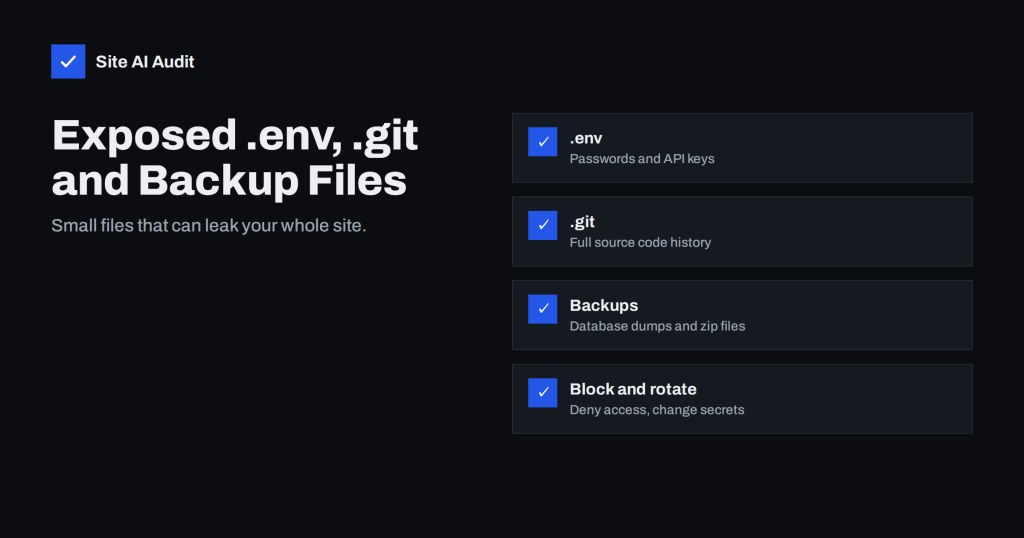
Exposed .env, .git and Backup Files: How to Find and Block Them
Publicly reachable .env files, .git folders and old backups can leak passwords and source code. Learn how to find them on your site and…
 28 thg 8, 2026 · 8 phút đọc
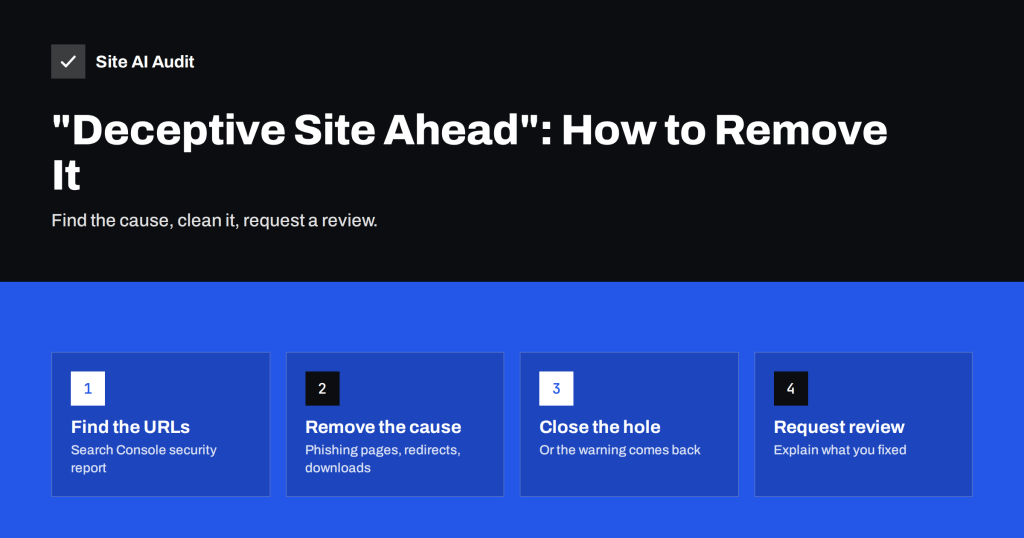
“Deceptive Site Ahead” Warning: Causes and How to Remove It
A red Deceptive site ahead screen blocks almost all visitors. Learn why Safe Browsing flags sites, how to find the cause and how to…
 27 thg 8, 2026 · 8 phút đọc
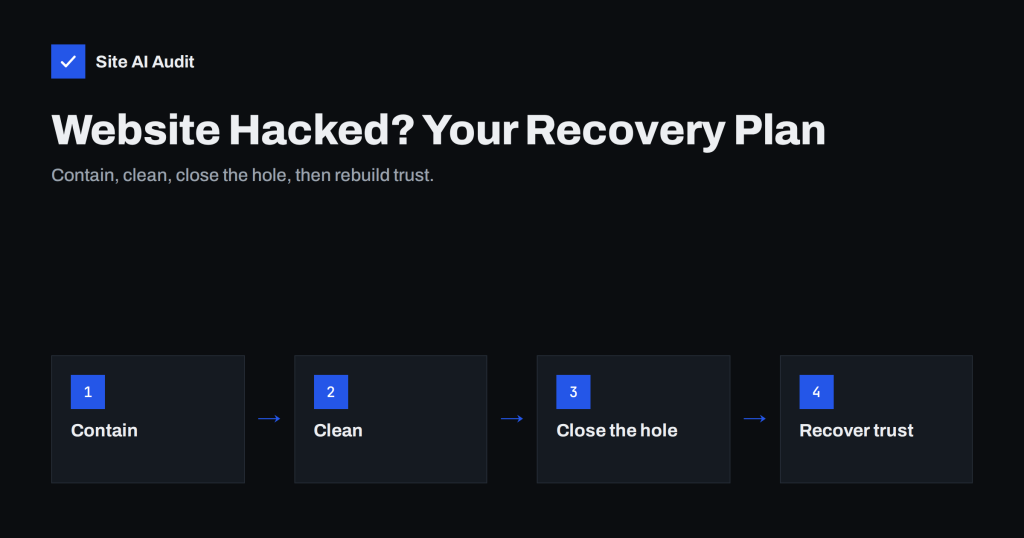
Website Hacked? A Step-by-Step Recovery Plan for Owners
A calm, ordered plan for recovering a hacked website: contain the damage, clean or restore, close the entry point, remove warnings and prevent a…
 25 thg 8, 2026 · 8 phút đọc
9 Signs Your Website Has Been Hacked (and How to Check)
Hacked websites rarely announce themselves. Learn the nine most common warning signs, how to check each one in minutes, and what to do if…