 ENEnglish
 LTLietuviškai
 DEDeutsch
 FRFrançais
 RUРусский
 ESEspañol
 PLPolski
 ITItaliano
 UKУкраїнська
 CSČeština
 PTPortuguês
 JA日本語
JA日本語 LVLatviešu valoda
 ETEesti
 HUMagyar
 IDBahasa Indonesia
 TRTürkçe
 HIहिन्दी
 ELΕλληνικά
 ARالعربية
 THไทย
THไทย VITiếng Việt
 RORomână
 MSBahasa Melayu
 BNবাংলা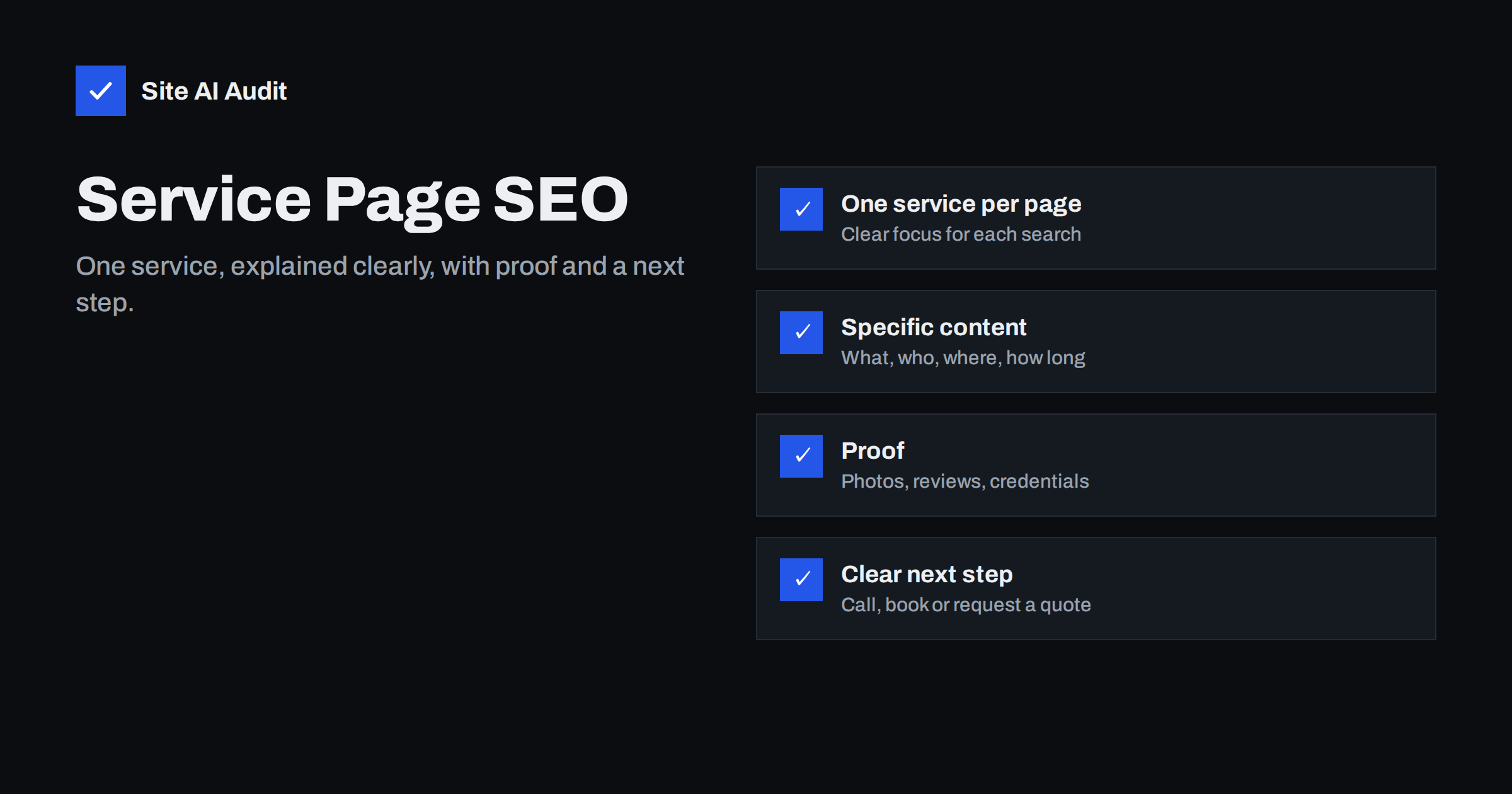
Short answer: A strong service page focuses on one service, uses the words customers search for in its title, H1 and headings, and explains specifically what is included, who it is for, where you work, how the process runs and what it typically costs or how prices are set. It adds proof, such as photos, reviews and credentials, answers common questions and ends with a clear next step. Service pages are often the most valuable pages on a small business site, and also the most neglected.
Why service pages matter so much
For most service businesses, service pages are where search visitors become customers. Someone searching “bathroom renovation Manchester” or “payroll services for small business” is close to a decision. If your page appears and convinces them, they call or send an enquiry.
Yet on many small business websites, services are listed on a single page with a sentence each, or each service page has a heading, two lines of text and a contact form. Search engines have little to understand, and visitors have little reason to choose you over the next result. Improving service pages is usually one of the most effective SEO investments a service business can make.
One service per page
Give each main service its own page. A plumber might have separate pages for boiler repair, boiler installation, bathroom plumbing and emergency call-outs. An accountant might separate bookkeeping, payroll, annual accounts and tax returns.
Separate pages let each one:
- target the specific words people search for that service;
- answer questions specific to that service;
- show relevant photos, examples and reviews;
- have its own title and description in search results.
Keep a main “Services” overview page that briefly introduces each service and links to its page. That overview becomes a hub, and each service page links back to it.
Do not go too far the other way. Separate pages for “boiler repair” and “boiler repairs” or for every minor variation compete with each other. One strong page per distinct service is the goal.
Title, H1 and URL
- Title tag: service first, then a qualifier such as location or audience, then the brand. “Boiler Repair in Leeds – Same-Day Call-Outs | Smith Plumbing”.
- H1: the service name in plain words, matching the title in substance. “Boiler repair in Leeds”.
- URL: short and descriptive, such as
/boiler-repair/or/services/boiler-repair/. - Meta description: what the customer gets, with a differentiator: response time, guarantee, accreditation or area covered.
Use the words your customers use. If they search for “boiler repair” rather than “heating system maintenance”, lead with that.
What to include on the page
A useful structure for most service pages:
- Opening summary. Two or three sentences stating what you do, for whom and where, with the main call to action visible.
- What is included. A clear list of what the service covers, and what it does not.
- Who it is for. Types of customers or situations: homeowners, landlords, small offices, new businesses.
- How it works. The process step by step, from first contact to completion.
- Timescales. Typical response times, durations or turnaround.
- Pricing. Prices, price ranges, “from” prices or an explanation of what affects the price. Even an honest explanation is better than nothing.
- Area covered. Towns or regions you serve, for local services.
- Proof. Photos of real work, short case descriptions, reviews and credentials.
- FAQ. The questions customers actually ask before buying.
- Next step. Phone number, booking link or quote form, repeated at the end.
This structure serves both visitors and search engines: it covers the topic thoroughly, uses natural variations of the search terms and answers related questions.
Be specific
Specific details make a service page credible and distinctive. Compare:
- “We offer high-quality bathroom renovations.” with “We renovate around 40 bathrooms a year in south Manchester, typically in 10 to 15 working days, including plumbing, tiling and electrics, with a two-year workmanship guarantee.”
- “Professional bookkeeping services.” with “Monthly bookkeeping for sole traders and limited companies with up to 50 transactions a month, including bank reconciliation, VAT returns and a monthly profit report.”
Only include numbers and claims that are true for your business. Honest specifics convert better than impressive-sounding generalities, and they are much harder for competitors to copy.
Show proof
- Photos of real work, before and after where relevant, with descriptive alt text.
- Reviews related to this service, shown as text on the page.
- Credentials: accreditations, licences, trade memberships, insurance.
- Short case examples: the situation, what you did, the result.
- Named people: who will do the work or manage the project.
Example: rewriting a thin service page
A window cleaning company’s “Commercial cleaning” page originally read: “We provide professional commercial window cleaning. Contact us for a quote.” It had the title “Commercial | Clearview” and a stock photo of a skyscraper.
The rewritten page has the title “Commercial Window Cleaning in Bristol – Offices and Shops | Clearview” and an H1 “Commercial window cleaning in Bristol”. It opens with two sentences saying the company cleans offices, shops and restaurants across Bristol on weekly, fortnightly or monthly schedules, with a phone number and quote button. Then come sections on what is included (inside and outside glass, frames, sills, signage), buildings they can reach (up to four storeys with water-fed poles), how scheduling and access work outside opening hours, how pricing depends on the number and size of windows, the areas covered, photos of real client premises with permission, three reviews from business customers, insurance details and an FAQ about cleaning in rain, keys and invoicing.
Nothing on the new page is exaggerated. It simply says what the business already does, in the words its customers use. That alone turns a page search engines could barely classify into one that clearly matches “commercial window cleaning Bristol”.
Writing for customers, not only for search
A service page has two jobs: be found and convince. The second job matters just as much. Write short paragraphs, use headings that match customers’ questions, keep the main call to action visible on mobile, and remove anything that slows a decision, such as long company history or vague slogans. Read the page as a first-time visitor on a phone: within ten seconds, do you know what is offered, where, and how to get in touch?
Internal links around service pages
- Link each service page from the main menu or the services hub.
- Link from blog posts and guides that relate to the service.
- Link from the service page to two or three helpful guides that answer pre-purchase questions.
- Link related services to each other where customers often need both.
- Link location pages to the services available there, if you have them.
Structured data and local signals
For local service businesses, make sure your LocalBusiness structured data, address and phone are consistent across the site and your Business Profile. If your service page has a visible FAQ, FAQPage markup can describe it. Keep all markup matched to what is visible on the page.
Measuring service page performance
Track each service page separately. In Search Console, filter the Performance report by the page URL to see which searches it appears for and whether clicks grow after changes. In analytics, set up enquiries, calls and bookings as conversions, so you can see which service pages actually bring customers. A page with modest traffic but many enquiries deserves protection; a page with plenty of visits and no enquiries needs better content or a clearer next step.
Common service page mistakes
- All services crammed onto one page.
- A heading, two sentences and a form, with nothing to convince or inform.
- Generic stock photos instead of real work.
- Industry jargon instead of customer language.
- No prices or explanation of pricing at all.
- No area information for local services.
- Calls to action hidden at the bottom or only in the header.
- Copy-paste text shared across several service pages.
How Site AI Audit helps
Site AI Audit checks the technical basics of every service page it crawls: unique titles and descriptions, a clear H1, headings, alt text on images, working links and redirects, indexing rules and mobile speed. Each finding comes with a plain-language fix, ranked by impact. Run a free check to see which of your service pages need attention first.
Related reading
- Search Intent Explained: Match Your Pages to What People Want
- Local SEO Basics: How Small Businesses Get Found Nearby
- E-E-A-T Explained: Showing Trust on a Small Business Website
- Internal Linking for SEO: A Practical Guide for Small Sites
The bottom line
Service pages are where search visitors decide whether to contact you. Give each service its own page with a clear title, H1 and URL in your customers’ words, explain specifically what is included, for whom, where, how long and at what price, show real proof, answer common questions and make the next step obvious. Link service pages from guides and related services, and keep the technical basics clean.
FAQ
Should each service have its own page?
Yes, for each distinct service customers search for. Separate pages can target specific searches and answer specific questions. Keep an overview page that links to them all.
How long should a service page be?
Long enough to answer what a customer needs before contacting you. For most services, that means several sections covering scope, process, pricing, area, proof and FAQs.
Should I show prices on service pages?
If you can, yes, even as ranges or starting prices. If prices vary widely, explain what affects them. Customers value transparency, and it filters out poor-fit enquiries.
Do I need separate service pages for each town?
Only if you have something specific to say for each town, or a branch there. Otherwise, list the areas you cover on the service page or a single areas page.
Can a blog post outrank my service page?
Yes, for informational searches. That is fine if the post links clearly to the service. For transactional searches, a strong service page should be the one that ranks.


