 ENEnglish
 LTLietuviškai
 DEDeutsch
 FRFrançais
 RUРусский
 ESEspañol
 PLPolski
 ITItaliano
 UKУкраїнська
 CSČeština
 PTPortuguês
 JA日本語
JA日本語 LVLatviešu valoda
 ETEesti
 HUMagyar
 IDBahasa Indonesia
 TRTürkçe
 HIहिन्दी
 ELΕλληνικά
 ARالعربية
 THไทย
THไทย VITiếng Việt
 RORomână
 MSBahasa Melayu
 BNবাংলা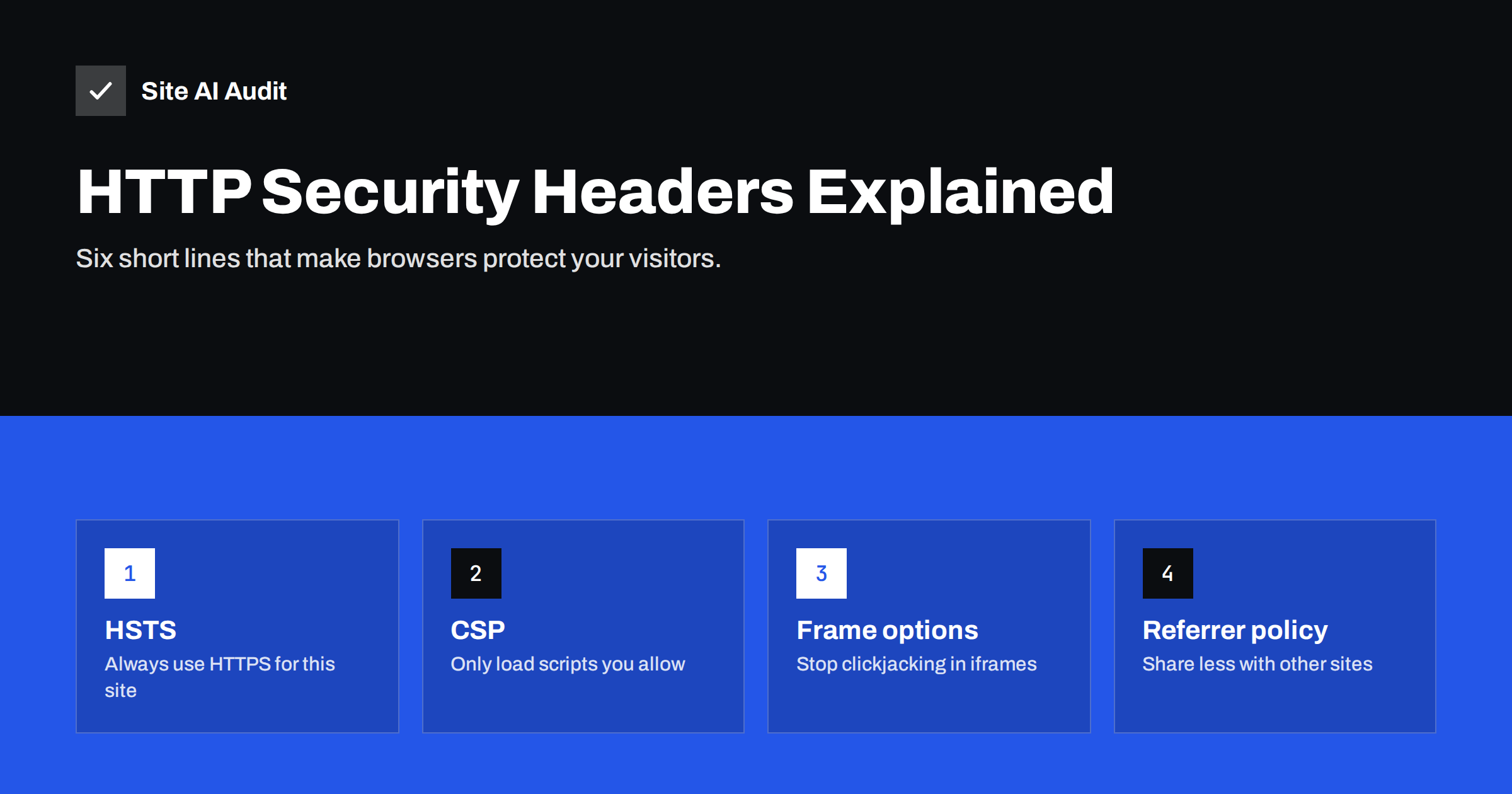
Short answer: Security headers are instructions your server sends with each page that tell the browser to enable extra protections. The six that matter for most websites are Strict-Transport-Security (always use HTTPS), Content-Security-Policy (which sources may load scripts and other content), X-Frame-Options or CSP frame-ancestors (who may embed your pages), X-Content-Type-Options (no MIME guessing), Referrer-Policy (how much of the URL is shared with other sites) and Permissions-Policy (which browser features the page may use). Most can be added in minutes; CSP needs careful testing.
Security headers are one of the most frequent findings in any website audit, and one of the most misunderstood. Missing headers do not mean your site has been hacked. They mean the browser is not being asked to use protections it already has. Adding them is cheap, and they block entire classes of attacks such as clickjacking, protocol downgrades and some forms of script injection. This guide explains each header in plain terms, what it protects against, and a safe value to start with.
How security headers work
Every time a browser requests a page, the server replies with the page content plus a set of HTTP headers – short name-value lines such as Content-Type: text/html. Security headers are simply additional lines. The browser reads them before rendering the page and switches on the matching protections. Nothing is installed on the visitor’s device, and the visitor normally notices nothing.
You can see your current headers in the browser’s developer tools (Network tab, click the page request, look at “Response Headers”) or with curl -sI https://example.com. Headers are set in the web server configuration, in .htaccess, in a CDN, or by the application itself.
The six headers that matter
Strict-Transport-Security (HSTS)
What it does: tells the browser to use only HTTPS for your domain for a set period, even if someone types http:// or clicks an old link. It also removes the option to click through certificate warnings.
What it protects against: downgrade attacks, where an attacker on the network intercepts the first HTTP request before the redirect to HTTPS happens, and cookie leakage over HTTP.
Safe starting value:
Strict-Transport-Security: max-age=31536000Add includeSubDomains only when every subdomain works on HTTPS, and consider preload only when you are sure, because removing a domain from browser preload lists takes a long time. Start with a short max-age (for example 300 seconds) if you want to test first.
Content-Security-Policy (CSP)
What it does: lists the sources the browser may load scripts, styles, images, fonts, frames and connections from. Anything not on the list is blocked.
What it protects against: cross-site scripting (XSS) and injected content. If an attacker manages to insert a script tag pointing to their server, a good CSP stops the browser from running it.
Safe starting approach: CSP is powerful but easy to get wrong, because modern sites load code from many places – analytics, tag managers, payment widgets, fonts, video players. Start in report-only mode, which logs violations without blocking anything:
Content-Security-Policy-Report-Only: default-src 'self'; img-src 'self' data: https:; script-src 'self' https://www.googletagmanager.com; frame-ancestors 'self'Watch the console and reports for a while, add the legitimate sources you find, and switch to the enforcing header only when the list is complete. Even a minimal enforced policy such as frame-ancestors 'self'; upgrade-insecure-requests is a worthwhile first step.
X-Frame-Options and frame-ancestors
What it does: controls whether other sites may display your pages inside an iframe.
What it protects against: clickjacking – an attacker loads your page invisibly inside their own page and tricks visitors into clicking buttons on it, for example “delete account” or “confirm payment”.
Safe value:
X-Frame-Options: SAMEORIGIN
Content-Security-Policy: frame-ancestors 'self'
The CSP directive is the modern replacement and allows a list of trusted sites; the older header is still worth sending for older browsers. If partners legitimately embed your pages, list their domains in frame-ancestors.
X-Content-Type-Options
What it does: tells the browser to trust the declared content type of each file and not to guess (“sniff”) it.
What it protects against: attacks where an uploaded file that looks like an image or text is interpreted as a script or HTML because the browser guessed its type.
Value: there is only one, and it is safe on virtually every site:
X-Content-Type-Options: nosniffMake sure your server sends correct Content-Type headers for scripts and styles; with nosniff, a script served as text/plain will be blocked.
Referrer-Policy
What it does: controls how much of the current page’s URL the browser sends to other sites when a visitor clicks a link or the page loads an external resource.
What it protects against: leaking private information in URLs – password reset tokens, search terms, order numbers or internal paths – to third parties.
Safe value:
Referrer-Policy: strict-origin-when-cross-originThis sends the full URL within your own site, only the domain to other HTTPS sites, and nothing when going from HTTPS to HTTP. Analytics still see which site a visitor came from. It is the default in modern browsers, but setting it explicitly makes the behaviour consistent.
Permissions-Policy
What it does: allows or blocks powerful browser features such as camera, microphone, geolocation, payment and fullscreen, for your page and for any iframes inside it.
What it protects against: embedded third-party content quietly requesting access to devices or features you never intended to use.
Safe starting value for a site that uses none of these features:
Permissions-Policy: camera=(), microphone=(), geolocation=(), payment=()If your store uses browser payment features or your site has a store locator, allow those features for self or specific origins instead of blocking them.
Headers you can skip or remove
- X-XSS-Protection – the old XSS filter has been removed from modern browsers. Current guidance is to omit it or set it to
0; rely on CSP instead. - Expect-CT – obsolete, since certificate transparency is now enforced by browsers anyway.
- Public-Key-Pins (HPKP) – deprecated and dangerous; it could lock visitors out of your site.
- Server and X-Powered-By – not security headers, but they often reveal exact software versions. Remove the version details so automated scanners cannot target known vulnerabilities as easily.
Summary table of recommended values
| Header | Starting value | Risk of breaking the site |
|---|---|---|
| Strict-Transport-Security | max-age=31536000 | Low, if HTTPS works everywhere |
| Content-Security-Policy | Report-only first, then enforce | High without testing |
| X-Frame-Options | SAMEORIGIN | Low, unless partners embed your pages |
| X-Content-Type-Options | nosniff | Very low |
| Referrer-Policy | strict-origin-when-cross-origin | Very low |
| Permissions-Policy | Block features you do not use | Low |
How to add them
On Apache, headers go into the virtual host or .htaccess with Header always set Name "value" (the mod_headers module must be enabled). On Nginx, use add_header Name "value" always; in the server block – remember that an add_header inside a location block replaces, rather than adds to, headers defined at server level. Many CDNs let you add response headers in their dashboard, and some CMS security plugins set them too. Set each header in one place only, so you do not end up with duplicates that conflict. The OWASP Secure Headers Project keeps an up-to-date reference of recommended values.
Rolling headers out safely
Most header problems come from adding everything at once on a live site. A calm rollout avoids surprises:
- Record the current state. Save the output of
curl -sIfor the home page, a typical content page, a checkout or login page and a static file such as an image. - Add the low-risk headers first – X-Content-Type-Options, Referrer-Policy and X-Frame-Options – and check the main user journeys: navigation, forms, search, checkout and any embedded videos or maps.
- Add HSTS with a short max-age, confirm every page still loads over HTTPS, then raise the value step by step to a year.
- Run CSP in report-only mode for at least a couple of weeks, covering campaigns, seasonal widgets and admin pages, before enforcing it.
- Write down where each header is set – server, CDN or plugin – so the next developer does not add a conflicting copy.
Repeat the curl check after deployments and hosting changes. Headers are easy to lose when a server configuration is rebuilt or a site moves to a new host, and nobody notices until an audit reports them missing again.
How Site AI Audit checks your headers
The security part of a Site AI Audit report checks which security headers your site sends and whether your server exposes software versions, alongside the SSL certificate and HTTPS redirect. Each missing or weak header is explained in plain language, ranked by impact and paired with the exact fix, so you can decide what to add first. Run a free check to see which headers your site is missing.
Related reading
- How to Redirect HTTP to HTTPS the Right Way (Without Loops)
- Mixed Content Errors: How to Find and Fix Them on Your Site
The bottom line
Security headers switch on protections browsers already have. Four of them – HSTS, X-Content-Type-Options, Referrer-Policy and X-Frame-Options – can be added safely on almost any HTTPS site in a few minutes. Permissions-Policy takes a little thought about the features you use, and Content-Security-Policy needs a report-only phase before you enforce it. Add them in one place, test, and check again after every major change.
FAQ
Do security headers slow down my website?
No. They add a few hundred bytes to each response and require no extra requests. A strict CSP can even prevent unwanted third-party scripts from loading.
Which security header should I add first?
If your site is fully on HTTPS, start with Strict-Transport-Security, X-Content-Type-Options and X-Frame-Options. They are easy to add, rarely break anything and close well-known gaps.
Can security headers break my site?
Content-Security-Policy can, because it blocks any source you did not list, and HSTS can lock out subdomains that do not support HTTPS. Test CSP in report-only mode and enable HSTS subdomain options only when every subdomain works on HTTPS.
Are security headers needed on a small brochure website?
Yes. Automated attacks do not choose targets by size, and even a simple site has a contact form, an admin login and visitors whose browsers can be protected. The basic headers take minutes to add.
Do security headers improve SEO?
Security headers are not a known ranking factor. Their value is protecting visitors and your reputation; HSTS also removes one redirect for returning visitors, which slightly speeds up their first request.


