ENEnglish
 LTLietuviškai
 DEDeutsch
 FRFrançais
 RUРусский
 ESEspañol
 PLPolski
 ITItaliano
 UKУкраїнська
 CSČeština
 PTPortuguês
 JA日本語
JA日本語 LVLatviešu valoda
 ETEesti
 HUMagyar
 IDBahasa Indonesia
 TRTürkçe
 HIहिन्दी
 ELΕλληνικά
 ARالعربية
 THไทย
THไทย VITiếng Việt
 RORomână
 MSBahasa Melayu
 BNবাংলা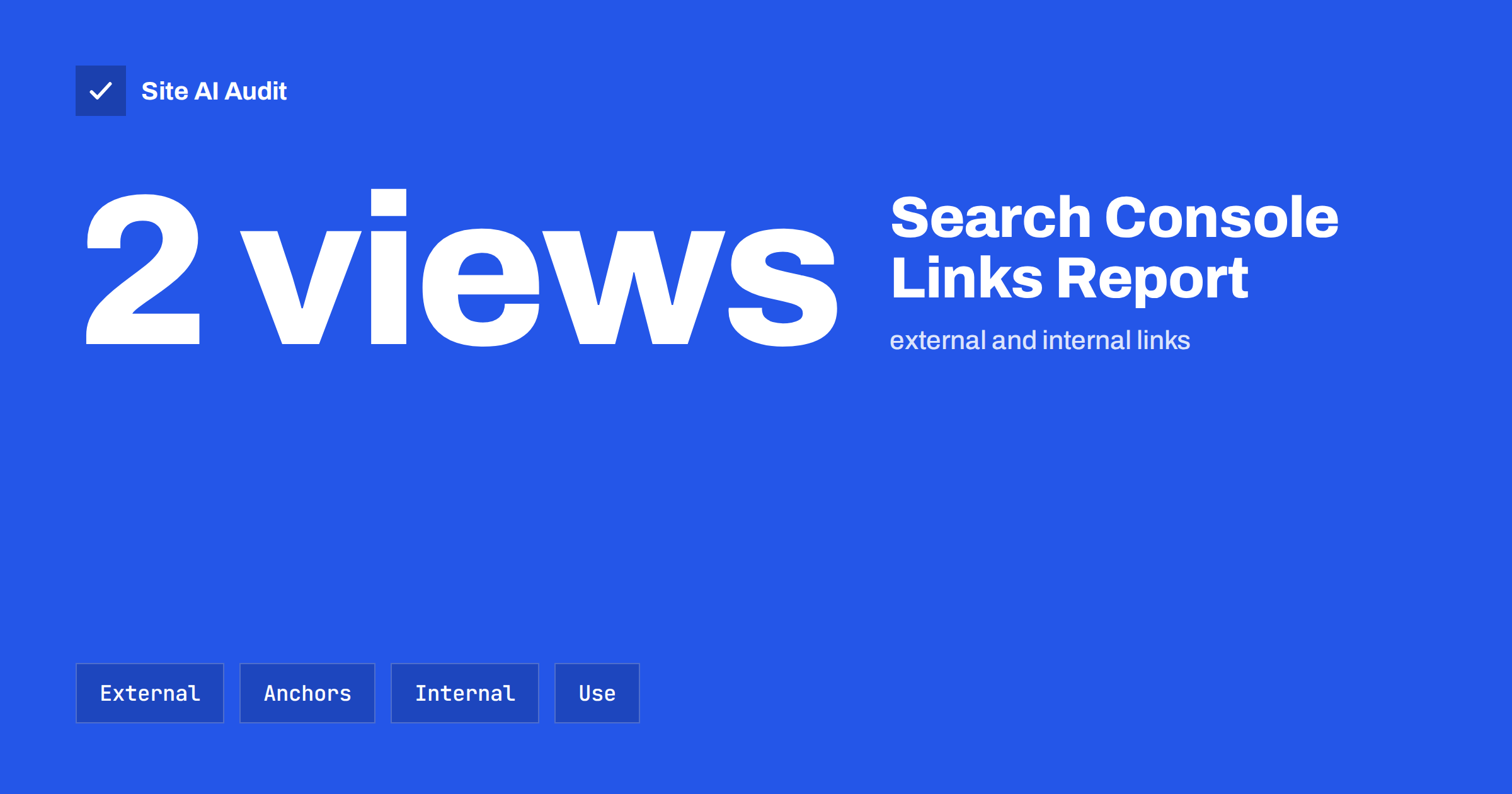
Short answer: The Links report in Google Search Console shows which pages other websites link to, which sites link most, the anchor text they use and which pages on your own site receive the most internal links. Use it to see your strongest pages, find important pages with few internal links, and spot odd or spammy links. The data is a sample, not a complete list, so treat it as a guide.
What the Links report shows
Links are one of the ways that search engines discover pages and judge how a site is connected. The Links report gathers what Google knows about links to and within your property. You find it in the left menu of Search Console, under Links.
The report has two parts, external links and internal links, and each is divided into tables:
- External links, top linked pages. Your pages that other websites link to most, with the number of links.
- External links, top linking sites. The domains that link to you most often.
- External links, top linking text. The most common anchor texts used in links from other sites.
- Internal links, top linked pages. The pages of your own site that receive the most links from other pages on the site.
You can open each table, view the details of an item and export the data to a spreadsheet. If you have not connected your site yet, start with our guide to setting up Google Search Console.
How to read the external links tables
Start with the top linked pages. In many small businesses the home page is first, followed by one or two articles or service pages. Look at the others and ask three questions:
- Which page earns links naturally? A guide, a tool or a story that others cite shows what your audience values. Write more of it.
- Are links pointing to pages that no longer exist or have changed address? If an old address receives links and now shows an error, redirect it to the most relevant current page. See 301 or 302 redirects for the right choice.
- Do the best-linked pages also lead visitors on? A strongly linked article should link to the pages that sell or explain your service.
The top linking sites table shows who mentions you. Open a few and look at them. Real partners, local organisations, press mentions and directories are normal. Large numbers of links from unrelated, low-quality or foreign-language sites need a closer look. Our article on backlinks for small businesses explains what helps and what hurts.
What the anchor text tells you
The top linking text table lists the words that other sites use when they link to you. A natural profile mostly contains your brand name, your domain, the title of a page and plain phrases such as “click here” or “this article”. If a big share of the anchors is an exact commercial phrase that you never asked for, or contains words unrelated to your business, it may be a sign of spam or an old campaign.
Anchor text also gives you ideas. If people describe your page in a way you had not considered, you might use the same language in your titles and headings. For your own links, follow the advice in anchor text best practices.
Using the internal links table
This table is often the most useful for the owner of a small site, because internal links are completely under your control. It lists your pages by the number of internal links they receive. Pages at the top are the ones your own structure considers most important.
- Check that the top pages are the right ones. Ideally they are your main services, categories and best guides, not a privacy policy or a tag page.
- Find important pages near the bottom. A service or product page with few internal links is hard for people and search engines to reach. Add links from related articles and from the menu or footer where it makes sense.
- Look for pages that are missing. If a page you care about does not appear at all, it may have no internal links. See our guide to finding and fixing orphan pages.
- Review link text. Make sure that the links use descriptive words and not only “read more”.
For a deeper plan, read internal linking for SEO: a practical guide for small sites.
Limits of the data
The report is helpful, but it has limits that are easy to forget.
- It is not complete. Google shows a sample of the links it knows about, and the numbers may differ from other tools. Do not try to match them exactly.
- It does not rate quality. A link is listed whether it is valuable, neutral or spam.
- It may not show link attributes. You do not see in the table whether a link uses nofollow, sponsored or ugc, so open the linking page to judge. Read our guide to link attributes for the meaning of each.
- It updates with a delay. New links may take time to appear, and removed links may stay for a while.
- It shows only your verified property. If you use separate properties for variants of your address, check the one that covers your main site.
Use the report to spot patterns and changes, not to count links for a target.
Unwanted links and what to do
Most sites collect a few strange links over time, and Google says it is good at ignoring links that are not part of your own doing. In most cases the right action is to do nothing. Consider action only if:
- You or an agency paid for links or took part in a link scheme in the past, and you have received a message about unnatural links.
- You have a manual action listed in Search Console. See manual actions: causes and how to recover.
- A large amount of spam links appears together with signs of a hack, such as strange pages on your site. Then investigate the hack first.
The disavow tool is an advanced option, meant for cases such as those above. Do not use it as routine maintenance, because disavowing good links can hurt. If in doubt, ask someone experienced.
A simple monthly routine
- Open the Links report and export the four tables once a month.
- Compare the top linked pages with last month. Note new entries and pages that dropped out.
- Review the new linking sites and decide if any need attention or a thank-you message.
- Check for old addresses that receive links, and redirect them if needed.
- Pick two important pages from the internal links table that have few links, and add useful links to them from related content.
- Check that the pages with most external links are fast and working, using the Performance report to see their clicks.
Keep the report in proportion. Links are only one of many signals, and they matter most when the pages behind them are useful, fast and easy to reach. Do not chase link counts or spend hours on tiny changes in the tables. Improve the pages that visitors value, tell people about them through your normal channels, and let good links arrive naturally. When you do see a surprising jump or drop in the report, check the date against what you changed: a redesign, a migration, an expired domain, a removed page or a campaign are the usual explanations, and they are easier to find when you keep notes of your changes.
What Site AI Audit can and cannot tell you
Site AI Audit crawls up to 50 pages of your site and reports on broken links, redirects, titles, headings, alt texts, the sitemap, robots.txt and noindex tags. It can help you find internal links that lead to errors or chains of redirects. It does not report which other sites link to you or how Google counts your links, so use Search Console for that. You can run a free check of your website or look at the plans.
Related reading
- Internal Linking for SEO: A Practical Guide for Small Sites
- Orphan Pages: How to Find Pages With No Internal Links
- Backlinks for Small Businesses: What Helps and What Hurts
- Anchor Text Best Practices: How to Write Better Link Text
The bottom line
The Links report is a free window on how your site is connected. Use the external tables to learn which pages earn attention and to notice unusual links, and use the internal table to make sure your most important pages get the support they deserve. Remember that the data is a sample, review it monthly and act on patterns rather than single numbers.
FAQ
Where do I find the Links report in Search Console?
Open Search Console, choose your property and select Links in the left menu. You will see external links and internal links, with tables that can be opened and exported. The report appears only for properties you have verified.
Why does the number of links differ from another SEO tool?
Each tool crawls the web differently and keeps its own index. Google also shows only a sample in the report. Compare trends within one tool rather than numbers between tools.
Do I need to disavow bad links?
Usually not. Google says it generally ignores links that are not an editorial endorsement. Use the disavow tool only when you have paid for links or received a manual action, and only after careful review.
Which internal links matter most?
Links from relevant, well-visited pages to your key service, product and category pages matter most, with descriptive anchor text. Links buried in a long footer list carry less meaning than a link placed naturally in useful content.
How often should I check the report?
Once a month is enough for most small sites. Check sooner after a redesign, a migration, a campaign or a security incident, because these events change both internal and external links.