ENEnglish
 LTLietuviškai
 DEDeutsch
 FRFrançais
 RUРусский
 ESEspañol
 PLPolski
 ITItaliano
 UKУкраїнська
 CSČeština
 PTPortuguês
 JA日本語
 LVLatviešu valoda
 ETEesti
 HUMagyar
 IDBahasa Indonesia
 TRTürkçe
 HIहिन्दी
 ELΕλληνικά
 ARالعربية
 THไทย
 VITiếng Việt
 RORomână
 MSBahasa Melayu
 BNবাংলা
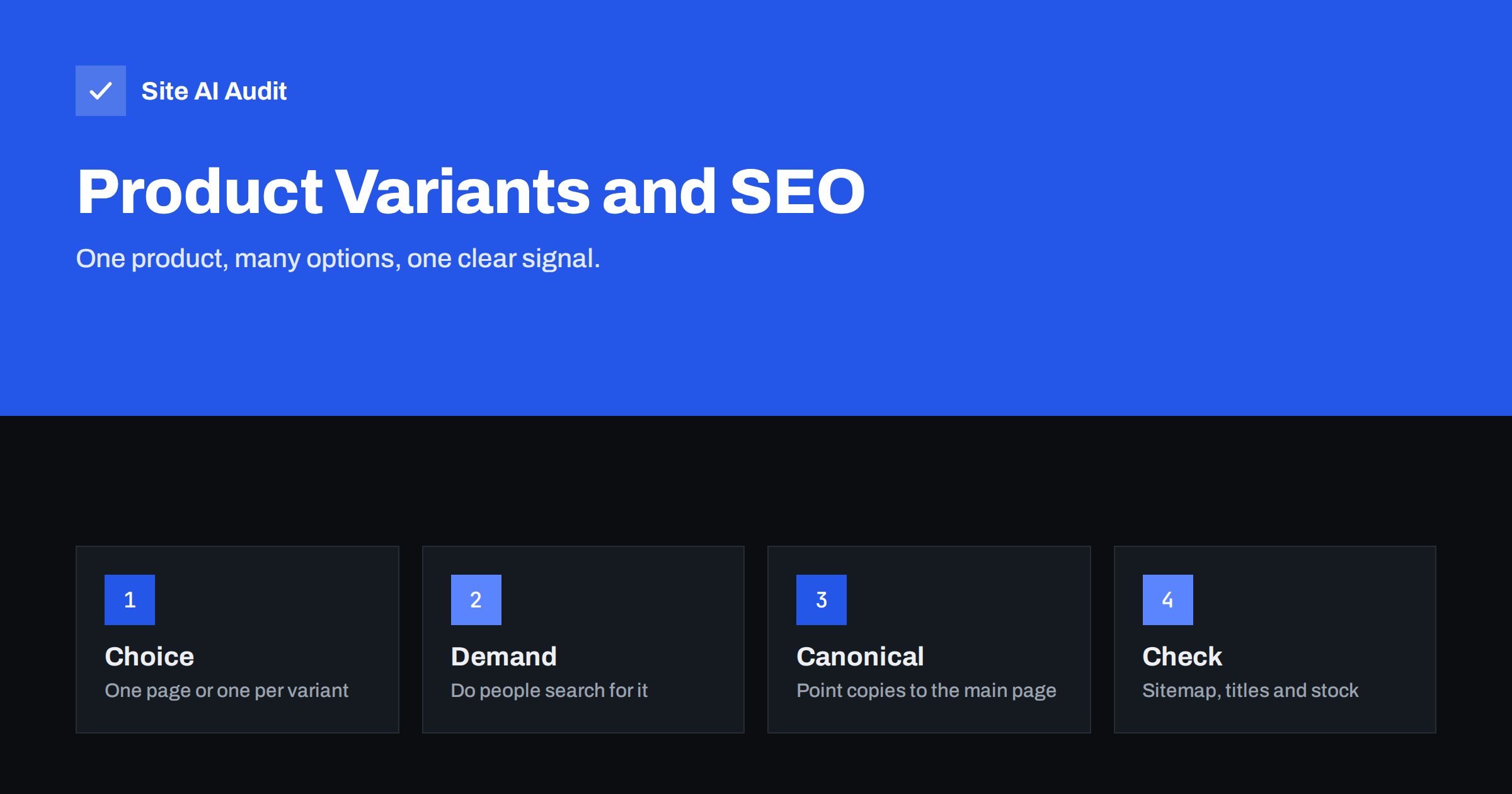
Short answer: Most products with options, such as sizes, should live on a single page with a selector, and variants should not each get a separate indexable address. Give a variant its own page only when people search for it by that option and you can make the page truly different, for example a colour with its own photos and text. Whatever you choose, make sure that search engines can tell which URL is the main one, using canonical tags and a clean sitemap.
Why variants cause SEO problems
A shop sells a jacket in four colours and six sizes. Depending on how the shop software works, that can create one page, four pages or twenty-four pages. If every combination gets its own address, but the text, photos and price are almost the same, you end up with many near-duplicate pages. Search engines then have to decide which one to show, and they may pick a different one from the one you prefer.
The problems are the same as those described in the guide to duplicate content: signals such as links and reviews are split between pages, crawlers spend time on pages that add nothing, and the wrong page can appear in results. On a large catalogue the effect adds up, and the issue of wasted crawling is covered in the article on crawl budget.
Three common setups
- One URL, options by selector. The visitor picks colour and size with a dropdown or swatches, and the address does not change. This is simple and has no duplication at all.
- One URL per variant with parameters. The selector adds something like a colour or a size code to the address. Each combination has its own URL, but the page is the same product page.
- Separate product pages per variant. Each colour is a distinct product with its own title, photos and text. This is common in fashion, furniture and electronics.
None of these is always right. The best choice depends on how people search and how much unique content you can offer.
When a variant deserves its own page
Ask three questions.
- Is there search demand? People often search for a colour, a material or a model number together with a product type, such as “green leather sofa”. Many do not search for sizes. If your keyword research shows demand for a variant, it may deserve its own page. The guide to keyword research for small businesses shows a simple method.
- Is the content different? A separate page works only if it has its own photos, a title that names the variant and, where possible, a description that notes what is different. If you cannot make the page meaningfully different, it is a duplicate.
- Is the product really different? A different material, a different capacity or a different model is a product in its own right. A different size usually is not.
If the answer to all three is yes, give the variant a self-referencing canonical tag and treat it like any other product. If not, point it to the main page.
How canonical tags help
A canonical tag is a line in the head of a page that names the preferred address for that content. When a variant URL exists but should not compete, its canonical tag points to the main product page. Search engines then combine the signals and usually show the main page. The tag is explained in the article on canonical tags.
Keep the following rules in mind.
- A canonical tag is a strong hint, not a command. Google may ignore it if the pages look different. If you point many different pages at one address, the tag can be disregarded, as described in the article on when Google chooses a different canonical.
- Do not point variants with separate demand at the main page. You would be telling search engines to ignore pages you want to rank.
- Use the full address with the correct protocol and domain.
- Make the canonical consistent with other signals: internal links, sitemap entries and redirects.
Parameters and filters
If your shop uses parameters to select options, for example a colour or size value added after a question mark, these addresses can multiply fast. Handle them like other parameter URLs. Point their canonical tags to the clean product address, avoid linking to parameter versions from menus and category pages, and keep them out of the sitemap. For search-style filters on category pages, the guides to faceted navigation and URL parameters cover the wider problem.
Content, titles and images
- Titles. The main product page should name the product, not one chosen option, unless the option is the default. Variant pages with their own URL should name the variant.
- Descriptions. Write the main text once and add variant-specific notes only where they help the buyer.
- Images. Show photos for each colour. Use clear file names and alt text that name the colour, as in the guide to writing image alt text.
- Reviews. Reviews usually belong to the product, not the variant. Showing them on the main page gathers them in one place.
- Prices. If prices differ between variants, show a range or the price of the selected option, and keep any structured data consistent with it.
Stock and availability
Variants go out of stock one by one. A page for a size that is gone should not disappear if the product is still sold. Keep the page live, mark the size as unavailable and show alternatives. When a whole product is discontinued, follow the advice in the article on out-of-stock product pages: keep, redirect or remove with intention. Do not leave a separate indexable page for each missing size.
How to audit your variants
- Pick a product with options and check how many addresses it has by clicking through the selector and watching the address bar.
- View the source of each variant address and read the canonical tag.
- Search your site with the site: operator and the product name to see how many variants Google has indexed.
- Check the sitemap. It should list the preferred URLs only.
- Crawl the shop and look for groups of pages with the same title or the same text.
- Compare with Search Console. The indexing reports show which variants Google has chosen to keep.
Mistakes to look for during the audit
A few errors appear again and again on shops with product options, and most of them are easy to fix once you know where to look.
- Canonical tags that point to the wrong page. A variant that names itself as canonical while the sitemap lists another address sends two different signals. Pick one preferred address per product and use it everywhere.
- Canonical tags that point to the home page or a category. Search engines may ignore such a tag, because the pages are not near-duplicates of the target. The tag should point to the closest matching page. See the article on when Google chooses a different canonical.
- Variants blocked in robots.txt. A blocked page cannot be crawled, so search engines never see its canonical tag. Let them crawl the page and decide with the tag instead.
- Selectors that change the address without changing the content. If choosing a size adds a parameter but the page looks the same, you have created a duplicate for no benefit.
- Different prices in markup and on the page. When the schema shows the price of one option and the visible page shows another, rich results may be dropped. Keep both in step.
Fixing these mistakes usually takes less time than expected, and the effect is easy to see in the indexing reports a few weeks later.
How Site AI Audit helps
Site AI Audit crawls up to 50 pages in the free check and lists problems such as pages that share the same title, missing descriptions, broken links and redirects. For a shop, these findings point to variant pages that look the same to a search engine. The report also covers speed and security, which matter for a checkout. You can run a free check of your website without signing up, or see the plans for weekly monitoring and alerts.
Related reading
- Product Page SEO: A Checklist for Online Shops
- Category Page SEO for Online Shops: A Practical Guide
- Keyword Cannibalization: When Your Own Pages Compete
- Orphan Pages: How to Find Pages With No Internal Links
The bottom line
Treat variants as options of one product unless people search for them and you can say something different about each. Keep one preferred address, support it with canonical tags, internal links and a clean sitemap, and keep sizes and colours that are out of stock from turning into thin pages. A tidy catalogue is easier for visitors to use and for search engines to understand.
FAQ
Should every colour have its own URL?
Only if people search for the colour and you can give the page unique photos and text. Otherwise keep colours as options on the main product page.
Do size variants need separate pages?
Rarely. Size is seldom a search term, and the page content is the same, so a selector on one page works better.
Will a canonical tag remove my variant pages from Google?
Not at once. It tells Google which page to prefer, and the other pages are usually dropped from results over time, but Google makes the final choice.
Can I noindex variant pages instead?
You can, but a canonical tag combines signals, while noindex does not pass them on. Canonical is usually the better choice for near-duplicates.
How do variants affect product schema?
Each page should describe the product and offer that the page shows. Keep the markup in line with the visible price and availability of the selected option.