 ENEnglish
 LTLietuviškai
 DEDeutsch
 FRFrançais
 RUРусский
 ESEspañol
 PLPolski
 ITItaliano
 UKУкраїнська
 CSČeština
 PTPortuguês
 JA日本語
 LVLatviešu valoda
 ETEesti
 HUMagyar
 IDBahasa Indonesia
 TRTürkçe
 HIहिन्दी
 ELΕλληνικά
 ARالعربية
 THไทย
 VITiếng Việt
 RORomână
 MSBahasa Melayu
 BNবাংলা
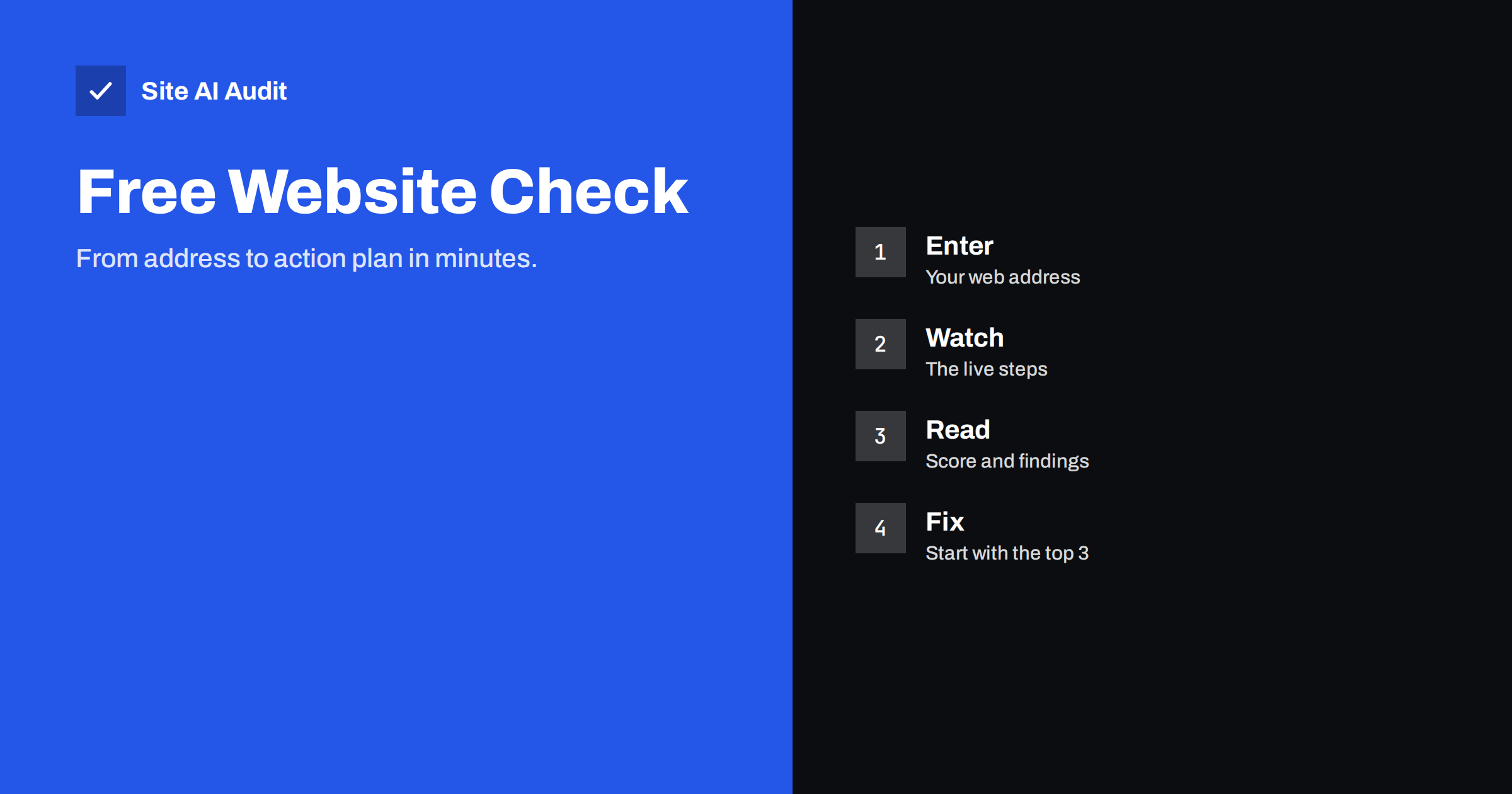
Short answer: To check a website with Site AI Audit, type its address on the home page and press the button. The check takes about one to two minutes, covers up to 50 pages, needs no sign-up and ends with a score out of 100, findings ranked by impact and instructions for the three most important fixes. Every website gets one free check.
Before you start
You need only the address of the website you want to test, such as the home page of your shop or company site. You do not need to install anything, add code to your site or create an account. This is useful when you check a site that belongs to a client, because you do not need access to their hosting.
It helps to decide in advance what you want to learn. Typical goals are to see why a site feels slow, to check whether the email from your domain is set up correctly, to find broken links and missing titles, or simply to get a baseline before a redesign. The report covers four areas, SEO, speed, security and email, so one check answers all of these questions.
Step 1: Enter the address
Open the Site AI Audit home page, type the address in the box and press the button to start. Use the main address of the site. The tool treats the domain as one website, so the same site with and without “www” counts as one. If your site redirects from one version to the other, enter the version visitors normally see.
Step 2: Watch the check run
You can follow the progress live. The check goes through a series of steps, and the home page describes them in order:
- Connection and SSL certificate. Is the site reachable, is the certificate valid and how fast does the server answer?
- robots.txt and sitemap. What search engines may see and which pages you ask them to index.
- Crawling pages. Up to 50 pages on the free check, looking at titles, headings, links, images and indexing rules.
- Email authentication. The SPF, DKIM and DMARC records for your domain.
- Google PageSpeed. Tốc độ trên di động và Core Web Vitals, do Google đo.
- Your report. A score out of 100, findings ranked by impact and how to fix each one.
The crawler is called SiteAuditBot. It is polite, sending about three requests a second, and it respects your robots.txt file, so it should not slow down your website.
Step 3: Read the score and the four areas
The report starts with an overall score out of 100 and separate scores for SEO, speed, security and email. This shows at a glance where the site is strong and where it needs work. A site can have a good overall score and still have one weak area, such as email records that are missing. The next article in this series, on how to read your Site AI Audit report, explains the score and findings in more detail.
Step 4: Start with the findings that matter most
Findings are ranked by impact, so you can work from the top. Each one is written in plain words and includes a short explanation of why it matters and how to fix it. On the free check you see every finding and score, and you get full instructions for the three most important ones. Fix those first, then decide whether you need the rest.
If you are unsure how to order the work, the guide to prioritising audit findings gives a simple method: fix what blocks visitors or search engines first, then what affects many pages, then small details.
Step 5: Fix and check again
After you change something, you want to know whether it worked. The free check is one per website, saved for you. Re-checks are part of the paid plans: Monitor, Business and Agency all include unlimited re-checks, so you can test again after every fix. Until then, you can verify some changes yourself, for example by looking at your robots.txt file or testing an email record with a mail test as described in the guide to testing email deliverability.
What a free check does not include
The free check is designed to show where you stand. It does not include re-checks, monitoring and alerts, the full list of affected pages for every finding or a PDF report. The pricing page lists what each plan adds. Monitor, at €9 a month, covers one website with up to 1,000 pages, full reports, weekly monitoring and email alerts. Business and Agency add more websites, more pages and team features. Prices are in euros without VAT.
Tips for a useful first check
- Test the live site, not a draft. The tool visits the public address, so it sees what search engines see.
- Write down the score. A baseline lets you see progress later.
- Pick one area to improve at a time. Doing everything at once makes it hard to see which change helped.
- Share the result. The report is written in plain language, so you can pass it to a developer or a hosting provider.
- Combine it with Search Console. Audit findings and Google’s own messages together give a full picture, as the Search Console setup guide explains.
Who a free check helps
Different people use the same check for different reasons, and it helps to know which group you belong to.
- Business owners use it to find out whether the website that they paid for has hidden problems, such as a missing description on the home page, pages that return errors or an email setup that sends messages to spam.
- Marketers use it before a campaign, to check that the pages they will send traffic to load quickly and can be indexed.
- Freelancers and agencies use it to prepare a proposal or to show a prospect where their site stands, since the report is written in plain words.
- Developers use it as a quick second opinion after a release, to catch redirects, headers and speed regressions that are easy to miss.
What to do with the first results
A first report can be long, and that can feel discouraging. Treat it as a list of options, not as a verdict. Start by looking at the section with the lowest score, because that is usually where the biggest gains are. Then read the top findings and ask three questions for each. Does it affect visitors directly, for example a certificate warning? Does it affect many pages at once, for example a missing title template? Can I fix it in under an hour? Findings that answer yes to any of these are good starting points.
Keep a short list with the finding, the person responsible and the date you fixed it. When you later compare a second report with the first, you will see what changed. If you use a developer, send the plain-language description rather than a screenshot of the score, since the description tells them what to look for.
Common questions before the first check
Many people worry that a check might damage their site or reveal private data. The check visits only public pages, the same way a search engine would. It does not log in, it does not change anything and it keeps to the pace described above. Others wonder about sites that are still under construction. If the site is blocked from search engines on purpose, for example with a noindex rule, the report will mention it, which is useful on launch day when you want to be sure that the block has been removed. Finally, if your site is very large, remember that the free check looks at up to 50 pages, so choose the main address and let the crawler follow your navigation. The result gives a good overview of sitewide problems because most issues repeat across templates.
Try it on your website
The free check is the quickest way to find the problems that visitors and search engines run into. Run a free check of your website and have your score in about two minutes, or look at the plans if you want re-checks and weekly monitoring.
Related reading
- Website Security Audit Checklist: What to Check and in What Order
- SEO Audit Checklist for Small Business Websites
- Website Speed Checklist: 30 Checks Before and After Launch
- Email Deliverability Checklist: 20 Checks for Small Businesses
The bottom line
A free check takes minutes and gives you a score, ranked findings and the steps for the top three issues, all without an account. Use it as a starting point, fix the most important items and then decide whether regular re-checks and monitoring are worth it for your site.
FAQ
Do I need to sign up to run the check?
No. The free check works without sign-up and without a card. Creating a free account keeps your reports in one place, and upgrading later takes one click.
How long does the check take?
About one to two minutes, depending on the site. You can watch each step as it runs.
How many pages does the free check cover?
Up to 50 pages. Paid plans cover more: up to 1,000 pages on Monitor and up to 10,000 on Business and Agency.
Why can I check a site only once for free?
A full crawl uses real server time. The saved report stays available, and a paid plan lets you re-check after fixing and be warned when something breaks.
Will the check slow down my website?
No. The crawler is polite, with about three requests a second, and it respects your robots.txt file.


