 ENEnglish
 LTLietuviškai
 DEDeutsch
 FRFrançais
 RUРусский
 ESEspañol
 PLPolski
 ITItaliano
 UKУкраїнська
 CSČeština
 PTPortuguês
 JA日本語
 LVLatviešu valoda
 ETEesti
 HUMagyar
 IDBahasa Indonesia
 TRTürkçe
 HIहिन्दी
 ELΕλληνικά
 ARالعربية
 THไทย
 VITiếng Việt
 RORomână
 MSBahasa Melayu
 BNবাংলা
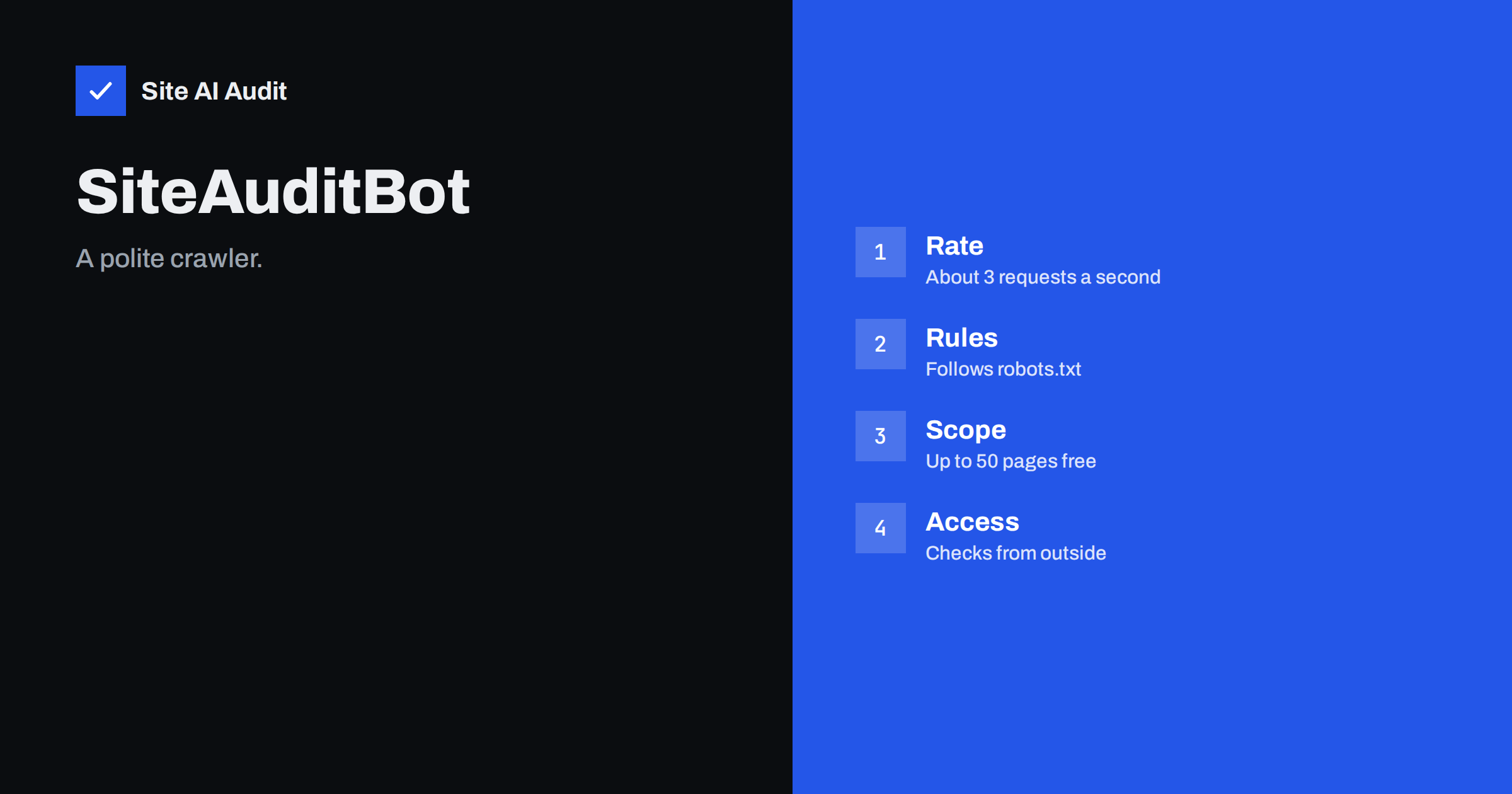
Short answer: SiteAuditBot is the crawler used by Site AI Audit. It visits your website from the outside, the way a search engine or a visitor does, and collects what it needs to build your report. According to the product pages it makes at most about three requests per second and respects your robots.txt rules, so it should not slow your site down. You do not need to install anything to be checked.
What SiteAuditBot is
When you enter an address into Site AI Audit, a crawler goes to work. It is called SiteAuditBot. A crawler is a program that opens pages, reads them and follows links, just as a search engine robot does. The difference is the purpose. Search engine crawlers collect pages to build an index. SiteAuditBot reads your pages to find problems: missing titles, broken links, images without text descriptions, pages that search engines are told to ignore, slow responses and weak security settings. The findings are ranked by impact and explained in plain words in your report.
Because it works from the outside, it sees your site as visitors and search engines see it. It has no special access and cannot read anything that a normal visitor could not open. That is a strength for an audit, since the problems that matter most are the ones visible from outside.
How the check runs
The home page of the product shows the order of a typical run, which takes one to two minutes for the free check:
- Connection and SSL certificate. Is the site reachable, is the certificate valid, and how fast does the server answer?
- robots.txt and sitemap. What search engines are allowed to see and which pages you ask them to index.
- Crawling pages. Up to 50 pages on the free check, reading titles, headings, links, images and indexing rules.
- E-mail authentication. The SPF, DKIM and DMARC records of your domain.
- Google PageSpeed. Мобільна швидкість і Core Web Vitals за вимірюваннями Google.
- Your report. A score out of 100, with findings ranked by impact and how to fix each one.
Note that two of these steps do not involve crawling your pages at all. The e-mail records are read from DNS, and the speed measurements come from Google’s own tool. The crawler itself is concerned with the pages and the files that describe them.
A gentle visitor
A fair worry is that an audit tool might load your server. The product says that SiteAuditBot is polite: it makes about three requests per second at most and follows the rules of your robots.txt file. Three requests per second is a low rate, comparable to a few people browsing quickly, and a small website on ordinary hosting will not notice it. A free check reads up to 50 pages, so even a slow server finishes the whole crawl in well under a minute of requesting time. Paid plans read more pages, up to 1,000 or 10,000 depending on the plan, and the stated limit of about three requests per second is part of how the product describes its crawler.
If your hosting plan is very limited, or your site is slow when several things happen together, run the check at a quiet time of day. After the audit, the report shows server response time, which is useful for finding out whether the site has headroom at all. The guide to server load and hosting limits explains how to read the numbers on your side.
How robots.txt controls it
The robots.txt file at the root of your website tells crawlers which paths they may fetch. SiteAuditBot respects it. If you disallow a folder for all robots, the audit will not read pages in that folder, and it will report what the file says. This works in both directions. If you want certain areas left alone, such as a private section or a staging copy, use the rules. If a report seems to miss pages that you expect to see, check whether robots.txt blocks them. The article on the robots.txt file shows the syntax, and the one on robots.txt and noindex explains why blocking and hiding are different things.
Be careful with a blanket rule. A rule that disallows everything for every robot, left over from development, keeps search engines out as well, and the audit will point it out as a serious finding.
Why a crawler can be blocked by mistake
Some websites use firewalls, security plugins or CDN rules that challenge or block unfamiliar robots. That protects against abuse, but it can also stop an audit, and the result is a report that shows few pages or an error. If a check cannot reach your pages, look at three places:
- The firewall or security plugin. Check its logs for blocked requests around the time of the audit. See web application firewalls.
- Rate limiting. Very strict limits may trigger on rapid sequential requests. See rate limiting.
- Bot rules at the CDN or host. Some services block everything that is not a known browser or search engine.
The name to look for in your access logs is SiteAuditBot, in the user-agent field of the request. The article on reading access logs shows how to filter and count requests. If you decide to allow it, do so by that name and by the behaviour you see in the logs, not by turning protection off for everything.
Telling it apart from impostors
Any program can call itself anything. A request that claims to be a well-known crawler is not proof, which is why the guide to verifying fake crawlers recommends checking the source rather than trusting the name. The same caution applies here. If you see heavy traffic that uses the name of an audit tool, check the volume and timing against what the product describes: a short burst of a few requests per second that ends after your check, not a constant stream for hours. Unusual patterns belong in the category described in aggressive crawlers and bad bots.
What the crawler does not do
- It does not log in or read private areas.
- It does not install anything on your server or change your files.
- It does not need access to your hosting, your CMS or your analytics.
- It does not submit forms or buy anything.
That is why the product asks only for the address of your site. The report is built from what is public. If you want a more complete view of what the crawler found on each page, the paid plans show all findings and the affected pages. The article on reading your report explains how to use them, and the plans are compared in the pricing page.
A worked example
Imagine a small company that runs a WordPress site with a security plugin set to a strict mode. The owner starts a free check, and the report comes back with only a few pages crawled and a note that many requests were refused. The owner opens the plugin logs and sees blocked requests from an unfamiliar user agent called SiteAuditBot, arriving at a steady, slow rate. After deciding to allow it for the audit, the owner adds an exception for that name, repeats the check and receives a complete report of 38 pages with eleven findings. Afterwards the exception is removed, or kept only if monitoring is used. The lesson is simple: when an audit looks incomplete, the cause is often a protection layer, not the site itself.
It also helps to keep a record. After a successful audit, note the number of pages the crawler reached and compare it with the number of pages you know exist, for example from your sitemap. A large gap is itself a finding: it can mean that some pages are not linked from anywhere, that navigation depends on scripts, or that a rule is blocking part of the site. Pages that a crawler cannot reach by following links are also hard for search engines to discover, which makes this simple comparison one of the most useful checks you can do in five minutes.
Run a check and see it for yourself
The easiest way to understand the crawler is to watch it work. Run a free check of your website and follow the steps as they appear. If you manage several sites or want repeated checks, compare the options on the pricing page.
Related reading
- Crawl Budget Explained: Does It Matter for Your Website?
- How to Run a Free Website Check With Site AI Audit
- Site AI Audit Monitoring: Weekly Checks and Email Alerts
- DDoS Protection for Small Websites: What You Actually Need
The bottom line
SiteAuditBot is a low-rate crawler that reads your public pages, obeys robots.txt and needs no installation. If a report looks incomplete, check robots.txt and your firewall first. If you are worried about load, remember that three requests per second is gentle, and that the check ends when the report is ready.
FAQ
Чи сповільнить аудит мій сайт?
Ні. SiteAuditBot робить щонайбільше близько трьох запитів на секунду й дотримується правил вашого robots.txt.
Чи потрібно щось встановлювати?
No. The check is done from the outside, the way visitors and search engines see your site.
How many pages does the free check read?
Up to 50 pages. Paid plans read up to 1,000 or 10,000 pages per audit, depending on the plan.
Can I stop it from reading part of my site?
Yes, use rules in robots.txt. The crawler respects them, and the report will reflect what the file allows.
Why does my report show fewer pages than I expected?
Common causes are robots.txt rules, a firewall blocking the crawler or pages that are not linked from other pages. Check those three in turn.


