 ENEnglish
 LTLietuviškai
 DEDeutsch
 FRFrançais
 RUРусский
 ESEspañol
 PLPolski
 ITItaliano
 UKУкраїнська
 CSČeština
 PTPortuguês
 JA日本語
JA日本語 LVLatviešu valoda
 ETEesti
 HUMagyar
 IDBahasa Indonesia
 TRTürkçe
 HIहिन्दी
 ELΕλληνικά
 ARالعربية
 THไทย
THไทย VITiếng Việt
 RORomână
 MSBahasa Melayu
 BNবাংলা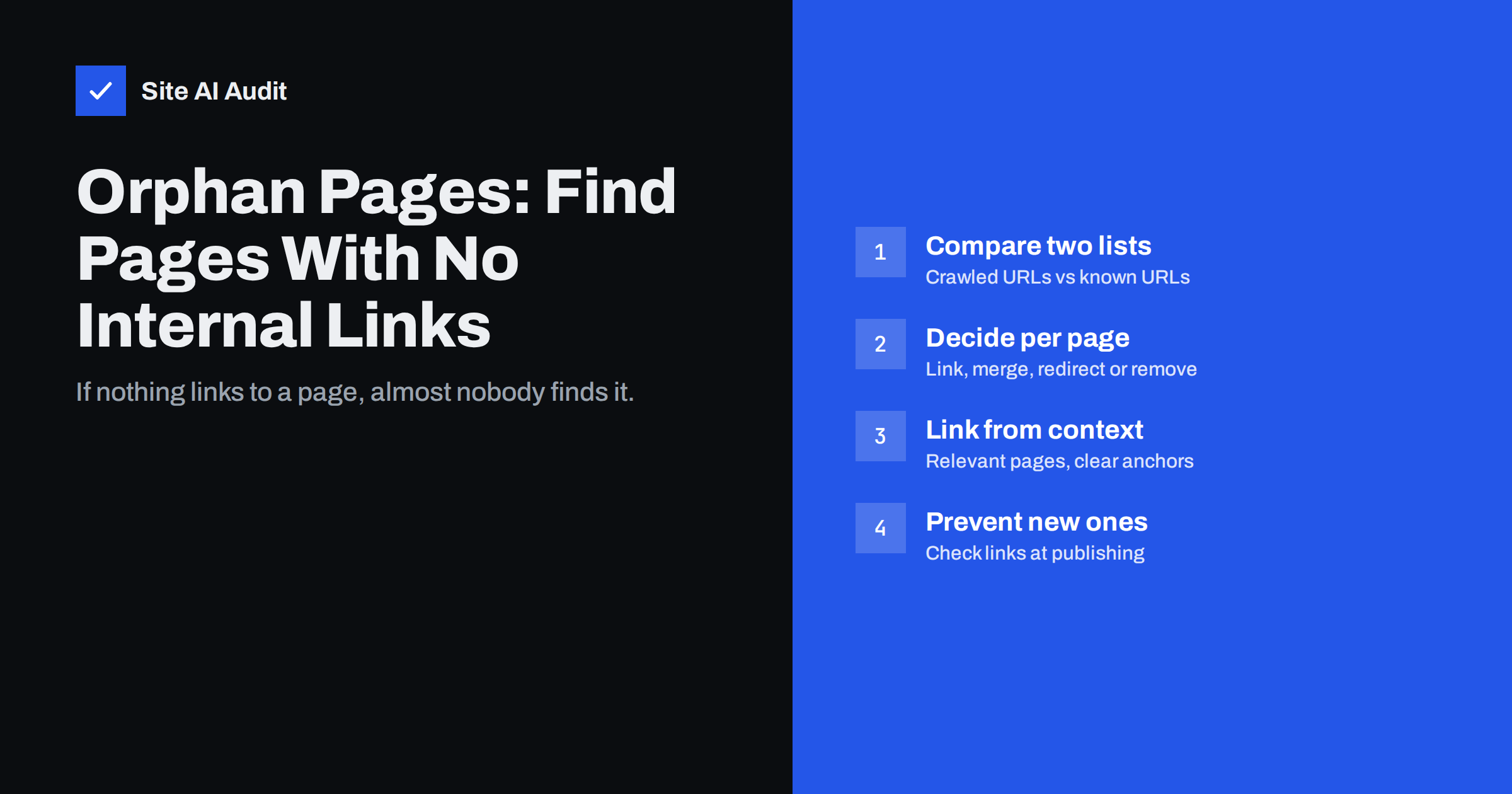
Short answer: An orphan page is a page on your website that no other page links to. Search engines can only find it through a sitemap or external links, and visitors almost never reach it, so it usually gets little traffic and weak rankings. To find orphan pages, compare the URLs a crawler reaches by following links with the URLs you know exist from your sitemap, CMS and analytics, then link, merge, redirect or remove each page that appears only in the second list.
What an orphan page is, and why it happens
Search engines and people move through a website by following links. A page that is published but not linked from any menu, category, article or footer is cut off from that network. It still exists, it may even be in the XML sitemap, but nothing on the site points to it. That is an orphan page.
Orphans are rarely created on purpose. The common causes are ordinary site maintenance:
- A menu was redesigned and some old pages were left out.
- A product or service was renamed, and the new page was published without replacing links to the old one.
- Landing pages were built for ads or e-mail campaigns and never linked from the site.
- Blog posts slid off the first pages of the blog archive, and category pages were removed or never used.
- A site migration changed URLs, and some internal links still point to the old addresses or were deleted.
- Test pages, drafts and duplicates were published by accident.
Why orphan pages hurt SEO
Internal links do three jobs, and an orphan page loses all three.
- Discovery. Crawlers find new pages mainly by following links. A page that appears only in a sitemap can be found, but it is often crawled less often and treated as less important.
- Importance. Links from other pages pass signals that help search engines understand which pages matter. A page with no internal links receives none of those signals.
- Context. Anchor text and surrounding content tell search engines what the target page is about. Without links, the page has to be understood entirely on its own.
Google’s documentation on crawlable links is clear that links are how Google finds pages and understands their relevance. Our guide to internal linking for SEO covers the broader principles; orphan pages are simply the most extreme case of weak internal linking.
There is also a user cost. If a useful page cannot be reached from anywhere, visitors who would benefit from it never see it, and your content work is wasted.
How to find orphan pages
You cannot find an orphan page by crawling alone, because a crawler that follows links will never reach it. The method is always the same: build two lists and compare them.
- List A, pages reachable by links. Crawl the site from the home page with a site crawler, following internal links only. Export all indexable HTML URLs it found.
- List B, pages that exist. Combine the URLs from your XML sitemap, the list of published pages and posts in your CMS, pages that received visits in your analytics over the last year, and the pages report in Google Search Console.
- Compare. Normalise both lists (same protocol, same trailing-slash style, no tracking parameters) and look for URLs that are in list B but not in list A. Those are your orphan candidates.
- Verify. For each candidate, open the page and check whether it is really unlinked, or whether the crawler missed a link because it is inside JavaScript, a form or a blocked area.
A spreadsheet is enough for small sites: paste both lists into two columns and use a lookup formula to mark which URLs from list B are missing from list A. Many desktop crawlers can also import a sitemap or an analytics export and report orphan URLs directly.
If your XML sitemap is generated automatically by the CMS, it is usually the best single source for list B, because it includes every published page even if nobody links to it.
Crawler blind spots that look like orphans
Some pages appear orphaned only because the crawler cannot see the links pointing to them. Check these before you change anything:
- JavaScript navigation. Menus and “load more” buttons built without real
<a href>links may be invisible to crawlers and to search engines. - Links behind forms or search. Pages reachable only through a site search or a filter form are effectively orphans for search engines.
- Nofollow or blocked sections. If the linking pages are blocked by robots.txt or marked noindex, the crawler may not follow them, depending on its settings.
- Pagination limits. A crawl limited to a certain depth may stop before it reaches old archive pages.
These are real problems too. If a crawler cannot follow a link, a search engine may not follow it either, so fixing the link format helps even when the page is technically linked.
What to do with each orphan page
Not every orphan deserves to be rescued. Decide page by page:
| Situation | Action |
|---|---|
| Useful, current page that should rank | Add internal links from relevant pages and, if it fits, from navigation or a category |
| Useful page that overlaps with a stronger one | Merge the content into the stronger page and 301-redirect the orphan |
| Outdated page with backlinks or traffic | Redirect to the closest current page |
| Campaign landing page that must stay unlinked | Keep it, but consider noindex and remove it from the sitemap |
| Test page, duplicate or accidental publish | Unpublish it and return 404 or 410, or redirect if it has links |
Merging and redirecting often gives better results than rescuing a thin page, because it concentrates value on one good URL instead of spreading it across two weak ones. When you redirect, use a permanent redirect, as explained in our guide to 301 and 302 redirects.
How to link orphan pages properly
Adding a single link from the footer technically ends the orphan status but does little for SEO or visitors. Good links are contextual and relevant.
- Find related pages. Search your own site for the main topic of the orphan page. Pages that already discuss the topic are the natural places for a link.
- Use descriptive anchor text. Write link text that describes the target, such as “how to choose a heat pump”, not “click here”.
- Link from pages that get traffic. A link from a popular service page or article helps the orphan get found by both visitors and crawlers.
- Use structure where it fits. Assign blog posts to categories, add products to collections and include important pages in the relevant menu or hub page.
- Aim for more than one link. Two or three relevant links from different pages are more robust than one; if a single linking page is later edited, the page does not become orphaned again.
How to prevent new orphan pages
Orphan pages come back unless publishing habits change. A few simple rules keep them away:
- When publishing a new page, add at least two internal links to it from existing relevant pages on the same day.
- When renaming or deleting a page, search the site for links to the old URL and update them, and set up a redirect.
- After a menu or template change, crawl the site and compare the number of reachable pages with the previous crawl.
- Give every blog post a category and keep category and tag archives linked from the blog.
- Repeat the orphan check a few times a year, or after any migration or redesign.
If several people publish on the site, write these rules into a short publishing checklist. It takes a minute per page and saves a much longer clean-up later.
How Site AI Audit helps
Site AI Audit crawls your website like a search engine does, following links from page to page, and checks titles, headings, links, redirects, the sitemap, robots.txt and noindex rules. Broken internal links and redirect problems, two of the usual reasons pages lose their links, appear in the report with an explanation and a fix, ranked by impact. It is a quick way to see how search engines move through your site before you start a manual orphan check. You can check your website for free.
Related reading
- Anchor Text Best Practices: How to Write Better Link Text
- How to Find and Fix Broken Links on Your Website
- Crawled or Discovered, Currently Not Indexed: How to Fix It
The bottom line
Orphan pages are pages that nothing on your site links to, which leaves them hard to find for both visitors and search engines. Find them by comparing crawled URLs with the URLs you know exist, then link the useful ones from relevant pages, merge or redirect the weak ones and remove the accidental ones. Adding links on the day you publish is the simplest way to stop new orphans appearing.
FAQ
What is an orphan page in SEO?
An orphan page is a published page that no other page on the same website links to. Visitors cannot reach it by browsing, and search engines can only find it through a sitemap or links from other websites.
Can Google index orphan pages?
Yes, if Google finds them through a sitemap or external links. But without internal links they receive fewer signals about their importance and topic, so they are often crawled less and rank worse.
Is putting a page in the sitemap enough?
A sitemap helps discovery, but it is not a substitute for internal links. Links show relevance and importance and let visitors reach the page, which a sitemap entry cannot do.
Should I delete orphan pages?
Only if they have no value. Useful pages should be linked, overlapping pages merged and redirected, and pages with backlinks or traffic redirected rather than deleted.
How often should I check for orphan pages?
A few times a year is enough for most small sites. Always check after a redesign, a menu change or a migration, because those are the moments when links are most often lost.


