 ENEnglish
 LTLietuviškai
 DEDeutsch
 FRFrançais
 RUРусский
 ESEspañol
 PLPolski
 ITItaliano
 UKУкраїнська
 CSČeština
 PTPortuguês
 JA日本語
JA日本語 LVLatviešu valoda
 ETEesti
 HUMagyar
 IDBahasa Indonesia
 TRTürkçe
 HIहिन्दी
 ELΕλληνικά
 ARالعربية
 THไทย
THไทย VITiếng Việt
 RORomână
 MSBahasa Melayu
 BNবাংলা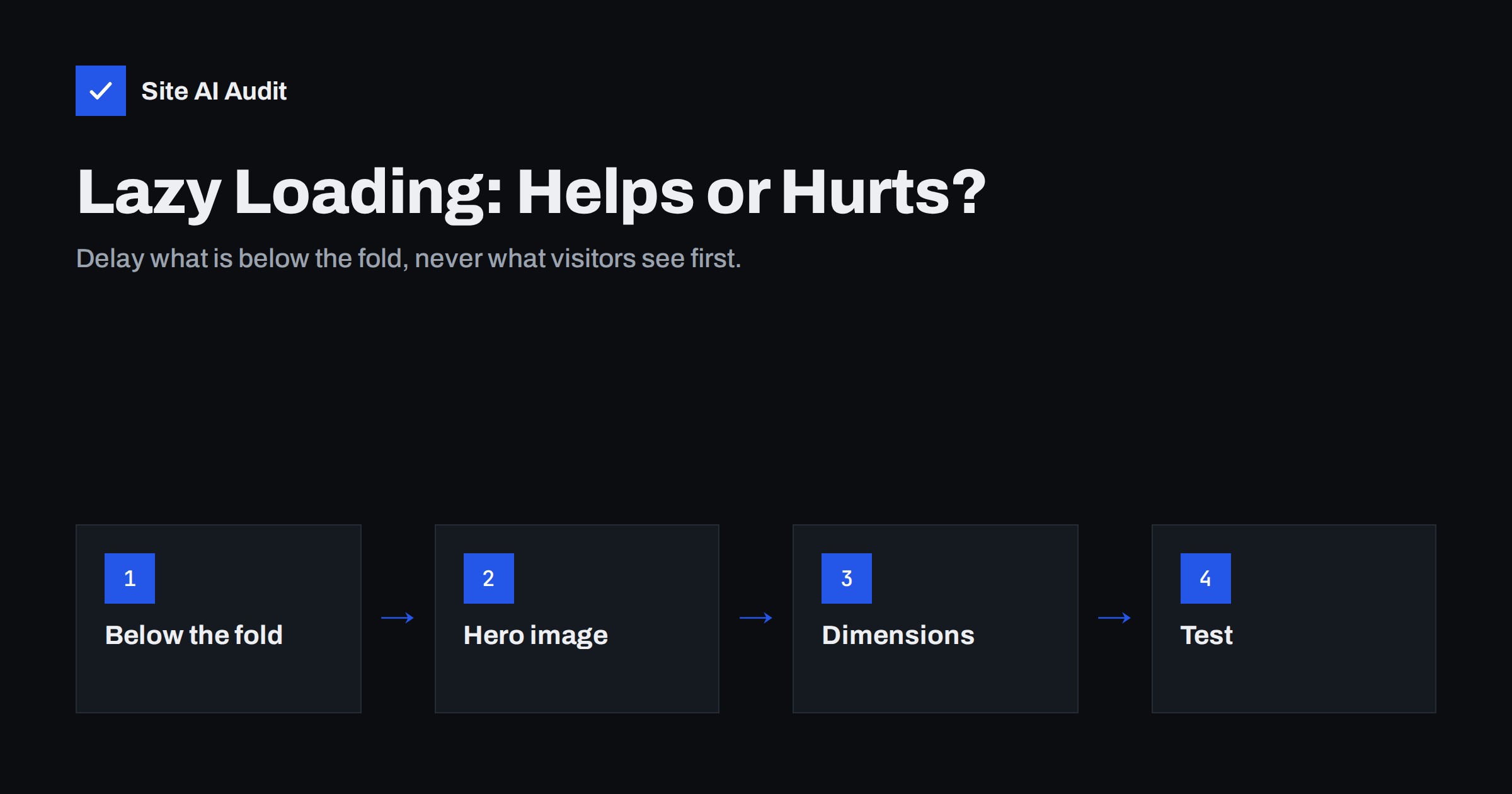
Short answer: Lazy loading delays downloading images until they are about to scroll into view, which saves bandwidth and speeds up the initial load on long pages. It helps for images below the fold and hurts when applied to the main image at the top of the page, because it delays Largest Contentful Paint. Use the native loading="lazy" attribute for below-the-fold images, load the hero eagerly with high fetch priority, and always set width and height to avoid layout shift.
Lazy loading is one of the most common speed recommendations, and one of the most commonly misapplied. Many themes and optimisation plugins now lazy-load every image automatically. On a long blog post, that is a good thing. On a landing page with a large hero photo, it can make the page noticeably slower. This guide explains how lazy loading works in modern browsers and how to use it where it actually helps.
What lazy loading does
Without lazy loading, the browser downloads every image referenced in the page as soon as it finds it in the HTML, whether the visitor will ever scroll down to see it or not. On a page with a long gallery, dozens of product thumbnails or many images in an article, that means megabytes of downloads competing with the content at the top of the screen.
With lazy loading, the browser postpones images that are far from the viewport. As the visitor scrolls and an image approaches the visible area, the browser starts downloading it. The goal is that the image is ready by the time it becomes visible, while images the visitor never reaches are never downloaded.
The benefits are real:
- Less data is downloaded during the initial load, leaving bandwidth for what matters first.
- Visitors who leave early do not download the whole page.
- Mobile visitors on metered connections save data.
- Servers and CDNs deliver less traffic overall.
Native lazy loading vs JavaScript libraries
For years, lazy loading required a JavaScript library that swapped placeholder images for real ones as the user scrolled. Today, all major current browsers support native lazy loading through a single HTML attribute:
<img src="photo.webp" loading="lazy" width="800" height="533" alt="...">
Native lazy loading has clear advantages:
- No JavaScript to download or run, so it cannot block the main thread or fail when a script breaks.
- The browser decides the distance threshold based on connection speed, starting downloads earlier on slower connections.
- Search engines see a normal
srcattribute, which makes indexing straightforward.
JavaScript-based lazy loading still has uses, for example for background images set in CSS or for complex galleries, but for ordinary <img> and <iframe> elements the native attribute is the better default. Older libraries that hide the real image URL in a data-src attribute can also cause problems when scripts fail or are delayed.
When lazy loading hurts: the hero image problem
The browser cannot know whether a lazy image is near the viewport until it has calculated the page layout, which requires the CSS. That means lazy images always start downloading later than eager ones. For images far down the page, that is exactly what you want. For the main image at the top, it is a delay added directly to Largest Contentful Paint.
Signs that your hero image is lazy-loaded:
- PageSpeed Insights warns that the Largest Contentful Paint image was lazily loaded.
- In the network waterfall, the hero image starts downloading after the CSS and scripts instead of alongside them.
- The page shows text and layout first, and the main image pops in noticeably later.
The fix is to remove loading="lazy" from the hero and add fetchpriority="high", so the browser fetches it as early as possible. WordPress core skips lazy loading for the first content images it detects and can add high fetch priority to the likely LCP image, but themes, sliders and page builders do not always follow the same logic, so check the actual HTML.
Which images to lazy-load and which not
| Image | Lazy-load? | Why |
|---|---|---|
| Hero or banner at the top | No | Usually the LCP element |
| Logo in the header | No | Visible immediately and small |
| First product images in a grid above the fold | No | Visible on load |
| Images further down an article | Yes | Many visitors never scroll that far |
| Gallery thumbnails below the fold | Yes | Large combined weight |
| Footer logos, badges, partner images | Yes | Rarely seen immediately |
| Embedded videos and maps below the fold | Yes | Iframes are heavy |
Remember that “above the fold” depends on the device. The first image on mobile may be different from the first image on desktop. When in doubt, load the first one or two content images eagerly.
Lazy loading and layout shift
A lazy image that has no reserved space causes content to jump when it finally loads, often while the visitor is reading or scrolling. This contributes to Cumulative Layout Shift in real-user data even when lab tests look fine, because lab tests do not scroll.
- Always include
widthandheightattributes that match the image’s aspect ratio. - For responsive layouts, let CSS set
width: 100%; height: auto;; the browser still uses the attributes to reserve the right proportion. - For embeds, use a container with the CSS
aspect-ratioproperty. - Avoid placeholders with a different size from the final image.
Lazy loading iframes and videos
Iframes can be even heavier than images. A single embedded video player or map often loads hundreds of kilobytes of scripts. Native lazy loading also works for iframes with loading="lazy", and it is well worth using for embeds below the fold.
For video, a “facade” is often better still: show a static preview image with a play button, and load the real player only when the visitor clicks. This avoids loading the player’s scripts for visitors who never watch, which helps both loading speed and responsiveness.
Lazy loading and SEO
Google can index lazy-loaded images when they use native lazy loading or when the implementation reveals the image as it enters the viewport. Problems arise with implementations that only load images on user events such as scroll or click, which a crawler may not trigger, or that never put the real URL into the HTML. Google’s documentation on lazy loading recommends making sure content loads when it is visible in the viewport. With native loading="lazy" and a normal src, you are on the safe side.
How to check your implementation
- View the page source or inspect the hero image and confirm it has no
loading="lazy". - Check that below-the-fold images do have it, or are handled by your plugin.
- Open the Network panel in developer tools, reload, and watch which images load before you scroll.
- Scroll slowly on a throttled mobile connection and watch for jumps and blank spaces.
- Run PageSpeed Insights and look for the LCP lazy-load warning and layout shift culprits.
Plugins and themes: avoid double lazy loading
WordPress has native lazy loading built in, and many themes, page builders, image plugins and caching plugins add their own. Running two systems at once can produce odd results: images that never appear, placeholders that stay blurred, or the hero image lazy-loaded by one tool even though the other excluded it. Pick one mechanism, preferably native, and switch off lazy loading in the others. Then check the hero exclusion again.
How Site AI Audit helps
Site AI Audit runs Google PageSpeed for mobile as part of every check, so a lazy-loaded hero image, a slow LCP or layout shift from images without dimensions appear in the speed findings with a plain-language fix. The same report covers SEO, SSL, security headers and e-mail authentication, ranked by impact. With a paid plan you can re-check after each change to confirm it helped.
Related reading
- Image Optimization for Faster Websites: A Practical Guide
- How to Improve Largest Contentful Paint (LCP) on Any Website
- How to Fix Cumulative Layout Shift (CLS) on Your Website
The bottom line
Lazy loading is a good tool used in the wrong place surprisingly often. Lazy-load images and iframes below the fold with the native attribute, load the hero and other above-the-fold images eagerly with high priority, reserve space for everything, and make sure only one tool is doing the lazy loading. Then test on a slow phone connection.
FAQ
Does lazy loading improve page speed?
It improves initial loading on pages with many images below the fold, because fewer files are downloaded at first. It does not help pages where all images are near the top. Applied to the main image, it makes the page slower.
Should I lazy-load the first image on the page?
No. The first large image is usually the Largest Contentful Paint element, and lazy loading delays it. Load it eagerly and add fetchpriority=”high”. Lazy-load the images that come after it.
Is native lazy loading supported in all browsers?
All current versions of the major browsers support the loading=”lazy” attribute for images and iframes. Browsers that do not support it simply ignore the attribute and load images normally. That makes native lazy loading safe to use.
Can Google index lazy-loaded images?
Yes, when the images load as they enter the viewport and use a normal src attribute, as native lazy loading does. Implementations that depend on scroll or click events may hide images from crawlers. Check with the URL Inspection tool in Search Console if in doubt.
Why do my lazy-loaded images cause layout shift?
Because the browser does not know how much space to reserve when the image has no width and height. When the image loads, the content below it moves. Add dimensions or an aspect ratio to every lazy image.


