 ENEnglish
 LTLietuviškai
 DEDeutsch
 FRFrançais
 RUРусский
 ESEspañol
 PLPolski
 ITItaliano
 UKУкраїнська
 CSČeština
 PTPortuguês
 JA日本語
JA日本語 LVLatviešu valoda
 ETEesti
 HUMagyar
 IDBahasa Indonesia
 TRTürkçe
 HIहिन्दी
 ELΕλληνικά
 ARالعربية
 THไทย
THไทย VITiếng Việt
 RORomână
 MSBahasa Melayu
 BNবাংলা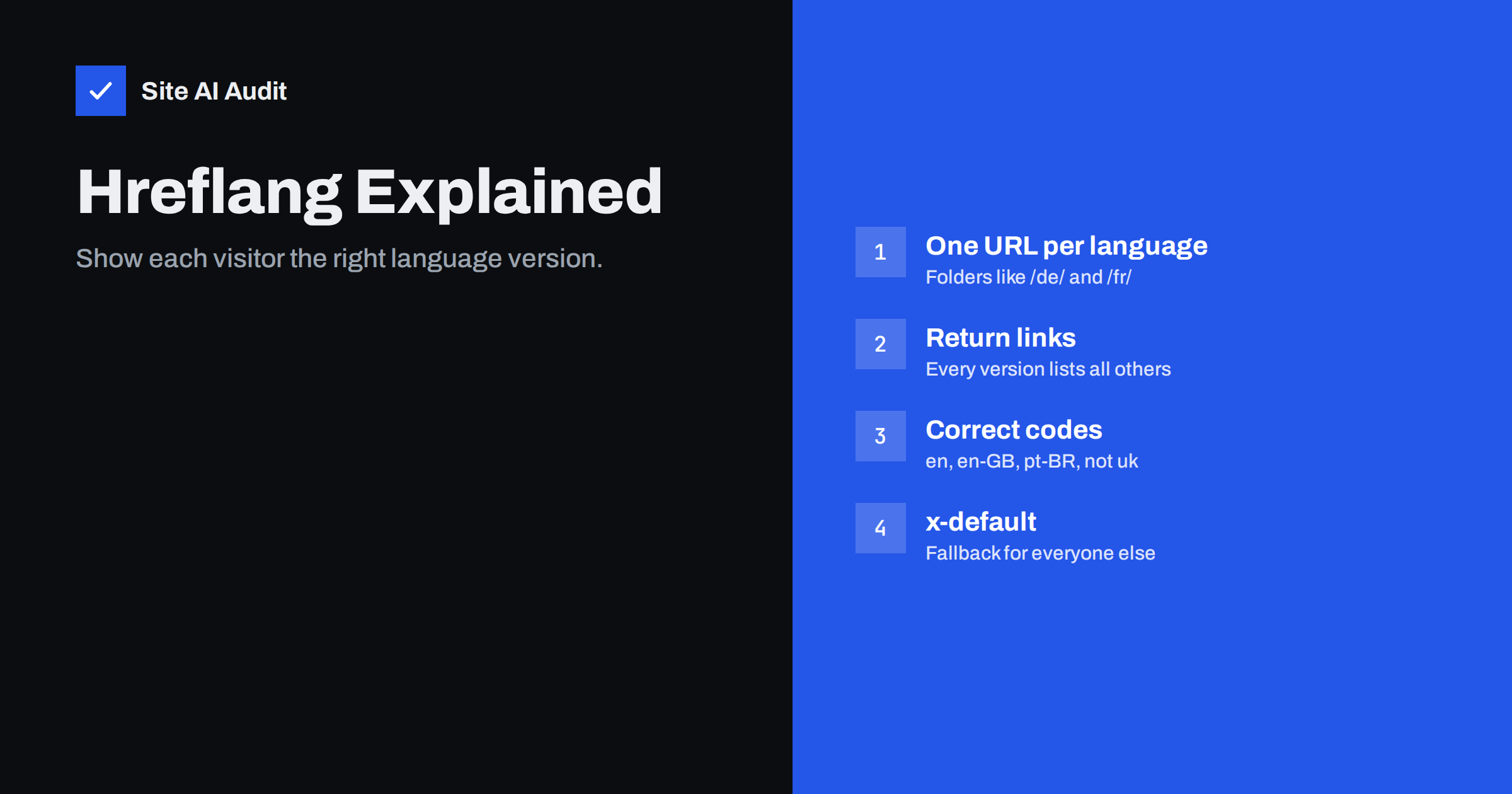
Short answer: Hreflang is an annotation that tells search engines which language or regional versions of a page exist, so they can show each searcher the version that fits their language and country. Each version needs its own URL, and every version must list all the others and itself, using correct language codes such as en, de or pt-BR. Add an x-default for visitors who match no version. Hreflang does not translate anything or improve rankings; it prevents the wrong version from appearing.
What problem hreflang solves
Imagine a company with English, German and French versions of its website. Without extra signals, a German speaker searching in German might see the English page in results, or a visitor in Canada might land on the version for France. Search engines usually work out languages on their own, but they can make mistakes, especially when versions are similar, such as English for the UK and English for the US, or when pages contain mixed languages.
Hreflang gives search engines a clear map: “this page exists in these languages and regions, at these addresses.” It helps them:
- show the right language version to each searcher;
- show the right regional version when prices, currency, spelling or availability differ;
- understand that similar pages for different regions are alternatives, not unwanted duplicates.
Hreflang is a signal, not a directive. Search engines use it together with other information, but when it is implemented correctly it is very effective.
Prerequisite: one URL per language version
Hreflang only works if each version has its own URL. Sites that switch language with a cookie or based on the visitor’s browser settings, while keeping the same URL, give search engines only one version to crawl, usually the default one. The common URL structures are:
| Structure | Example | Notes |
|---|---|---|
| Subfolders | example.com/de/ | Easiest to manage, shares the main domain’s strength; most common choice |
| Subdomains | de.example.com | Works well, slightly more separate from the main site |
| Country domains | example.de | Strong country signal, but more domains to manage and build up |
| URL parameters | example.com/?lang=de | Possible but not recommended; easy to break and hard for users |
Whatever structure you choose, avoid automatically redirecting visitors to a language based on their IP address or browser. Search engine crawlers often come from one country and may never see the other versions. Offering a clear language switcher and, at most, a gentle suggestion banner is safer.
How hreflang is written
The most common method is a set of link elements in the <head> of each page. For a page available in English, German and French, every one of the three pages contains the same block:
<link rel="alternate" hreflang="en" href="https://example.com/en/pricing/">
<link rel="alternate" hreflang="de" href="https://example.com/de/preise/">
<link rel="alternate" hreflang="fr" href="https://example.com/fr/tarifs/">
<link rel="alternate" hreflang="x-default" href="https://example.com/en/pricing/">
Two other methods exist: HTTP headers, useful for PDFs and other non-HTML files, and entries in the XML sitemap, useful for large sites where editing page heads is impractical. Use one method consistently rather than mixing them. Google’s documentation on localized versions of your pages describes all three.
The rules that make hreflang work
- Every version lists every version. Each page includes hreflang links to all its alternates and to itself. The self-reference is required.
- Links must be reciprocal. If the English page points to the German page, the German page must point back to the English one. Search engines ignore one-way annotations, because anyone could otherwise claim to be an alternate of your pages.
- Use correct codes. The language code comes from ISO 639-1, such as
en,de,lt,ukfor Ukrainian. An optional region code from ISO 3166-1 alpha-2 can be added, such asen-GB,en-US,pt-BR. A region alone, such asgb, is not valid. - Use absolute URLs. Full addresses including
https://, pointing to live pages that return 200. - Point to canonical URLs. Each hreflang URL should be the canonical version of that page, and each language version should have a self-referencing canonical, not a canonical pointing to another language.
- Add x-default. The
x-defaultvalue names the page to show when no other version matches the searcher, often the main English page or a language selector.
Language vs language-and-region
You only need region codes when you actually have different versions for different countries in the same language. Some guidelines:
- One German version for all German speakers: use
de. - Separate versions for Germany, Austria and Switzerland with different prices or legal information: use
de-DE,de-ATandde-CH, and consider addingdepointing to the most general version. - English for the UK and the US with different spelling and currency:
en-GBanden-US, plusenorx-defaultfor everyone else.
Do not create regional versions that are identical apart from the hreflang code. They add maintenance without helping anyone.
Common hreflang mistakes
- Missing return links, often because a page exists in some languages but not others, and the template still links to non-existent versions, or forgets existing ones.
- Wrong codes, such as
en-UKinstead ofen-GB,uainstead ofukfor Ukrainian, orjpinstead ofjafor Japanese. - Hreflang pointing to redirects or 404s, especially after URLs are changed in one language only.
- Canonical tags pointing to another language. This tells search engines the translation is a duplicate of the original, which contradicts hreflang.
- Relative URLs or URLs with the wrong protocol or host.
- Automatic IP redirects that stop crawlers from reaching some versions.
- Untranslated pages marked as a language version while still showing the original language, which confuses both users and search engines.
- Mixing methods, such as head tags on some pages and sitemap entries on others, with conflicting information.
Setting up hreflang on common platforms
You rarely need to write hreflang by hand. Most multilingual setups generate it:
- WordPress. Multilingual plugins link translations of each post and page and output hreflang for every linked version. The key task is to connect translations correctly in the editor; an unlinked translation gets no hreflang.
- Shopify and other hosted shops. Built-in market and language features usually add hreflang for each language and region you enable. Check the output after adding a market.
- Website builders. Multilingual features of builders typically handle hreflang automatically, sometimes with limited control over region codes.
- Custom sites. Store the relationship between translations in the database and generate the full set of links from it, so every version always lists the same group.
Whichever platform you use, test one page per language after setup and after every plugin update. Generated hreflang is only as correct as the translation links and settings behind it, and a single wrong language code repeats across every page.
Translation quality still matters
Hreflang solves a technical problem. It does not make weak translations perform well. Machine-translated pages that nobody has reviewed may read awkwardly, use the wrong terms for your industry and fail to match how people in that language actually search. Keyword research should be done per language: the phrase people use in German may not be a literal translation of the English one.
Localise the details too: currency, units, date formats, phone numbers, delivery information and legal text. A page that is linguistically German but shows only UK delivery options will not satisfy German visitors.
How to check hreflang
- View the source of a page in each language and confirm the full set of alternates, including itself and x-default.
- Follow each hreflang URL and confirm it returns 200, is the canonical URL, and contains the matching return links.
- Crawl the site with a tool that reports hreflang, to find missing return links and broken targets across all pages.
- Check Search Console Performance data by country and page to see whether visitors land on the right versions.
- Re-check after changes, especially when adding a language or changing URLs in one language.
How Site AI Audit helps
Hreflang builds on the basics: pages that return 200, correct redirects, clean canonical signals and no accidental noindex. Site AI Audit checks those foundations across up to 50 pages on the free check, reporting broken links, redirects, titles, headings and indexing rules with a plain-language fix for each. Run a free check before and after adding a new language.
Related reading
- Canonical Tags Explained: How to Handle Duplicate URLs
- SEO-Friendly URLs: How to Structure Them the Right Way
- Duplicate Content in SEO: Common Causes and How to Fix Them
The bottom line
Hreflang helps search engines show the right language and regional version of your pages. Give each version its own URL, make every page list all versions including itself, use correct language and region codes, point only to live canonical URLs, add x-default, and keep canonicals self-referencing. Then invest in genuine translation and localisation, because hreflang only sends visitors to the page; the page still has to serve them.
FAQ
Does hreflang improve rankings?
Not directly. It helps search engines show the right version of a page to each searcher, which improves relevance and user experience for international visitors.
Do I need hreflang if my site has only one language?
No. Hreflang is only needed when the same content exists in several languages or regional variants.
What is x-default in hreflang?
It names the page to show when a searcher’s language or region matches none of your versions. It often points to the main English page or a language selection page.
Can I use hreflang for pages that are only partly translated?
It is better to link only pages that are genuinely translated. Partly translated pages confuse visitors and may be treated as low quality in that language.
Should translated pages have canonical tags to the original?
No. Each language version should have a canonical pointing to itself. Hreflang, not canonical, connects the language versions.


