ENEnglish
 LTLietuviškai
 DEDeutsch
 FRFrançais
 RUРусский
 ESEspañol
 PLPolski
 ITItaliano
 UKУкраїнська
 CSČeština
 PTPortuguês
 JA日本語
JA日本語 LVLatviešu valoda
 ETEesti
 HUMagyar
 IDBahasa Indonesia
 TRTürkçe
 HIहिन्दी
 ELΕλληνικά
 ARالعربية
 THไทย
THไทย VITiếng Việt
 RORomână
 MSBahasa Melayu
 BNবাংলা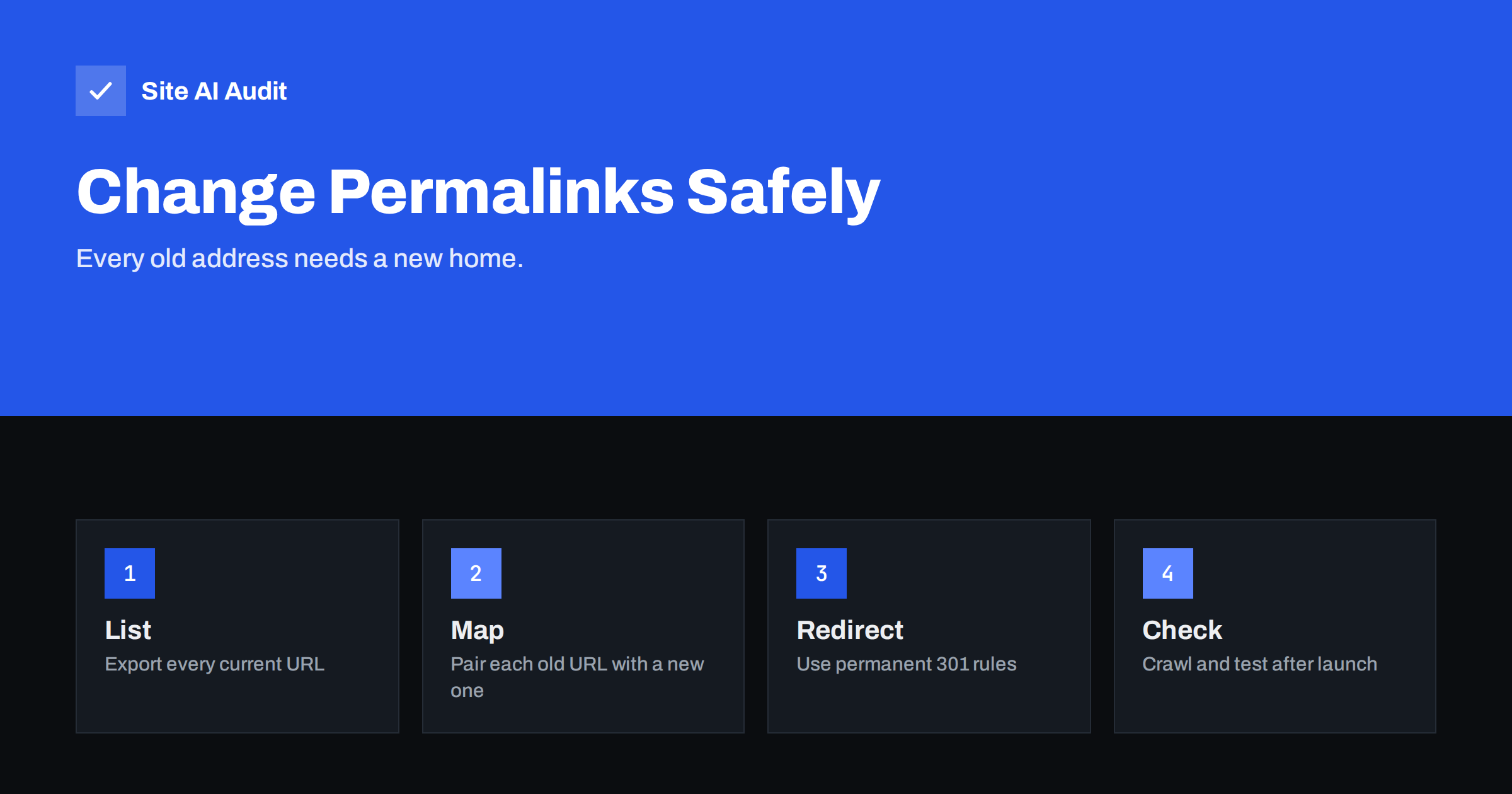
Short answer: Changing the permalink structure in WordPress changes the address of every post or page it applies to. If you do it without a plan, old links, bookmarks and search results lead to error pages, and rankings can drop. If your current addresses already work, leave them alone. If you must change them, list every old URL, create permanent 301 redirects to the new ones, update your internal links and sitemap, and check the result with a crawl.
What permalinks are
A permalink is the permanent address of a page or post. In WordPress you choose its pattern under Settings, Permalinks. The common options are “Plain”, with addresses such as ?p=123, several date-based patterns, “Post name” and a custom structure that you build from tags like the category, the year or the post name.
Search engines identify a page by its address. When the address changes, they treat the new address as a different page, unless a redirect tells them otherwise. The principles are the same as in a full move, which is described in the website migration SEO checklist, only on a smaller scale.
Should you change them at all?
The best change is often no change. Every new structure carries some risk, and the benefit is usually modest. Ask yourself why you want to do it.
- The site uses the plain
?p=123structure. Changing to readable addresses is worth it, and the earlier you do it, the fewer pages you have to redirect. - Addresses contain dates and the content is not news. A date in the address can make an evergreen article look old. Moving to the post name is reasonable, though not urgent.
- Addresses are very long because of nested categories. Shorter addresses are easier to read and share, as described in SEO-friendly URL structure.
- You only want the change for “better SEO”. A different structure will not by itself raise rankings. If the current addresses are readable and stable, leave them.
If the site is old and well ranked, the safest answer is usually to keep what works and apply the new structure only to new content, or to skip it.
What happens when you change the setting
When you save a new structure, WordPress starts generating the new addresses at once. Old addresses stop working as direct links. WordPress sometimes guesses the right post from the last part of an old address and redirects there, but this guesswork is not reliable. It can miss pages, send visitors to the wrong post or produce chains. You should not depend on it for anything that matters.
Also note that the change affects different content types in different ways. Posts follow the main structure, categories and tags have their own bases, and pages normally keep their own path. Check each type before you decide, and look at how archive pages are handled in attachment, author and date archives.
Step 1: Prepare
- Take a full backup of the files and database, and, if possible, rehearse on a staging copy.
- Export the current list of URLs. Use a crawler or your sitemap. Include posts, pages, category and tag archives, and any images that rank in image search.
- Record your current performance. Note the clicks and top pages in Search Console, so you can compare afterwards. See setting up Google Search Console if you have not done so.
- Choose the new structure and keep it simple: usually just the post name, with a category base only if it adds meaning.
Step 2: Build the redirect map
Write a table with one column for the old address and one for the new. For hundreds of posts this is generated automatically, but you must still check it. A few rules help.
- Redirect each old address to the closest new equivalent, not to the home page. Mass redirects to the home page are treated as soft errors.
- Use permanent 301 redirects, as explained in 301 or 302.
- Point directly to the final address. Avoid chains where one redirect leads to another, because they waste crawl time, as described in finding redirect chains and loops.
- Keep the trailing slash and the www choice consistent with your current setup.
For a simple pattern, such as removing a date prefix, one rule at the server can cover every post. For example, on Apache a single pattern-based line can send /2024/05/my-post/ to /my-post/. Test such a rule thoroughly, because a pattern that is too broad can catch addresses that you did not intend. Many redirect plugins offer the same function from the WordPress dashboard, which is safer for people who do not edit server files.
Step 3: Make the change
- Save the new structure in Settings, Permalinks.
- Activate the redirect rules immediately, in the same session.
- Open a sample of old addresses in a browser and confirm that each leads to the right new page with a single redirect.
- Flush any cache and CDN, so that old versions are not served.
Do this at a quiet time, and do not combine it with other big changes such as a new theme or a new domain. If something goes wrong, you want to know what caused it.
Step 4: Clean up the site itself
- Update internal links. Redirects work, but links inside your content should point straight to the new address. Use a safe search and replace tool, with a backup, and see internal linking for SEO.
- Update the sitemap. It must list only new addresses. Resubmit it in Search Console, using the steps in the XML sitemap guide.
- Check canonical tags. Each page should name its own new address as the canonical version, as explained in canonical tags.
- Fix external references that you control, such as social profiles, e-mail signatures, business listings and ads.
- Do not use the Change of Address tool. It is only for moving to a different domain, as in the domain move guide.
It also helps to tell the people around the site. If colleagues, partners or clients share links to your articles, send them the updated addresses, and update any printed material that includes a web address. These small steps reduce the number of visitors who arrive through the old route and rely on the redirect.
Step 5: Monitor
- Crawl the site and look for 404 errors, redirect chains and pages that still link to old addresses. The guide to finding and fixing broken links covers this.
- Watch the Page indexing report in Search Console for new errors in the weeks that follow.
- Compare clicks for your top pages with the figures you recorded. A small dip while Google processes the redirects is normal, but it should recover within a few weeks if everything is correct.
- Keep the redirects in place for at least a year, and longer if the old addresses have many backlinks. Removing them early breaks those links again.
Common mistakes to avoid
- Changing the structure and doing nothing else.
- Redirecting everything to the home page.
- Leaving internal links, canonicals and sitemap entries on old addresses.
- Using temporary 302 redirects by mistake.
- Testing only the home page and forgetting archives, pagination and media.
- Removing the redirects after a few weeks.
Finally, keep a record of the change: the date, the old and new structure and the location of the redirect rules. When a developer, host or plugin changes later, this note explains why an odd rule exists and prevents someone from deleting it by accident. The same record helps if you ever need to compare traffic before and after the change.
How Site AI Audit helps
Site AI Audit does not create redirects, but it helps you see the effect of a permalink change. It checks broken links, redirects, the sitemap, robots.txt and noindex rules, titles, headings and other SEO items, along with speed, SSL, security headers and e-mail authentication. The first check is free, covers up to 50 pages and needs no sign-up. You can run a free check of your website or see the plans for weekly monitoring.
Related reading
- SEO-Friendly URLs: How to Structure Them the Right Way
- 301 or 302? Choosing the Right Redirect for Your Website
- Website Migration SEO: How to Move a Site Without Losing Traffic
- Finding Redirect Chains and Loops on Your Website
The bottom line
Permalinks are meant to be permanent, and changing them has a price. Keep your current structure when it works. When a change is justified, treat it like a small migration: back up, list every old address, redirect each one with a 301 to its closest new equivalent, update links, canonicals and the sitemap, and monitor for weeks. Done with care, the change costs little. Done carelessly, it throws away years of earned visibility.
FAQ
Will changing permalinks hurt my SEO?
It can if old addresses are not redirected. With correct 301 redirects, updated internal links and a clean sitemap, most sites see only a short, small dip, or none.
Does WordPress redirect old permalinks automatically?
Only partly and unreliably. It may guess a destination from the post name, but you should create explicit 301 redirects instead of trusting that.
How long should I keep the redirects?
At least a year, and ideally for as long as the old addresses still receive visits or backlinks. They cost almost nothing to keep.
Is the post name structure the best choice?
For most blogs and business sites it is a good, simple choice. It is short and readable. There is no structure that gives a ranking boost on its own.
Can I change only the category base?
Yes, but the same rules apply to every address that changes. Redirect each old category and post address to the new one and update internal links.