ENEnglish
 LTLietuviškai
 DEDeutsch
 FRFrançais
 RUРусский
 ESEspañol
 PLPolski
 ITItaliano
 UKУкраїнська
 CSČeština
 PTPortuguês
 JA日本語
JA日本語 LVLatviešu valoda
 ETEesti
 HUMagyar
 IDBahasa Indonesia
 TRTürkçe
 HIहिन्दी
 ELΕλληνικά
 ARالعربية
 THไทย
THไทย VITiếng Việt
 RORomână
 MSBahasa Melayu
 BNবাংলা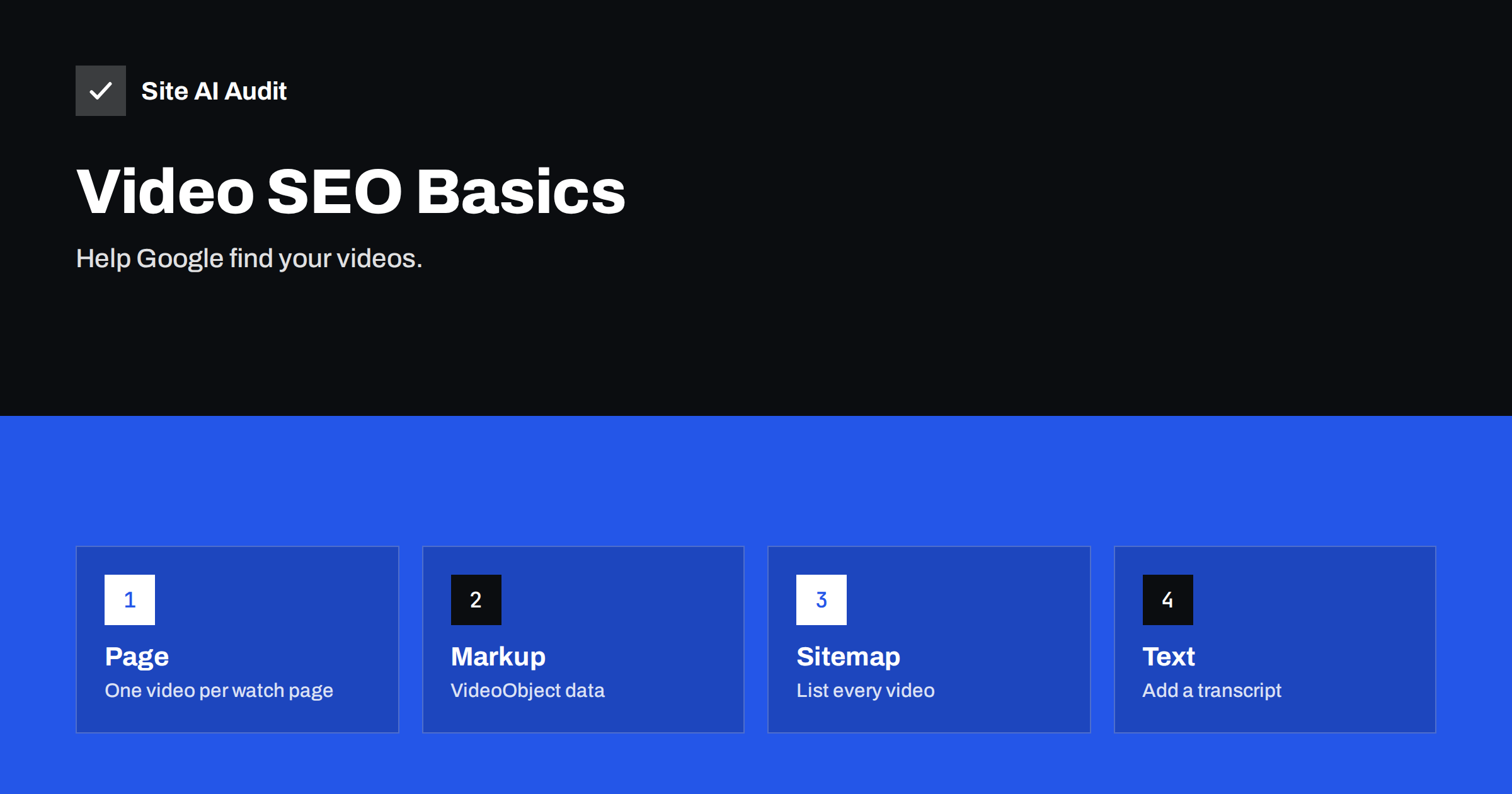
Short answer: To get a video into search results, give it a normal web page where it is the main content, make sure the video file or player is visible to Google, add a clear title, a description and a thumbnail, describe it with VideoObject structured data, list it in a video sitemap if you have many, and add a transcript or summary in text. Check the Video indexing report in Search Console to see what Google found and what it ignored.
Why videos deserve SEO attention
Many searches, such as how to fix something, how a product works or what a place looks like, are best answered with a video. Google shows video results in its own row and in the main results, often with a thumbnail that makes the listing more eye-catching than plain text. A well-prepared video on a service page can also make visitors stay longer and understand your offer better.
For a small business, you do not need a large production. A short demonstration, a customer question answered on camera or a tour of your workshop can be useful. The SEO task is to make sure search engines can discover and understand the video, which does not happen automatically.
Where to host: your site or a video platform
You have two main choices, and many businesses use both.
A video platform such as YouTube
Uploading to a large platform gives your video a place to be found on that platform’s own search, and it takes care of storage, formats and bandwidth. You then embed the video on your own page. The disadvantage is that the platform’s page may rank instead of yours, and visitors may leave your site to watch more videos there.
Hosting on your own server or a video service
A file served from your own domain, or from a specialist hosting service, keeps the viewer on your site. It needs more care with speed and file formats, and a large video can slow your server. If you host yourself, use a compressed format and a modern player.
Which is better?
For reach, a platform is usually helpful. For sales on your own pages, an embedded player on a well-optimised page works well, and the same video can be on both. Whatever you choose, the embedded video should load without slowing down the page; see how to embed videos without slowing down your website.
Give the video its own watch page
Google tends to index a video when it is the main content of a page, or at least an important part. A page with ten small videos and little text is less likely to produce a video result than a page dedicated to one topic. Practical advice:
- Create a page per important video, with a title and a text that explains the topic.
- Place the video near the top of the page, not hidden at the bottom or inside a tab that needs a click.
- Do not require a login or a pop-up to watch.
- Make sure the page itself is crawlable and not blocked. If your video shows only after JavaScript runs, check how Google renders JavaScript.
Search Console may report that a page is not a watch page, that the video is outside the visible area, or that no video was found. Messages like these point to this issue.
Title, description and thumbnail
- Title. Describe the content in the words people search for. Write it like a page title, with the main topic first. See the title tags guide.
- Description. Write a few sentences, not a single line. Say what the video shows and who it helps.
- Thumbnail. Pick a sharp, relevant still image. It must be accessible to Google and not blocked by a robots.txt rule; check the robots.txt guide. Thumbnails of a good size are shown in results, so avoid tiny images.
- Length and quality. A video that answers the question quickly serves visitors better than a long introduction.
Add structured data
VideoObject structured data tells Google the key facts about the video in a standard format. The main properties are the name, a description, the thumbnail address, the upload date and a link to the video file or the player. If you know the duration, you can add it too. It is usually added as JSON-LD in the page, and some WordPress video plugins and SEO plugins generate it automatically. Our article on structured data for small businesses explains how to add and test such markup.
Structured data helps Google understand the video, but it does not guarantee a special display. The information must match what is visible on the page, and the video must really exist there.
Use a video sitemap when you have many videos
A video sitemap lists the pages that contain videos, along with the title, description, thumbnail and location of each. It helps Google discover videos that are hard to find through links. For a site with only a handful of videos, regular pages and markup are usually enough. If you create one, submit it in Search Console together with your normal sitemap, and keep the information consistent. Read the XML sitemap guide for the basics.
Add text around the video
Search engines cannot reliably understand everything that is said in a video. Text makes it clear:
- A transcript or a summary of the key points below the video. It helps people who cannot play sound and gives search engines words to index.
- Headings and a short introduction that explain the topic.
- Captions in the player, for accessibility and for viewers in noisy places.
- Related links to services or products. See service page SEO and the product page checklist.
Ideas for videos a small business can make
Start with questions your customers already ask. A two-minute answer filmed on a phone can beat a long polished advert. Good topics include how a service is carried out step by step, how to choose between two options, a tour of the place where work is done, a short guide to using a product, and answers to the three questions you hear most. Keep each video to one topic, record in a quiet place, and show the result clearly. Then publish it on its own page with a short article, so that both people and search engines understand what it is about. Reuse the same recording in a short social post, but make the page on your site the one that carries the full explanation.
Check whether Google indexed your video
In Search Console, the Video indexing report lists pages where Google found a video, and shows the reasons for pages where it did not index one. Typical reasons include a video that is too small, not on a proper watch page, not available to Google or blocked. If the page itself is missing from the index, work on that first; our articles on why a page is not indexed and crawled but currently not indexed help.
You can also search for the exact title of the video in Google and open the video tab to see whether it appears. Allow some time after publishing; new pages are not indexed instantly.
Common mistakes
- Hiding the video behind a click, a login or a script that Google cannot run.
- Using the same video on dozens of pages with no unique text. Google will choose one page.
- Blocking the video or thumbnail file in robots.txt.
- Poor titles such as “Video 1” or a file name.
- Autoplay with sound. It annoys visitors and may harm your speed.
- Large uncompressed files that slow the page. Speed is part of the experience Google measures.
What Site AI Audit can and cannot tell you
Site AI Audit checks the page-level basics that every video page needs: titles, descriptions, headings, broken links, sitemap, robots.txt, speed and page weight. It does not test video markup or tell you whether Google indexed a particular video, so use Search Console for that. A fast, well-structured page is the right foundation. Run a free check or see the plans.
Related reading
- Writing Image Alt Text: A Practical Checklist for Your Site
- Open Graph Tags: Control How Your Pages Look When Shared
- Local SEO Basics: How Small Businesses Get Found Nearby
The bottom line
Video SEO is mostly about making a video easy to find and understand: a dedicated page, a visible player, a clear title, description and thumbnail, VideoObject markup, a sitemap where needed, and a transcript. Check the Video indexing report, fix the reasons Google gives, and keep the page fast.
SSS
Should I upload my videos to YouTube or host them on my own site?
Many businesses do both. A platform gives reach and takes care of storage, and an embedded video on your own page supports your service or product content. Whichever you choose, give the video a page with unique text.
Do I need a video sitemap?
Not always. For a few videos on well-linked pages, normal pages and markup are enough. A video sitemap helps when you have many videos or when videos are hard to discover.
Does structured data guarantee a video result?
No. It helps Google understand the video, but whether a video result appears depends on the page, the video and the search. The markup must match what is visible on the page.
Why does Search Console say my page is not a watch page?
The page contains the video but also a lot of other content, or the video is small or hidden. Create a page where the video is the central element, near the top, with supporting text.
Do transcripts help SEO?
Yes. A transcript gives search engines text to index and helps visitors who cannot listen. It also makes your page more useful to read.