 ENEnglish
 LTLietuviškai
 DEDeutsch
 FRFrançais
 RUРусский
 ESEspañol
 PLPolski
 ITItaliano
 UKУкраїнська
 CSČeština
 PTPortuguês
 JA日本語
JA日本語 LVLatviešu valoda
 ETEesti
 HUMagyar
 IDBahasa Indonesia
 TRTürkçe
 HIहिन्दी
 ELΕλληνικά
 ARالعربية
 THไทย
THไทย VITiếng Việt
 RORomână
 MSBahasa Melayu
 BNবাংলা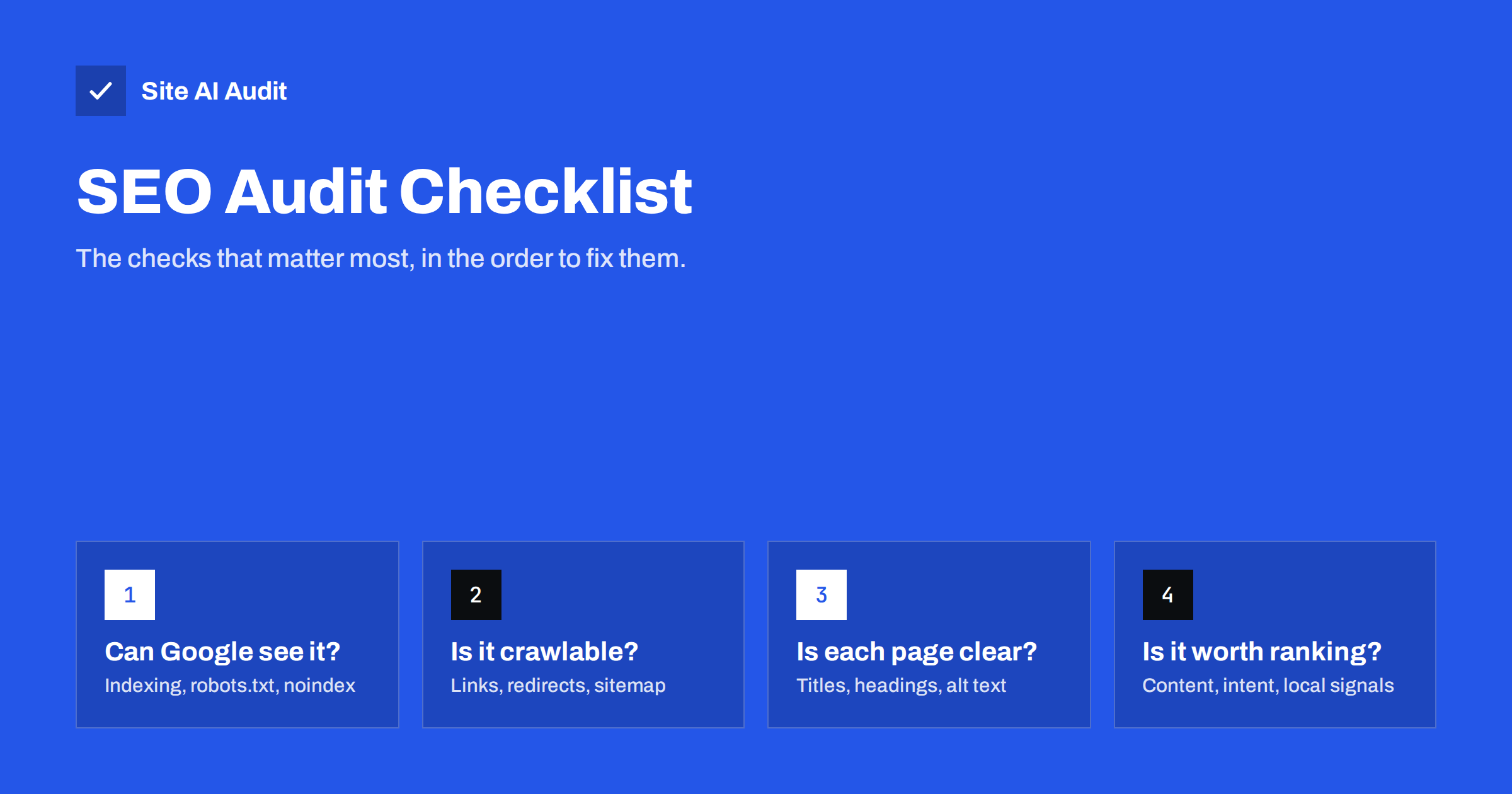
Short answer: A small business SEO audit checks, in order, whether search engines can find and index your pages, whether they can crawl the site without dead ends, whether each page clearly states its topic, and whether the content deserves to rank. Work through indexing and crawl blockers first, because they affect every page, then titles, headings and links, then content and local signals. Most small sites can complete the checklist below in a few hours.
Before you start: tools and a page list
You do not need expensive software to audit a small website. A practical setup is:
- Google Search Console for indexing status, search queries and errors as Google sees them;
- a crawler or website audit tool to collect titles, headings, links, redirects and indexing rules across all pages;
- a spreadsheet listing your most important pages: home, main services or categories, top products, contact and location pages, and the articles that bring traffic.
That list of important pages is the most useful thing you will create. Every finding below matters more when it affects one of those pages, and less when it affects an old tag archive nobody visits.
1. Indexing: can search engines show your pages?
Start here, because nothing else matters if pages are excluded from search.
- ☐ The site is not set to discourage search engines. In WordPress, check Settings, Reading.
- ☐ No important page carries a
noindexmeta tag orX-Robots-Tagheader. - ☐ The Page indexing report in Search Console shows your important pages as indexed.
- ☐ Canonical tags on important pages point to themselves, not to the home page or another URL.
- ☐ Only one version of the site answers: HTTPS, and either www or non-www. The others redirect with a 301.
- ☐ Search Console shows no manual actions or security issues.
An accidental noindex or a wrong canonical on a key page is the single most expensive SEO mistake a small site can make, and it is invisible to visitors. Check it first.
2. Crawling: can search engines move through the site?
- ☐
/robots.txtexists or returns a clean 404, and does not block the whole site, important folders, CSS or JavaScript. - ☐ An XML sitemap exists, is listed in robots.txt and submitted in Search Console.
- ☐ The sitemap contains only live, final, indexable URLs: no redirects, 404s or noindex pages.
- ☐ There are no broken internal links, especially in the menu, header and footer.
- ☐ Internal links point directly to final URLs rather than through redirects.
- ☐ There are no redirect chains (A to B to C) or loops.
- ☐ Every important page is linked from at least one other page; none are orphans reachable only through the sitemap.
- ☐ Important content is visible in the HTML or rendered page, not only after clicks or behind forms.
3. On-page basics: is each page clear?
These checks are about how each page describes itself. They are quick to fix and fully under your control.
- ☐ Every page has a title tag.
- ☐ Titles are unique, specific, start with the main topic and are roughly 50–60 characters.
- ☐ Important pages have unique meta descriptions of about 120–160 characters.
- ☐ Each page has one clear H1 that matches its topic and agrees with the title.
- ☐ H2 and H3 headings create a logical outline, rather than being used for styling.
- ☐ Meaningful images have descriptive alt text; decorative ones have empty alt.
- ☐ URLs are short, readable and lowercase, with hyphens between words.
- ☐ Structured data, if used, is valid and matches the visible content.
When a crawl shows dozens of duplicate titles or missing H1s, look for the template causing them before editing pages one by one.
4. Content: does each page deserve to rank?
Technical health gets you into the index. Content decides whether you are chosen.
- ☐ Each important page targets one clear topic that real customers search for.
- ☐ The page matches search intent: people searching for a service want a service page; people asking a question want an answer.
- ☐ Service and product pages say specifically what you offer, for whom, where and how, rather than generic text.
- ☐ No two pages target the same search so closely that they compete with each other.
- ☐ There are no thin pages with only a sentence or two, such as empty categories or placeholder pages.
- ☐ Information is current: prices, opening hours, team members, product ranges and dates.
- ☐ Text is original, not copied from manufacturers, competitors or other pages of your own site.
- ☐ The site shows who is behind it: an about page, real contact details and, where relevant, credentials or experience.
5. Local signals: can nearby customers find you?
For businesses that serve a local area, these checks often matter more than anything above.
- ☐ Your business name, address and phone number appear on the site in text, typically in the footer and on the contact page.
- ☐ These details match your Google Business Profile and major directory listings exactly.
- ☐ Your Google Business Profile is claimed, verified, in the right category and fully filled in.
- ☐ If you serve several towns, each one that matters has useful, genuinely different content, not the same page with the city name swapped.
- ☐ LocalBusiness structured data is present and accurate, if your platform supports it.
6. Experience signals that support SEO
Speed, security and mobile usability are covered in depth elsewhere, but an SEO audit should at least confirm the basics:
- ☐ The site works well on a phone: readable text, tappable buttons, no horizontal scrolling.
- ☐ The SSL certificate is valid and all pages load over HTTPS without mixed content warnings.
- ☐ Core Web Vitals in Search Console or PageSpeed Insights are not in the “poor” range for key pages.
- ☐ No intrusive pop-ups cover the main content as soon as a visitor lands from search.
What audits of small business sites usually find
Every site is different, but first audits of small business websites tend to surface the same handful of issues. Knowing them in advance helps you recognise them quickly:
- Template titles. Pages called “Home”, “Services” or simply the company name, often repeated across the site.
- Leftovers from the build. Demo pages from the theme, sample products, “Hello world” posts and test pages that are still published and indexable.
- Old URLs without redirects. Pages from a previous version of the website that other sites and bookmarks still point to, now returning 404.
- A logo coded as H1. Every page has the same H1, and the real page heading is an H2 or just bold text.
- Service pages that say too little. A heading, two sentences and a contact form, which gives search engines nothing to match with real searches.
- Inconsistent contact details. An old phone number or address on some pages, in the footer or in directory listings.
None of these are difficult to fix. They persist because nobody looks for them, which is exactly what an audit is for.
How to prioritise what you find
A first audit can produce a long list. Sort it with two questions: how many important pages does this affect, and how hard is it to fix?
| Priority | Typical findings | Why |
|---|---|---|
| Fix today | Site-wide noindex, robots.txt blocking the site, wrong canonicals, key pages returning errors | They remove pages from search entirely |
| Fix this week | Broken menu links, missing or duplicate titles on key pages, missing H1s, redirect chains | Quick fixes with visible impact |
| Fix this month | Thin or overlapping pages, missing descriptions, alt text, sitemap clean-up | Improve quality and clarity over time |
| Ongoing | Content updates, new pages for real searches, local listings | Growth work rather than repair |
Keep a simple log of what you changed and when. If rankings or traffic move over the following weeks, you will know what caused it.
How Site AI Audit runs this checklist for you
Site AI Audit covers a large part of sections 1 to 3 automatically. It crawls up to 50 pages on the free check and reports titles and descriptions, headings and alt texts, broken links and redirects, and sitemap, robots.txt and noindex rules, together with speed, SSL, security headers and e-mail authentication. Each finding is explained in plain words, ranked by impact and paired with a fix. Paid plans add re-checks after every fix and weekly monitoring; see the plans or start with a free check.
Related reading
- Why Is My Page Not on Google? A Step-by-Step Checklist
- How to Set Up Google Search Console for a Small Business
- How to Find and Fix Broken Links on Your Website
- How to Write Title Tags: A Practical Guide for Small Sites
The bottom line
An SEO audit is not a mystery. Check that search engines can index and crawl your site, that each page clearly names its topic, and that your content and local details are useful and accurate. Fix blockers first, template problems second and individual pages third, keep a log of changes, and repeat the audit after major updates and at least a few times a year.
SSS
How often should a small business run an SEO audit?
A full audit two to four times a year is enough for most small sites, plus a check after every redesign, migration or plugin change. Continuous monitoring catches sudden problems in between.
Can I do an SEO audit myself?
Yes. With Search Console, an audit tool and this checklist, most owners can audit a small site themselves. Fixes that involve templates, servers or redirects may need a developer.
What is the most important thing to check first?
Indexing. Make sure no important page is blocked by noindex, robots.txt or a wrong canonical tag. Every other improvement depends on pages being in the index.
How long does an SEO audit take?
For a site with up to a few dozen pages, collecting the data takes minutes with a tool, and reviewing and prioritising takes a few hours. Fixing the findings takes longer, depending on what you find.
Will fixing audit findings guarantee better rankings?
No one can guarantee rankings. Fixing technical and on-page problems removes obstacles and makes your pages easier to understand, which gives good content a fair chance to perform.


