ENEnglish
 LTLietuviškai
 DEDeutsch
 FRFrançais
 RUРусский
 ESEspañol
 PLPolski
 ITItaliano
 UKУкраїнська
 CSČeština
 PTPortuguês
 JA日本語
 LVLatviešu valoda
 ETEesti
 HUMagyar
 IDBahasa Indonesia
 TRTürkçe
 HIहिन्दी
 ELΕλληνικά
 ARالعربية
 THไทย
 VITiếng Việt
 RORomână
 MSBahasa Melayu
 BNবাংলা
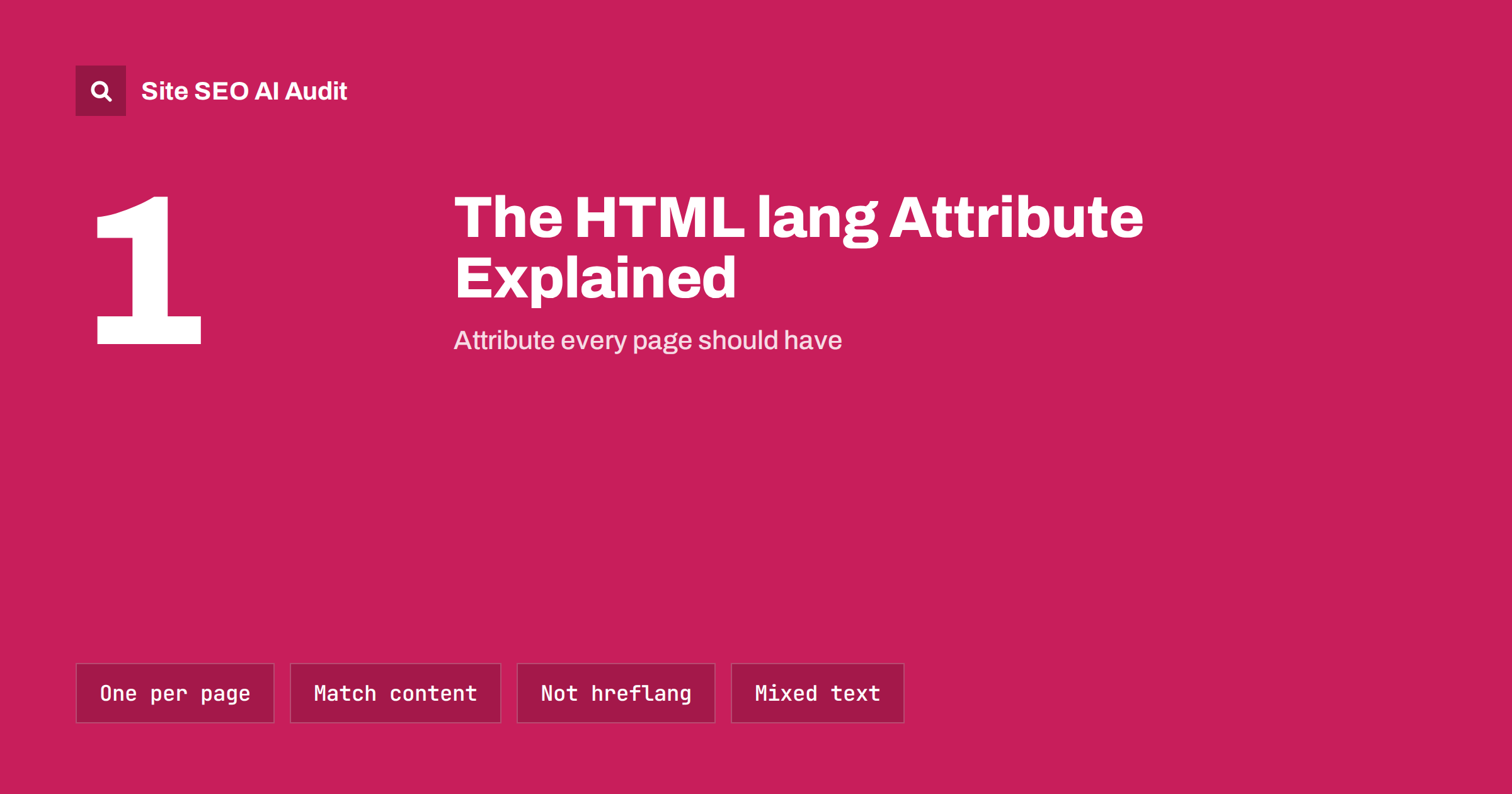
Short answer: The lang attribute on the opening html tag states the language of the page, for example lang="en" for English. Google has said that it works out the language from the visible text, so the attribute is not an SEO lever. It still matters, because screen readers, translation tools, spell checkers and browsers use it to treat your text correctly. It takes one line to add, and a wrong value can cause real problems for some visitors.
What the lang attribute is
Every HTML page begins with an html element. The lang attribute on that element declares the main language of everything inside. A typical start looks like this: <html lang="en">. The value is a language tag. It always begins with a short language code and may add a region, such as en-GB for British English or pt-BR for Brazilian Portuguese.
The attribute can also be used on any element inside the page. A French quotation in an English article can carry lang="fr", so tools know that the quotation is in a different language from the rest.
Who uses it
- Screen readers. Software for blind and low-vision users picks a voice and pronunciation rules from the language. A German page read with an English voice sounds confusing and can be almost impossible to follow.
- Browser translation. Browsers use the language to decide whether to offer to translate a page. A missing or wrong value can cause an offer to translate a page that is already in the visitor’s language, or no offer when one is needed.
- Spell checkers. Text boxes and editors choose a dictionary based on the language, which affects forms and comment fields.
- Typography. Browsers pick hyphenation rules, quotation marks and font variants, including for some Chinese, Japanese and Korean characters, based on the language.
- Styling. CSS can target languages with the
:lang()selector, for instance to change quotation marks.
The attribute is also part of accessibility standards. The Web Content Accessibility Guidelines list the language of a page as a basic requirement, which is why many accessibility checkers report a missing value as an error. The overlap with search is discussed in the article on accessibility and SEO.
What it does for SEO
Many guides claim that the lang attribute helps rankings. The honest answer is more modest. Google has stated that it uses its own systems to detect the language of a page from the text a visitor sees, and it does not rely on the attribute for that. It also does not use the attribute to choose between language versions of a page. For that purpose, you need hreflang annotations, which are explained in the guide to hreflang for multilingual sites.
That does not make the attribute worthless for search. Pages that are accessible, read correctly by assistive technology and translated properly by browsers deliver a better experience, and a good experience is what search engines aim to reward. Other search engines and tools may also read the attribute. Treat it as a quality signal for people first and a small technical bonus second.
Choosing the right value
Language tags follow a standard called BCP 47. The practical rules are short.
- Use lowercase for the language and uppercase for the region. Browsers accept other cases, but this form is the convention:
en-US,de-AT. - Use a hyphen, not an underscore.
en_USis a common mistake that comes from some programming systems and is not a valid tag. - Use the correct region code. British English is
en-GB. The valueen-UKis a frequent error. - Add a region only when it helps. If your text is general English,
enis fine. Add a region when spelling or vocabulary is clearly regional. - Use the right code for the language. For example,
nois Norwegian andnbis Norwegian Bokmål. Check the official registry rather than guessing. - Set the text direction too. For Arabic and Hebrew, add
dir="rtl"so that text flows from right to left.
You can test the effect yourself. Open a page of your site in a browser, turn on a screen reader that comes with your computer or phone, and listen to the first paragraph. If the voice mangles the words, the language value is probably wrong or missing. It is a quick check, and many site owners are surprised by the result the first time they hear their own pages.
Common errors
- The attribute is missing. Some custom themes and page builders leave it out.
- It is always English. A site template often hard-codes
lang="en", and the translated pages inherit it. This is the most damaging mistake on multilingual sites. - It is empty. An empty value is not a valid language.
- It does not match the content. A page written in Spanish with a French value may be read with the wrong voice and translated in the wrong direction.
- Language changes inside the page are not marked. A page with quotations or product names in another language should mark them when it matters, for example in a language course or a reference page.
- The value is copied into a header and a meta tag that disagree. The
Content-Languageheader and old meta tags are not needed for most sites. If you use them, keep them consistent with the attribute.
Marking language changes inside a page
The attribute on the html element sets the default. When a passage inside the page uses another language, you can mark it on the element that holds it. A paragraph of Spanish in an English guide could be written as <p lang="es">. A single word in a foreign language can be wrapped in a span with its own value.
This matters most when the passage is long enough to be read aloud or when pronunciation changes the meaning, such as in language teaching, legal texts, recipes with foreign names and customer reviews that were written in another language. For brand names and short loanwords that readers already know, marking is optional and often skipped. A sensible rule is to mark passages that a reader would not understand in the page’s main language.
A related case is a language switcher in the menu. Links that say “Deutsch” or “Français” are best marked with the language of the link text, so that a screen reader says them with the right voice, and the link itself can carry the hreflang attribute to describe where it leads.
How to add or fix it
The way depends on how your site is built.
- WordPress. Themes print the attribute with a function that reads the site language. Set the language in Settings under General. Multilingual plugins change the value for each translation. Check that your theme calls the function in its header file.
- Other content systems. Look for a language or locale setting and for a template file that outputs the opening tag.
- Hand-written sites. Edit the opening tag of each template, or of each page if you have no templates.
- Single-page apps. Set the value in the base HTML file and update it when the interface language changes.
After a change, view the source of a page of each type and read the first lines. Do not rely on what you see on screen, because a visible language says nothing about the code.
Checking your whole site
Sites rarely have a single template. A blog post, a product page, a landing page and a checkout page may each come from a different file. Check one page from each family, and each language version if you have several. Include pages produced by plugins, such as shop or booking pages, because they may not use the same header as the rest of the site. Pair this check with a review of related technical basics, such as the viewport meta tag, since both live in the same few lines at the top of a page.
How Site AI Audit helps
Site AI Audit does not read the language attribute, so it will not tell you if the value is wrong. It does cover other items that sit near the top of a page and in the same templates: titles, descriptions, headings, alt texts, redirects, your sitemap and robots.txt. The free check crawls up to 50 pages and needs no sign-up. You can run a free check of your website or see the plans for weekly monitoring and alerts.
Related reading
- Hreflang Explained: SEO Basics for Multilingual Websites
- Accessibility and SEO: Where Fixing One Helps the Other
- Technical SEO vs On-Page SEO vs Off-Page SEO: The Differences
- Mobile-First Indexing Explained: What Your Site Needs
The bottom line
The lang attribute is a small piece of code with a clear job: it tells software which language your text is in. It will not lift a page in search results, but it makes the page work properly for screen readers, translation tools and spell checkers. Use a valid tag, make sure it matches the page and check each template, especially on multilingual sites.
SSS
Does the lang attribute affect Google rankings?
Not directly. Google detects language from the page text. The attribute still helps accessibility and translation tools, which supports a good visitor experience.
Is lang the same as hreflang?
No. The lang attribute states the language of the current page. Hreflang tells search engines which other language or regional versions of the page exist.
Should I use en or en-US?
Use en if your text is general English. Use en-US or en-GB when spelling and vocabulary are clearly American or British.
What happens if I leave it out?
Browsers and tools guess the language. Screen readers may use the wrong voice, and automatic translation may behave oddly. Accessibility checkers report it as an error.
Do I need lang on every page?
Yes, every page needs the attribute on the html element. If your pages come from templates, fixing the template fixes all of them.