ENEnglish
 LTLietuviškai
 DEDeutsch
 FRFrançais
 RUРусский
 ESEspañol
 PLPolski
 ITItaliano
 UKУкраїнська
 CSČeština
 PTPortuguês
 JA日本語
JA日本語 LVLatviešu valoda
 ETEesti
 HUMagyar
 IDBahasa Indonesia
 TRTürkçe
 HIहिन्दी
 ELΕλληνικά
 ARالعربية
 THไทย
THไทย VITiếng Việt
 RORomână
 MSBahasa Melayu
 BNবাংলা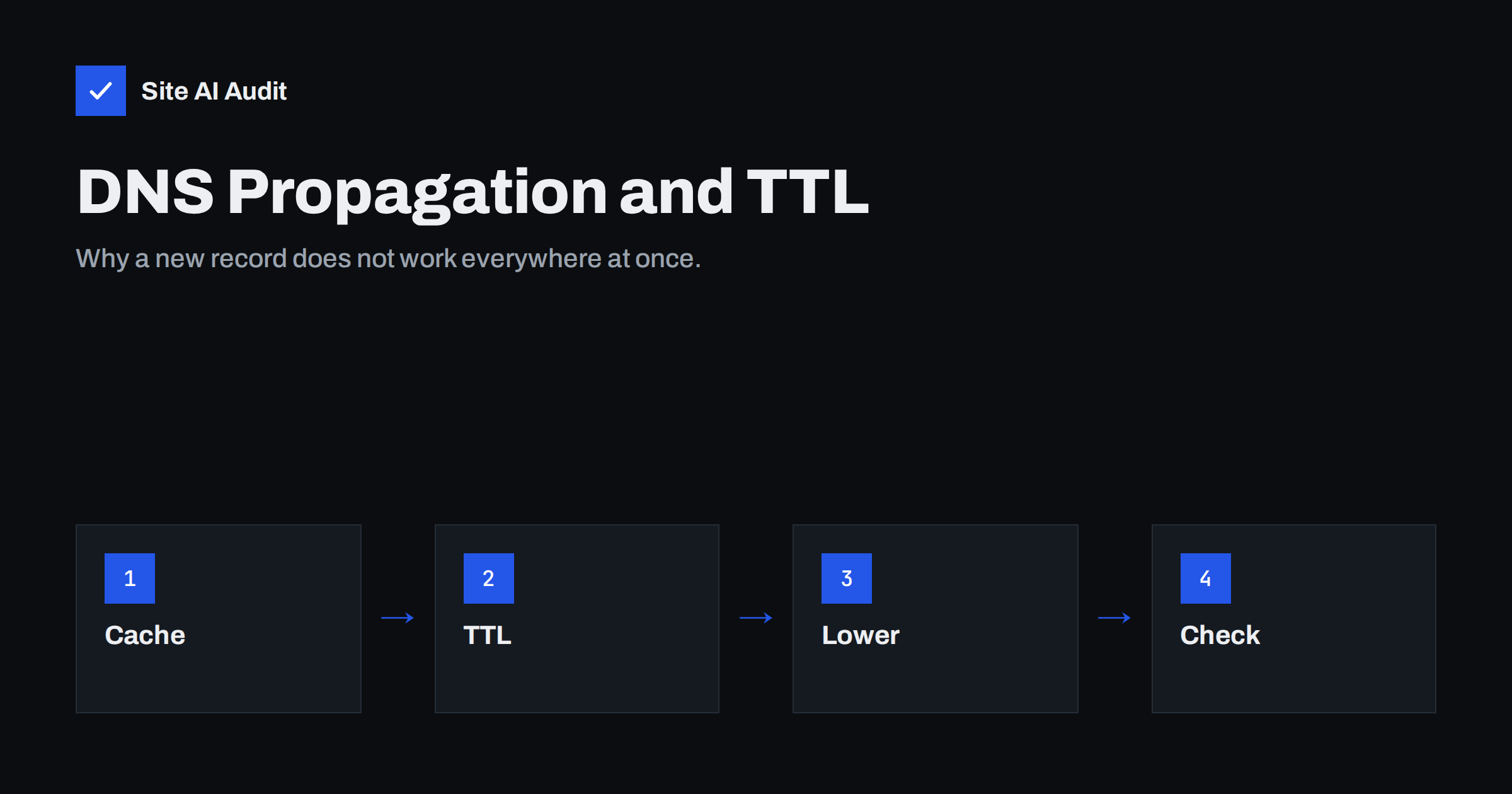
Short answer: A DNS change is not pushed out to the world. It is simply available at your DNS provider, and other servers pick it up only when their cached copy of the old answer expires. That time is controlled by the record’s TTL. Many changes show up within minutes to a few hours, while a nameserver change can take up to a day or two. Lower the TTL before planned changes and check results from the source.
What “propagation” really means
People say that DNS changes “propagate”, as if the new record travelled from server to server. In practice, nothing is pushed. Your DNS provider holds the current records. When a mail server or browser needs an answer, it asks a resolver, which is a server run by an internet provider or a public service. The resolver asks your provider, receives the answer and keeps a copy for a while, so it does not need to ask again for every request.
When you change a record, your provider’s servers show the new answer almost immediately. But resolvers that stored the old answer keep serving it until their stored copy expires. Different resolvers saved the answer at different times, so they expire at different times. That is why one person sees the new setup while another still sees the old one.
TTL: the number that sets the wait
Every DNS record has a TTL, short for time to live, measured in seconds. It tells resolvers how long they may keep the answer. A TTL of 300 means five minutes, 3600 means one hour, and 86400 means one day.
Many providers use defaults between one hour and one day, and some use even longer values. If a record has a TTL of one day and a resolver fetched it five minutes before you changed it, that resolver can keep serving the old answer for almost a full day.
The wait is therefore about the old TTL, not the new one. This is the key point for planning: lowering the TTL after you make a change helps only for later changes.
Which email records are affected
Email depends on several DNS records, and each one follows the same caching rule:
- MX records. Tell other servers where to deliver your mail. During a change, some senders may still use the old destination. See MX records explained.
- SPF. A TXT record listing who may send for your domain. Receivers may use an older version for a while. Read SPF record explained.
- DKIM. Public keys stored under a selector name. A new key may not be found at once by every receiver. Our DKIM setup guide covers the steps.
- DMARC. The policy record published at a fixed name. See DMARC explained.
- Address records and reverse DNS. Used by mail servers to identify themselves.
Authentication records can fail in confusing ways during the wait. A receiver may see the new DKIM signature but still use an old key, or the old SPF record after you moved to a new sending service. The messages are not lost, but some may be marked as failed.
Negative caching: when a missing record is remembered
Resolvers also remember “this record does not exist”. If someone looks up a name before you create it, the resolver may store the missing answer for a time defined in the zone settings, and keep returning it even after the record exists.
That is why a new record sometimes seems not to work for a few minutes or hours even though it is correct. Try to avoid checking a name from many places before it exists, and be patient after adding it.
Nameserver changes take longer
Moving a domain to a new DNS provider is a different step. The nameserver settings are held at the domain registry, and the records there often have longer TTLs, commonly counted in hours. Until they expire, some resolvers still ask the old provider, which may hold different records.
Plan this change carefully. Copy every record to the new provider first, including MX, SPF, DKIM, DMARC and any verification records. Then change the nameservers. Keep the old DNS zone available until you are sure that the change has fully taken effect. Our guide on changing DNS provider without breaking email gives a full checklist.
How to plan a change without losing mail
- Lower the TTL in advance. At least as long as the old TTL before the change, set the records you will edit to a short value such as 300 seconds.
- Make the change. Edit the record, save it and note the time.
- Keep the old system running. If you move mailboxes, leave the old mail server active and forward or collect messages that still arrive there.
- Test from the source. Ask your DNS provider’s own servers for the record, not only public resolvers.
- Test real delivery. Send messages from outside accounts to your domain and from your domain to outside accounts.
- Raise the TTL again. After everything works, return to a longer value, which reduces load and speeds up lookups.
The same plan applies when you switch email providers, as described in the switch email provider checklist and new business email setup.
How to check what the world sees
Use the tools that show the actual answer instead of waiting and guessing:
- A command line lookup tool can ask a specific server for a record. Ask your provider’s nameserver first to confirm the new value is published.
- Ask several public resolvers to see whether they still return the old answer. If they differ, caching explains it.
- Online DNS lookup tools show results from many locations at once.
- For mail, send a test message and read the headers to see the authentication results.
If the authoritative server shows the correct value and some resolvers still show the old one, the record is correct and you only need to wait for the cache to expire. If the authoritative server shows the wrong value, fix the record itself.
A worked example shows how this plays out. Imagine that you move your company email to a new provider on a Friday afternoon. The MX record has a TTL of four hours. If you lowered it to five minutes on Thursday, nearly every sender will pick up the new destination within a few minutes after the change. If you forgot to lower it, some senders may keep delivering to the old server until late evening. In both cases the mail is not lost, but in the second case you must watch the old mailbox for several hours.
Another common case is adding a new sending service to your SPF record. The change is small, but receivers that cached the old record may reject the new service’s messages for a while. A good habit is to add the new service a day before you start using it, so that the record is already visible everywhere when the first message goes out.
For DKIM keys, the safest method is to publish the new key under a new selector name, wait until it is visible, and only then switch the sending system to use it. That way there is no moment when signatures point to a key that receivers cannot find. The old selector can stay in place for a few days after the switch.
Finally, keep notes of your DNS records before any change. A screenshot or an export of the zone gives you a way back if something goes wrong, and it speeds up the work of copying records to a new provider.
What Site AI Audit can and cannot tell you
Site AI Audit reads your public DNS at the moment of the check: SPF and its lookup limit, DKIM signatures, the DMARC policy and MX records. That makes it a convenient way to confirm what the world sees after a change. It does not show cache states of every resolver, and the free plan includes one check per website, while re-checks belong to paid plans. You can run a free check of your website or see the plans.
Related reading
- SPF vs DKIM vs DMARC: What Each One Does and Why You Need All
- Email Deliverability Checklist: 20 Checks for Small Businesses
- How to Protect Parked and Unused Domains from Email Abuse
- Domain Name Expiry: What Happens When Your Domain Lapses
The bottom line
DNS changes are not instant because resolvers keep old answers until the TTL runs out. Lower the TTL before you edit, keep the old mail system alive during the move, check the authoritative answer first and then test real delivery. With a little planning, a record change causes no lost mail.
SSS
How long does a DNS change take?
Usually between a few minutes and a few hours, depending on the old TTL. Nameserver changes can take a day or two. The old TTL is what matters, not the new one.
Can I speed up propagation?
Not after the change. You can only lower the TTL before the next change. Clearing your own computer’s cache helps you see the new value, but not other people.
Will I lose emails during an MX change?
Not if you plan it. Some senders keep using the old destination for a while, so keep the old mailbox active. Sending servers also retry for days when a destination is unreachable.
Why does my SPF check show the old record?
A resolver may still hold the cached copy. Check the authoritative nameserver. If it shows the new record, only the cache is outdated.
What TTL should I use normally?
Many sites use between one hour and one day for stable records. Use a short value such as 300 seconds shortly before and during a planned change.