 ENEnglish
 LTLietuviškai
 DEDeutsch
 FRFrançais
 RUРусский
 ESEspañol
 PLPolski
 ITItaliano
 UKУкраїнська
 CSČeština
 PTPortuguês
 JA日本語
JA日本語 LVLatviešu valoda
 ETEesti
 HUMagyar
 IDBahasa Indonesia
 TRTürkçe
 HIहिन्दी
 ELΕλληνικά
 ARالعربية
 THไทย
THไทย VITiếng Việt
 RORomână
 MSBahasa Melayu
 BNবাংলা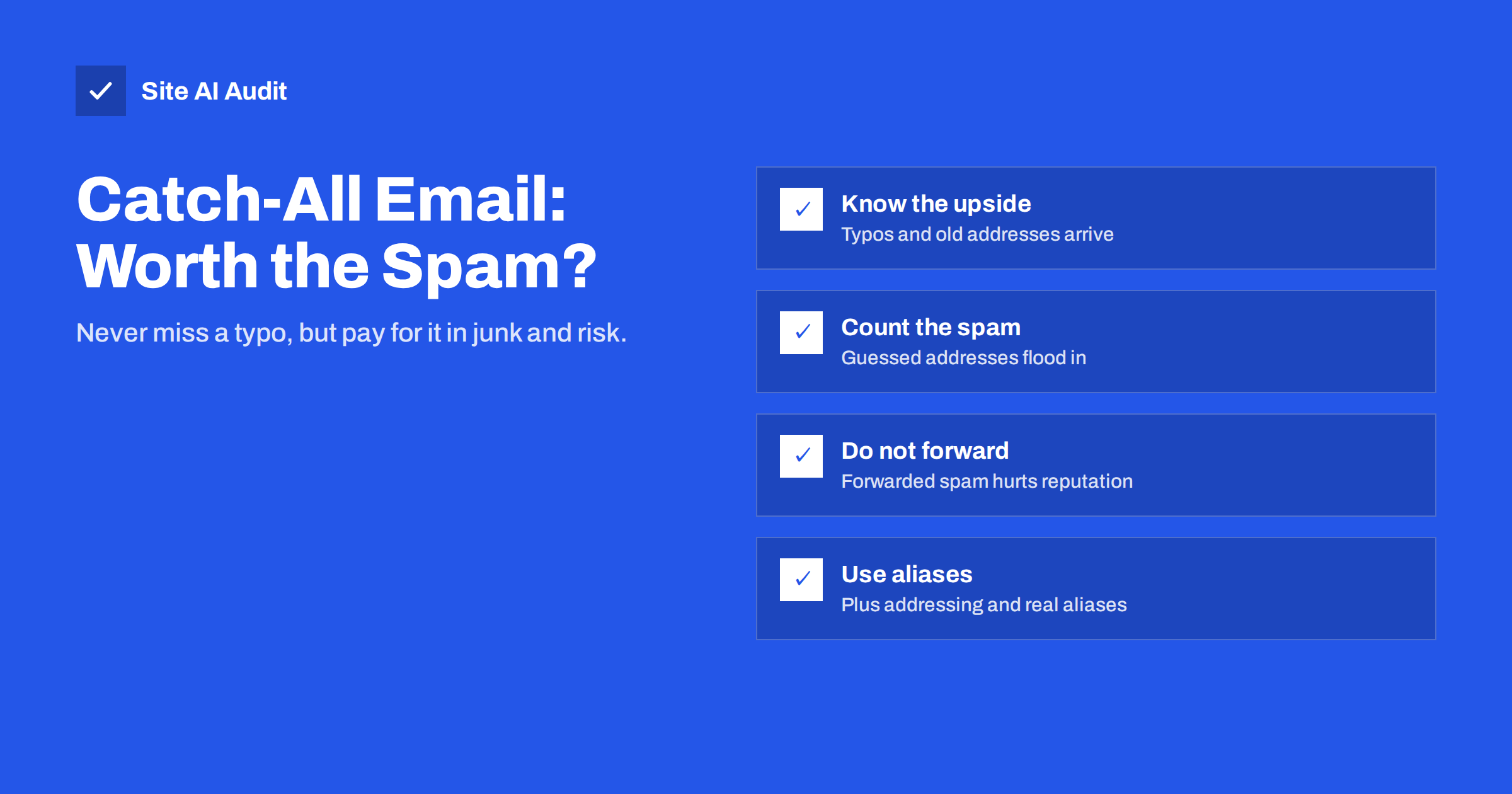
Short answer: A catch-all address receives every e-mail sent to your domain that does not match an existing mailbox, so messages to misspelled or old addresses are not lost. The price is a steady flow of spam sent to guessed addresses, a harder time filtering it, reputation problems if you forward it elsewhere, and mail for former staff or random addresses landing in one inbox. Most small businesses are better off with explicit aliases, plus addressing and rejecting unknown recipients, keeping a catch-all only for a short transition period.
What a catch-all address does
Normally, when someone sends mail to an address that does not exist at your domain, for example [email protected] when only sales@ exists, your mail server rejects it. The sender gets a bounce message saying the recipient is unknown, usually with a 550 5.1.1 code.
With a catch-all (sometimes called “accept all” or “wildcard” mailbox), the server accepts the message anyway and delivers it to a designated mailbox. Anything addressed to your domain arrives somewhere, whatever is written before the @.
Most hosting panels and business e-mail providers offer this as a setting, often under names like “default address”, “catch-all routing” or “unrouted mail”. It is easy to switch on, which is why many domains still have it enabled from years ago without anyone remembering.
The benefits people want
Catch-all addresses exist because they solve real problems:
- Typos. Customers who write
infi@instead ofinfo@still reach you. - Old addresses. Mail to a former employee’s address or a retired department alias is not lost.
- Ad hoc addresses. Some owners like to give each service its own address, such as
[email protected], to see who shares or leaks their address, without creating each one first. - Peace of mind. Nothing bounces, so a new partner using an unexpected address never gets an error.
These are legitimate goals. The question is whether a catch-all is the best way to reach them, given its costs. In practice, the typos that matter are few and predictable, old addresses can be handled one by one, and per-service addresses have a cleaner solution in plus addressing. A catch-all solves all of these at once, but it also accepts everything else that nobody asked for, and that is where the trouble starts.
The spam problem
Spammers do not need to know your real addresses when your domain accepts everything. They send to common names and patterns such as admin@, office@, john@ and random strings, and so-called dictionary attacks can generate thousands of variations. With a catch-all, every one of those messages is accepted and delivered.
- Volume. The catch-all mailbox often receives far more spam than all real mailboxes together, burying the few genuine messages it was meant to catch.
- Weaker filtering. Rejecting unknown recipients at the door is one of the cheapest spam defences there is. A catch-all removes it.
- Phishing exposure. A flood of junk trains whoever reads the catch-all to open and skim quickly, which is exactly when a convincing phishing message or fake invoice slips through. Our guide to invoice fraud by e-mail shows how those attacks work.
Forwarding makes it worse
Many small businesses forward their domain’s mail, including the catch-all, to a personal mailbox at a large provider. That creates a reputation problem for the forwarding server:
- Spam arrives at your domain and is accepted by the catch-all.
- Your server forwards it to the personal mailbox provider.
- That provider sees a stream of spam coming from your server’s IP address and may start filtering or rate-limiting everything from it, including genuine forwarded mail.
Forwarding also breaks SPF for the original sender and can break DMARC, which makes the forwarded mail look even more suspicious. The mechanics are explained in email forwarding and authentication: SPF, SRS and ARC. If you must forward, forward only real addresses, never the catch-all.
Privacy and security risks
A catch-all also changes who can receive what:
- Former staff addresses keep receiving mail. Customers, suppliers and services may keep writing to
anna@after she has left. With a catch-all, those messages, which may include personal or confidential information, land in a shared mailbox instead of bouncing and prompting the sender to update their records. - Account resets for any address arrive. If someone signs up to a service with an invented address at your domain, the confirmation and any later password resets reach your catch-all. That can be misused by insiders who read the catch-all.
- Harder to spot misuse. Without explicit addresses, it is difficult to know which addresses are “real” and should be protected.
There is also an effect on other people’s view of your domain. E-mail verification services cannot confirm whether an address at a catch-all domain exists, so they often label such addresses “accept-all” or “risky”. Some senders then avoid mailing them, which can affect newsletters and notifications you actually want.
Catch-all versus the alternatives
| Approach | Typos and old addresses | Spam exposure | Effort |
|---|---|---|---|
| Catch-all mailbox | All caught | High | None to set up, ongoing to sort |
| Explicit aliases for common variants | Common ones caught | Low | Some setup |
| Plus addressing (name+tag@) | Not for typos; ideal for per-service addresses | Low | None if the provider supports it |
| Reject unknown with a clear bounce | Sender is told and can correct | Lowest | None |
| Temporary catch-all after a change | Caught during the transition | Medium, time-limited | Remember to switch it off |
A better setup for most businesses
- List the addresses you really use. Personal mailboxes, shared addresses such as
info@,sales@andinvoices@, and technical ones likepostmaster@. - Add aliases for predictable variants.
office@,contact@or a common misspelling of your main address can point to the right mailbox. - Use plus addressing for sign-ups. Most major business mail providers deliver
[email protected]toname@, giving you per-service addresses without a catch-all. - Handle leavers deliberately. Keep a departing colleague’s address as an alias to their manager for a few months, with an auto-reply giving the new contact, then remove it.
- Turn off the catch-all. Unknown recipients are then rejected at the door with a clear bounce, so real senders know to correct the address. A bounce is not rude; it is the fastest way for a sender to learn that they used the wrong address.
- Check the result. Send a test to a made-up address and confirm it bounces, and check that your MX records point only to your current provider. See MX records explained.
Extra domains you own for brand protection or old projects should not have a catch-all at all. Ideally they should reject all mail and publish records that tell the world they never send mail. The steps are in how to protect parked and unused domains from e-mail abuse.
If you decide to keep a catch-all
Some businesses have good reasons to keep one, for example during a rebrand, after merging two companies, or while old printed material with outdated addresses is still in circulation. In that case, reduce the downsides:
- Deliver it to a separate mailbox, not to a person’s main inbox, so junk does not bury everyday work.
- Never forward it to an external provider. Read it where it is stored.
- Apply strict spam filtering to that mailbox, stricter than for named addresses.
- Restrict access to one or two trusted people, because mail for former staff and random addresses may contain personal data.
- Review it on a schedule, for example weekly, and turn frequently used unknown addresses into proper aliases.
- Set an end date. Most transitions are over within a few months; put a reminder in the calendar to switch the catch-all off.
Watching which unknown addresses receive genuine mail during this period is useful in its own right: it shows exactly which aliases you need to create before turning the catch-all off.
Where Site AI Audit helps
Site AI Audit checks the DNS side of your e-mail: MX records, the SPF record and its lookup limit, DKIM and DMARC. It cannot see whether your provider has a catch-all switched on, but it confirms that the domain’s mail setup is complete and consistent after you change routing or providers. You can run a free check of your domain and website together.
Related reading
- Email Bounce Codes Explained: Hard vs Soft Bounces and Fixes
- Email Spoofing: How to Stop People Sending Mail as Your Domain
- Switching Email Providers: A Checklist to Avoid Lost Mail
The bottom line
A catch-all mailbox catches typos and old addresses, but it also accepts every guessed spam address, weakens filtering, harms forwarding reputation and exposes mail meant for others. Use real aliases, plus addressing and clear bounces instead, and keep a catch-all only temporarily and never forwarded.
SSS
What is a catch-all email address?
It is a mailbox that receives all messages sent to any address at your domain that does not exist as a real mailbox or alias. Nothing sent to the domain bounces.
Does a catch-all address increase spam?
Yes, usually a lot. Spammers send to guessed names and random strings, and a catch-all accepts all of them instead of rejecting unknown recipients.
Does a catch-all affect my email deliverability?
It mainly affects incoming mail. It can hurt your server’s reputation if you forward the spam it collects to another provider, and verification tools may mark your addresses as risky.
What is a good alternative to a catch-all?
Create aliases for common variants of your main addresses, use plus addressing for sign-ups, and let unknown addresses bounce so senders can correct their mistakes.
Should I keep a catch-all when an employee leaves?
It is better to turn the leaver’s address into a temporary alias with an auto-reply giving the new contact. That catches their mail without accepting every other address as well.


