 ENEnglish
 LTLietuviškai
 DEDeutsch
 FRFrançais
 RUРусский
 ESEspañol
 PLPolski
 ITItaliano
 UKУкраїнська
 CSČeština
 PTPortuguês
 JA日本語
JA日本語 LVLatviešu valoda
 ETEesti
 HUMagyar
 IDBahasa Indonesia
 TRTürkçe
 HIहिन्दी
 ELΕλληνικά
 ARالعربية
 THไทย
THไทย VITiếng Việt
 RORomână
 MSBahasa Melayu
 BNবাংলা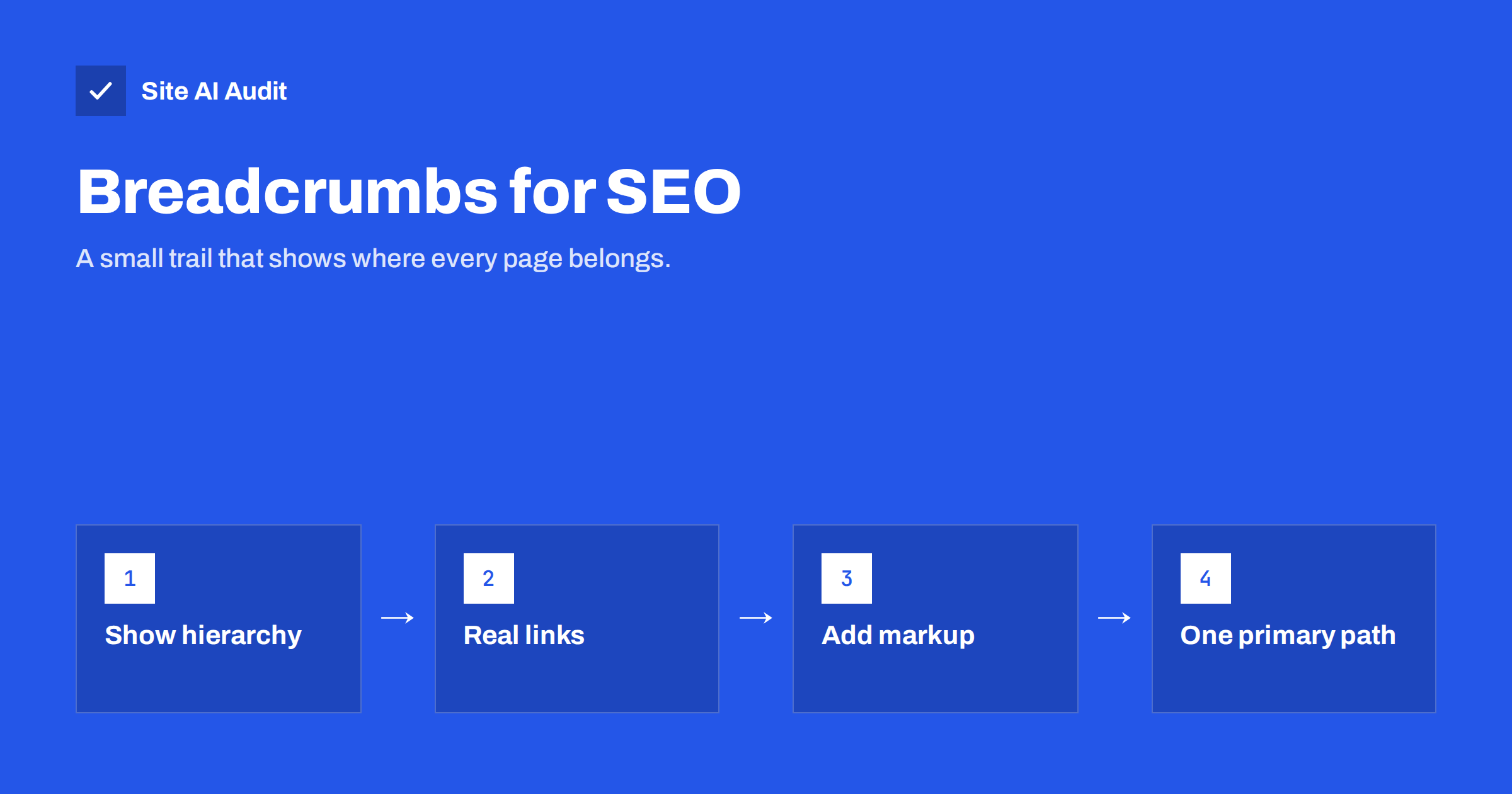
Short answer: Breadcrumbs are a small line of links near the top of a page, such as Home › Boots › Hiking boots, that shows where the page sits in the site’s structure. They help visitors move up a level, add useful internal links to category pages, and, with BreadcrumbList structured data, help search engines understand the hierarchy and show it in search results. Use hierarchy-based breadcrumbs with real links, one primary path per page, and markup that matches what is visible.
What breadcrumbs are
The name comes from the fairy tale in which children leave a trail of breadcrumbs to find their way home. On a website, breadcrumbs are a trail back from the current page to the home page. A typical example on a shop:
Home › Men › Footwear › Hiking boots › Trailmaster Waterproof
Each item except the last is a link. The last item, the current page, is usually plain text. Breadcrumbs sit above the main heading or just below the header, in small text, and they do not replace the main menu. They complement it by showing context for this specific page.
Three types of breadcrumbs
- Hierarchy-based breadcrumbs show where the page sits in the site structure: Home › Category › Subcategory › Page. This is the most common and most useful type, and the one search engines expect.
- Attribute-based breadcrumbs show the filters a visitor selected on a shop, such as Boots › Waterproof › Size 42. They are helpful for shoppers but create many variations and are usually not what you mark up for search.
- History-based breadcrumbs show the pages the visitor viewed before, like a browser’s back button. They add little value, because the back button already does this, and they differ for every visitor.
For SEO and usability, hierarchy-based breadcrumbs are the right choice on almost every site.
Why breadcrumbs help visitors
Many visitors do not arrive through the home page. They land directly on a product, article or service page from a search result. Breadcrumbs answer two questions immediately: “Where am I?” and “What else is here?”
- A shopper who lands on a specific boot can click “Hiking boots” to see all similar products instead of returning to the search results.
- A reader who lands on a guide can click the category to find related guides.
- On mobile, where menus are hidden behind an icon, breadcrumbs are often the fastest way to move up a level.
They take up very little space and cost almost nothing to add, which is why usability guidelines recommend them for any site with more than two levels of structure.
Why breadcrumbs help SEO
- Internal links to categories. Every page links up to its parent categories with descriptive anchor text. Category pages, which often have the most search potential on shops and large sites, receive links from every page beneath them.
- Clear hierarchy. Breadcrumbs show search engines how pages relate to each other and which pages are hubs.
- Better search appearance. Google may show a breadcrumb-style path in the result instead of a raw URL, which is easier to read and shows the page’s context. BreadcrumbList structured data helps Google display it accurately.
- Shallower click depth. Breadcrumbs make it easier for crawlers to move from deep pages back up to important sections.
How to add breadcrumbs
You rarely need to build breadcrumbs by hand:
- WordPress: most SEO plugins include a breadcrumb feature that you enable in the settings and place in the theme, often with a block or shortcode. Many themes also support breadcrumbs directly.
- WooCommerce and other shop systems: product and category breadcrumbs are usually built in and can be styled or configured.
- Shopify, Wix and other hosted builders: many themes include breadcrumbs as an option in the theme settings.
- Custom sites: generate breadcrumbs from the page’s position in the content structure, so they update automatically when pages move.
Whatever the method, the breadcrumb links must be real HTML links (<a href>) that search engines can follow.
BreadcrumbList structured data
Structured data describes the breadcrumb trail in a machine-readable way. In JSON-LD, a simplified example looks like this:
{"@context": "https://schema.org", "@type": "BreadcrumbList", "itemListElement": [{"@type": "ListItem", "position": 1, "name": "Boots", "item": "https://example.com/boots/"}, {"@type": "ListItem", "position": 2, "name": "Hiking boots", "item": "https://example.com/boots/hiking/"}, {"@type": "ListItem", "position": 3, "name": "Trailmaster Waterproof"}]}
Key points:
- Each level has a position, a name and a URL. The last item can omit the URL.
- The names and URLs should match the visible breadcrumbs.
- URLs should be the canonical URLs of the category pages.
- Many SEO plugins and shop platforms output BreadcrumbList automatically together with the visible breadcrumbs.
Test a few templates with Google’s Rich Results Test, and watch the Breadcrumbs report under Enhancements in Search Console for errors across the site.
Products in several categories
A product can often belong to several categories: a waterproof hiking boot might sit under “Hiking boots”, “Waterproof footwear” and “Sale”. Breadcrumbs should still show one primary path, usually the most specific and most relevant category. Showing different breadcrumbs depending on how the visitor arrived creates inconsistent signals and variant URLs.
Choose a primary category for each product in your shop system, keep the product URL independent of the category path if possible, and let the breadcrumb and its markup follow the primary category.
Breadcrumbs on blogs and service websites
Breadcrumbs are most associated with shops, but they help other sites too.
Blogs and resource sections. A trail such as Home › Guides › Heating › How to bleed a radiator shows that the article belongs to a topic cluster and links every guide to its topic page. If your blog uses categories as topics, the category is the natural middle level. Avoid including dates or tags in the trail; they change and add little meaning.
Service businesses. A firm with several service areas can use Home › Services › Bookkeeping › Payroll for small businesses. The trail makes it easy for someone who landed on a narrow sub-service to explore the broader service, and it passes internal links to the main service page, which is usually the page you most want to rank.
Multi-location businesses. Home › Locations › Manchester works well for branch pages, especially when each branch has its own services beneath it.
In all three cases, the middle levels must be real, useful pages. If “Services” or “Guides” is only a menu label with no page behind it, either create a proper overview page or leave that level out of the trail.
Best practices for breadcrumb design
- Place them near the top, above the H1 or directly below the header.
- Use short, clear labels. Category names should match what visitors see in the menu.
- Use a simple separator such as › or / between levels.
- Keep them small but readable, and make links easy to tap on mobile.
- Start with Home, or with the site name, then follow the structure.
- Do not link the current page to itself.
- Skip breadcrumbs on the home page and on very flat sites where every page is one level deep; they add nothing there.
Common breadcrumb mistakes
- Breadcrumbs that link to non-existent pages, for example a “Services” level that has no actual page, producing a 404.
- Labels that do not match the category, confusing visitors and search engines.
- Markup that differs from the visible breadcrumbs, such as different names or an extra level.
- Breadcrumbs pointing to non-canonical URLs with parameters or old paths that redirect.
- History-based trails that change for every visitor.
- Duplicate BreadcrumbList blocks from a theme and a plugin at once.
- Breadcrumbs as plain text without links, which removes most of the benefit.
How Site AI Audit helps
Breadcrumbs are made of internal links, so they inherit any problems your links have. Site AI Audit crawls your pages and reports broken links and redirects, including breadcrumb links that point to missing or moved category pages, together with titles, headings and indexing rules. Each finding lists the affected pages with a plain-language fix. Run a free check after adding breadcrumbs.
Related reading
- Internal Linking for SEO: A Practical Guide for Small Sites
- Structured Data for Small Business Websites: A Beginner Guide
- Product Page SEO: A Checklist for Online Shops
- SEO-Friendly URLs: How to Structure Them the Right Way
The bottom line
Breadcrumbs are a simple, low-risk improvement for any site with categories or several levels of pages. Use hierarchy-based breadcrumbs with real links, one primary path per page, labels that match your navigation, and BreadcrumbList structured data that mirrors what is visible. They help visitors who land deep in your site, strengthen internal links to category pages and give search engines a clear picture of your structure.
SSS
Do breadcrumbs help SEO?
Yes, indirectly. They add internal links to category pages, clarify site structure and can improve how your pages appear in search results. They also help visitors who land on deep pages.
Do I need breadcrumb structured data?
It is recommended. BreadcrumbList markup helps search engines interpret the trail accurately. Many plugins and shop platforms add it automatically with the visible breadcrumbs.
Should breadcrumbs match the URL structure?
Ideally they tell the same story, but they do not have to be identical. Breadcrumbs should reflect the logical hierarchy, even if URLs are flatter.
Are breadcrumbs useful on small websites?
On very flat sites where every page is one click from the home page, breadcrumbs add little. They become valuable once you have categories, subcategories or series of articles.
Where should breadcrumbs be placed?
Near the top of the page, above or just below the main heading, where visitors look for orientation. Keep them small but easy to read and tap.


