 ENEnglish
 LTLietuviškai
 DEDeutsch
 FRFrançais
 RUРусский
 ESEspañol
 PLPolski
 ITItaliano
 UKУкраїнська
 CSČeština
 PTPortuguês
 JA日本語
JA日本語 LVLatviešu valoda
 ETEesti
 HUMagyar
 IDBahasa Indonesia
 TRTürkçe
 HIहिन्दी
 ELΕλληνικά
 ARالعربية
 THไทย
THไทย VITiếng Việt
 RORomână
 MSBahasa Melayu
 BNবাংলা
#Microsoft 365
Microsoft 365 provides business e-mail through Exchange Online for domains of all sizes. Correct setup includes MX and autodiscover records, an SPF include, two DKIM CNAME records that must be enabled in the admin portal, and a DMARC record. Microsoft also runs the consumer Outlook.com and Hotmail services, which apply their own filtering rules to incoming mail. Knowing both sides helps a business send and receive reliably. The articles under this tag cover Microsoft 365 e-mail configuration and deliverability.
 30 ก.ย. 2026 · อ่าน 7 นาที
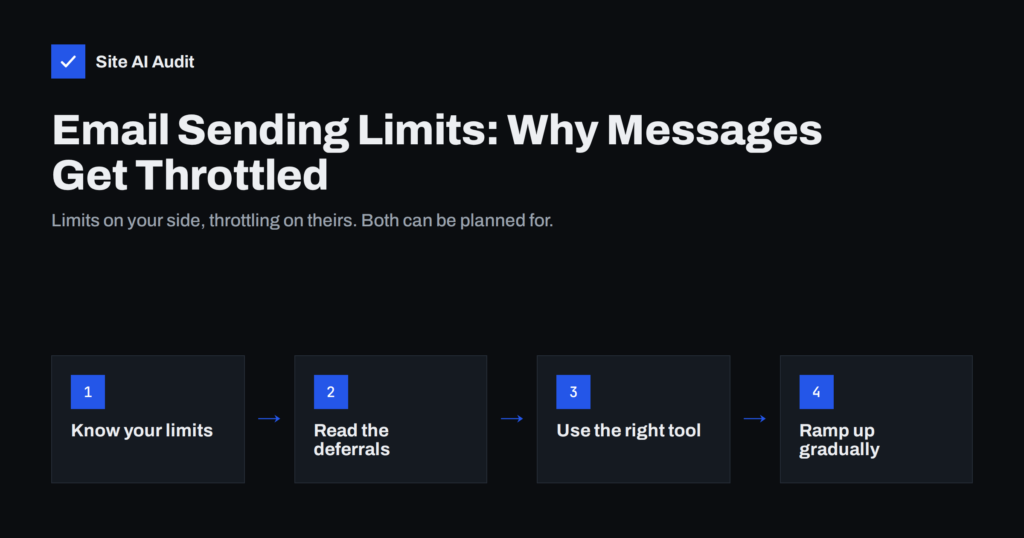
Email Sending Limits: Why Your Messages Get Throttled
Sending limits and throttling delay or block email when you send too much, too fast. Learn the limits that apply, how to read deferrals…
 12 ก.ย. 2026 · อ่าน 7 นาที
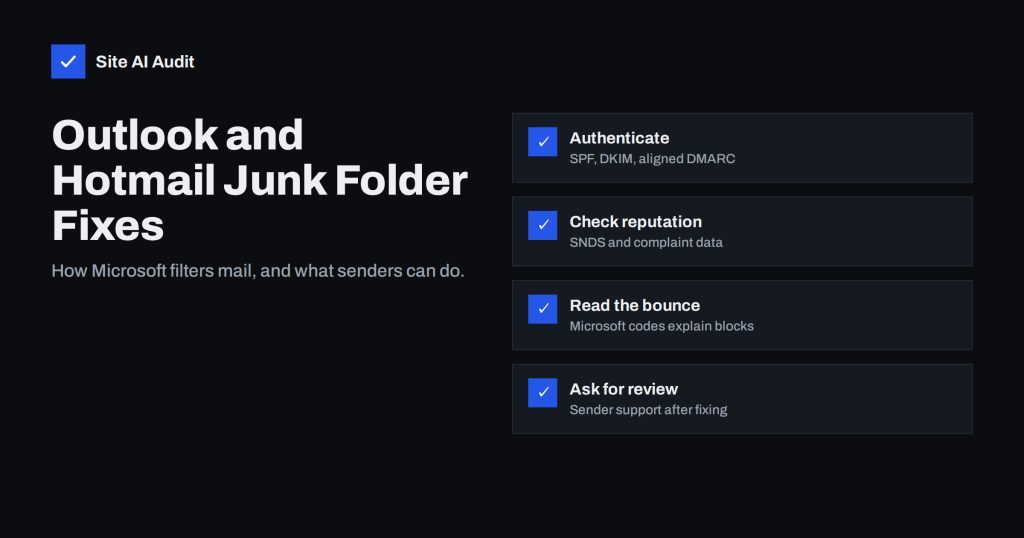
Emails Going to Junk in Outlook and Hotmail? How to Fix It
Mail landing in Outlook.com or Hotmail junk folders? Learn how Microsoft filters mail, which requirements apply to senders and how to diagnose and fix…
 15 ส.ค. 2026 · อ่าน 8 นาที
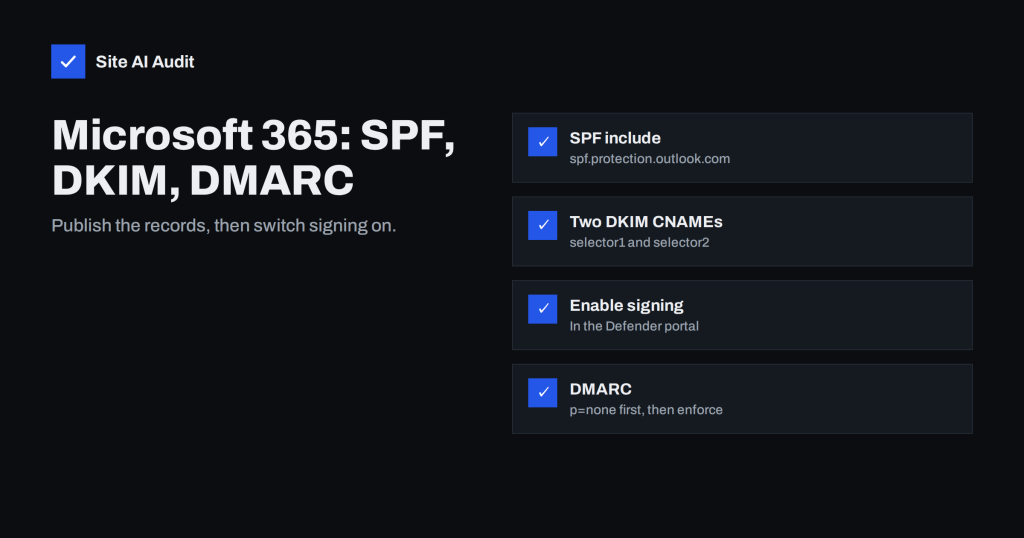
Microsoft 365 Email Authentication: SPF, DKIM and DMARC Setup
A practical guide to SPF, DKIM and DMARC for Microsoft 365: the records to publish, how to enable DKIM in the Defender portal and…